Hello,
Please read our documentation how to create registration page:
https://www.8theme.com/demo/docs/royal/#!/4_registration_page
Thank you.
Regards,
Eva Kemp.

Hello,
Please read our documentation how to create registration page:
https://www.8theme.com/demo/docs/royal/#!/4_registration_page
Thank you.
Regards,
Eva Kemp.
Hello,
Please provide us with wp-admin panel and FTP credentials in Private Content.
Thank you.
Regards,
Eva Kemp.
Hello,
Please add this code in custom.css file:
@media (max-width: 480px) {
.sidebar {
    display: none;
}
}
Thank you.
Regards,
Eva Kemp.
Hello,
Your site is under maintenance mode.
Please give wp-admin access to check the issue.
Thank you.
Regards,
Eva Kemp.
Hello @Rin,
You’re welcome.
Regards,
Eva Kemp.
Hello,
You can also add an empty Text widget into “Place in header top bar” area in Appearance > Widgets.
Regards,
Eva Kemp.
Hello,
Please remove review-order.php file in the directory wp-content/themes/woopress/woocommerce/checkout.
Regards,
Eva Kemp.
Hello,
Please read our documentation how to create one page menu:
https://www.8theme.com/demo/docs/royal/#!/3_one_page
and how to create your own footer:
https://www.8theme.com/demo/docs/royal/#!/9_footer
Go to Settings > Reading and select your home page in Front page field.
Regards,
Eva Kemp.
Hello,
I’ve edited the code. Please check the site now.
Regards,
Eva Kemp.
Hello,
You can speed up the site following the suggestions from these articles:
http://codex.wordpress.org/WordPress_Optimization
http://techtage.com/speeding-up-wordpress-sites/
http://www.sparringmind.com/speed-up-wordpress/
Regards,
Eva Kemp.
Hello,
We’re glad you’ve found the solution.
If there are any questions feel free to contact us.
Regards,
Eva Kemp.
Hello @balirina,
Please provide us with access to FTP and wp-admin panel.
Thank you.
Regards,
Eva Kemp.
Hello,
You’re welcome.
Regards,
Eva Kemp.
Hello,
You’re welcome.
Regards,
Eva Kemp.
Hello,
1. I’ve commented line 16 in the file wp-content/themes/woopress/header.php. Now only one description is shown in browser tab.
2. Add this code in custom.css to center the menu:
.header-type-8 .menu-wrapper .navbar-collapse .menu-main-container .menu {
    margin-left: 250px;
}
How to create custom.css you can watch in this tutorial (it’s for Legenda theme but the process is the same).
3. Unfortunately there is no such possibility. Sorry.
Regards,
Eva Kemp.
Hello,
You need edit the file wp-content/themes/legenda/contacts.php (lines 48, 50).
Thank you.
Regards,
Eva Kemp.
Hello,
Please add this code in custom.css file:
html {
   overflow: hidden;
}
Thank you.
Regards,
Eva Kemp.
Hello,
Please add the code in text widget, drag it into Prefooter area in Appearance > Widgets:
https://www.8theme.com/demo/docs/legenda/index.html#!/widgets > Prefooter Row
In the code <a href="#"> you need replace # with your link.
Regards,
Eva Kemp.
Hello,
Please provide us with wp-admin panel and FTP credentials.
Thank you.
Regards,
Eva Kemp.
Hello @katiuka,
What key did you provide?
Please describe your question with more details.
Thank you.
Regards,
Eva Kemp.
Hello,
Your site is giving “504 Gateway Time-out” error.
Please check it with your host.
Regards,
Eva Kemp.
Hello,
Please try to add this one:
.et-mobile-menu > li > ul li, .et-mobile-menu > li > ul > li a {
  background-color: white !important;
}Hello,
Please provide us with wp-admin panel and FTP credentials in Private Content.
Thank you.
Regards,
Eva Kemp.
Hello,
You’re welcome.
Regards,
Eva Kemp.
Hello,
Please remove the folder “woocommerce” in the directory wp-content/themes/legenda and reupload it from the theme package of a new theme version.
Thank you.
Regards,
Eva Kemp.
Hello,
You’ve been already replied in other topic:
The Products section in wp-admin panel doesn’t depend on the theme. If you select default WordPress theme you’ll see the same issue. This is WordPress configuration.
Please don’t duplicate topics.
Thank you.
Regards,
Eva Kemp.
Hello,
Please provide us with wp-admin panel credentials in Private Content.
You shouldn’t worry about that message. We edited some Woocommerce files in wp-content/themes/blanco/woocommerce directory and old version can be written in those files, but it won’t affect your site work at all. You can be calm.
Thank you.
Regards,
Eva Kemp.
Hello,
Please try to edit the file wp-content/themes/idstore/code/woo.php (line 487) and replace $woocommerce->get_image_size with wc_get_image_size.
If it doesn’t help provide us with FTP and wp-admin panel credentials in Private Content.
Thank you.
Regards,
Eva Kemp.
Hello,
Please update Woocommerce plugin to the latest version.
Create a back up before update.
Thank you.
Regards,
Eva Kemp.
Hello,
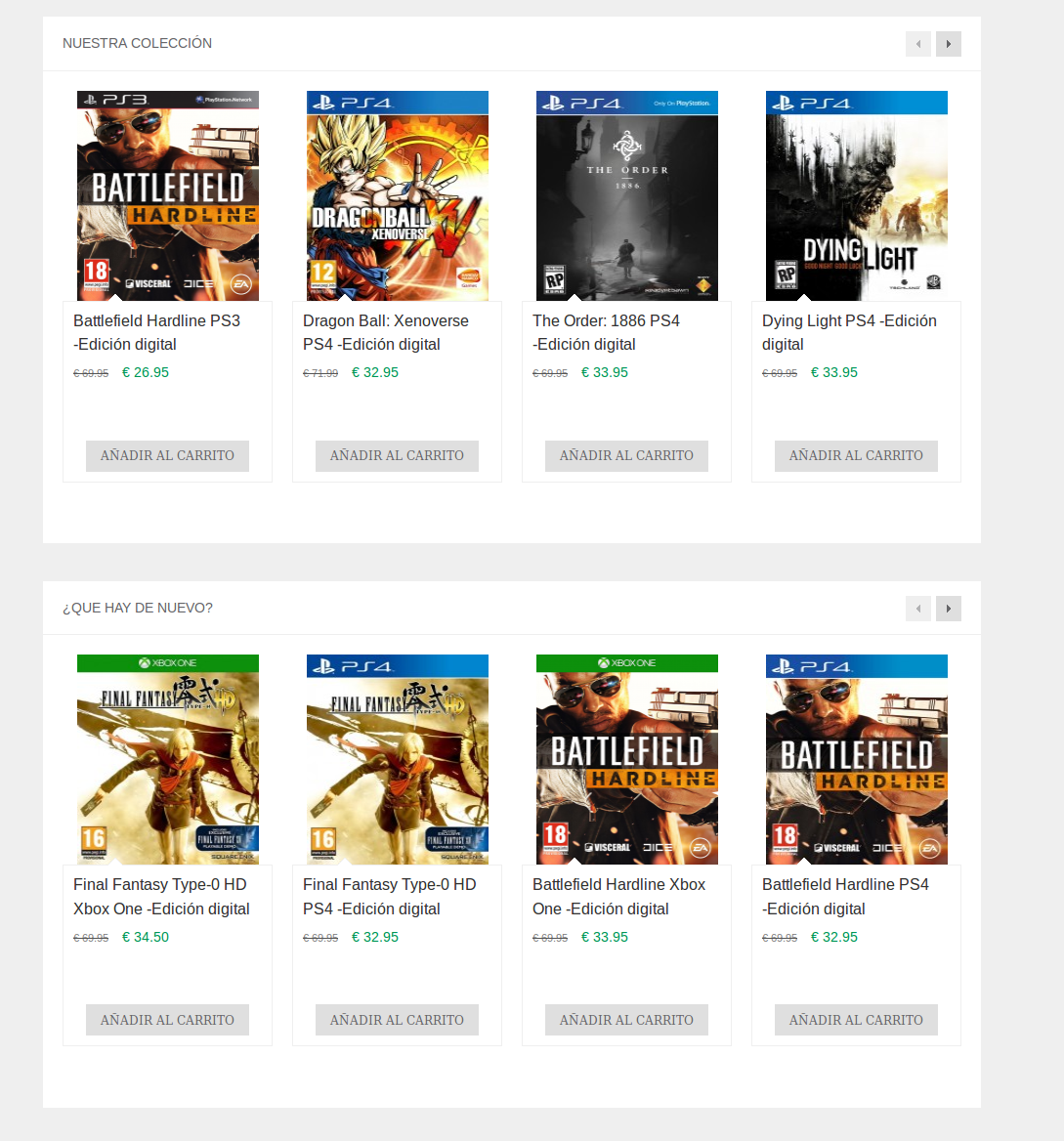
I’ve checked your site and got this result:
https://s3.amazonaws.com/fvd-data/notes/168674/1427047695-Zo1NJ7/screen.png
There is some space before “Add to Cart” button.
Please clear browser cache and check again.
Thank you.
Regards,
Eva Kemp.