

Hello,
Very likely you did not translate Registered page into English. Please, check if English version of this page exists on your site.
Regards

Hello,
Very likely you did not translate Registered page into English. Please, check if English version of this page exists on your site.
Regards
Hello,
Your problem was related to old version of Revolution Slider. We have updated plugin and it works. The latest version of plugins included in our theme you can find here https://www.8theme.com/download-plugins/
Here you can find Revolution Slider documentation to understand all the features plugin has http://www.themepunch.com/revslider-doc/slider-revolution-documentation/ If you check your email you’ll find default Revolution Slider examples (http://revolution.themepunch.com/examples/)
Languages and currency is just default content. In case you want to place your own go to Appearance > Widgets > Left top bar widget area (add empty text widget to remove default content).
Regards
Hello,
Here they are
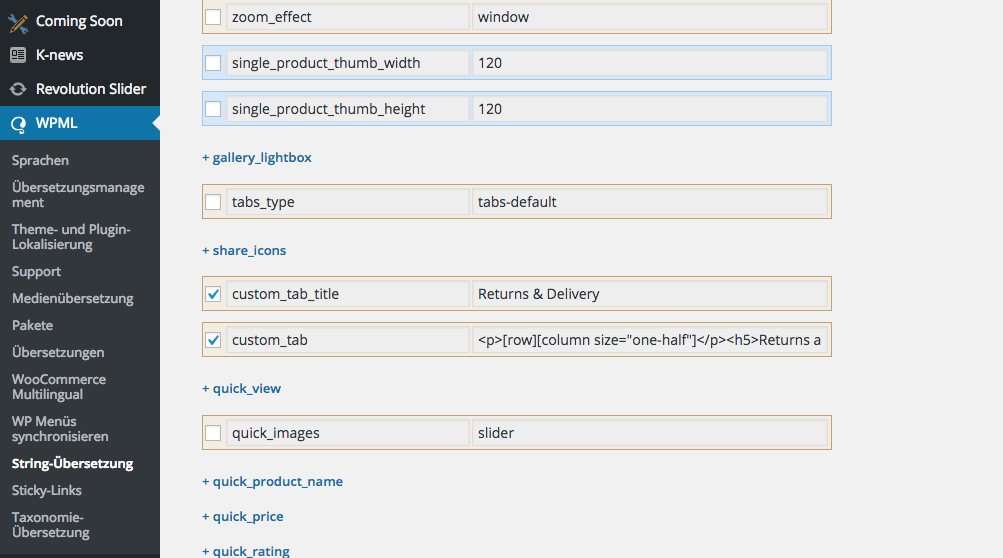
You need to export them to translate.
Regards
If you don’t understand where exactly you need to translate necessary content, then provide list of untranslated sentences with necessary translations and we’ll add them.
Regards,
Olga Barlow
Hello,
As I can see empty cart text still is not translated
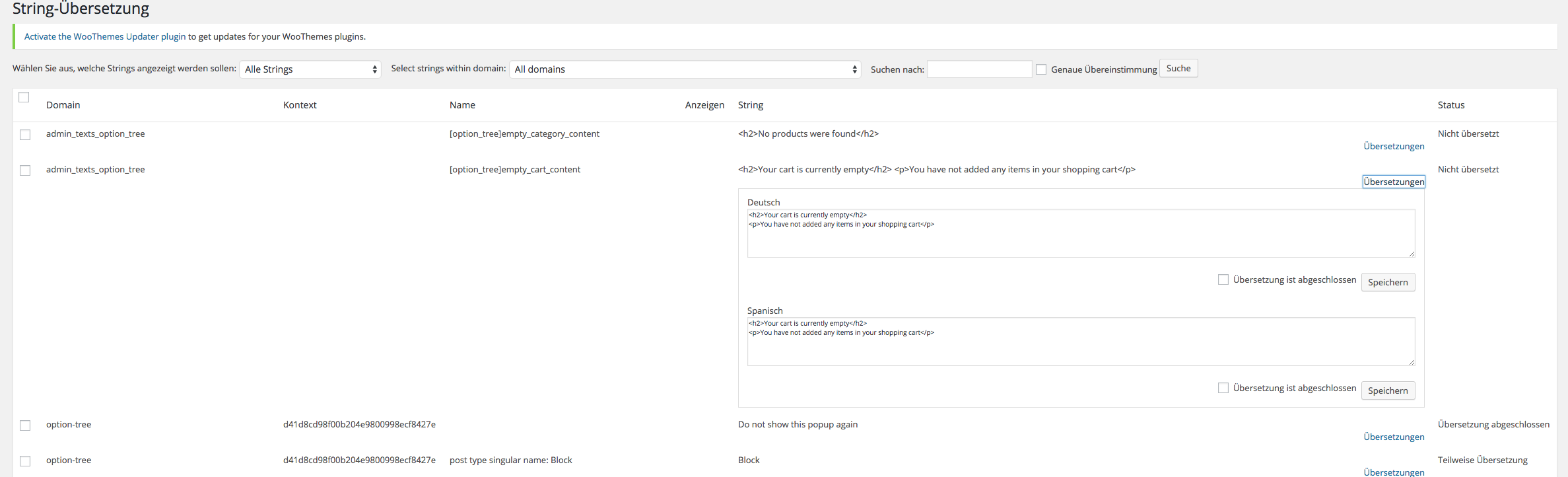
The same with untranslated words, for example de_DE.po file:


Please, be sure you saved your translations and replaced existing .po, .mo files!
Regards
Hello,
Some words were untranslated because of out of date translation files. We have updated them and now you should find and translate the strings in .po files.
To translate empty cart text go to WPML > String Translation > Translate texts in admin screens > find option_tree > empty_cart_content
Regards
Hello,
As we can see you did not find solution. Reply back when problem with WPML will be solved. Thanks.
Regards
Hello,
We tried to check if you have translated admin options correctly but faced the problem on translation page
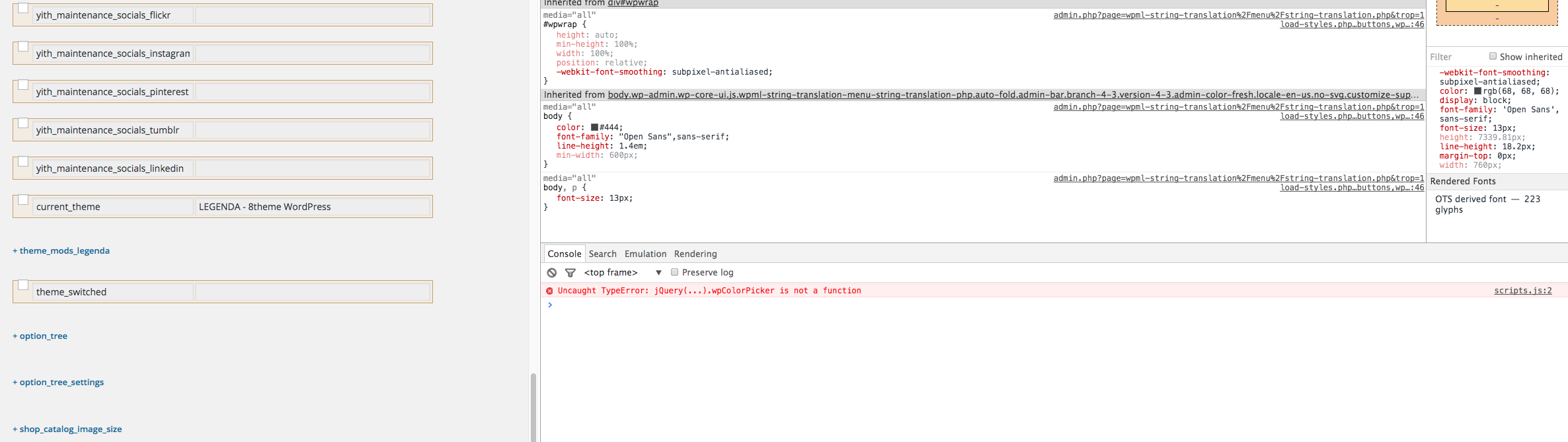
Please, solve the issue with WPML script first and contact us again, then we’ll be able to check your problem.
Regards
Hello,
We are able to help in case the problem is present with our theme only! If you see the same bug with default WooCommerce theme it means that not our theme is the reason of the problem. You are using default WooCommerce widget to display categories, not our theme widget, so, don’t think our theme may cause issues with it. Any way, could you send us link to topic with your conversation with WPML support, we’ll join the conversation to sort out.
Regards,
Olga Barlow
Hello,
Take our apologies for the delay in answering.
We have fixed the problem with loader and sidebar position on iOS devices, but you have enabled the cache plugin and the old version of file was cached. Anyway check your site now, please.
Regards
Hello,
Next theme update will be available within next 2-3 weeks.
Regards
Hello,
We are glad you sorted out problems with footer. As a rule we fix the issues related to theme functionality in every theme update. Sometimes new problems could appear because of implementation of some additional features, but we try to solve them ASAP. Theme support does not include services to modify or extend the item beyond the original features, style and functionality.
What element did you use to add twitter code? Use Raw HTML VC element. Twitter widget works without any problems on our installations.
Regards,
Olga Barlow
Hello,
We noticed that with default theme top cart shows incorrect price on shop page too https://gyazo.com/15a83518dbd0783e02f77df4fb87f871
But default cart widget works with ajax on cart page that’s why it has correct price on cart page https://gyazo.com/31b6317e35de41a9f34e82af65cb44e3
Our cart widget does not use ajax. We’ll are working on improvement of our theme and next theme update we’ll add ajax for cart widget. Until this happened you can disable cart widget in header in theme options to avoid problem with customers.
Regards
Hello,
Could you also provide admin panel access, because your site is Under Construction and we can’t check it.
Regards
Hello,
We took into account your comment about constant instead of string in our theme. We’ll work on improvement. At present, to translate necessary strings of our theme use .po file and Poedit as mentioned in theme documentation https://www.8theme.com/demo/docs/legenda/index.html#!/how_to_translate
Regards,
Olga Barlow
Hello,
Take our apologies for the inconvenience. Have you sorted out or you problem still persists?
Regards, Olga Barlow
Hello,
Header and IE problem fixed. Check your site. Also this fix will be included in next theme update.
To fix the problem with products gap we need to see it, but can’t reproduce this issue on our installations. Could you provide link to page where problem persists and we’ll fix it.
What version of Safari did you use?
Regards
Hello,
3. To make slider full width you need to set it in slider settings: Revolution Slider > select slider you use on home page > settings > set Force Full Width to Yes.
4. It’s because of frame 
Check the main site it is fully responsive.
Regards,
Olga Barlow
Hello,
We have checked the problems you described. We found only few of them:
– The filter options price slider and category filter – added .shop-filters-area{display:-webkit-flex;} in custom.css
– Top bar dividers are lower than the menu – added .top-links li:after{height:auto;}
– The cart total amount appears under the shopping basket instead of next to it – added .cart-design-2 .shop-text{float:left;}
We don’t see the problem with product gap, provide, please link to page where we’ll be able to see the issues. The same with search icon

and product quantity 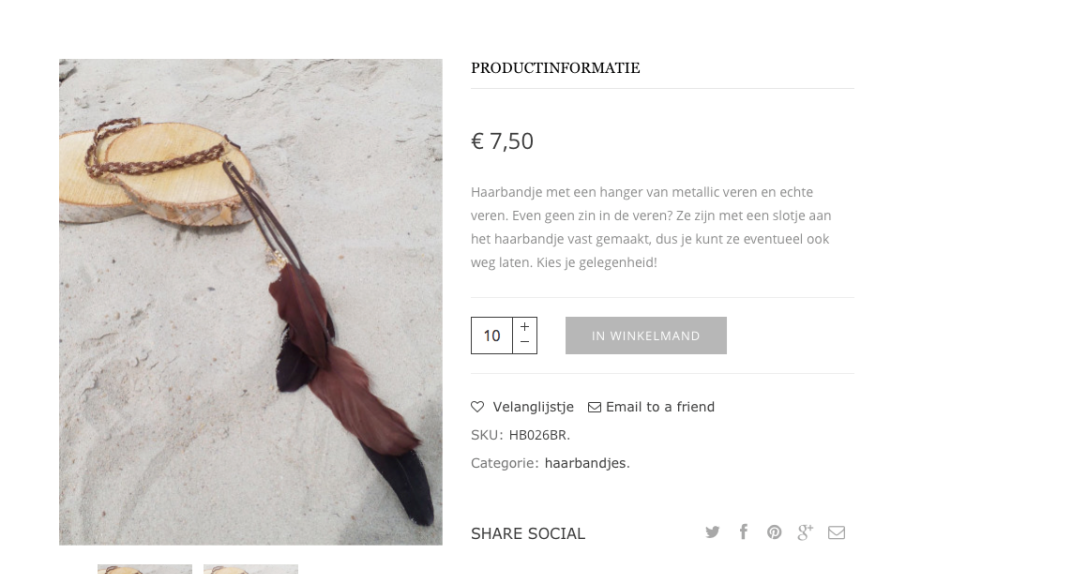
Regards
Hello,
We are very sorry if someone from our support team didn’t help you concerning the problem with our theme.
We’ll definitely discuss and control this question!
According as to our company politics so to other developers on ThemeForest we don’t provide extending support or bugs fixes for 3rd-party plugins, even if they’re included in our theme. We can help you with different questions if a problem appears only with our theme. But if a problem persists with default WordPress theme and you need the plugin support you should buy a license and contact to their support team. Also we can contact the plugin support and ask about your problem, but in this case you have to understand that solution may take more time rather than you’d contact them directly!
What about your current problem: the reason was you disabled Optimized CSS, Optimized JS options in the plugin settings (Ultimate > Scripts & Styles). As you can see it isn’t related to our theme directly. Thank you for understanding.
We hope you won’t experience such difficulties using our product in future!
Regards,
Olga Barlow
Hello,
If problem persists with both themes: default Storefront and WooPress it means that not our theme causes translation issue. Because in case problem was only with Royal theme you would have got correct translation with default theme. So, if it’s not happened this is either WPML issue or WooCommerce. In both cases you need to contact plugin authors.
Regards
Hello, @maxdanam,
Please, clarify, does the translation work fine with default storefront theme?
Regards,
Olga Barlow
Hello,
We have fixed the problem and enabled child theme. Check now, please.
Regards
Hello, @lindo_web, @intemail
Check you sites now, please.
Regards,
Olga Barlow
Hello,
We have sent fix to your email. Check, please.
Regards,
Olga Barlow
Hello,
We have sent fix to your email. Check, please.
Regards,
Olga Barlow
Hello,
Sorry for delay. Copy legenda/woocommerce/content-product.php file into child theme folder, edit and delete following code
<div class="product-excerpt">
  <?php echo do_shortcode(get_the_excerpt()); ?>
 </div>
Regards,
Olga Barlow
Hello, @ronen-webzit,
Your problem with menu is related to rtl direction of the site. Royal theme does not declare RTL languages support. Compatibility requires additional customization, do this if you have appropriate skills or hire developer to get help. Our support covers getting setup with the theme, theme related questions and bugs or issues that occur when using the theme. Anything, that falls outside of the options the theme offers, is additional customization that is not covered by the scope of our support.
Regards,
Olga Barlow
Hello,
As we told you before this is the problem in Visual Composer and WordPress. If you need external plugin support, buy plugin license and then you’ll be able to contact with them. We could offer you only temporary fix. To fix <p> tags I recommend you to write at the start of file page.php following code:
remove_filter( 'the_content', 'wpautop' );
Also want to tell you that validation is an awesome tool, but remember, it’s just a tool!
Regards,
Olga Barlow
Hello, @pxmedia
Sorry for delay. We have checked your account and you should be able to create topic. What error do you get while press create topic button?
You have updated woocommerce and theme, but previous version of theme includes a lot of files that are not necessary in current version.
How you could fix it:
1) delete wp-content/themes/xmarket/woocommerce folder (to remove all the out date files)
2) upload xmarket/woocommerce folder from new theme version instead of deleted one (to add only necessary files in our theme)
Or provide FTP access to your site in Private content and we’ll help you with this.
Regards,
Olga Barlow









