Hello,
Please check the quantity box now and clear browser cache before.
Thank you.
Regards,
Eva Kemp.

Hello,
Please check the quantity box now and clear browser cache before.
Thank you.
Regards,
Eva Kemp.
Hello,
You’re welcome.
Regards,
Eva Kemp.
Hello,
Sorry, but FTP credentials are still incorrect.
Please check them.
Thank you.
Regards,
Eva Kemp.
Hello,
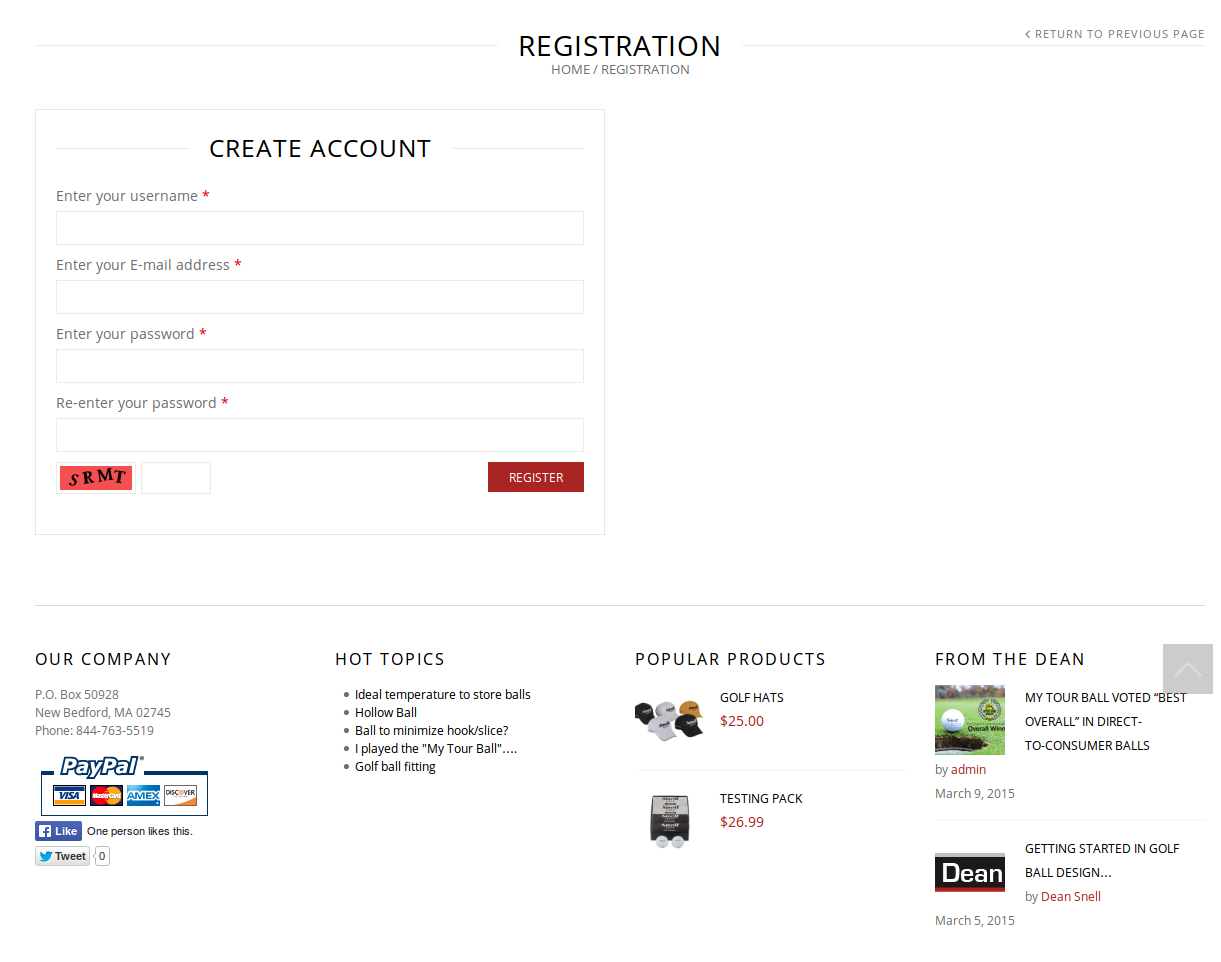
As I see registration page is working:
https://s3.amazonaws.com/fvd-data/notes/168674/1426167333-xX3q7e/screen.png
Please clear browser cache and check once more.
Thank you.
Regards,
Eva Kemp.
Hello,
Please provide us with FTP and wp-admin panel credentials.
The Woocommerce documentation is http://docs.woothemes.com/document/editing-product-data-tabs/
Thank you.
Regards,
Eva Kemp.
Hello,
Please ask your host to increase memory_limit value and check the Checkout page again.
Thank you.
Regards,
Eva Kemp.
Hello,
The IP has been sent to your email address.
Please check it.
Thank you.
Regards,
Eva Kemp.
Hello @geminirene,
I’ve added this code in .htaccess file:
<IfModule mod_headers.c>
   Header set Access-Control-Allow-Origin "*"
</IfModule>
Please clear browser cache and check your site again.
Thank you.
Regards,
Eva Kemp.
Hello,
May we reupdate the theme?
Please confirm you have a back up of the files and database.
Thank you.
Regards,
Eva Kemp.
Hello,
Such variants as Marriage, Street Photo were not included in theme import, due to using essential grid visual composer element, which should be imported separately.
I’ll explain you how to create such pages and you’ll be able to create them.
How to create Street Photo variant:
1. Go to Theme Options > Header > select 14 (or 13) type of header;
2. Import Essential Grid as described in our documentation https://www.8theme.com/demo/docs/royal/index.html#!/essential_grid ;
3. Go to Pages > Add new. Use visual Composer and add Essential Grid element. Select Grid 1. All Page Layout settings (Sidebar, footer, heading) should be disabled. Save page and set it as Front page in Settings > Reading.
Thank you.
Regards,
Eva Kemp.
Hello,
You’re welcome.
We’ll include this fix in our next theme update.
Regards,
Eva Kemp.
Hello,
You’re welcome.
Regards,
Eva Kemp.
Hello,
Captcha image background can’t be changed only with some image editor as the images are located in the directory: wp-content/themes/diamonds/framework/inc/really-simple-captcha/tmp.
Concerning the Wishlist, please remove the file wishlist.php in the directory wp-content/themes/diamonds/woocommerce.
Thank you.
Regards,
Eva Kemp.
Hello,
Please use this code in custom.css file:
.menu > li > a {
    color: white !important;
}
.menu > li > a: hover {
    color: red !important;
}
Regards,
Eva Kemp.
Hello,
Please add this code in custom.css file:
.quantity input[type="number"] {
    width: 50px !important;
}
Thank you.
Regards,
Eva Kemp.
Hello,
Could you please show a screen shot of the issue you’re talking about?
Thank you.
Regards,
Eva Kemp.
Hello,
Please add this code in custom.css file:
.menu .nav-sublist-dropdown ul > li.label-new > a::after {
    left: 28px;
}
How to create custom.css you can watch in this tutorial (it’s for Legenda theme but the process is the same).
Thank you.
Regards,
Eva Kemp.
Hello,
Please add this code in custom.css file:
@media (max-width: 480px) {.banner .banner-content p {
    display: block;
}}
How to create custom.css you can watch in this tutorial (it’s for Legenda theme but the process is the same).
Thank you.
Regards,
Eva Kemp.
Hello,
Please provide us with the access to FTP account as well.
Thank you.
Regards,
Eva Kemp.
Hello,
As I see Full Width page is already installed on your site.
To install other pages go to Theme Options > Import/Export and install templates variants.
Thank you.
Regards,
Eva Kemp.
Hello,
Did you try to increase memory limit value?
Please try it and check the site after that.
Thank you.
Regards,
Eva Kemp.
Hello,
Please check php information:
http://www.mglaserstudios.com/info.php
You’re using 5.2 php version.
Please ask your host to change it to 5.3 at least.
Thank you.
Regards,
Eva Kemp.
Hello,
Please check php information:
http://phelpsgamecalls.com/archeryinvasion/info.php
You’re using 5.2 php version.
Please ask your host to change it to 5.3 at least.
Thank you.
Regards,
Eva Kemp.
Hello,
As I see now you’ve added “menu-full-width” class and the class for columns.
When you hover the menu item “Repairs” the submenu will be opened and you’ll see subitems in full width.
Regards,
Eva Kemp.
Hello,
Please add this code in custom.css file to make testimonial avatar larger:
.testimonial-info .avatar-link {
  width: 60px !important;
}
How to create custom.css you can watch in this tutorial (it’s for Legenda theme but the process is the same).
Concerning the video player you may try to use these ones:
http://www.technobezz.com/best-free-wordpress-video-player-plugin/
http://codecanyon.net/item/wordpress-responsive-youtube-playlist-video-player/8645995
http://codecanyon.net/item/ultimate-video-player-wordpress-plugin/8374433
Thank you.
Regards,
Eva Kemp.
Hello,
Sorry, but in this case you have to upload an image in Theme Options > Header > Breadcrumbs.
Regards,
Eva Kemp.
Hello @cioka,
I don’t see any errors. Please view the screenshot:
http://storage3.static.itmages.com/i/15/0312/h_1426156271_6164453_9c9ee2f8a2.png
Try to clear your browser cache and check again.
Thank you.
Regards,
Eva Kemp.
Hello,
Zoom isn’t working because your original images have sizes 446px × 600px, they are too small. You need upload them with approximate dimensions 1425px × 1900px. Please try it.
Thank you.
Regards,
Eva Kemp.
Hello,
Please use this code instead of the previous one:
.recent-post-mini > a.postimg img {
    width: 100px;
}
Thank you.
Regards,
Eva Kemp.
Hello,
Please use this code in custom.css file:
.dropcap {
    background: none repeat scroll 0% 0% #D1B0F2 !important;
}
blockquote {
background: none repeat scroll 0% 0% #E7D3FB !important;
}Please clarify: do you want all buttons to have background color #D1B0F2?
Thank you.
Regards,
Eva Kemp.