To make theme compatible with the WooCommerce Additional Variation Images plugin add the following code in child theme functions.php:
add_action('after_setup_theme', 'etheme_wc_image_slider_support', 2);
    function etheme_wc_image_slider_support () {
        add_theme_support( 'wc-product-gallery-slider' );
    }
The following code to child theme style.css file:
.woocommerce-product-gallery .woocommerce-product-gallery__trigger {
    position: absolute;
    z-index: 9;
    right: 25px;
    top: 10px;
}
.woocommerce-product-gallery .woocommerce-product-gallery__trigger img {
    height: 1.5em !important;
    width: 1.5em!important;
}
After that copy woocommerce/templates/single-product/product-thumbnails.php and woocommerce/templates/single-product/product-image.php files from the WooCommerce plugin directory to xstore-child/woocommerce/single-product .
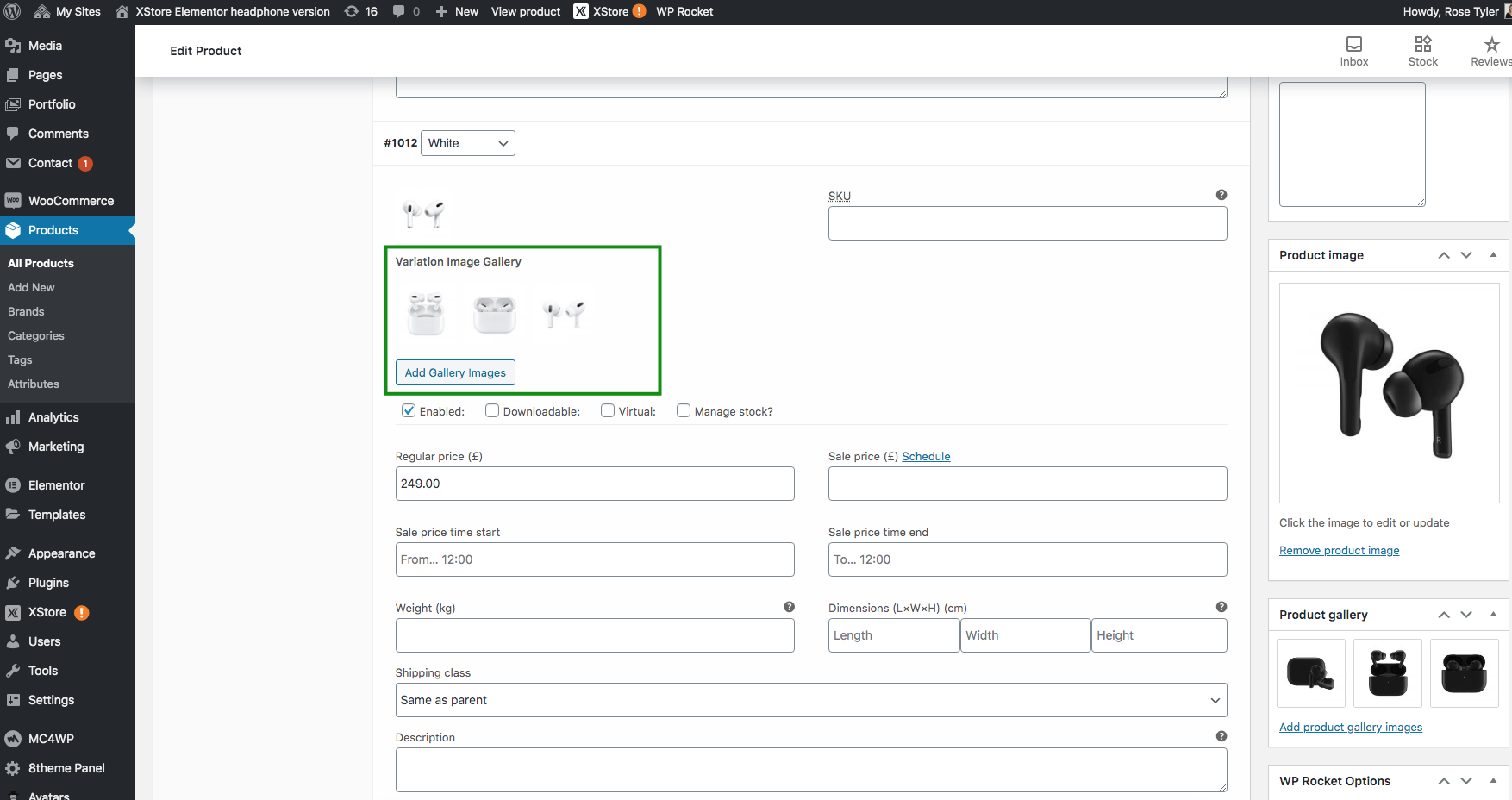
OR do not use this additional plugin, but activate our variation gallery: Theme Options > WooCommerce > Single product page or Single Product Builder > Variation gallery. After that edit product and add the gallery images for your variations like here: