Thank you, Now the issue is fixed. once again thanks for your fast response.

Thank you, Now the issue is fixed. once again thanks for your fast response.
Thank You for your fast support. Now all the issues are fixed
Thank You for the reply, I understand the case and configured it as you have told in the menu section ( shop by category) But in the mobile view we have categories tab inside this how can we set this. There also we have same issue
Thank You, Now the issue is fixed but there is one more issue ie, when we click on parent category under shop by category and categories it is not redirecting to its product page. ie, as told before we have a category named ” Running Fabrics” and has sub category ” printed fabrics” when we click on running fabrics printed fabrics is showing and is clickable but when we click on running fabrics it is not clickable so it will not redirect to its product listing page. Can you help us to fix this also
Please be careful since the site is in production
okay, I will contact woocommerce
Thank You
But earlier this sold out message was coming
Here it is
Now it is coming correctly. Now only for products that have colour box colour box is coming in the shop page.
Thank You
I have seen that, but now colour box is also gone. I need that colour box in shop page, not need any other attributes
I have tried this, But in my case this was already uncheck and I make it check and look but there was no change .
Screenshot : https://snipboard.io/hyTJFs.jpg
Thank You
I have done as you tell in previous message, based on that colour box is coming but for some product I have a option to select another attribute ie, colour customization ( Material only, Material with colour customization ) it is also coming in the shop page. I don’t want it on the shop page only need to show colour box. How can I hide this. Please help
Screenshot : https://snipboard.io/CvMgXK.jpg
Thank You
This is coming
Ok I will sent It
https://www.8theme.com/documentation/docs/variation-swatches/
i have tried by looking this video, but there is no change
Ok I understand. Thank You for your help
This is working
Thank You
Hello,
Thank You for your support. This is working
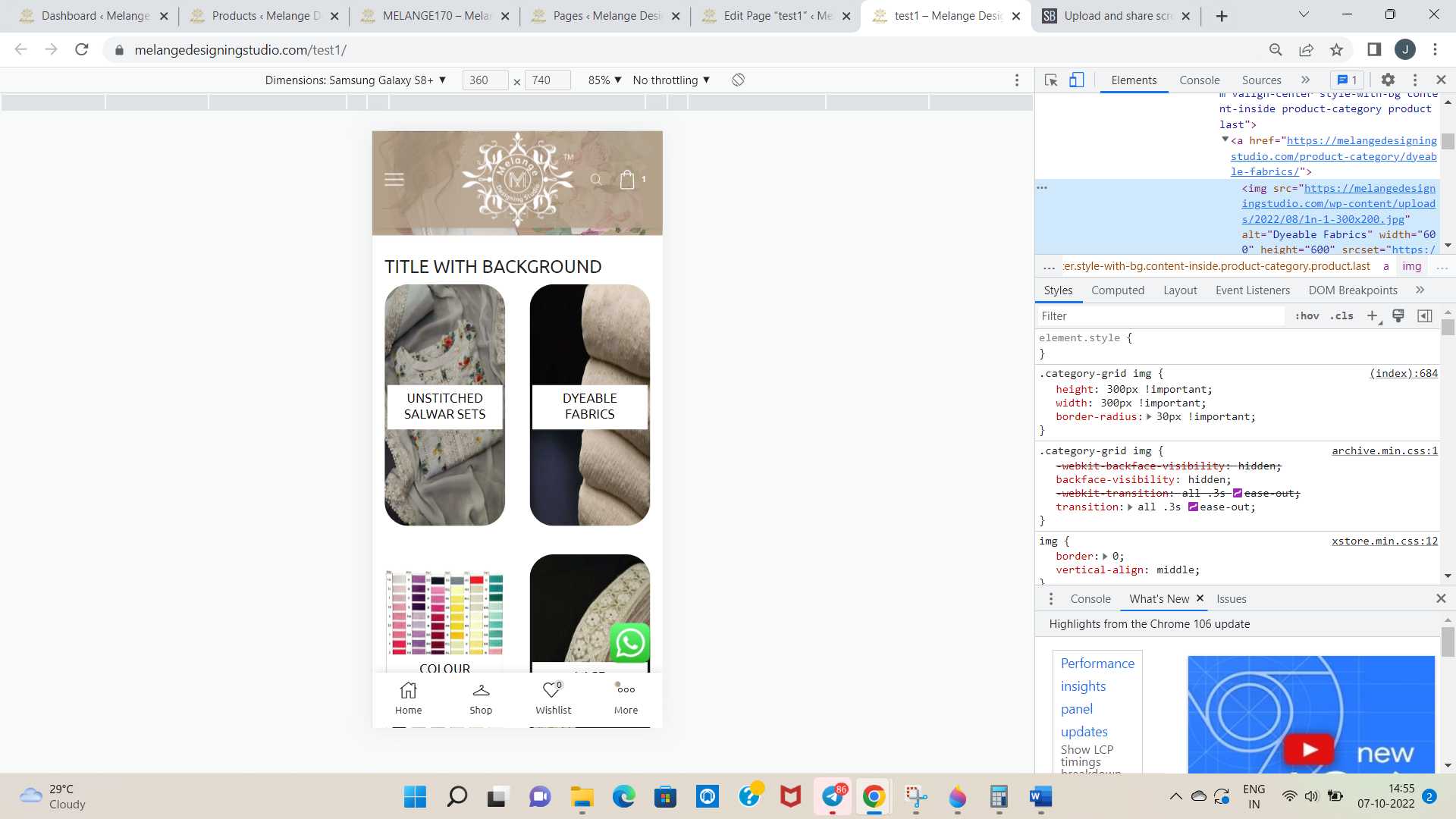
can You check our site now, it is showing category in the shop page. Can You tell how can I make it as a square shape for category image in mobile view Now it is a rectangle shape. Or can you tell how can I make it as displaying one category in one row only in mobile view.
Thank You
As you told I have given the code for two column, it is coming like two column in one row of phone view, but the problem is that the image is stretched. How can I solve this
Thank You
Screenshot : https://snipboard.io/9A6fsz.jpg
Thank You for your response, I am using WPBakery page builder. Can You tell how can I add overlay colour in wpbakery
Thank You
Hello,
Update for the new version of theme and core plugin is not showing in the updates. Why it is not showing in the updates page
we have made the warning message hide from the front end, but it is showing again. How can I hide it
https://snipboard.io/57XGOr.jpg
Please help
Thank You
Here it is
We want to display it in home page as a popup.
Okey, Let me check
Hi,
We had downloaded the theme and plugin file from the private content area and uploaded to the wordpress dashboard. But we could see that the theme and plugin version which we downloaded is same as the one we had installed. Xstore is already 8.3 on the site
Hi,
We downloaded the zip file and can see the xstore.zip and et-core.zip file.. Is it just a normal upload procedure. Please guide on this?
Do we need to upload this theme file and plugin file from appearance menu?
When will be the theme update
This is the reply we got,
I see that, on your shop page, the images aren’t being cropped at all.
I see there is a template override from the theme for product archives – it is possible that the size is hardcoded in the theme or the theme options are controlling the image size.
Could you try previewing the 1:1 cropping on a default theme like Storefront and see if it works?
Initially thumbnails are showing same size irrespective of the image size. Is there any settings for making the thumbnails irrespective of the image size.