Hello Tatyart31,
Theme Options > WooCommerce (Shop) > Shop > Shop page Filters > Show More Filters On Click > Off
Regards

Hello Tatyart31,
Theme Options > WooCommerce (Shop) > Shop > Shop page Filters > Show More Filters On Click > Off
Regards
You’re welcome!
Regards
Hello,
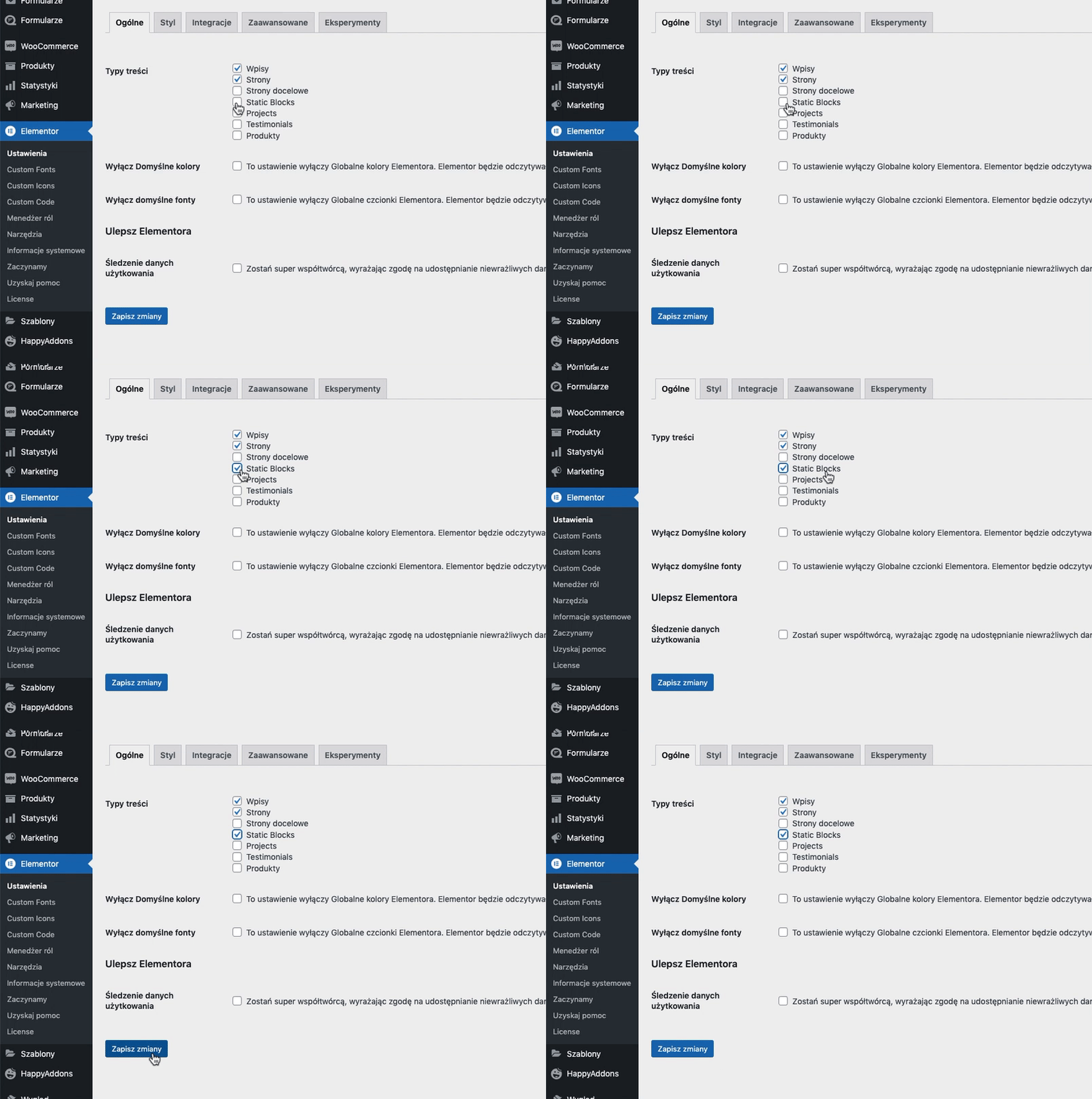
https://www.8theme.com/documentation/xstore/plugins/wpbakery-page-builder/ – enable WPBakery for static blocks.
Regards
Hello,
You’re welcome!
Regards
Create an account via Dashboard (Users > Add new) with administrator role http://prntscr.com/s3rc9m > provide us with username and password via the Private Content area http://prntscr.com/s5mao7 You can use any email for it. Here is our email – 8themes@gmail.com
Regards
Hello,
Please set the administrator role for the user.
Regards
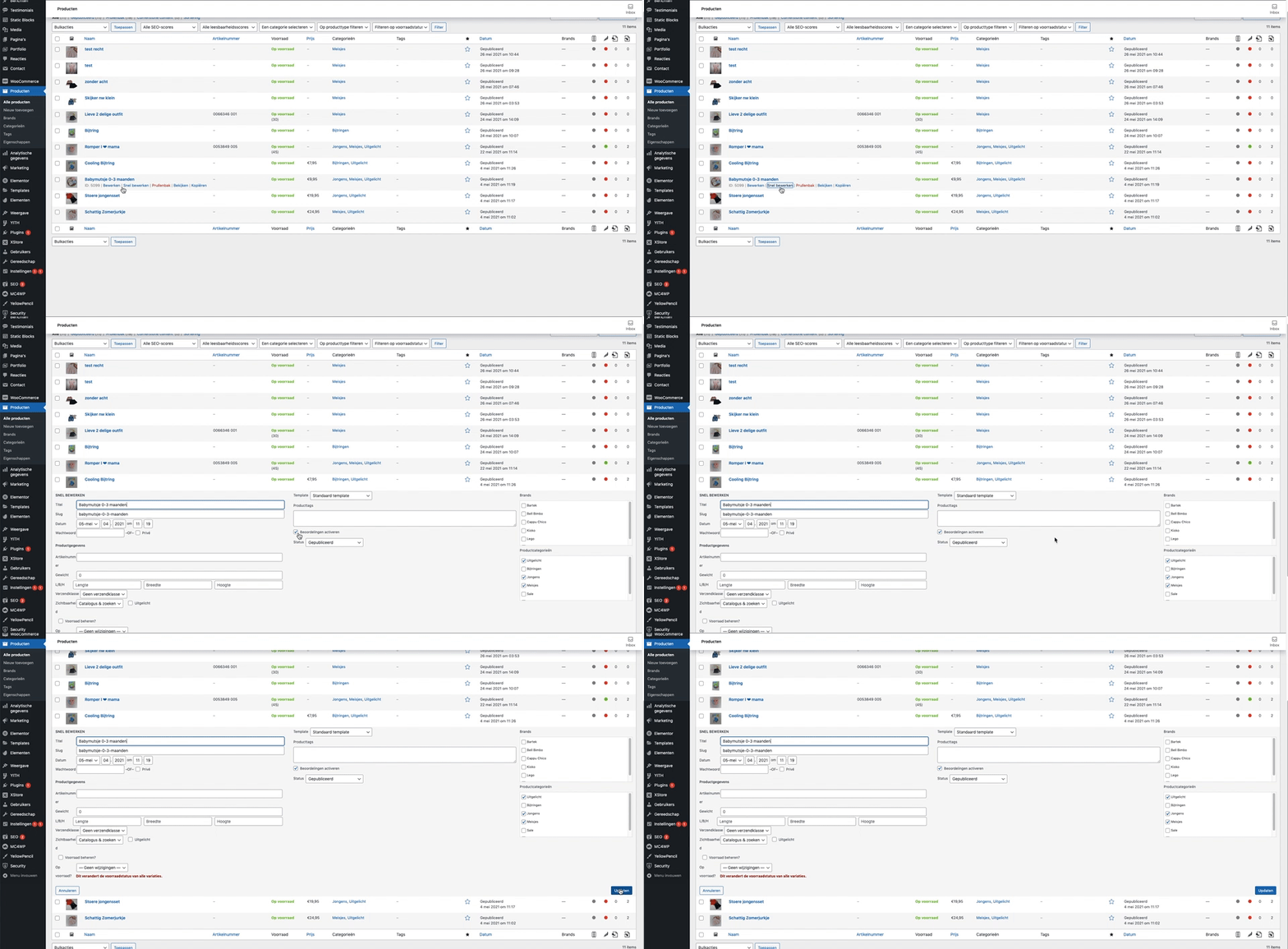
You need to enable reviews in settings of products, check now https://i.gyazo.com/90d040920f9ea71af34b4aa9c21d7085.gif
Regards
Could you provide temporary wp-admin access?
Regards
Hello,
Provide temporary wp-admin access, please.
Regards
Hello,
Please read our documentation – https://www.8theme.com/documentation/xstore/plugins/activation-and-purchase-codes/
Regards
Hello,
Try to disable all the third-party plugins (including cache plugins), that do not come bundled with XStore https://www.8theme.com/documentation/xstore/plugins/included-plugins/ , clear cache of browser, and check how it works then.
If the situation is independent of plugins, provide temporary FTP access. We will take a closer look.
Regards
Hello,
Thanks for using our theme.
Try to add the next code in Theme Options > Theme custom CSS:
.postid-188 #tab-title-et_custom_tab_02,
.postid-184 #tab-title-et_custom_tab_02 {
    display:none;
}
Regards
Hello,
Change the code to:
.tax-product_cat .products-grid .product {
    width: 50% !important;
}
.tax-product_cat .products-grid .product .btn {
    padding: 5px 3px;
    font-size: 10px;
}
Regards
Hello,
Thanks for using our theme.
Go to Theme Options > Header builder > Reset header builder > Reset elements > then add content from scratch.
Regards
Hello,
Thanks for using our theme.
1) Demo content was created using Elementor, so you need to edit elements separately, for example, http://prntscr.com/13flw7g
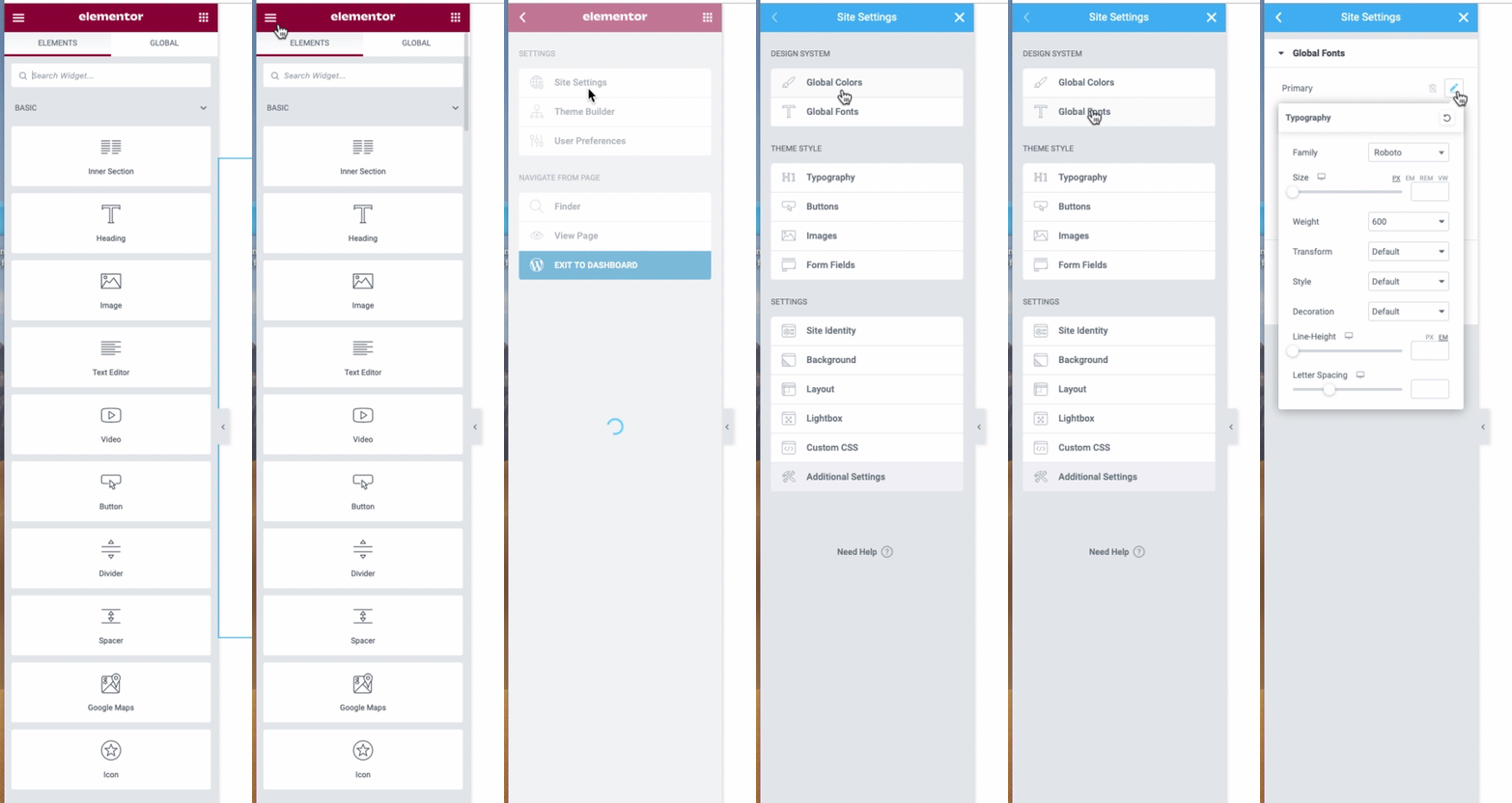
Global Elementor settings for colors and fonts you can find here – https://i.gyazo.com/a438baa11342a4d4c516f405aca4d4f3.gif
2) Describe in more detail what exactly doesn’t work.
3) I do not see the blue background of the header. Clear cache and check. Have you sorted it out?
4) Describe questions in more detail with screenshots and we will help you.
Lightshot screenshot or Gyzo tool have share option and you can copy link to your screenshot, post this link.
Regards
Hello,
Try to change Zoom in your browser to 80% – http://prntscr.com/13flg6n
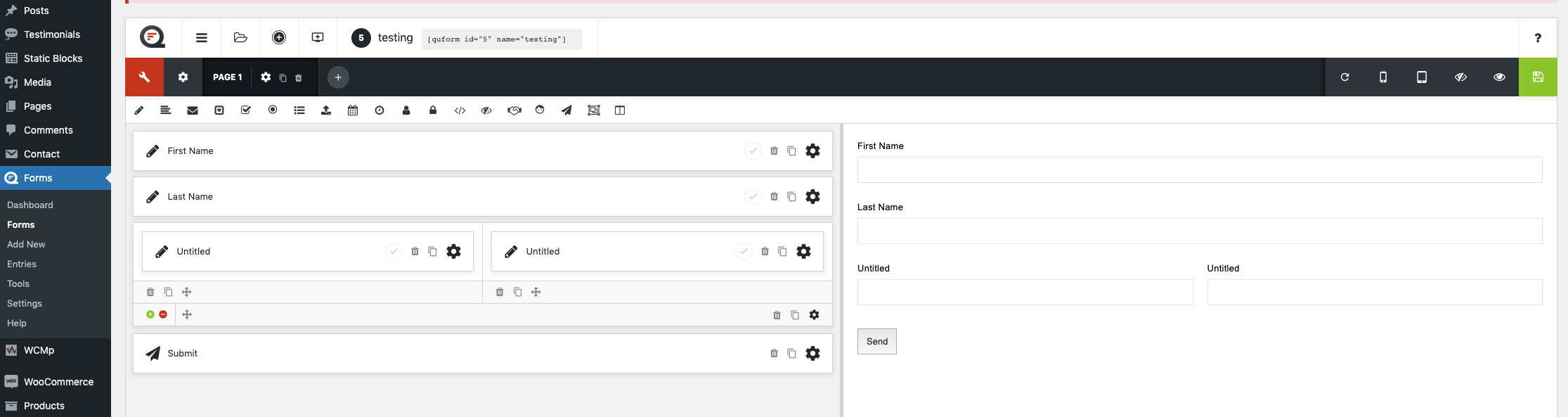
Have you added the form on a page? Check how it looks on the frontend.
Regards
Hello,
Here is what I can see on your site – https://i.gyazo.com/3d8a8463b8ab296b11900cee87bfa253.png Try to clear the cache of the browser.
Regards
Hello,
.autocomplete-suggestion .price {
    color: #ffa500;
    font-size: 18px !important;
    font-weight:600;
}
Regards
Hello,
Via the browser console, we can’t see any CSS code in your child theme – https://prnt.sc/13fh4kx It can be a cache issue because you are using CDN, so clear CDN cache and check how it works then.
Regards
Hello,
At first sight, we do not see the problem on your site. Clear cache and check one more time. Please provide screenshots for a better understanding.
Lightshot screenshot or Gyzo tool have share option and you can copy link to your screenshot, post this link.
Also, check how does it work when the default WC theme – Storefront is activated on your site. If the problem is independent of the theme, contact the support of WooCommerce plugin.
Regards
Hello,
Thanks for contacting us.
I see that you use Elementor. Edit any page using Elementor and go to Site settings > Lightbox and disable Image lightbox option https://prnt.sc/13cscer
There is no possibility to change the Main image on hover, unfortunately.
Regards
Hello,
Thanks for using our theme.
1) Enable Elementor for static blocks – https://i.gyazo.com/876ffb9b8b3b6835199038e08997118e.gif then edit the content.
2) Theme Options > WooCommerce > Single product page > Single product layput > Move Product Name In Breadcrumbs > Off
Regards
Hello,
1) Please read this article – https://www.8theme.com/documentation/xstore/woocommerce/product-images/
2) Theme Options > WooCommerce > Shop elements > Sale > disable the Sale label
Regards
Hello,
Theme Options > WooCommerce > Single product page > Tabs > Custom Tab
Regards
Hello,
Thanks for using our theme.
Please check credentials, we can’t log in to your site.
Do not edit the same content using 2 different plugins, if it was created using Elementor, use the Elementor only.
Have you connecter your Instagram account via XStore > Authorization APIs? Then click on Refresh instagram there.
Regards
Hello,
Thanks for using our theme.
By default there is no such option, you can check our demo – https://xstore.8theme.com/
Submit a request here – https://www.8theme.com/taskboard/
Regards
Hello,
If the child theme is activated on your site, custom CSS code should work from style.css file of the child theme.
What exactly code doesn’t work from there?
Provide temporary wp-admin and FTP access.
Regards
Hello,
Try to use this code – http://prntscr.com/13b4gfp , you will get – https://i.gyazo.com/8540438d9620df3cc4c6d28f44b32ae4.png , change the code depends on your needs.
Regards
Hello,
Try to disable all the third-party plugins (including cache plugins), that do not come bundled with XStore https://www.8theme.com/documentation/xstore/plugins/included-plugins/ , clear cache of browser, and check how the gallery works then.
If the problem is independent of plugins, provide temporary wp-admin access, we will take a closer look.
Regards