



Eva,
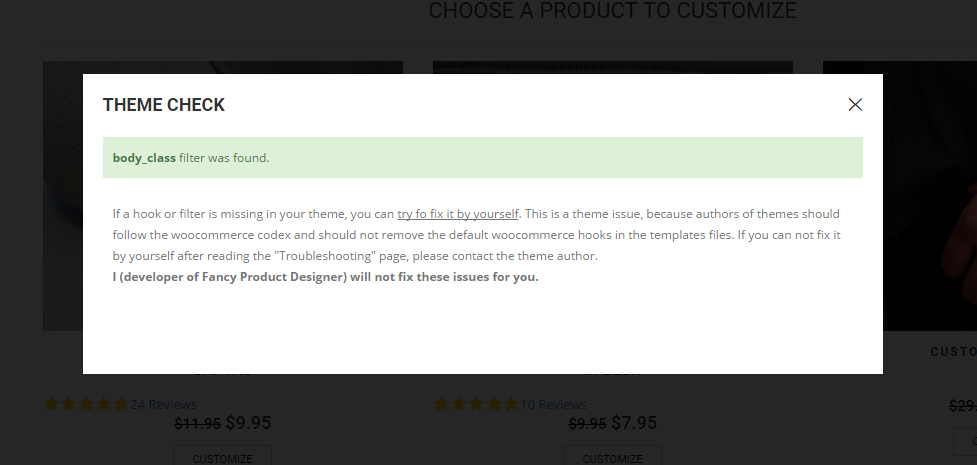
Thanks for the articles. I will work on reading through those and trying to keep the pop-up information from populating on Google search.
Do you have a fix for the pop-up showing back up everyday?
Eva,
You are correct. It seems that the coding did in-fact work. It must have just taken awhile for the server to update. Thanks so much.
Robert,
Thanks for the response. I tried the code you provided and placed it in the suggested css area, but it did not fix the issue. Please advise….
Eva,
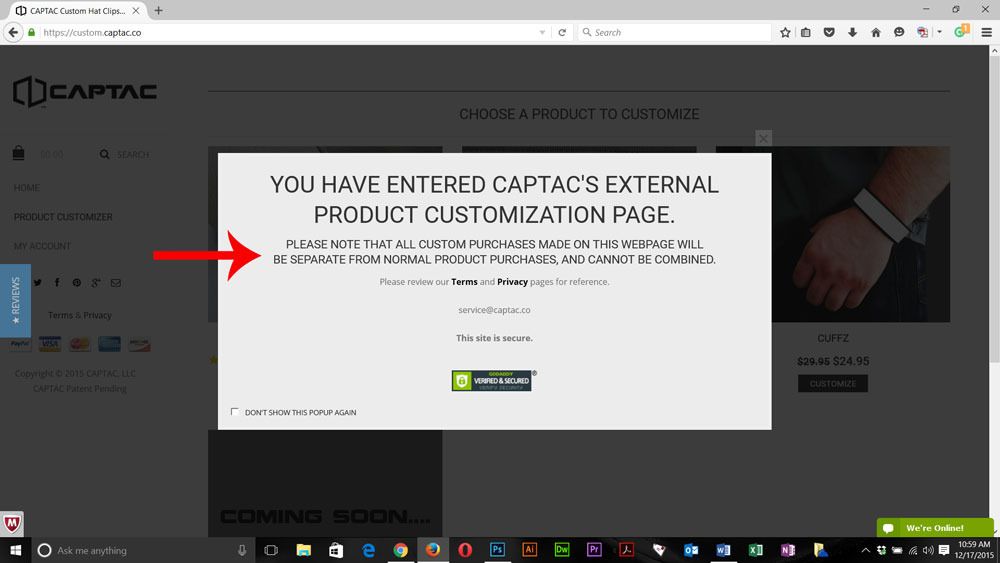
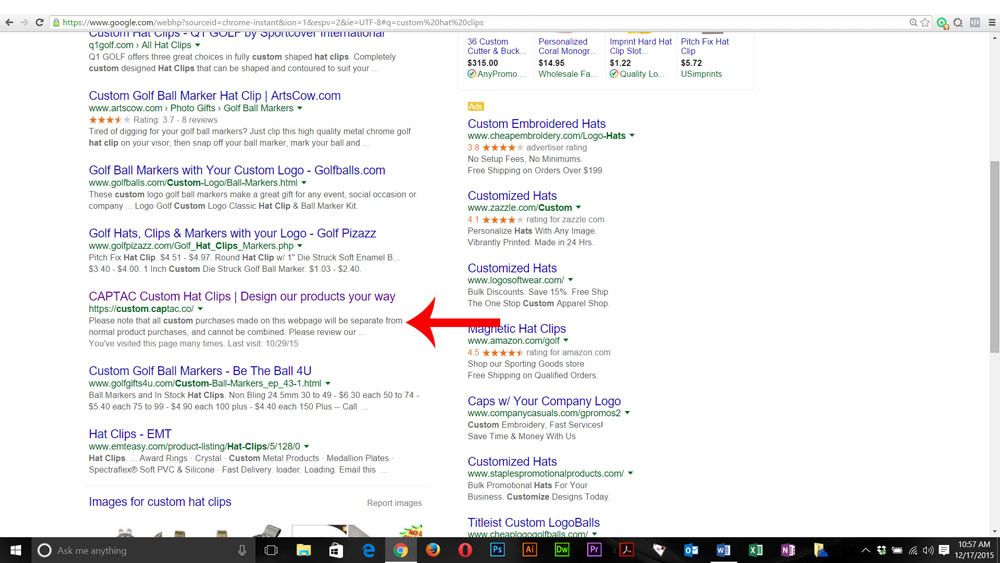
Thanks for the reply. There is nothing wrong my browser. I have tried using multiple browsers and they all have there cookies turned on. I have received multiple complaints from customers having the same issue. The popup goes away for a day, and then comes back the next day you visit the webpage. I need the popup to go away indefinitely after someone clicks on the “Don’t show this popup again” box.
Here are the photos of the issue:
Jack,
I recently updated the theme and this did not fix the issue. Please advise….
Thanks for the response Robert. Do you have an ETA of when this will be fixed?
The vertical scrolling image on the Home page, just above where it says “Benefits of working with us”, is not showing up every time on the Google Chrome internet browser. Please advise….
Every page I go to, it shows the FAQ page as being highlighted. Can this be fixed. Please advise…
Eva,
Yes, perfect!. Thank you. Is there a way we can get the slider accents to match the lettering like in the demo (i.e. little blue arrows, and white lines)? Please advise….
I just added the [share] to that widget and it looks great. A few more things. How do I get the header (logo and menu bar) to go higher up on the page? I feel that it is a little too low. Also, the icons and text do not match up on the slider (i.e. the little blue arrows and lines), and the text seems to be too far to the left and too high. Please advise….
Robert,
Thanks for getting that set up. However, I am still seeing a few issues with the way the layout is. The header is over the slider content instead of being above it; in other words the demo shows the logo and menu being above the slider text, but on my home page the logo is right on top of the letters. Also, how do I get the social media icons to be in the place of the language choices in the top left part of the screen (I have no need for the language choices)? Please advise…
Why does the demo content for the home page not look like the demo Flat Retailer on your website? The only think that looks similar is the slider. The header is different, the content underneath the slider is completely different, different text, different structure and so on. I need it to look just like the original demo that you have set up. Please advise…..
Still not working. I am trying to get the Flat Retailer to work. Please take a look at my home page, nothing worked. Please advise…..
No. For some reason there was some sort of issue with one of the plugins. I had to disable all of the plugins and then turn one on at a time to get the website back up and running. Did you add some code to one of the plugins? If so, please change it back to its original state. Please advise….
That didn’t work either. The first product listed in the Look Book Should be right in the middle of the screen. It was working fine until I updated the theme yesterday. Please advise….
Yes please.
Robert,
Thanks for the reply. This code did not work. Please advise
I’m going to put the Product setting to Grid until you get the Look Book Thing figured out, because that centers the products on the page. So when you go into fix it please keep this in mind and feel free to change the setting back to Look Book and try to get it centered please
Eva,
I have already provided all of my login credentials in the first post under private content. What I want is for the Product Look Book Slider to be centered on the page. For some reason the header being on the left causes the Look Book Slider to be off center. On the home page, where it says “Choose a Product to Customize”, I want this to be perfectly centered on all internet browsers. Please advise…..
The line of code is 999 and your suggestion worked. Thanks.
This coded worked. Thanks
This worked perfectly. Thank you
Thanks for the response. It seems that you were able to explain to this user how to do what I am asking, with one of your other themes. https://www.8theme.com/topic/change-header-logo-href-to-another-link/
Please explain why you could provide them code, but not me? Thanks
I’m afraid that this will change my login to the website if I follow these instructions. Is there a way to simply change the link of the header logo within the themes code? Thanks.
That worked. Thank you very much, your customer service is the best. I will always buy your themes because of your great customer service and support. Take care.
That worked. Thank you very much.
That worked. Thank you very much.
That worked. Thank you very much.









