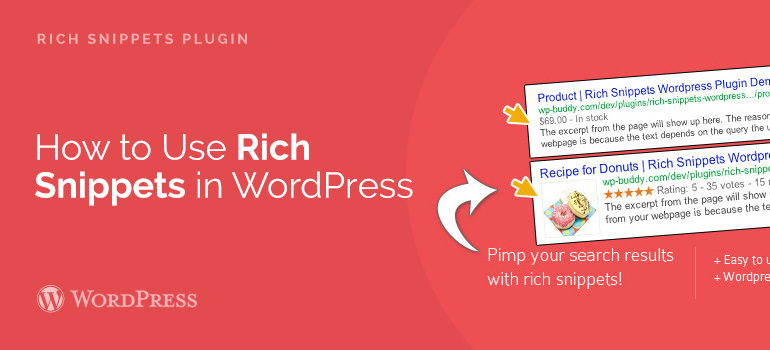
 Now that you know how beneficial to the site with one WooCommerce templates expanded snippets, we propose to consider a couple of ways to add rich snippets in premium themes.
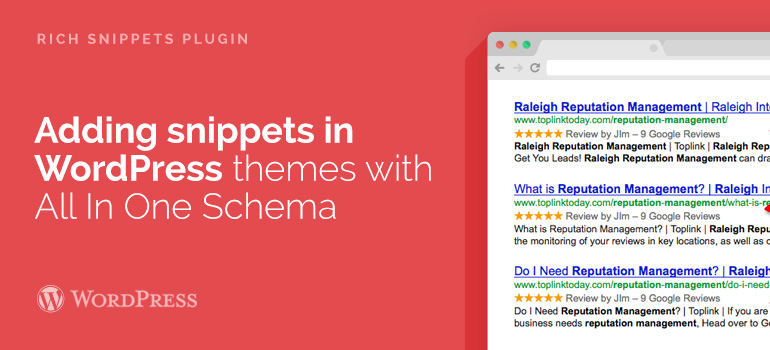
Adding extended snippets in WordPress themes with All In One Schema
Maintaining extended descriptions of web pages by hand can be difficult even for the most experienced website owners. Fortunately, there are several plug-ins for WordPress, which will facilitate this task for you, and almost automatically add the extension to describe Web pages into your WordPress Blog.
The first thing you need to do is install and activate the plugin All In One Schema.org for adding Rich Snippets in WordPress themes. Once installed and activated simply click on the extended description of the Web pages (menu item in the sidebar) to continue.
Now that you know how beneficial to the site with one WooCommerce templates expanded snippets, we propose to consider a couple of ways to add rich snippets in premium themes.
Adding extended snippets in WordPress themes with All In One Schema
Maintaining extended descriptions of web pages by hand can be difficult even for the most experienced website owners. Fortunately, there are several plug-ins for WordPress, which will facilitate this task for you, and almost automatically add the extension to describe Web pages into your WordPress Blog.
The first thing you need to do is install and activate the plugin All In One Schema.org for adding Rich Snippets in WordPress themes. Once installed and activated simply click on the extended description of the Web pages (menu item in the sidebar) to continue.
 WP Social SEO is another advanced plugin that will be able to withdraw the micro-marking site to the next level. The plugin does not conflict with similar and SEO plugins and adds the ability to customize markup Schema.org, authorship Google, Facebook OpenGraph, Twitter Cards and others.
Ask your questions related to the use of WordPress themes and WooCommerce templates, by means of the user forum and the Tech Support of 8Theme.
WP Social SEO is another advanced plugin that will be able to withdraw the micro-marking site to the next level. The plugin does not conflict with similar and SEO plugins and adds the ability to customize markup Schema.org, authorship Google, Facebook OpenGraph, Twitter Cards and others.
Ask your questions related to the use of WordPress themes and WooCommerce templates, by means of the user forum and the Tech Support of 8Theme. 


Posted by Jack Richardson