How did you know about that third party plugin causing the singing in issue? did you tested deactivating all plugins except theme and woocomerce and find it worked well?
Thank You!
mohamed
Participant
October 13, 2021 at 10:51
Hello Olga,
Thank You for your reply.
1) credentials are in the private area.
2) isn’t woocommerce come with your theme as a package for e-commerce site! so plugin and theme must be compatible with each other and works good.
Beside, we don’t have premium woocomerece account as we using the one in your theme package. so we can’t contact their support
Thank You!
Please contact administrator for this information.
mohamed
Participant
September 7, 2021 at 10:05
Hello Rose,
Yes it exist, we activated default twenty twenty-one theme and issue still persist
Thank You!
mohamed
Participant
September 2, 2021 at 12:18
Sorry for disturbance Rose, please ignore my last reply, i found it in theme customization.
Thank you for your generous help 🙂
mohamed
Participant
September 2, 2021 at 12:10
Thank You Rose for your help, yes it is forced by third plugin WOO-Accept and it is updated now.
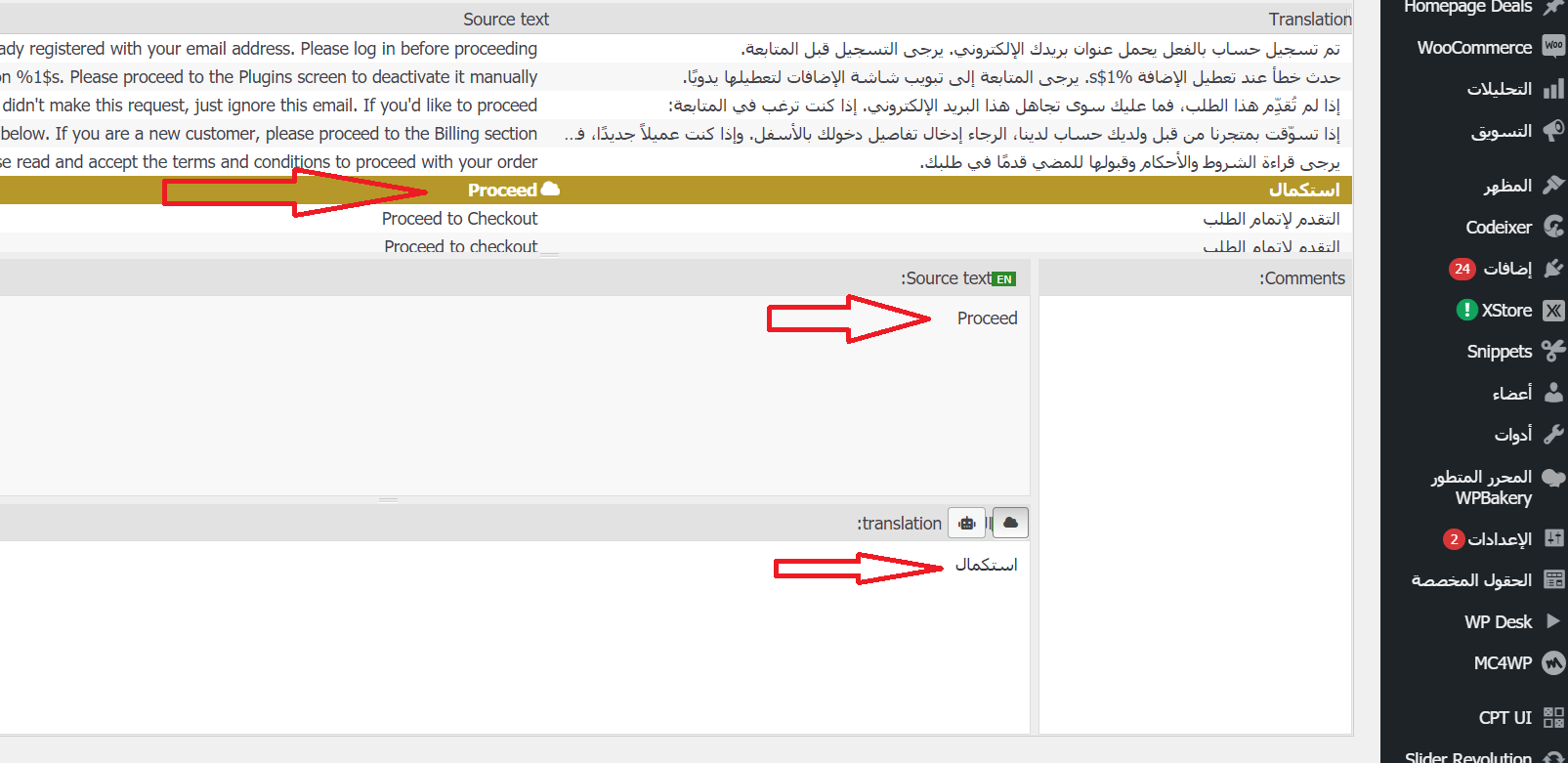
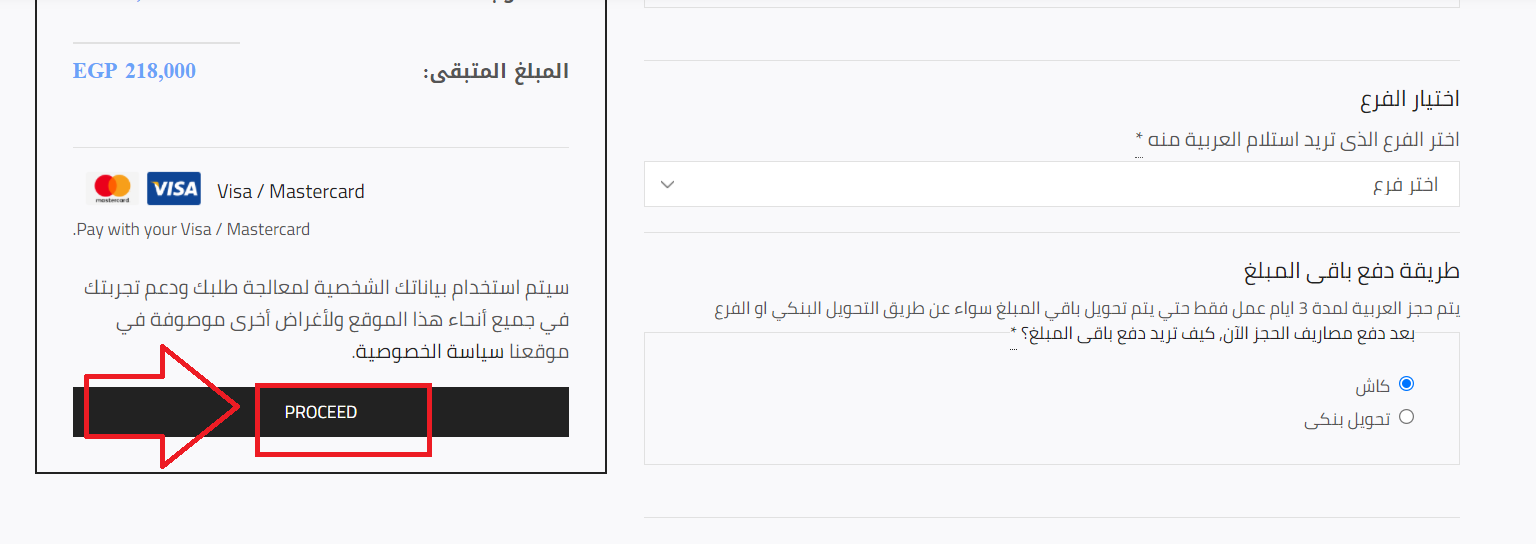
There is another one please, LOG IN / SIGN UP in the Mobile menu, we searched for it in xstore theme, xstore core plugin and woocommerce plugin in loco translate but didn’t found it to add its translation, where we can find it please?
Thank You!
mohamed
Participant
August 31, 2021 at 15:50
Hello Rose,
We already did, so now when i click sync botton, the save button still not active as every thing is up to date already and no new words/sentences need to be added
and the mentioned word already exist and translated in back-end!
We found it in loco translate under woocommerce plugin (not exist in the theme or xstore core plugin) and added its translation, but it not appears in front-end, please check these screens:
* https://snipboard.io/hbu21N.jpg
* https://snipboard.io/VeQPgs.jpg
Thank You!
mohamed
Participant
July 7, 2021 at 16:05
Hello Olga,
This is an internal kit we use in our sites for security wise, now we deactivated this snippet and search working good, Thank You for your help.
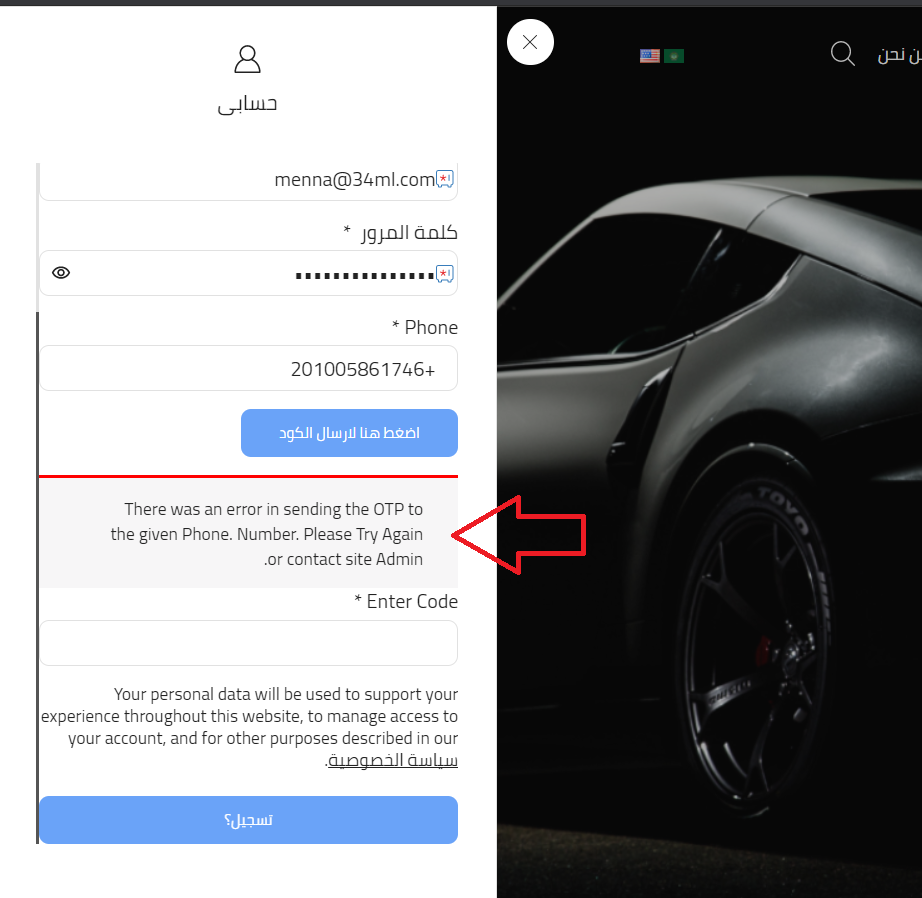
But there is issue appears once you finished your check, the phone number verification (in registration form) no more working and show error, please check this screen https://snipboard.io/bHd9aO.jpg
It was working very well before your last test while ago! did you edited anything or updated anything?
Thank You!
mohamed
Participant
July 7, 2021 at 12:33
Hello Olga,
Please find FTP credentials in private content area
Thank You!
Please contact administrator for this information.
mohamed
Participant
July 6, 2021 at 15:58
Hello Olga,
Thank You for your reply.
The theme’s default search not working well too! when we search by product title, page load and redirect to home page not the search result!
Thank You!
mohamed
Participant
May 27, 2021 at 11:14
Hello Olga,
Thank You for your support 🙂
* Logo issue is fixed, Thank You!
* we installed loco translate plugin and followed instructions well, we checked XStore theme and plugin and translated “categories” word that appears in single product page, but it didn’t changed. So we checked WooCommerce plugin translation too, we found its all words already translated like “Categories” & “Buy Now” & “SKU” which all appears in single product page but non of them translated in the front end! https://lithy.34way.com/ar/product/%d8%aa%d9%88%d9%8a%d9%88%d8%aa%d8%a7-%d9%83%d9%88%d8%b1%d9%88%d9%84%d8%a7/
Finally we tried to sync in loco translate but no luck so far!
So, what is the problem now please?
Thank You!
mohamed
Participant
May 26, 2021 at 14:25
Hello Olga,
We followed your recommendation about Attributes and Terms slug and issue is fixed 🙂
There is just 2 other issues (one remaining and one new):
1) about translating the XStore core, the link you sent is for loco translate, we use polylang plugin (theme is compatible with it as mentioned in theme preview). So how we can translate the core by polylang please?
2) we tried to upload our logo but it not appear once we publish the update! should it be in specific dimensions (width and height)?
Thank You!
mohamed
Participant
May 25, 2021 at 16:20
Hello Olga,
Thank You for your reply!
1) we need to hide Add to cart button and q-ty and keep Buy now button only.
2) variation swatches already active and then we updated “اختر اللون حتى تظهر خصائص الفئة المختارة” which is like “color” attribute in English to be color circle but it still appears in drop-down list! https://prnt.sc/13eg1xr
3) will check link and follow steps
4) is there any way we can make the 2 variants not related to each other? for example, we have “الفئة” variant “M/T new shape1.6 – 2021” and this variant not has color assigned to it in the product’s back-end and there is small description for this variant, but this discretion not appear if we choose only the variant from the first drop-down list, it appears only when we chose color too in the second drop-down list which already not added to this variant https://prnt.sc/13egdmk
Thank You!
Viewing 13 results -
1 through 13 (of 13 total)
Viewing 13 posts - 1 through 13 (of 13 total)
Join 80,000+ WordPress & WooCommerce users who rely on our world-class support!
Join Now
Your request matters!If your request is taking longer than expected, please let our General Support Manager know.Contact Manager