
Hello,
Currently we are unable to promise you something concerning your request but we’ve taken this into our account and will try to implement this.
Thank you for understanding.
Regards,
Eva Kemp.

Hello,
Currently we are unable to promise you something concerning your request but we’ve taken this into our account and will try to implement this.
Thank you for understanding.
Regards,
Eva Kemp.
Hello,
Sorry, but we are unable to access the site via the link you provided, getting an error “Server not found”.
Please check it and also provide us with wp-admin panel credentials.
Thank you.
Regards,
Eva Kemp.
Hello,
Sorry, but Safari for Windows is no longer supported. Try to use some other browser that is updated.
Thank you for understanding.
Regards,
Eva Kemp.
Hello,
The issue with registration page and payment gateways may be caused by php version installed on the server. Please ask your hosting provider which php version is there and if it’s 5.4 or higher please ask them to change it to 5.3 if possible.
Thank you.
Regards,
Eva Kemp.
You’re welcome.
Regards,
Eva Kemp.
Hello,
Do you have back up created at your hosting provider? Please ask them. It would be better to restore the site and database from the early backup.
Thank you.
Regards,
Eva Kemp.
Hello,
What IE version are you using?
Thank you.
Regards,
Eva Kemp.
Hello,
Are you checking in Safari for Windows OS or Mac OS?
Regards,
Eva Kemp.
Hello,
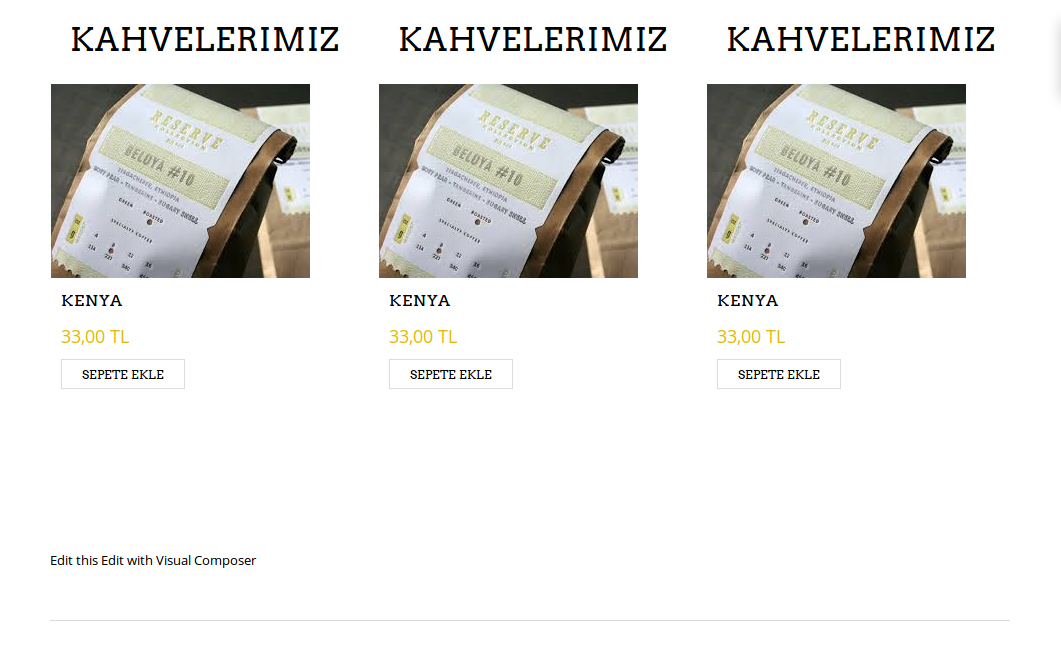
I’ve added this code into custom.css file to make the price and Add to cart button in one line:
.products-grid .product .price {
display: inline;
margin-right: 15px;
}
Please check it now and clear browser cache before.
Regards,
Eva Kemp.
I see the gap only after Add to cart button
Are you talking about it?
Regards,
Eva Kemp.
Thank you.
Sorry, but I don’t see a gap between product price and add_to_cart button. Are you talking about the gap below the Add to cart button? Could you please show a screenshot?
Regards,
Eva Kemp.
Hello,
Thank you.
Please provide us with FTP credentials as well. We’ll update Visual Composer plugin for you.
Also we recommend you to update the theme to the latest 2.3 version.
Regards,
Eva Kemp.
Hello,
Thank you for the feedback! We really appreciate it.
Could you please clarify what icons you want to make links?
Please show us screenshots or a link to the page.
Thank you.
Regards,
Eva Kemp.
Hello,
As I see there is only price and no Add to cart button on the page.
Please provide us with wp-admin panel credentials as well.
Thank you.
Regards,
Eva Kemp.
Hello,
Please take our apologies but image dimensions can’t be changed on a single product page in theme options as they can be distorted. It can be edited only in the theme files legenda/woocommerce/single-product/product-image.php and legenda/woocommerce/single-product/product-thumbnails.php. Also changes in custom.css need to be made.
Regards,
Eva Kemp.
Hello,
Sorry, but I’ve just checked your site as a visitor and being logged in and haven’t see the error you wrote. Could you please show a screenshot of the page you’re getting when logged in and vise versa?
Thank you.
Concerning the footer there is no such feature to add the second footer in Blanco theme. Sorry.
Regards,
Eva Kemp.
Hello,
Banner element is used in Visual Composer editor for banner images. The dimensions are 570×200.
Nothing more needs to be added.
Regards,
Eva Kemp.
Hello,
We’re very sorry, but unfortunately there is no other possibility.
Please take our apologies for inconveniences.
Regards,
Eva Kemp.
Hello,
Sorry, but it’s not compatible with our theme.
Regards,
Eva Kemp.
Hello,
You’re welcome.
Regards,
Eva Kemp.
Hello,
You’re welcome.
Regards,
Eva Kemp.
Hello,
Yes, it requires additional customization in the theme files and isn’t for free.
We’ve taken this into our account and will try to implement this feature in our future updates.
Thank you.
Regards,
Eva Kemp.
Hello @xlube,
We’re glad you managed to find the solution!
If you have any questions feel free to ask us.
Regards,
Eva Kemp.
Hello,
Could you please also show a screenshot and provide us with the link of the page to have clear understanding what button you’re talking about?
Thank you.
Regards,
Eva Kemp.
Hello,
As I see you haven’t installed Woocommerce plugin
https://www.8theme.com/demo/docs/blanco/index.html#!/woocommerce_settings
Please note it had to be installed before the theme installation. So you may try to reinstall WordPress and then install Woocommerce plugin and after that you can install Blanco theme:
https://www.8theme.com/demo/docs/blanco/index.html#!/installation
To have demo data as on our demo site you need install demo pages:
https://www.8theme.com/demo/docs/blanco/index.html#!/demo_data_installation
Regards,
Eva Kemp.
Hello,
The errors are

Please try to revert back your changes and check if it helps to make tabs shown.
Also we recommend to make any changes in a child theme not to lose all modifications made in the theme files.
Regards,
Eva Kemp.
Unfortunately there is no such option.
Sorry.
Regards,
Eva Kemp.
You’re welcome.
Have a nice day too!
Regards,
Eva Kemp.
Hello,
Do you want to hide “Add to cart” button only for non-logged in users or for all users? If you want it for all users you can enable “Just Catalogue” in Theme Options.
If you need it only for non-logged in users it requires additional customization and is a paid service. If you agree you can create a ticket at http://support.8theme.com/ and our specialists will look into your issue.
Regards,
Eva Kemp.
Hello,
We’ve customized the product category for 3 columns.
Please check if it’s fine now.
Thank you.
Regards,
Eva Kemp.









