 The password can either change or delete permanently full.
The first way to turn off or reset the password is the plug-in.
The second method is by using the plugin is considered to be more popular and simplistic. The plugin allows you to play off the password reset option for some specific categories of users, or all together at once.
Employing plug, the owner of the site can easily monitor and perform a password reset feature for users, and for other categories of people.
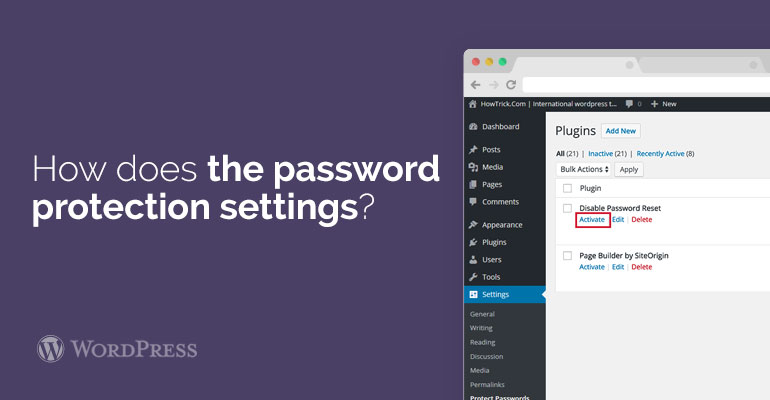
Initially, it will be necessary to do the installation and activation of Plainview. This is done in order to protect the plug-in password.
In order to more thoroughly acquainted with the removal of a password change process should be the owner of the website will read step by step instructions carefully.
After activating the plug-in, you should visit the site in the section of Settings, after that go to Protection of Internet passwords page. This is done in order to adjust the plug-in parameters.
The password can either change or delete permanently full.
The first way to turn off or reset the password is the plug-in.
The second method is by using the plugin is considered to be more popular and simplistic. The plugin allows you to play off the password reset option for some specific categories of users, or all together at once.
Employing plug, the owner of the site can easily monitor and perform a password reset feature for users, and for other categories of people.
Initially, it will be necessary to do the installation and activation of Plainview. This is done in order to protect the plug-in password.
In order to more thoroughly acquainted with the removal of a password change process should be the owner of the website will read step by step instructions carefully.
After activating the plug-in, you should visit the site in the section of Settings, after that go to Protection of Internet passwords page. This is done in order to adjust the plug-in parameters.