 Let's Encrypt is made available to people in the form of a beta software that contains many bugs. Thus, it is advised that you must thoroughly test the software before using it on production systems. The open source certificate authority, Let's Encrypt is backed by some of the niche companies like Sucuri, Cisco, Mozilla, Automattic, and many more. For more detail on Let's Encrypt, check out the link https://letsencrypt.org/.
So, now that you have come to know about what is Let's Encrypt and what purpose it solves, let's head to the next section to learn the process of installing the SSL certificate using Let's Encrypt.
Let's Encrypt is made available to people in the form of a beta software that contains many bugs. Thus, it is advised that you must thoroughly test the software before using it on production systems. The open source certificate authority, Let's Encrypt is backed by some of the niche companies like Sucuri, Cisco, Mozilla, Automattic, and many more. For more detail on Let's Encrypt, check out the link https://letsencrypt.org/.
So, now that you have come to know about what is Let's Encrypt and what purpose it solves, let's head to the next section to learn the process of installing the SSL certificate using Let's Encrypt.
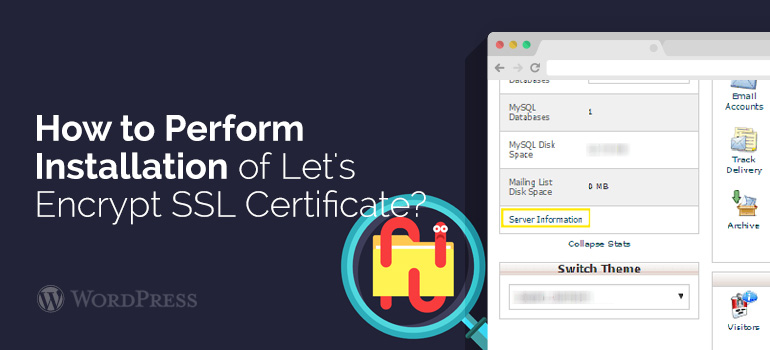 Step 2: Using the Let's Encrypt Client
You might have understood the process of installing Let's Encrypt Client, but that's not the end of your journey to installing an SSL certificate. Of course, you'll have to learn about how you can make use of the client on your site.
So, once you've installed the Client, your next step should be to run the Let's Encrypt client and install an SSL certificate. To fulfill such need the Let's Encrypt client allows using many different "plugins” – that proves useful in obtaining and/or installing an SSL certificate. Let's have a look at some of the options that can help you in accomplishing such need:
Step 2: Using the Let's Encrypt Client
You might have understood the process of installing Let's Encrypt Client, but that's not the end of your journey to installing an SSL certificate. Of course, you'll have to learn about how you can make use of the client on your site.
So, once you've installed the Client, your next step should be to run the Let's Encrypt client and install an SSL certificate. To fulfill such need the Let's Encrypt client allows using many different "plugins” – that proves useful in obtaining and/or installing an SSL certificate. Let's have a look at some of the options that can help you in accomplishing such need:





Posted by Alex Carter










