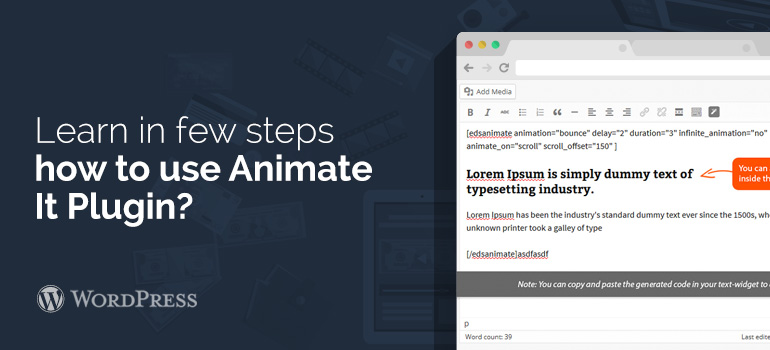
 Open your plugins page and click on “add new” option. Search 'Animate it' in the search bar and hit enter. Download and install the plugin to get started.
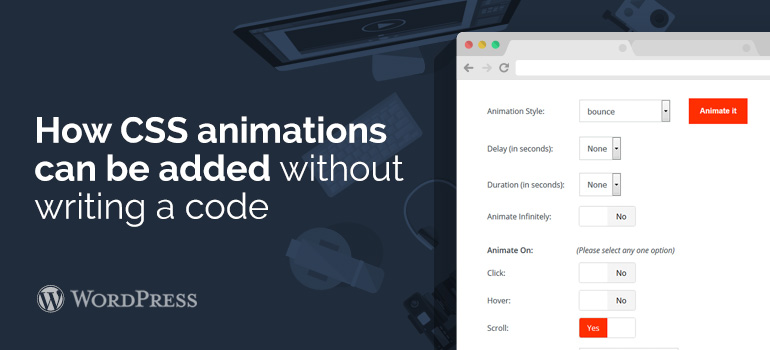
The best part about using this plugin is that it requires no configurations in the settings to use it. Once you have installed it, you can easily use it to add animations whenever and wherever you want.
Open your plugins page and click on “add new” option. Search 'Animate it' in the search bar and hit enter. Download and install the plugin to get started.
The best part about using this plugin is that it requires no configurations in the settings to use it. Once you have installed it, you can easily use it to add animations whenever and wherever you want.