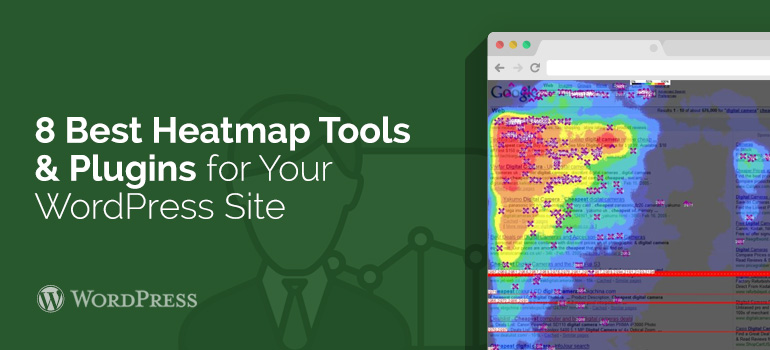
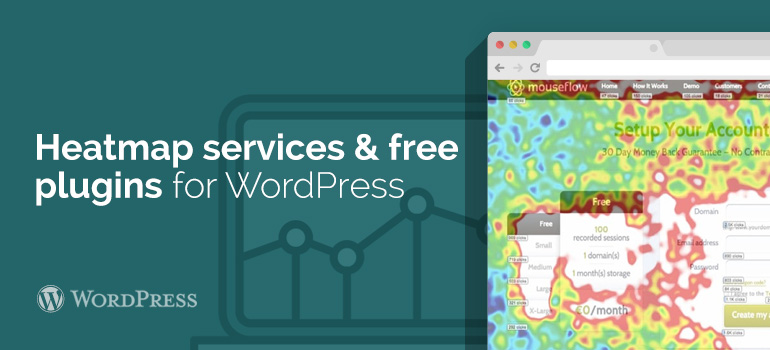
 While Google Analytics has its own function, which allows you to form a general idea, which links to the pages to make transitions, Heatmap plugins integrated into WordPress templates will show you any clicks, regardless of whether they are a reference or not. More advanced heatmaps can show you how far down a certain page your visitors scroll and some can even allow you to play videos of the whole customer’s route on your website with one of WordPress themes.
Some of Heatmap services for WordPress themes offer pricing tariffs, which do not give access to the thermal map of clicks. In the price comparison presented below, I have listed the cheapest tariff plans, offering access to the heat map and includes a free trials, allowing to recognize the features without paying for them at first.
While Google Analytics has its own function, which allows you to form a general idea, which links to the pages to make transitions, Heatmap plugins integrated into WordPress templates will show you any clicks, regardless of whether they are a reference or not. More advanced heatmaps can show you how far down a certain page your visitors scroll and some can even allow you to play videos of the whole customer’s route on your website with one of WordPress themes.
Some of Heatmap services for WordPress themes offer pricing tariffs, which do not give access to the thermal map of clicks. In the price comparison presented below, I have listed the cheapest tariff plans, offering access to the heat map and includes a free trials, allowing to recognize the features without paying for them at first.
 One can say with certainty that Clicky - one of the biggest players among the providers of Heatmap analytics for WooCommerce themes. According to promotional materials, 695,182 web sites are using at the moment this service.
When it comes to thermal maps, they can be viewed not only in the page basis, but also for each user session. This means that you can take any user to see what he was doing on your site, which pages are visited and where clicked. You can expand the view of the data to the user segment: one of them visited certain pages of your site with one of WooCommerce themes, certain actions have been met, such as, for example, filling out a form or downloading a file.
One can say with certainty that Clicky - one of the biggest players among the providers of Heatmap analytics for WooCommerce themes. According to promotional materials, 695,182 web sites are using at the moment this service.
When it comes to thermal maps, they can be viewed not only in the page basis, but also for each user session. This means that you can take any user to see what he was doing on your site, which pages are visited and where clicked. You can expand the view of the data to the user segment: one of them visited certain pages of your site with one of WooCommerce themes, certain actions have been met, such as, for example, filling out a form or downloading a file.
 Crazy Egg for WordPress themes offers several different types of heat maps. In addition to the standard chart that reflects the data on clicks, there is also a map showing how often users scroll down the page. With its help, you can get a basic understanding of how to read your content is and where people stop reading material.