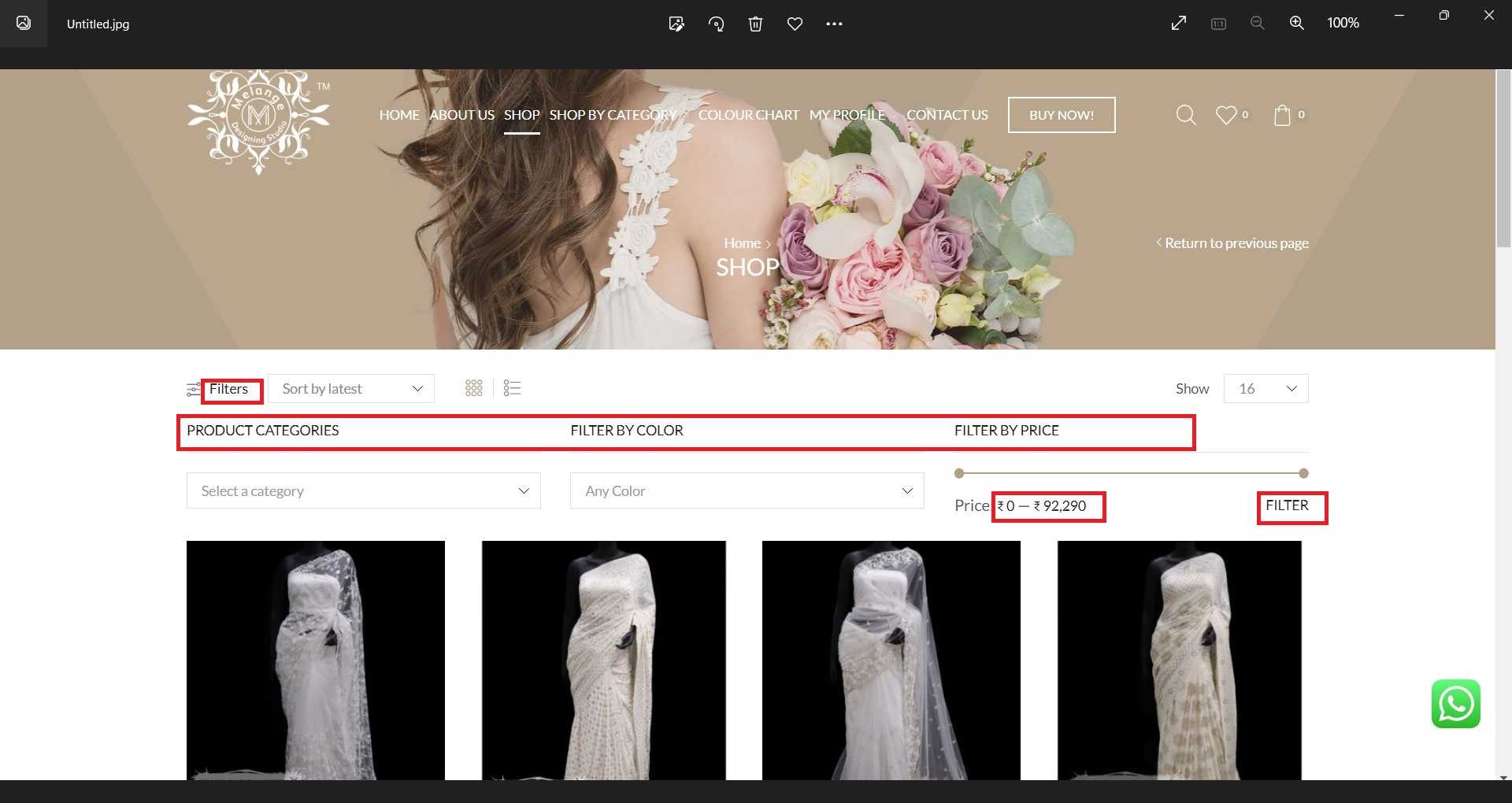
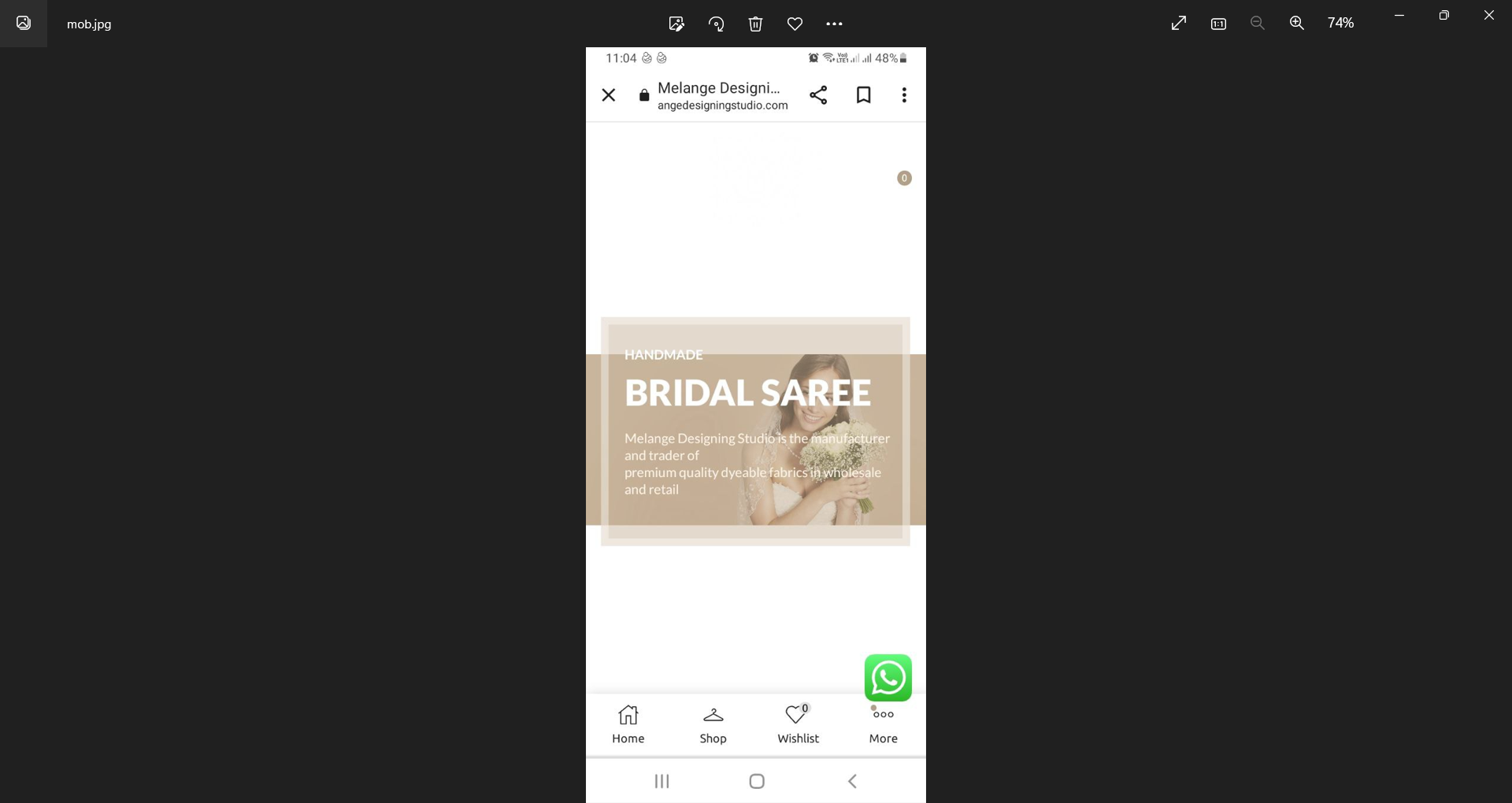
After adding this CSS the images are not clear.

After adding this CSS the images are not clear.
Product images are of same size 850 by 1275 pixels. Some screenshot you have shared cannot be open.
Product images are of same size 850 by 1275 pixels
There is issue for some products. We have checked after clearing cache.
https://snipboard.io/68ntAC.jpg
This was due to a plugin
Thank You
I have tried this,but there is no change for the thumbnails.
Hello
I have tried as you tell but there is no change
If I enable this single product builder it is showing a message that if this is enabled the already existing changes to single product page will be lost. I have already made some changes to single product page from there. What can I do? Please help
okay
I have enabled these two options, but there is no change for the category section in home page. The shop page product images are only showing these effects.
There are design options for the product category section. I have tried to enable that. The effects are showing but the section is broken and the product categories are displaying on the images and the categories name are not visible.
https://snipboard.io/4ScWjA.jpg
Hi,
Thankyou for the solution.
Can you provide a solution to give the section images dynamic on placing the mouse.
Can you provide a solution to keep the design as rectangle and the corners curved.
I will give you the dashboard login details. Can you please check and provide a solution to make the images to some other design.
Hi,
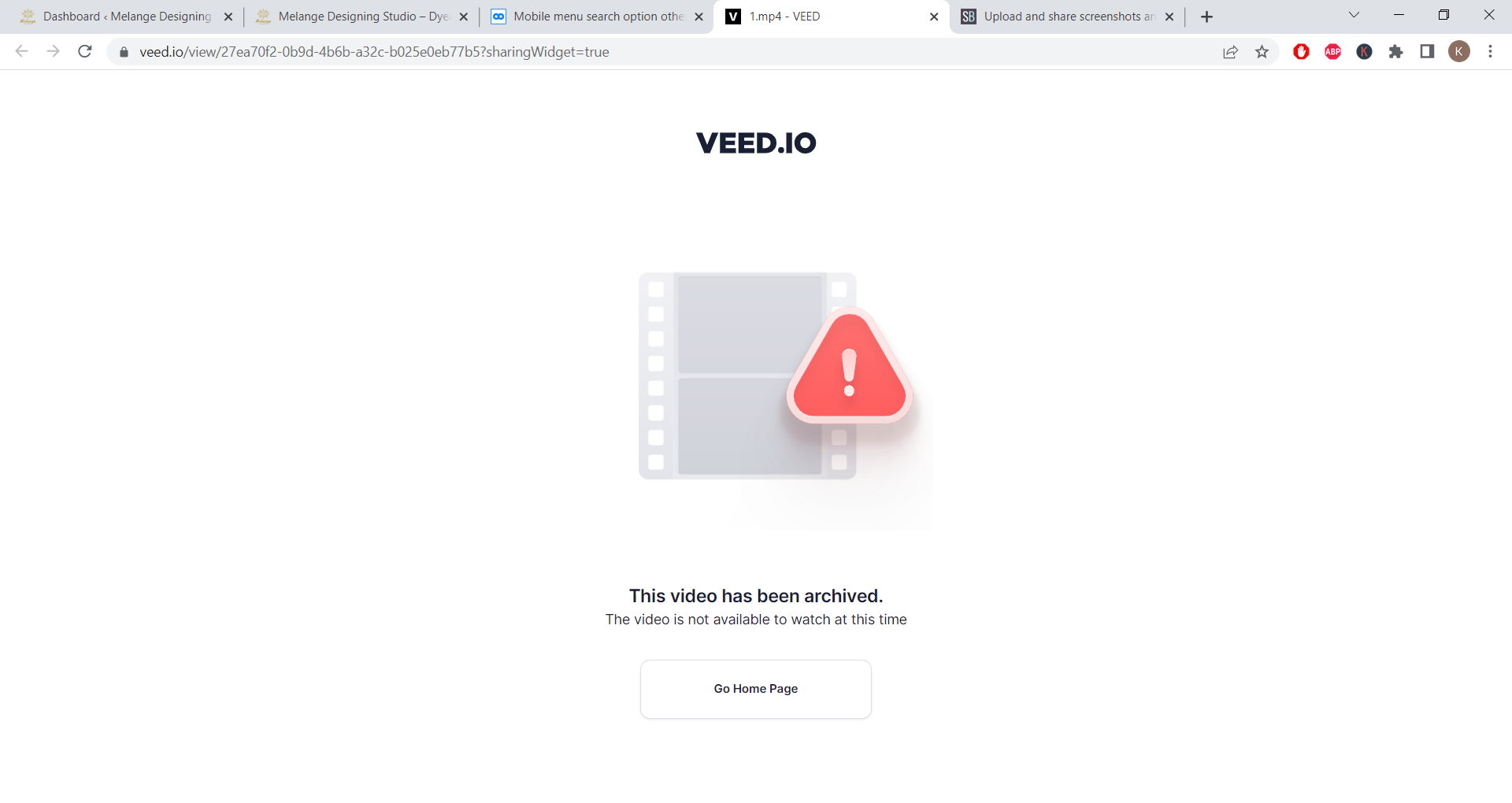
The link is not working. A message “This video has been archived.” is showing.
https://snipboard.io/T7kvfa.jpg
Fonts in some sections are showing some irregularity as you can see in the attached document below. Please help.
Hi
The video link is not working for me. Can you please check.
okey, let me try
There is difference in font in some of the sections (marked as red boxes in the image).
https://snipboard.io/1tgRkY.jpg
Hi,
In order to resolve this we had talked with the hosting people- Siteground Server team. They tried to help us well. For that we had enabled
Header set Access-Control-Allow-Origin: *
but there is no change and also we had enabled fix insecure content option via SG optimizer plugin – no change for that too.. Finally ther server people had given the below response:
“Hm, I’m sorry to hear that. Another reason might be that the website contains an element that blocks the CORS, this could be a plugin or the theme used by the site, still, as it is not a server-related problem, we cannot really advise/identify the exact cause. What you can try is to temporary disable the plugins on the staging copy, if there is no change, test it with a different theme as well.”
Initially we had this issue with the live site but now it is fine in live site
On setting this option, white space is appearing on top and bottom of the slider.
https://snipboard.io/541tRQ.jpg
When I switch from Desktop to Mobile view, I can see the grid layer (the small blue dots) becoming smaller and the background image being cropped. Except that the grid layer I get doesn’t focus on the part of the background image I want. How can I make the image centred or without getting cropped.
https://snipboard.io/cW0N9X.jpg
Hi,
On changing this option for mobile view, the desktop view is also changing and the background image is changing. How can I set the option only for mobile view.
Haii,
Thank You for your support
Thank you for your response, I will talk with plugin team
I Will provide the details
Snippets name is – select option to buy now button
Thank You
As given in this link, I have given the following code in the Snippets
add_filter( ‘woocommerce_product_add_to_cart_text’, ‘bbloomer_change_select_options_button_text’, 9999, 2 );
function bbloomer_change_select_options_button_text( $label, $product ) {
if ( $product->is_type( ‘variable’ ) ) {
return ‘View Product’;
}
return $label;
}
But there is no change for the select option button of variable products in the shop page, now also it is displaying as select option button
screenshot : https://snipboard.io/XCEeK0.jpg
Thank You
No, I dont want to change the sliders font. The difference in font is between different pages menus. If we look at the home page and about page, the menu font is slightly different.
Since these are images for colour chart, it will be more visible only if we zoom the image. Now if we click on the image we can see it in the full size. Is there any option to enable a zoom option after the image opens to full size.
Hi,
Is there any other options to display the images and on click open we can zoom the images.
You can check the issue by log in using these details