I’m not editing at the moment so feel free to login via the wp-admin

I’m not editing at the moment so feel free to login via the wp-admin
Good Day Eva,
Thanks much. This helps a bit.
However I’ve been testing and making changes according to the plugin documentation but still can seems to have the Layout as the Wedding Demo of 8theme Royal :(((
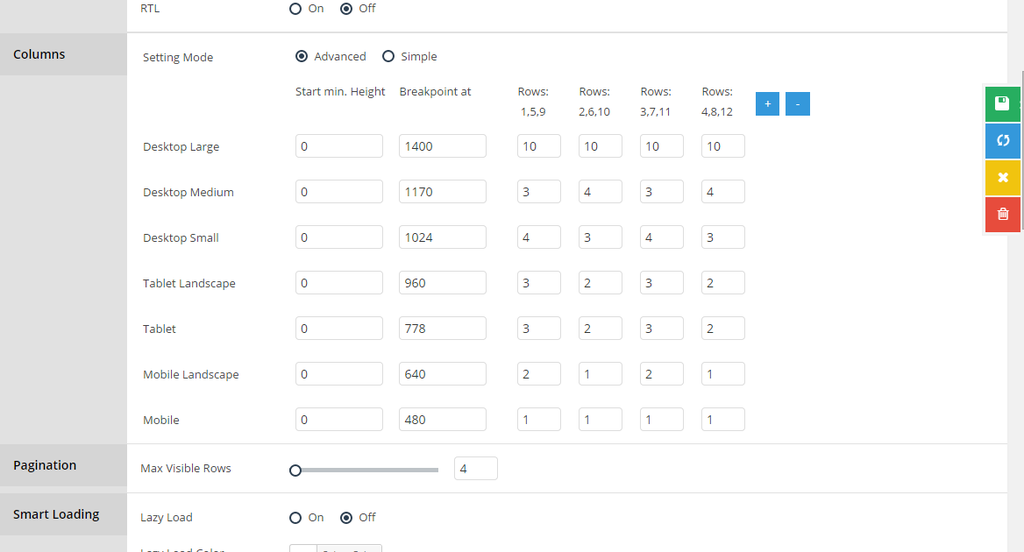
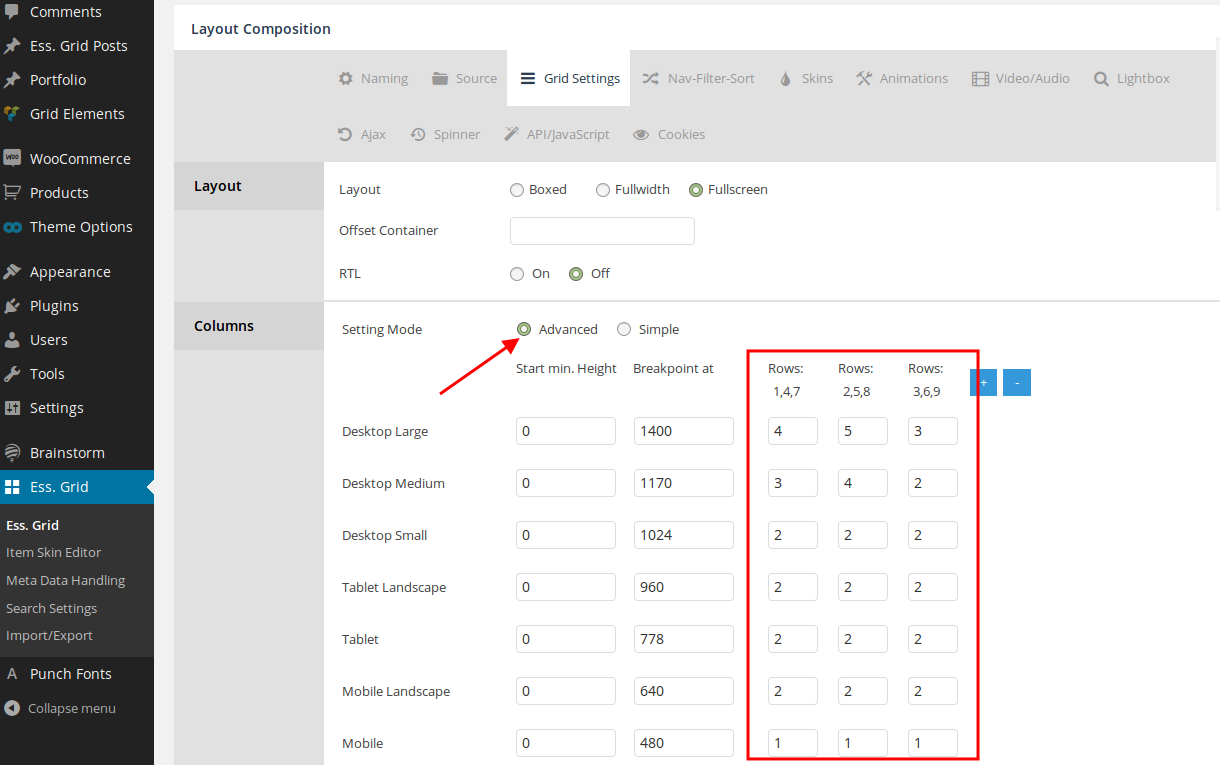
At the moment I have setup as follow:
http://i1340.photobucket.com/albums/o728/LibardoBarreto/ROWS_zpseoiv9vsc.png
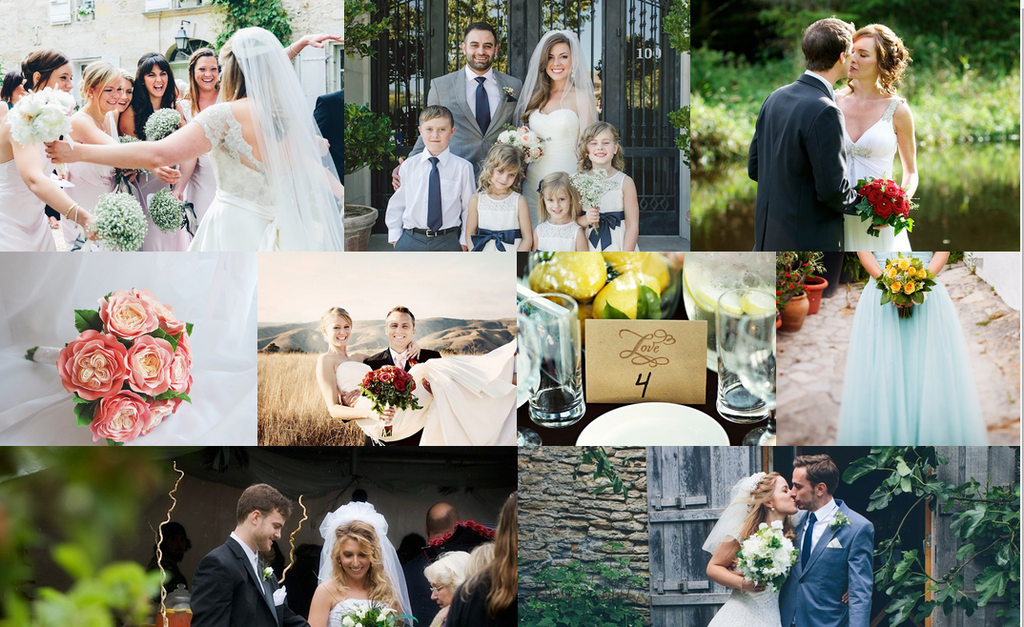
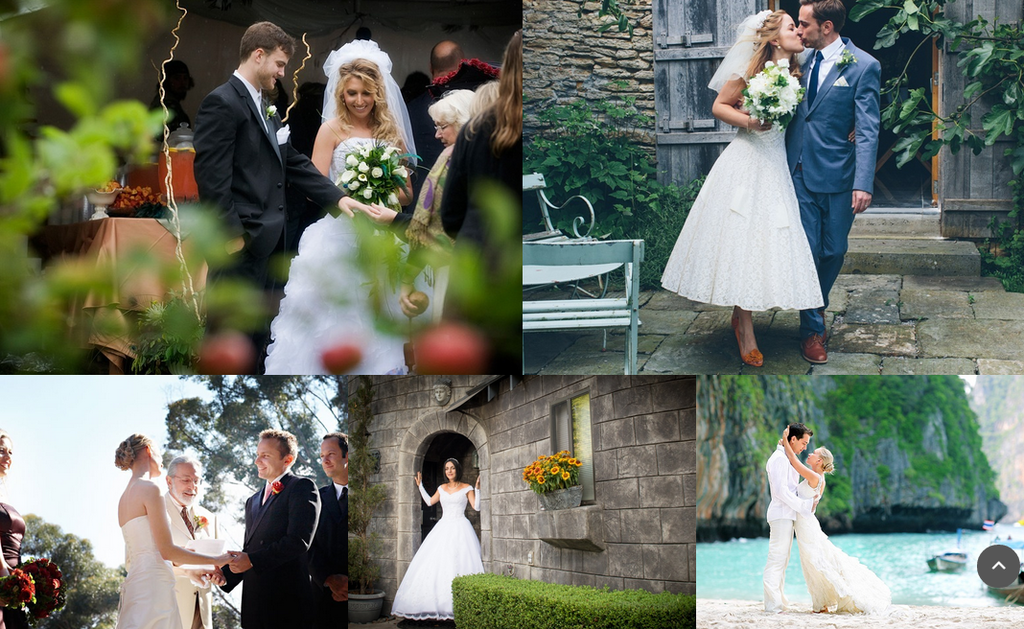
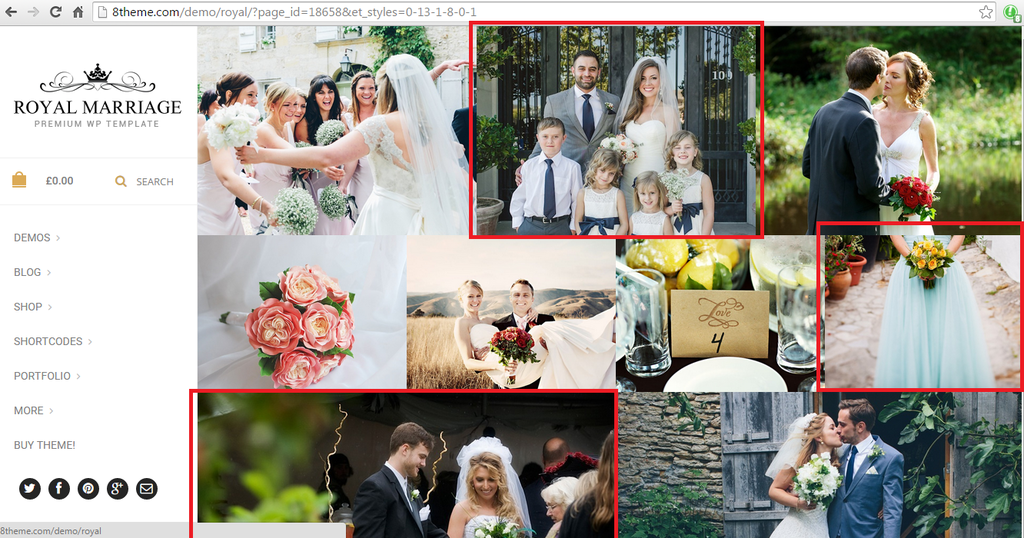
But still can get it to look the rows or width or height like this :
http://i1340.photobucket.com/albums/o728/LibardoBarreto/WED1_zpsqndfikdg.png
http://i1340.photobucket.com/albums/o728/LibardoBarreto/WED2_zpszhrhxrdx.png
Please help so I can change what is wrong or needs to look into other setting or can change these for me … That helps alot
Hello Eva,
Please try again. I’ve also noticed this and contacted them and now is fixed.
Hi Brian,
Where you able to login?
Hi Eva,
Can you also check Brian with ticket #52262? He is unable to login meanwhile the rest of 8theme is able to login.
Hi Brian,
Can you try to login once more? This time using :
bkbcuracao.com/comingsoon/wp-admin
Hello Eva,
Thanks. Can you also show me how to make this white color into black color?
http://i1340.photobucket.com/albums/o728/LibardoBarreto/sdfsdfsf_zps5tlxiguj.png
Hi Brian,
Still the same.
http://i1340.photobucket.com/albums/o728/LibardoBarreto/334234_zpsarlhv83z.png
I also added this code in the custom.css file and still showing the same.
@media (max-width: 480px) {.languages-area {
display: none;
}}
Please don’t forget to look at the request also above.
Hi Eva,
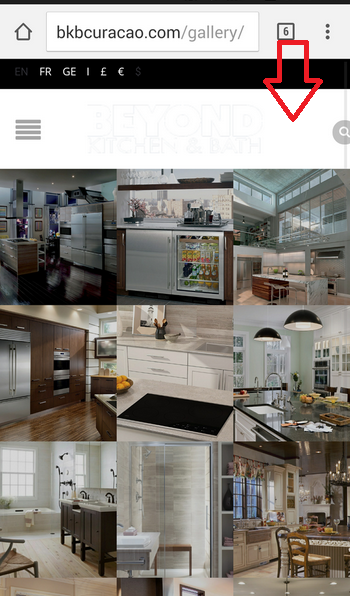
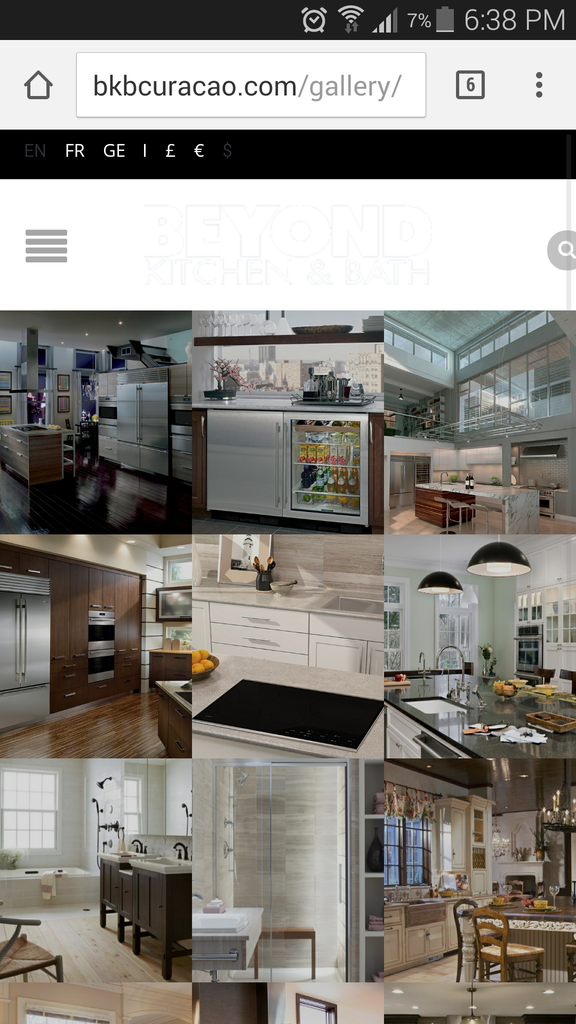
As mentioned above when I open the website on a smart phone (In this case Apple Phone, Samsung Galaxy S5,) I get the following :
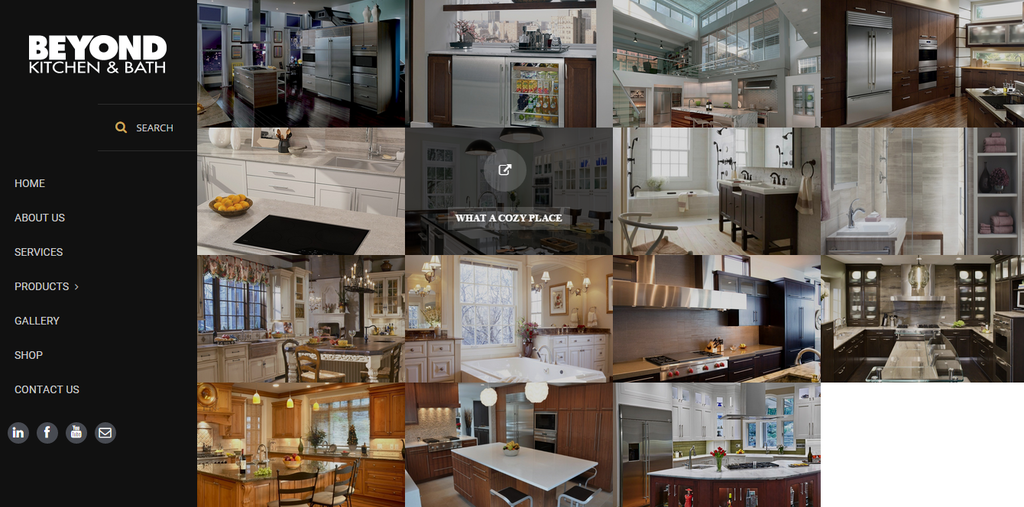
However when I open the website on a desktop I get the following:
http://i1340.photobucket.com/albums/o728/LibardoBarreto/cddf_zpswisdm5fs.png
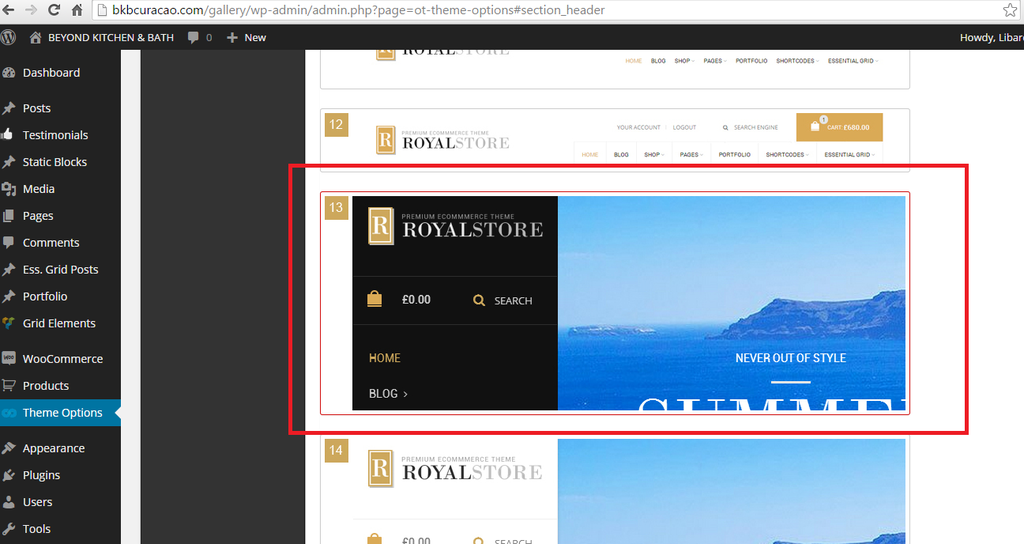
What I was referring to the Header Option is as follow:
http://i1340.photobucket.com/albums/o728/LibardoBarreto/sdfsdf_zpspxele8qo.png
What seems to be the problem which on the Desktop and the Mobile is showing two different Header settings?
P.S This option does NOT work when I active it ( Notify me of follow-up replies via email ). No e-mails is being send to me for notification in case the ticket is updated.
Thanks Eva. Do I need to do anything with respect to the Header #13 and #14 (Mobile)? Or the code above is for both request?
Hi Brian,
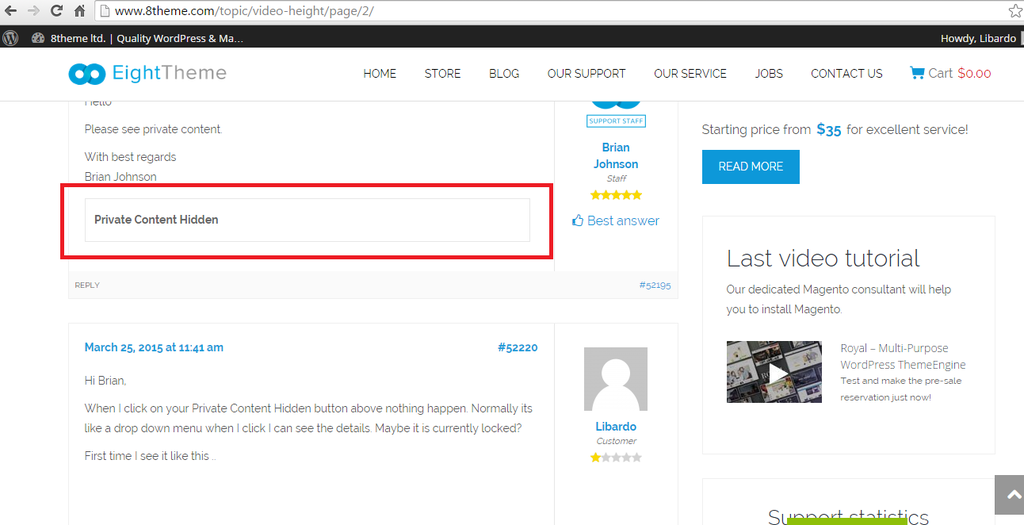
When I click on your Private Content Hidden button above nothing happen. Normally its like a drop down menu when I click I can see the details. Maybe it is currently locked?
First time I see it like this ..
Can you try again or provide the IP Address?
Hi Brian,
See in private
Hi Brian,
Have you tried to click on this link ( http://prntscr.com/6kss3y/ )? I dont see any error message…
I hope I dont have to wait 24 hours again for a response. Thank You Brian.
Is there anyone else able to help Brian? I’ve worked on other tickets as well with Robert or Eva .. but non confirm that they are unable to login. On the other hand I could have see that they made changes … so what seems to be the problem?
I am able to login on my PC on my laptop on my tablet on a different machine with firewall and different IP and still login using the same credentials provided to 8theme.
Hi Brian,
With WP-LOGIN. you are not able to enter. You will have to use WP-ADMIN.
All my post are reflecting WP-ADMIN. Also as mentioned in my previous post I was able to enter with the user provide by 8theme. Can you check on your end if anything is blocking? Your PC,Firewall,Antivirus etc..?
Hi Brian,
With WP-LOGIN you are not able to enter. You will have to use WP-ADMIN.
All my post are reflecting WP-ADMIN. Also as mentioned in my previous post I was able to enter with the user provide by 8theme. Can you check on your end if anything is blocking? Your PC,Firewall,Antivirus etc..?
Good Day Support,
Can you assist with a update?
Good Day Brian,
Have you tried to login via the following (See in private) to proceed with this ticket.?
PS. I have been repeating the same answer for all the post replies above. Are you receiving or able to read them?
Good Day Brian,
Have you tried to login via the following (See in private) to proceed with this ticket..?
PS. I have been repeating the same answer for all the post replies above. Are you receiving or able to read them?
Good Day Brian,
Have you tried to login via the following (See in private) to proceed with this ticket?
PS. I have been repeating the same answer for all the post replies above. Are you receiving or able to read them?
Hi Eva,
Just checking if you can provide the steps how to expand the image?
Hi Support,
Would it be possible to show me how to do this? Or is it something that you will be logging in shortly to make the changes?
Please let me knOw ..
Good Day Brian,
Please disregard the post created by me on March 20, 2015 at 4:42 am#51074. Please go ahead and proceed with the following:
– I’ve adjusted the width at the moment as it should for this space. However the black bar is still showing on TOP and BOTTOM of the video. Can you expand the video to the full in order to capture the width of this space?
Please visit the page (See In Private).
Good Day,
Just to add, I was able to login using the Test login credentials. Can you check on your end if there is something wrong?
Please let me know ..
Hi Eva,
Thanks I now see your reply. However I am trying to edit or make the changes to have it looks just like the picture below:
http://i1340.photobucket.com/albums/o728/LibardoBarreto/er5_zpssehskrik.png
I have colored the pictures in red which shows how would I like the first/second/third row width and height. Also I went true the options ( https://s3.amazonaws.com/fvd-data/notes/168674/1426867641-nlsPhD/screen.png ) you mentioned above but still does not see the width or the height changing.
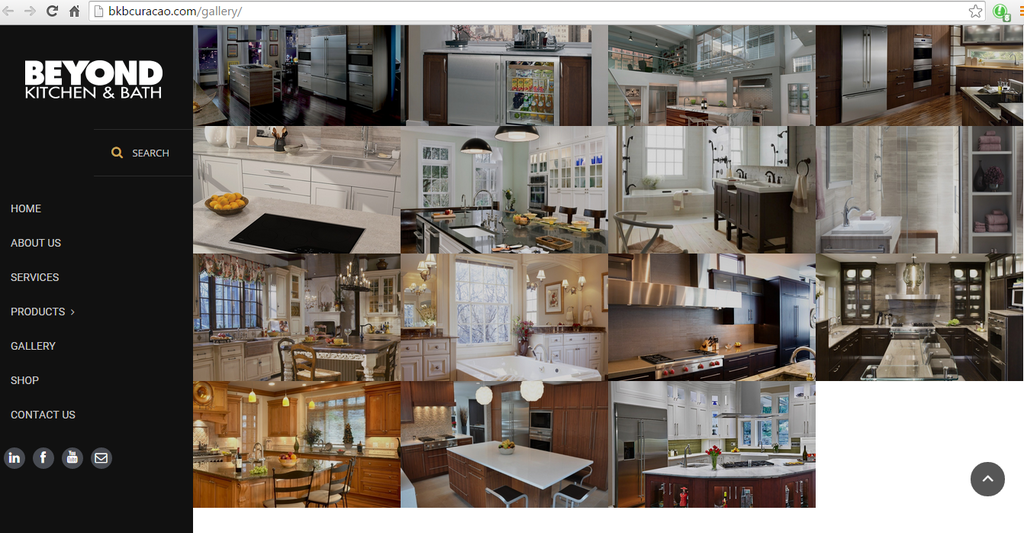
Still it shows as follow:
http://i1340.photobucket.com/albums/o728/LibardoBarreto/5tg_zpst2gr4p2q.png
Maybe can provide were exactly to change the height or width or do a sample of the first row and afterwards I will do the rest base on your instructions?
Hi Brian,
See in private posted on March 20th.
Good Day Eva,
Thanks for the confirmation. I was able to remove the padding values and seems a bit what I am looking for. However how do I expand the width of the black space a bit more? and also the image in the black space as colored in red? Please see below in private..