Ok no worries.
Thanks for your support!

Ok no worries.
Thanks for your support!
Hello,
Thanks for the fix it is working great! Brand filter and Pricing filter are working together. However know we noticed now that the Brand filter & Category filter aren’t working together. For example if we’re on the shop page again and we Filter by Brand it doesn’t filter only the categories related to that brand, it will show all categories.
How can we fix this?
Hello,
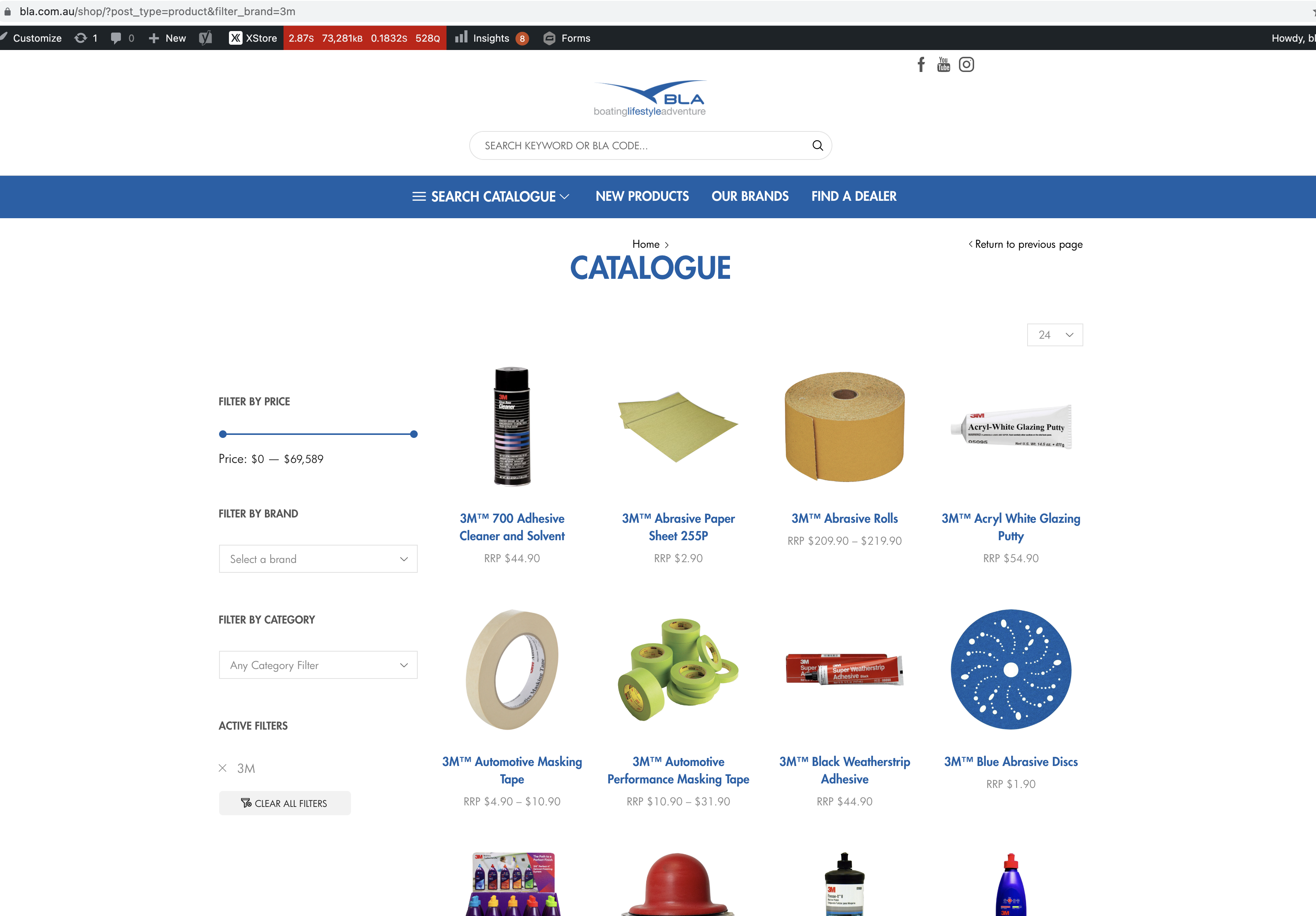
Thanks I followed your instructions. It works however it is a little buggy. I tested it again on bla.com.au. We notice that when filtering by brand it doesn’t filter the prices as well. For example if we are on the shop page and we filter by brand it will filter down by brand however the price range remains the lowest and highest price for the entire shop not just the brand. As you can see here https://bla.com.au/wp-content/uploads/2021/11/Screen-Shot-2021-11-17-at-10.57.17-am.png
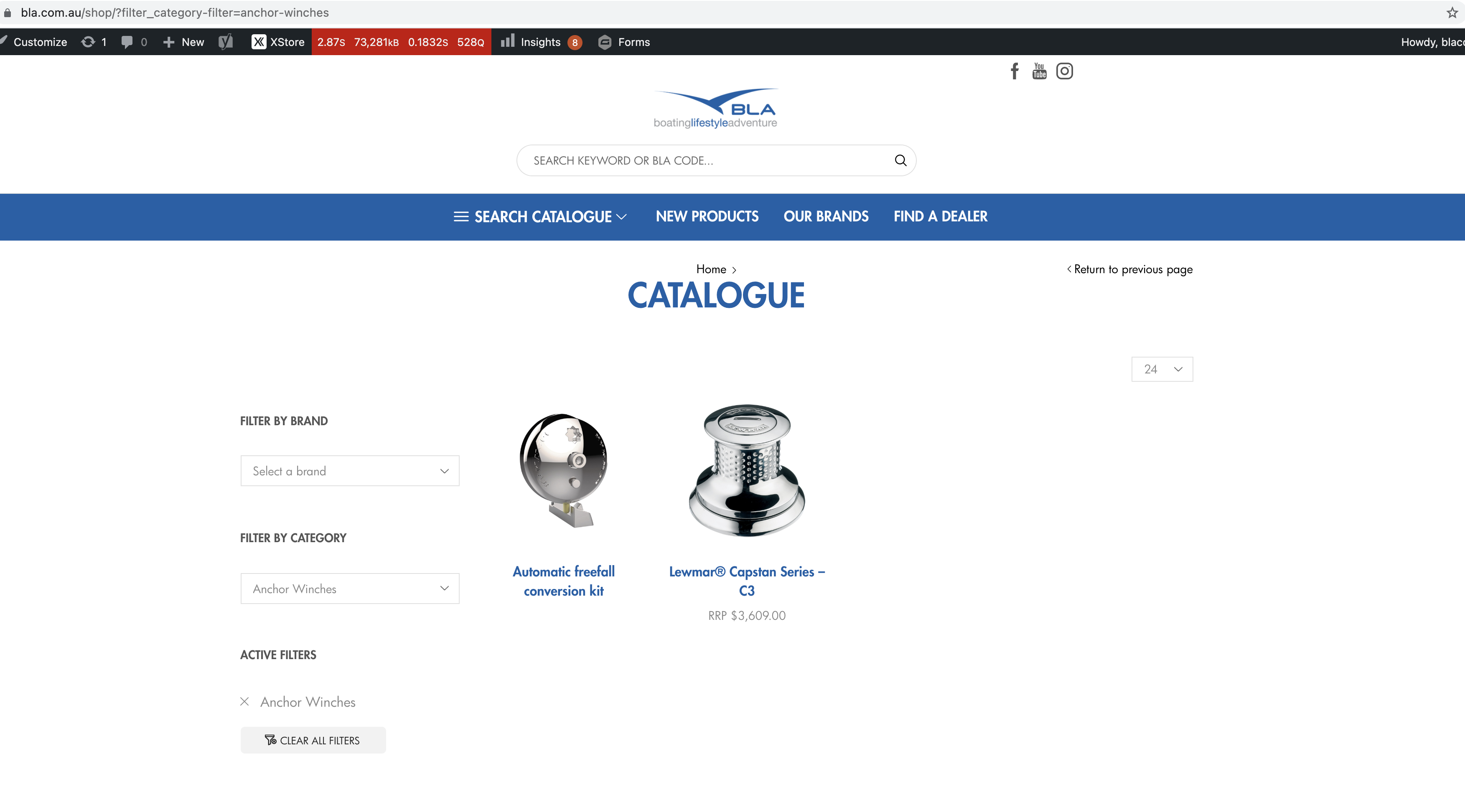
However it does work normally when filtering by category. Although we also notice that there’s a bug when filtering by category > Anchor Winches https://bla.com.au/wp-content/uploads/2021/11/Screen-Shot-2021-11-17-at-10.57.44-am.png
The price filter disappears. How can we fix these?
Hello,
Thank you! It’s perfect.
Can you please supply me the code so I can implement it on our other site bla.co.nz?
Hi,
Thanks for the widgets fix.
Not sure why FTP isn’t working. We have supplied the same details as all our previous tickets.
Do you have a estimate when the next update will be pushed?
Hi Rose,
Thanks for clarifying that up.
The logins provided are the correct ones. Please check the link i’ve sent you.
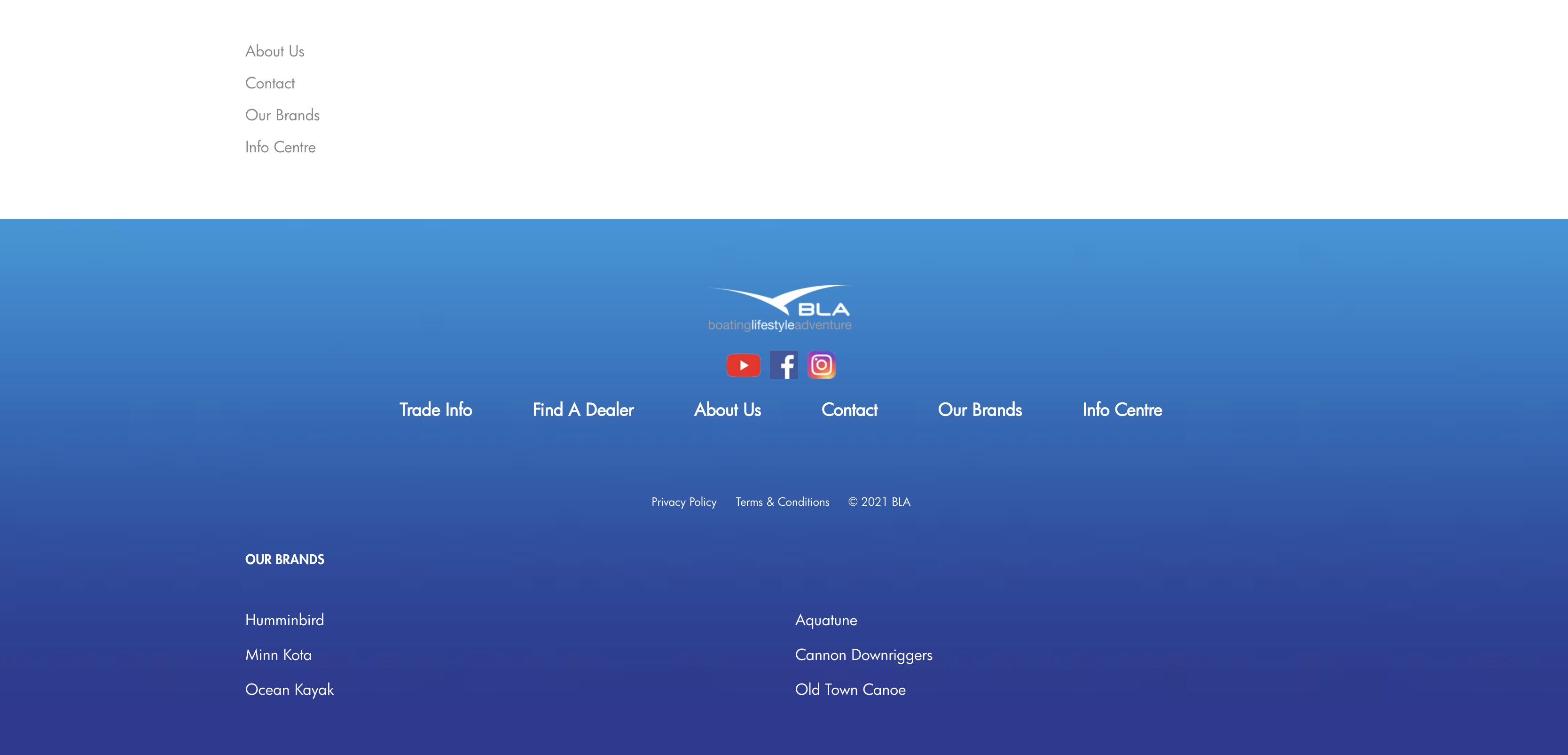
Also we noticed now that there are menus appearing in the footer area of our site. I have tried disabling them through theme options and the widget area however can’t find the button to do so. https://bla.com.au/wp-content/uploads/2021/11/Screen-Shot-2021-11-10-at-11.28.38-am.png
How can we fix this also?
Ok I’ve provided those for you.
All good I realise it was some custom js I wrote.
All good I realise it was some custom js i wrote.
Hi Rose,
I’ve tried that however it hasn’t resolved. I’ve deactivated all plugins except:
– GMAPS for WPBakery Page Builder
– Massive Addons for WPBakery Page Builder
– Slider Revolution
– WooCommerce
– WPBakery Page Builder
– XStore Core
Is there a way to contact Slider Revolution for support?
Awesome thank you, all working now!
Hi, just an update from previous message.
So we got it working fine pushing changes from staging to live. However we had to push the database aswell? So we are assuming some changes were saved to the database.
Could you please tell tell us what changes were made so we can implement them on our bla.co.nz website.
Thanks for the update.
The patch seems to be working fine on staging. However when we push the changes to live it is still the same issues?
How can we fix this?
Thank you
Awesome thank you very much!
Hi,
I didn’t do any changes to make the filters display the same for the bla.com.au. 8theme team implement those changes to the two files mentioned. I was just wanting to copy the changes to our other site bla.co.nz using those two files?
Hello,
How would I do this? I assume I would create the same folder structure as the parent theme and copy over xstore/js/ajax-filters.min.js? and function.php into the child-theme?
Also why when I did updates to bla.com.au the updates didn’t override any changes? The dropdown styles remained consistent in the widget.
Ok no worries.
Ok. I think we are talking about migration from staging to live then. I don’t think I’ve done any updates to the live site. Thanks for the clarification. Hopefully there can be a fix for it in the future.
Thanks for your reply. I’ve look through the documentation and we are updating as per instructions. It also happens when migrating files from staging to live. The fonts will need to be re uploaded for some reason. We are also using a child theme. Its been happening ever since we purchased the theme, probably a year ago. I thought it might resolve itself in future updates however it’s still ongoing. Would be nice to have this fixed in the future.
Cheers team, Thanks for the great support.
Greatest theme ever 🙂
Thank you it is working now.
Are you able to please provide the code and which files were changed?
Cheers
Thanks for the code snippet.
Initially it is working fine. However after making a selection and then clearing it, the ‘price filter’ dissapears? Also trying to select a category a second time it doesn’t do anything?
Is there more code we need to add?
Hi Rose,
Yes that did the trick.
Thank you very much I will clear the cache first after each update.
Cheers
Ok thank you very much you guys are great 🙂
Hello,
I just checked it’s working perfect now displaying normally thank you.
What caused the issue, could you please share how to fix it?
We actually have a duplicate site for New Zealand customers. We’re in the process of updating that site as well. bla.co.nz.
Hi sorry i just double check the password.
Hi,
Yes when we initially set up staging and migrated all the files we had to re-select all the font options before they were displaying correctly.
Hello,
Thanks for the update it all works perfectly!
Cheers for a great theme 🙂
Thankyou very much!
Best theme ever! 🙂