Hello
I believe i have already tried the options you provided. However this issue only happens with just the ajax product tabs.
Please contact administrator for this information.
devine721
Participant
June 2, 2023 at 01:11
Thank you for the response and assistance.
This request is done, i was able to complete my objective, thanks to your unwavering support. I am really pleased with the outcome and it was exactly what i had in mind.. Thanks for all the input and assistance. Regards.
devine721
Participant
June 1, 2023 at 01:55
Hello
I have not seen the effect of the product gallery opacity from my devices, and i have cleared all cache.
However, i would like to see the effect so that i can know if they are solid color as much as i want it to show.
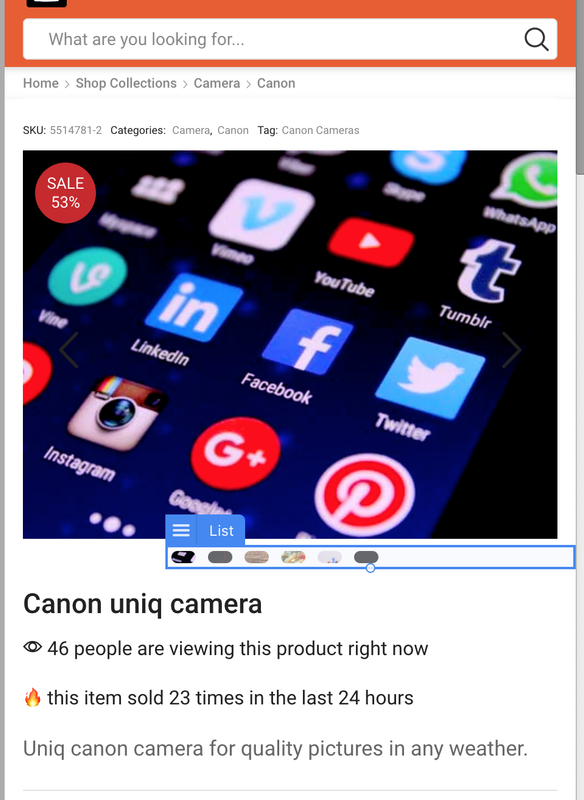
Also, i would need the css or code to have any selected product thumbnail (correlated with the displayed image) to show a highlighted color. i will place an example screenshot below. I want the product thumbnails image/dots to show like the one between the two red lines in the screenshot.
Regards.
I have add the first css to center the thumbnails and it was successful. However, the second css to make the color sharp was unsuccessful, and i need your help to complete it.
Additionally, it will be great to have the thumbnails to hover with color when the pointer is on it. And when the specific thumbnail is clicked it will stay active with the hover color.
Example: the thumbnail color is gray, and the hover color is black, and active color is black.
Regards.
devine721
Participant
May 27, 2023 at 04:05
Hello, thank you for your great input.
Thank you for the code, it has done some justice to my request.
But i would like to add some minor request to add to the code further.
I would like the thumbnails to be able to be aligned to the center of the main image display. And I would also like the thumbnails to be able to be colored (solid).
Please contact administrator for this information.
devine721
Participant
May 24, 2023 at 03:51
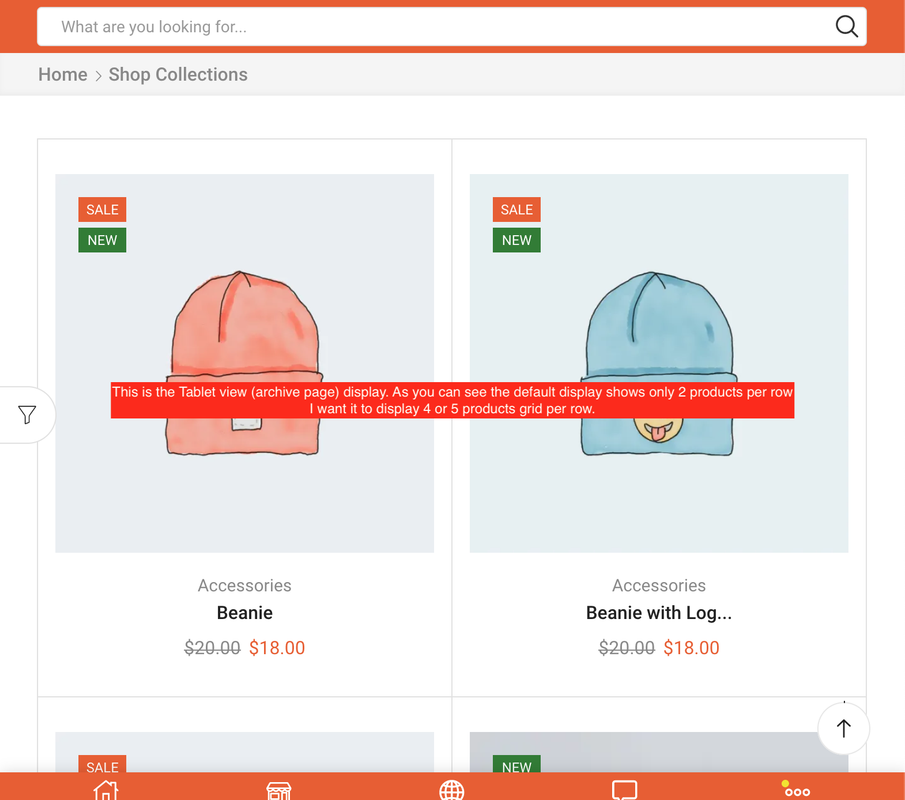
Hello, i have tried these 2 css and there is no change, the tablet archives is still showing 2 products column grid. And the tablet footer is not responsive.
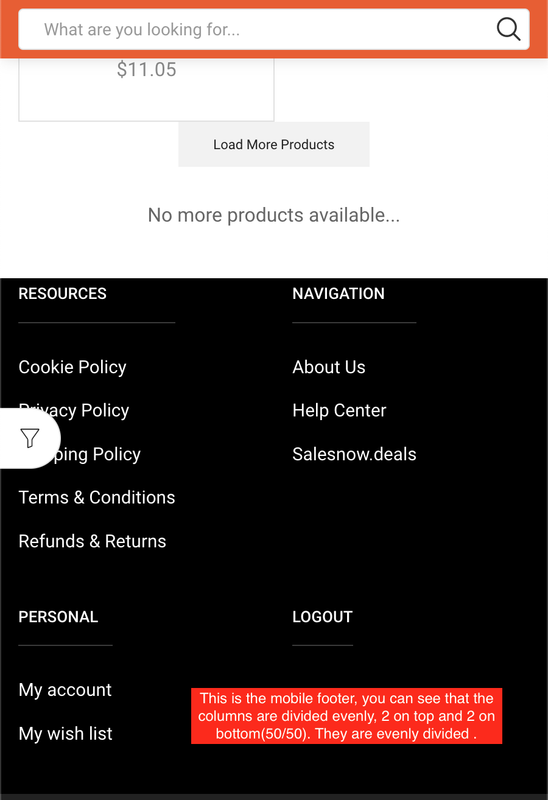
A few weeks ago, an agent of 8theme.com helped me to make my mobile footer widget to be responsive with this code:
Please i will be happy if you can solve these issue for me, especially the product grid display on tablet view.
devine721
Participant
May 24, 2023 at 02:20
Ok i understand that this request is not default on the theme, but i think its a good request to consider.
However, i will try this code and see how it can help.
By the way, is this code for the mobile version of the single product page?
I need the code for the actual single product page.
devine721
Participant
May 21, 2023 at 02:33
I want my tablet footer menu to display as equal columns on top, and on the bottom.
Please contact administrator for this information.
devine721
Participant
May 21, 2023 at 01:26
Hello i will post the link Here. But my request is simple to understand if you think about it.
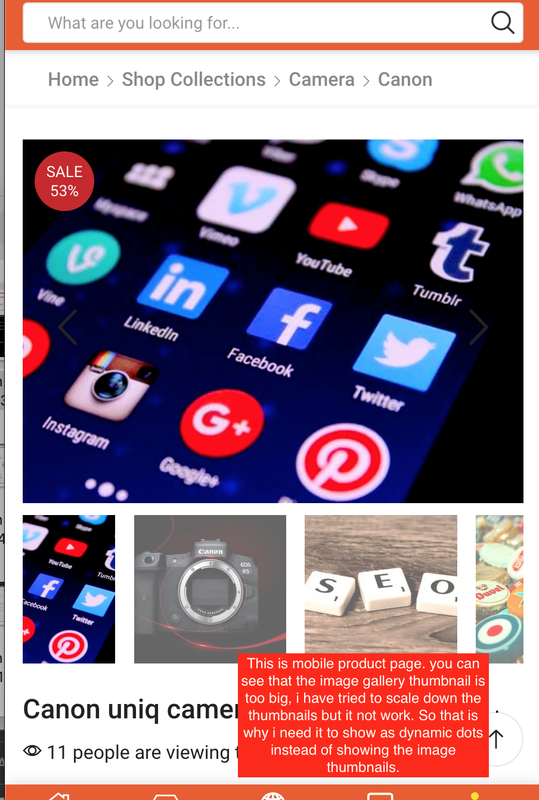
I just want my product image gallery (thumbnails) on the single product page to be able to display as dots, i have added a screenshot of an example similar to my request. I Only want this display for the mobile devices only.
I am looking into how to create a temporary admin account but for now this is the best i can describe my request. I just want to have dots (like the one in the screenshot) instead of the image gallery thumbnails.