Hello,
Yes, you can change the icon using this code:
.menu-icon::before {
content: "code_for_your_icon or path_to_image" !important;
}
Best regards,
Jack Richardson.
This topic has 104 replies, 5 voices, and was last updated 10 years, 4 months ago ago by Eva Kemp
Hello,
Yes, you can change the icon using this code:
.menu-icon::before {
content: "code_for_your_icon or path_to_image" !important;
}
Best regards,
Jack Richardson.
Thanks Jack. Normally which code can be use for this? For example is it a font awesome code or a different code that is used for the existing icon? Or maybe can direct me to a website where I see all the poasible codes/icons which can used?
Hello,
For example, the code mobile menu icon is:
.menu-icon:before {
content: "\f039";
font-size: 26px;
color: #a5a5a5;
font-family: FontAwesome;
}
You can change the code \f039 for other icon. The icons can be found at this link:
http://fontawesome.bootstrapcheatsheets.com/
Best regards,
Jack Richardson.
Thanks Jack.
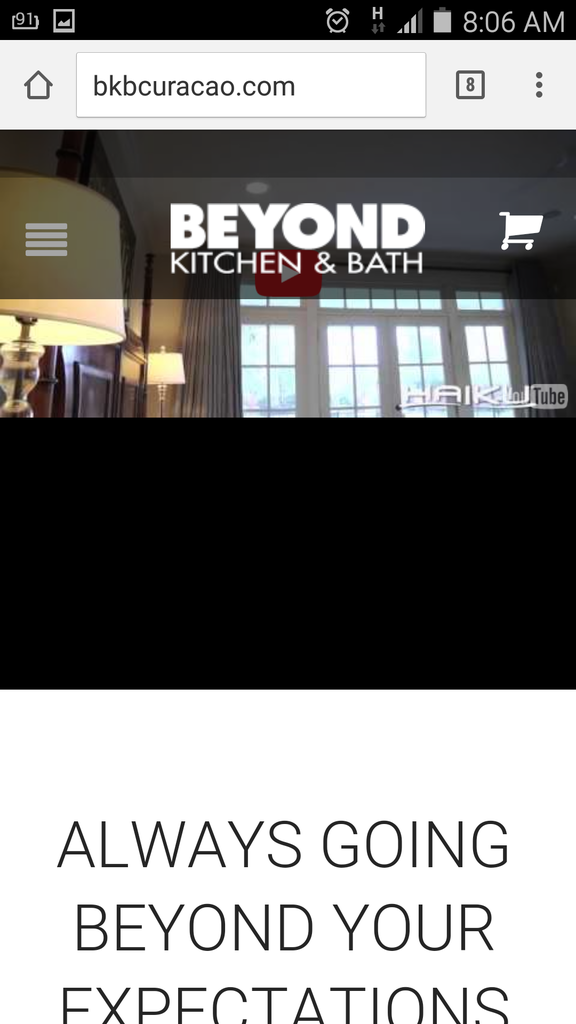
I have another question .. how do I stretch the video image to show without the black bars on the Mobile/Tablet? Currently when open the website on a mobile or tablet I see the black bars under the video which we would like for the video to show completely and that the clients can have the option to click on the Youtube icon to Play the video.
Thanks Jack.
I have another question .. how do I stretch the video image to show without the black bars on the Mobile/Tablet? Currently when open the website on a mobile or tablet I see the black bars under the video which we would like for the video to show completely and that the clients can have the option to click on the Youtube icon to Play the video.
Also I tried to add and (clear browser cache) the code to style.css but still the menu icon does not change. I’ve add the following into the style.css:
.menu-icon::before {
content: “.menu-icon:before {
content: “.fa-bars”;
font-size: 26px;
color: #a5a5a5;
font-family: FontAwesome;
}” !important;
}
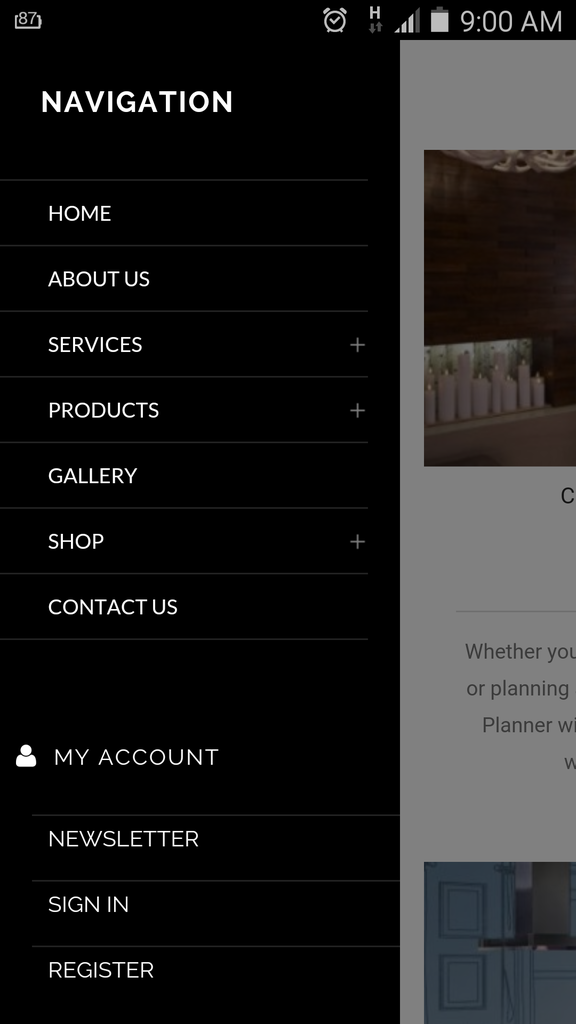
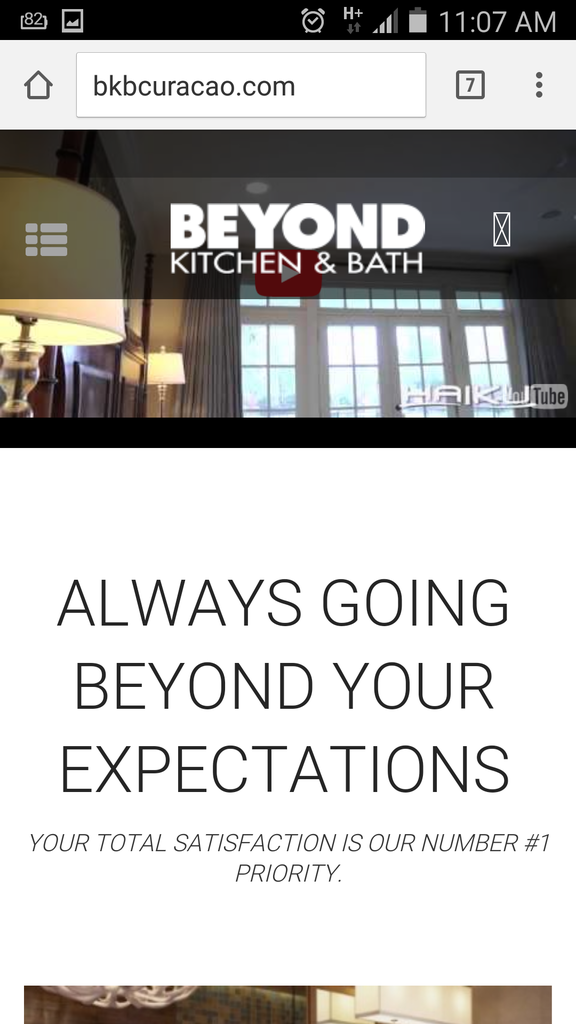
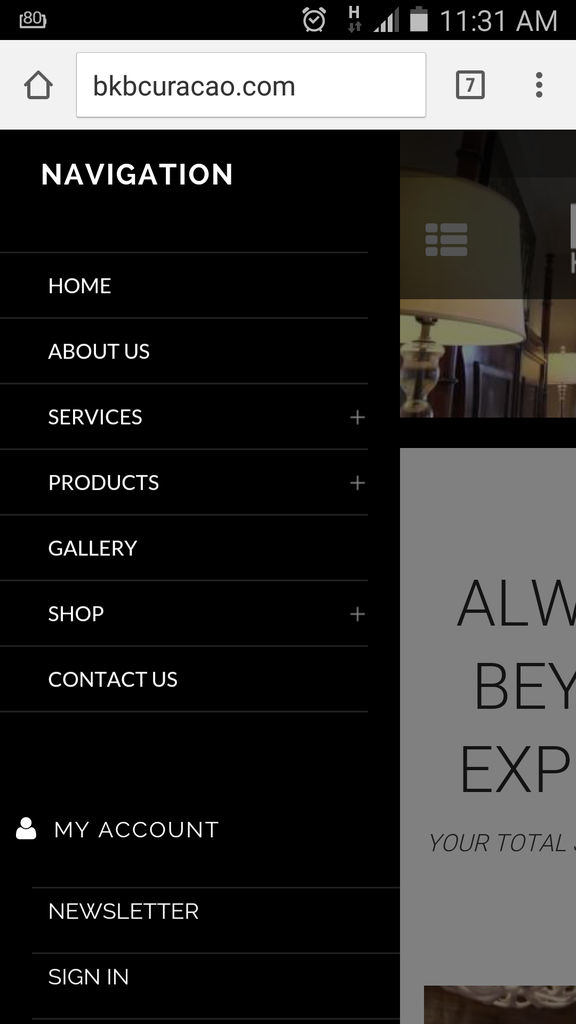
Ok .. so I manage to change the icon but when clicking on it does not show anything to illustrate how to close or go back from the menu to home page:
Can there be something which illustrates like a button to click to close the menu?
Also I am pending on the question below:
I have another question .. how do I stretch the video image to show without the black bars on the Mobile/Tablet? Currently when open the website on a mobile or tablet I see the black bars under the video which we would like for the video to show completely and that the clients can have the option to click on the Youtube icon to Play the video.
Hello,
As I see the icon is shown to close mobile menu:
http://storage2.static.itmages.com/i/15/0722/h_1437576862_3141280_ba1e4dc4e2.png
Regarding the video please add this code in child style.css:
@media (max-width: 480px) {.page-heading-slider .wpb_revslider_element {
height: 199px !important;
}}
Best regards,
Jack Richardson.
Hi Jack,
The code works indeed as should. However we would not want to shorter the video Height but would like for the video to show in the space fully cover without showing the black bars. Is this possible?
Hi Jack,
The code works indeed as should. However we would not want to shorter the video Height but would like for the video to show in the space fully cover without showing the black bars. Is this possible?
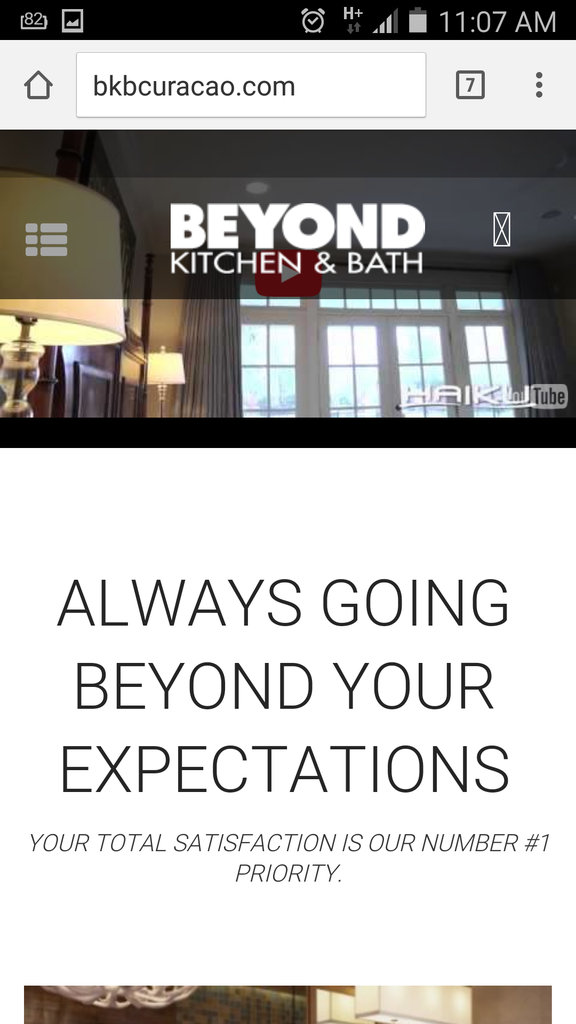
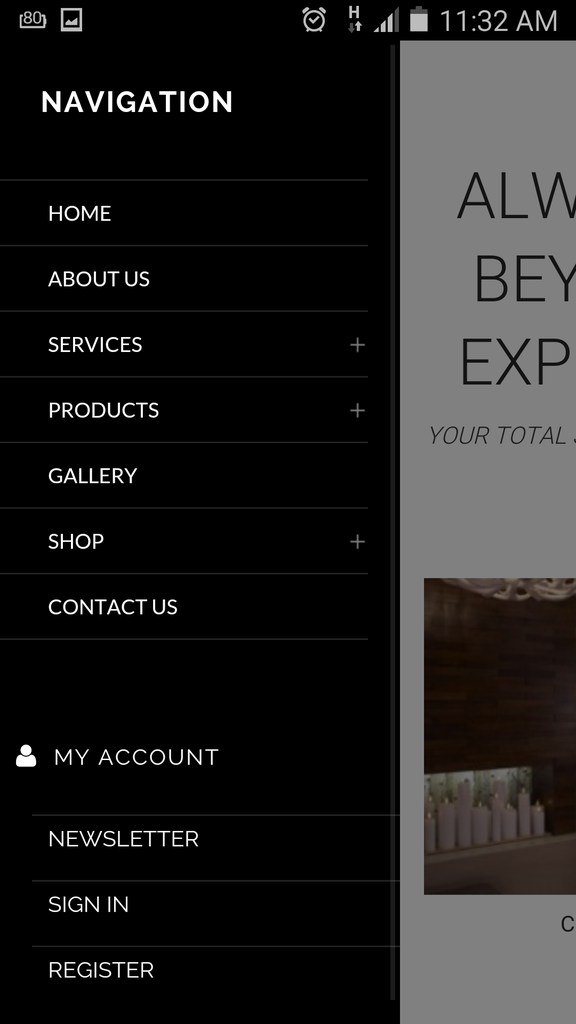
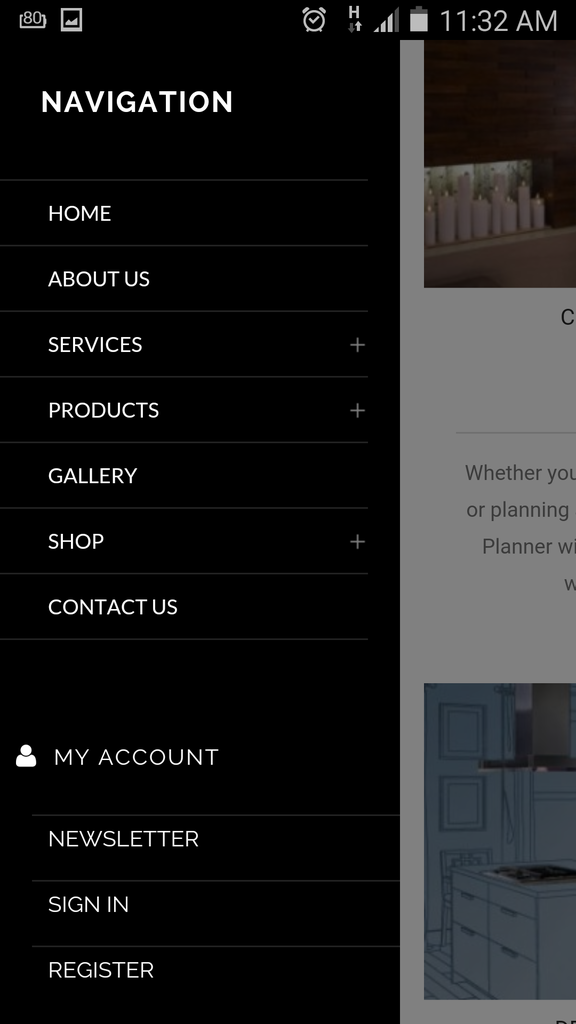
Also the Menu Icon does show when you click and when the menu is open. However the problem is when you scroll down and then click on the menu you dont see it again. Please check print screen shot below:
Please check and correct this.
Good Day,
Any update on this ticket?
Thanks..
Hello,
Concerning the video try to use this code in child style.css:
@media (max-width: 480px) {.tp-simpleresponsive .tp-caption {
height: 400px !important;
width: 700px !important;
}}
Unfortunately menu icon can’t be shown when scrolling as fixed header is hidden when mobile menu is opened. Sorry.
Regards,
Eva Kemp.
Hi Eva,
I tried the code for the video and it looks good.
However how come the old ICON which comes standard with the Theme is able to show? I’m referring to icon code \f039. I’ve just did a change from \f039 to \e116.
Is this not something that should be updated? Like this the clients wont be able to see where or how to close the mobile menu. Please consider and discuss internally for a solution this is something which would need to have for sure.. I’ve got so far 8 clients approach me with the same question and is not nice to receive more of these meanwhile the Theme should look nice for the client
I meant to say “\f00b” instead of “\f039
Hello,
The same thing persists with our default icon “\f039” too.
It’s not shown in fixed header when mobile menu is opened.
Please take our apologies but it can’t be done for fixed header.
Regards,
Eva Kemp.
You must be logged in to reply to this topic.Log in/Sign up