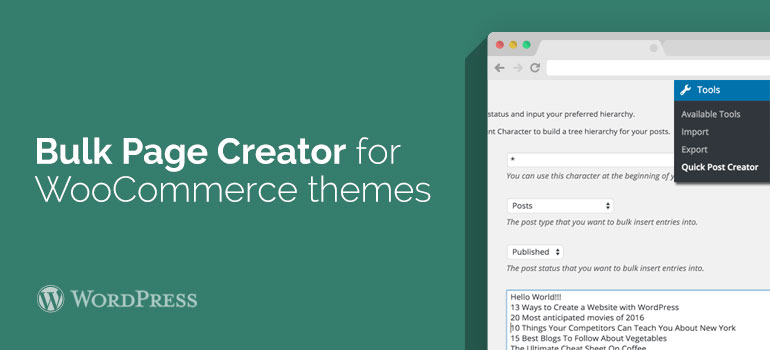
 Below, you define page status (published or draft), and you can enter for their specific content - in this drop-down list, select the item “Set Pages Content”. The truth in this case be a few pages is not clear in WooCommerce themes, because the text box to enter the content only one.
In general, Bulk Page Creator plugin properly doing its job, although visually it is not very lucid.
Below, you define page status (published or draft), and you can enter for their specific content - in this drop-down list, select the item “Set Pages Content”. The truth in this case be a few pages is not clear in WooCommerce themes, because the text box to enter the content only one.
In general, Bulk Page Creator plugin properly doing its job, although visually it is not very lucid.
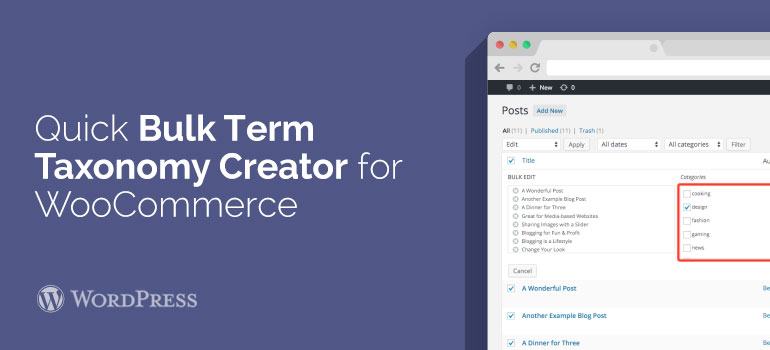 After installing and activating the module go to "Tools" section - Quick Term Creator. To add a category to choose WooCommerce themes in paragraph Taxonomy to Categories. Then put the list of new items in the form below (one per line).
The Taxonomy parameter except headings can also choose tags, categories of links, navigation menu and other taxonomies, if they are installed on the site. Alas, the creation of custom menus based on a hierarchy did not work, but for labels and headings all happened.
After installing and activating the module go to "Tools" section - Quick Term Creator. To add a category to choose WooCommerce themes in paragraph Taxonomy to Categories. Then put the list of new items in the form below (one per line).
The Taxonomy parameter except headings can also choose tags, categories of links, navigation menu and other taxonomies, if they are installed on the site. Alas, the creation of custom menus based on a hierarchy did not work, but for labels and headings all happened.