 <? php
add_filter ('default_content', 'custom_editor_content');
function custom_editor_content ($ content) {
$ content = '
<div class = "content-col-main">
This is your main page content
& nbsp;
</ div>
<div class = "content-col-side">
This is your sidebar content
& nbsp;
</ div> & nbsp; & nbsp;
';
return $ content;
}
?>
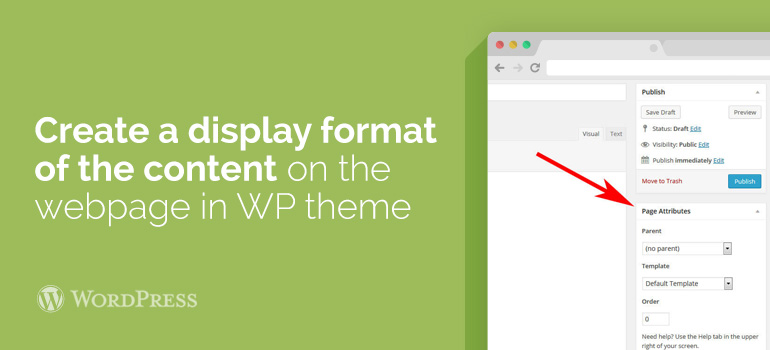
This basic pattern will appear each time you create a new post or page on your blog with WordPress templates. And so we now have a basic template with multiple columns, which is immediately displayed in the editor posts. You can return to the previous step and edit the file default_content and editor-styles.css, to get the visual style that you need - use this technique’s style setting to create your own design templates for content.
<? php
add_filter ('default_content', 'custom_editor_content');
function custom_editor_content ($ content) {
$ content = '
<div class = "content-col-main">
This is your main page content
& nbsp;
</ div>
<div class = "content-col-side">
This is your sidebar content
& nbsp;
</ div> & nbsp; & nbsp;
';
return $ content;
}
?>
This basic pattern will appear each time you create a new post or page on your blog with WordPress templates. And so we now have a basic template with multiple columns, which is immediately displayed in the editor posts. You can return to the previous step and edit the file default_content and editor-styles.css, to get the visual style that you need - use this technique’s style setting to create your own design templates for content.
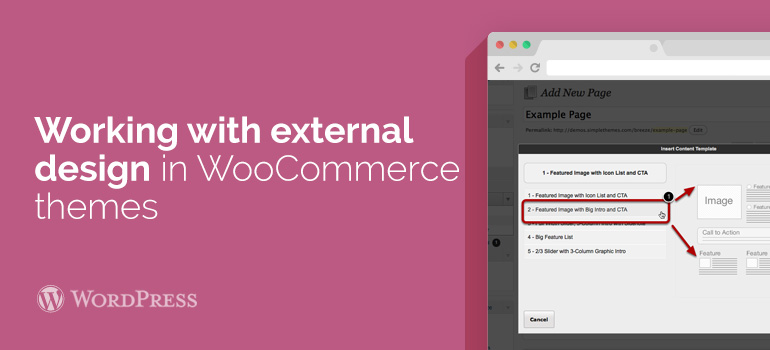 Why to create content templates for the page view for a single post? There are a lot of options. As for the static template pages, you can use different accounts (for example, records of different headings) to create your own content templates for WooCommerce themes. For example, to connect different Sidebars, add files to an additional output code of advertising banners. There are many different options. It is only necessary to include fantasy and think about how to extend the functionality of your site. And create templates for different accounts is a significant step in this direction.
Ask your questions related to the use of WordPress themes and WooCommerce templates, by means of the user forum and the Tech Support of 8Theme.
Why to create content templates for the page view for a single post? There are a lot of options. As for the static template pages, you can use different accounts (for example, records of different headings) to create your own content templates for WooCommerce themes. For example, to connect different Sidebars, add files to an additional output code of advertising banners. There are many different options. It is only necessary to include fantasy and think about how to extend the functionality of your site. And create templates for different accounts is a significant step in this direction.
Ask your questions related to the use of WordPress themes and WooCommerce templates, by means of the user forum and the Tech Support of 8Theme.