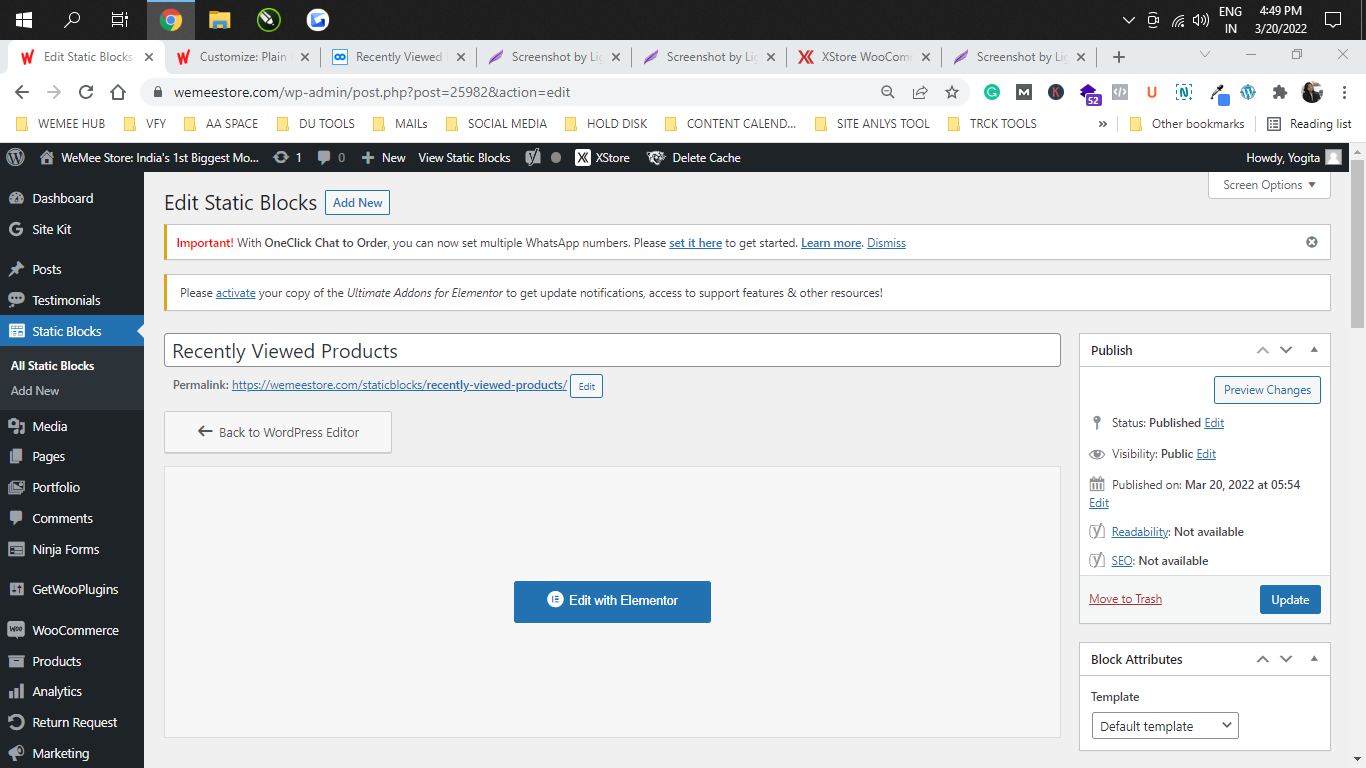
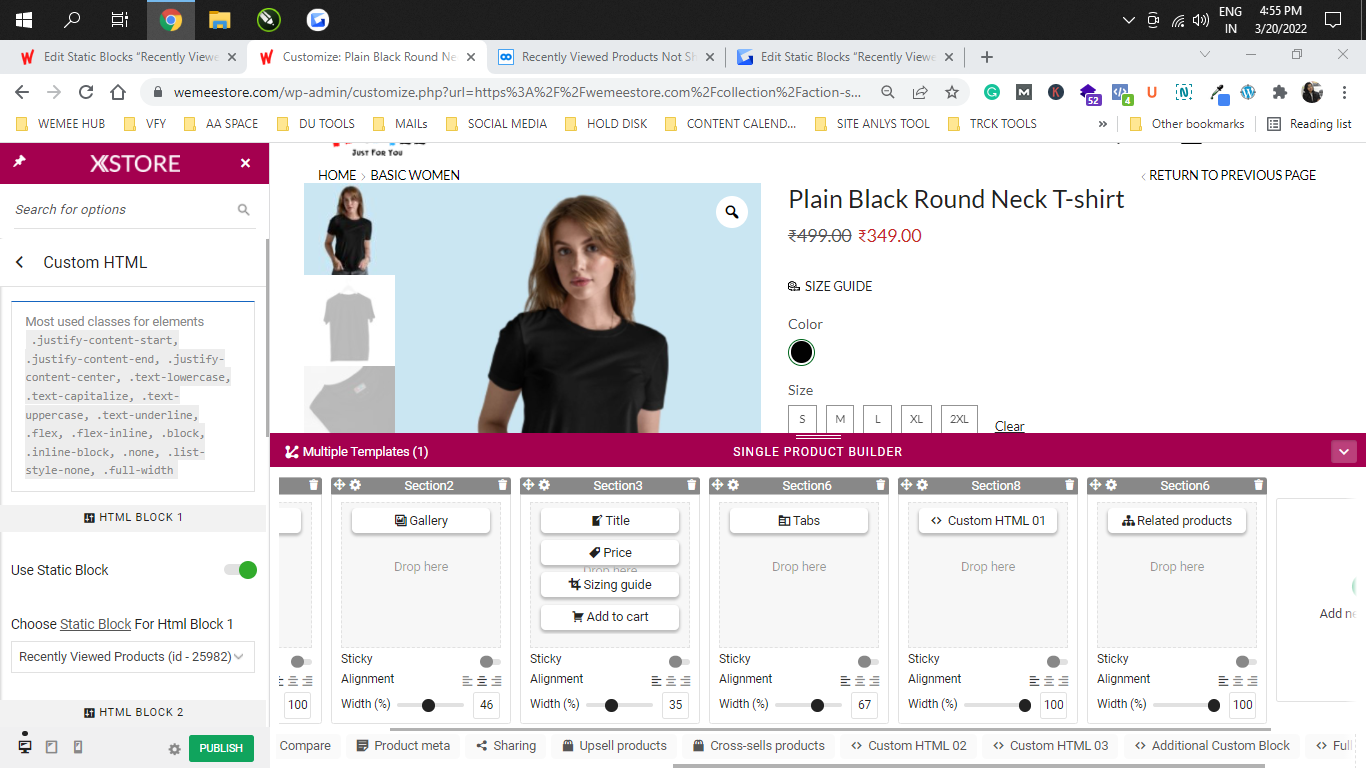
what to add in it to view those products.
kindly answer briefly.
Thanks
WeMee Store
Participant
March 20, 2022 at 07:31
Ok we now got your point, thanks for the help.
1) But tell me how to edit the category page layout and design, I want to design that page according to me.
2) Also, how to add banners in the breadcrumbs area such that it will look proper in both mobile and desktop view
3) What is the use of custom sidebars then and where and how to use it kindly specify.
Thanks
Please contact administrator for this information.
WeMee Store
Participant
March 17, 2022 at 23:08
1) I understand that its required to set that page, but our issue is we don’t have a single page to show all the products. We have made different pages according to categories and each category have different products listed we cannot mix them into one, check-in the screenshot below.
2) Now, the filters that I want to add are visible on the page that I set as the shop page, for e.g., I set the DESI MOTIVATION page as SHOP PAGE & added filters to it, then they are visible from SHOP SIDEBAR, but the same filters are not visible on any other page apart from SHOP.
3) We need to add all these filters in our category pages as shown in the above screenshot, kindly let me know how I can add a sidebar to all these pages, I tried using a custom sidebar for that but still, filters are not visible.
4) Again one unnecessary search bar is visible on our site, I am not able to remove it and I don’t know from where it got activated. Kindly remove that. Check the below screenshot for reference.
Kindly help me to bring a sidebar on the pages apart from the shop page set because I can’t set only one page there.
Please contact administrator for this information.
WeMee Store
Participant
March 17, 2022 at 12:00
Hello team,
Actually why it is creating confusion is because we have named our home page as shop page and that screenshot was of the homepage only. We don’t want to enable the sidebar on the homepage but we want to show it on the pages where we have listed our products i.e., the categories page like the YOUTH MOTIVATION, DESI MOTIVATION, etc.
Now, the issue which we are facing is we have tried to enable sidebar the sidebar on these pages, we have tried with shop sidebar and custom sidebar as well and now we tried with the main sidebar.
First we go to edit page>> 8 theme layout options>> sidebar position>>left>> widget area>> main sidebar/custom sidebar>> and sidebar width>> inherit
so on that page, a sidebar blank area is created but widgets that I add into that sidebar are not visible, but only categories and search widget are visible, we tried enabling attributes filter but it’s not visible, we enabled ajax filter, still not visible.
When the page is opened in the customizer, the edit options in a pencil shape appear but nothing is visible. Even the categories filter when applied doesn’t show any categories in the dropdown.
Below I have attached videos for your reference to more clearly understand what I want to say or ask you. All that we want is to enable a sidebar on our product category pages.
Please contact administrator for this information.
WeMee Store
Participant
March 16, 2022 at 06:58
could you please reply
WeMee Store
Participant
March 14, 2022 at 16:05
We have already checked all the settings and are the same as you are saying, check it here https://nimb.ws/4neMdw
And the change which I mentioned was about any changes on our website design just for example I need to change my product page look, add some filters on the page or simply edit the header of website, those changes are not visible on our site.
Also the sidebar changes as well.
Please contact administrator for this information.
WeMee Store
Participant
March 14, 2022 at 09:30
I have checked that all the options are ON, and in widgets ajax preloader is also checked. My problem was that the widgets which I have selected are not showing up on the woo commerce category page.
The blank area which I am talking about is shown in the below screenshot https://nimb.ws/dsKiXF
It’s showing Only one widget, the rest of them are not showing.
Can you please help me out with how can I add sidebar on to my Woo Commerce category page?
One more issue is that whatever changes we are making on our dashboard is not visible quickly on the frontend, we have cleared all the cache files from the dashboard and from CDN as well. Also, we are working by keeping development mode ON from CDN, still, the changes are not reflected.
Kindly answer all my queries and please help.
Please contact administrator for this information.