Hi Eva,
The Kohler page is not showing good on the Mobile:
Can you please check if there is anything missing or wrong on the page?

Hi Eva,
The Kohler page is not showing good on the Mobile:
Can you please check if there is anything missing or wrong on the page?
Good Day Eva,
I noticed on our website the image is not showing as the cone of 8theme website. On our website is showing like this:
And on the 8theme website is showing like this:
IS there a way to adapt mobile and tablet to show as the 8theme website? You can see at the 8theme website is adapt as the Mobile version or Tablet version.
Let me know ..
ITEM 10
How to only set certain posts to view on the gallery page? Right now I only would like for Category Gallery to be viewed on the Gallery Page. However the other post are also showing. Can these be removed or hide?
http://i1340.photobucket.com/albums/o728/LibardoBarreto/frtewtr_zpstlkdezf5.png
Good Day Eva,
=========================================
ITEM 1 + 3
I have read the article but still the button is not showing the Read More .. Option on the articles.
http://i1340.photobucket.com/albums/o728/LibardoBarreto/fsdfsdf_zps5motb0ay.png
=========================================
ITEM 2
I’ve add the code and is looking like we wanted it
=========================================
ITEM 4
I have looked for this code and found it and delete it. However when I open the page bkbcuracao.com/gallery2 the page was showing blank. So I set the code like it was before. Can you have a look what can be done if the full code (php the_author_posts_lin) needs to be removed or something else? You can find all these codes in the Custom css file :
/*BLOG PAGE*/
.wp-picture img {
height: 180px !important;
}
.meta-post::after {
display: none !important;
}
.wp-picture .btn_group a {
display: none !important;
}
/*BLOG PAGE*/
=========================================
ITEM 5
I’ve add the code and is looking like we wanted it
=========================================
ITEM 6
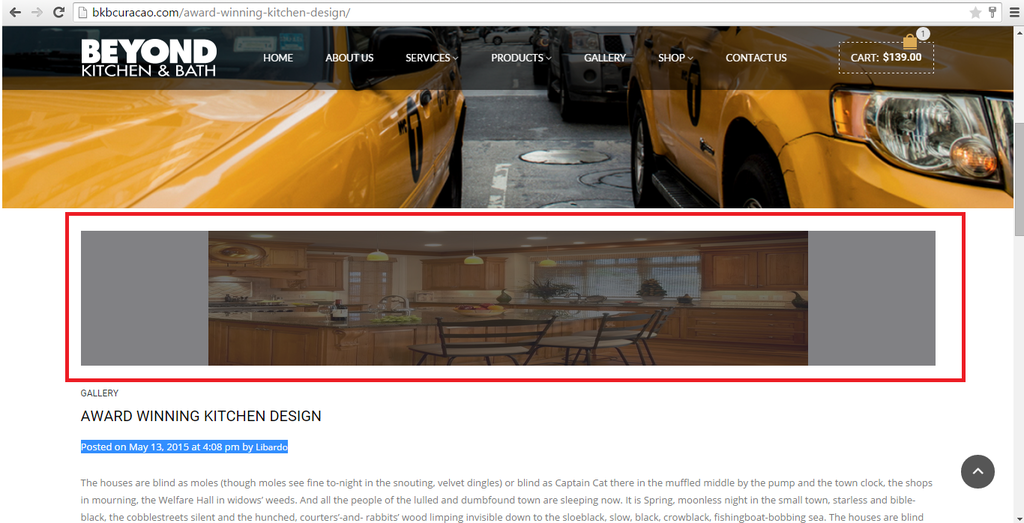
I have only the option to click on the post and not the image. We can leave it like this. However when I click on the post the image is compressed and is not align to Left. IS there a way to set the image dimensions like we want?
http://i1340.photobucket.com/albums/o728/LibardoBarreto/5gfdfg_zpsdculct5h.png
=========================================
ITEM 7
When I open the bkbcuracao.com/gallery2 it does not show the correct transparent header as the rest. This is only viewing when I scroll down. Can you please fix this part?
http://i1340.photobucket.com/albums/o728/LibardoBarreto/header%20style_zpsv254xkoo.png
=========================================
ITEM 8
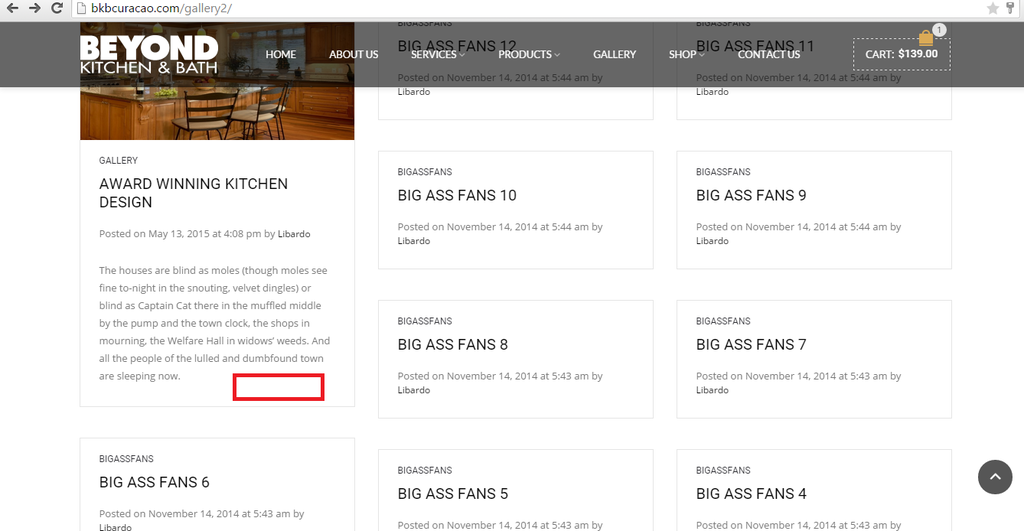
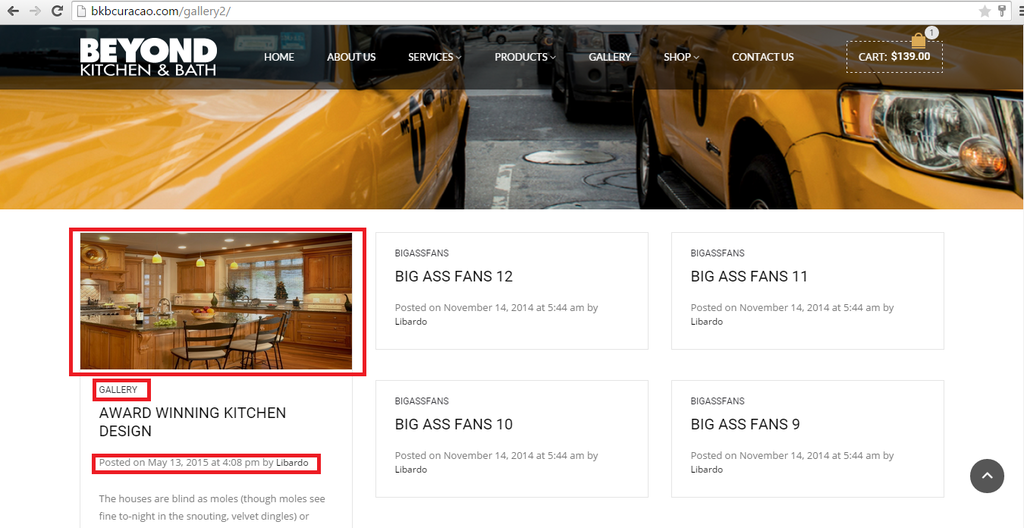
Is there a way to hide the category name and also this text ( Posted on May 13, 2015 at 4:08 pm by Libardo )
http://i1340.photobucket.com/albums/o728/LibardoBarreto/3343_zpsfsg6qsor.png
=========================================
ITEM 9
IS there a way to make the width bigger?
http://i1340.photobucket.com/albums/o728/LibardoBarreto/rgdsg_zpsxd7pxl5c.png
=========================================
Hi Eva,
I’ve tried this already which is why I am asking how come the Revolution slider is not showing.
Right now is set to Revolution Slider but still showing like this:
http://i1340.photobucket.com/albums/o728/LibardoBarreto/REGISTER_zpsoq2gvwlm.png
I tried on Apple 6 and Samsung Galaxy s5 and got the same issue when clicking on the image next to the menu.
Hi Eva,
I’ve tried to add this code in the custom css file but still not working as should:
.login-link .login-popup input[type=submit]:hover {
background-color: black;
}
Hi Eva,
In addition to my reply in #63742 Is there a way also to :
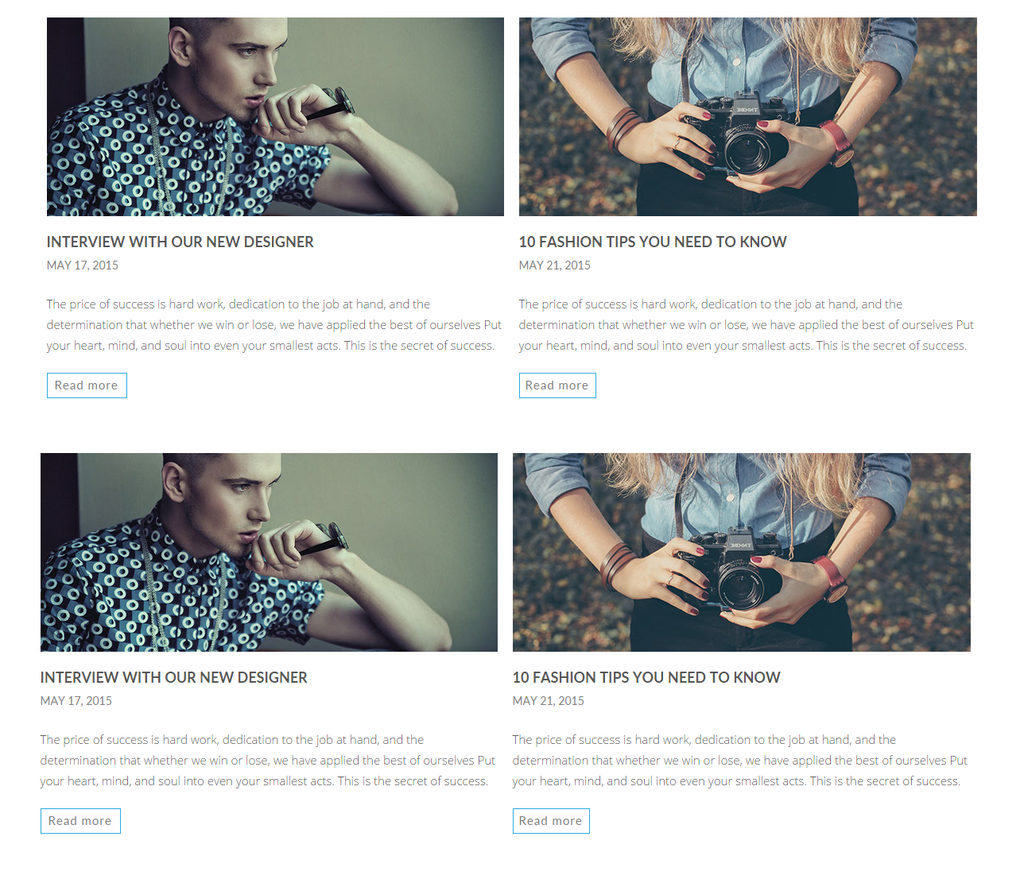
ITEM 1.) Add a Read More button just like in this picture:
http://i1340.photobucket.com/albums/o728/LibardoBarreto/4556_zpsnxhabu3g.png
ITEM 2.) Is there a way to have the image dimensions just like this picture:
http://i1340.photobucket.com/albums/o728/LibardoBarreto/4556_zpsnxhabu3g.png
ITEM 3.) Is there a way to shorten the text for not to show all?
For example in each post I would like to have this amount of text and the rest can read when click on Read More Button.
Text:
The price of success is hard work, dedication to the job at hand, and the determination that whether we win or lose, we have applied the best of ourselves Put your heart, mind, and soul into even your smallest acts. This is the secret of success.
ITEM 4.) Is there a way to hide who last update the post and leave only the Month/Day/Year? Right now is showing as follow >> Posted on May 13, 2015 at 4:08 pm by Libardo <<
ITEM 5.) Is there a way to remove the line ( —— ) underneath this >> Posted on May 13, 2015 at 4:08 pm by Libardo <<
ITEM 6.) When I click the Image or Post it will take me to a page for example this one (http://bkbcuracao.com/award-winning-kitchen-design/) is there a way to disable the option for the image to View Large and align the image to Left?
Hi Eva,
Thanks. Where can you change the “Mosaic” layout to something else? Is there a way to only view certain post for the Gallery Page?
Ok thanks so was there any other CSS code which had to be removed or so?
Hi Eva,
I found some additional points to look into it:
ITEM 1.)
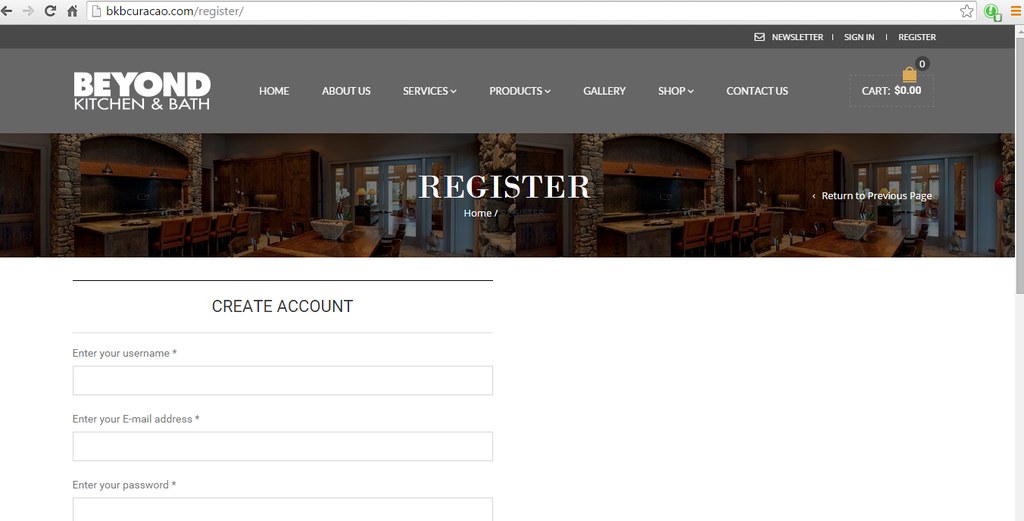
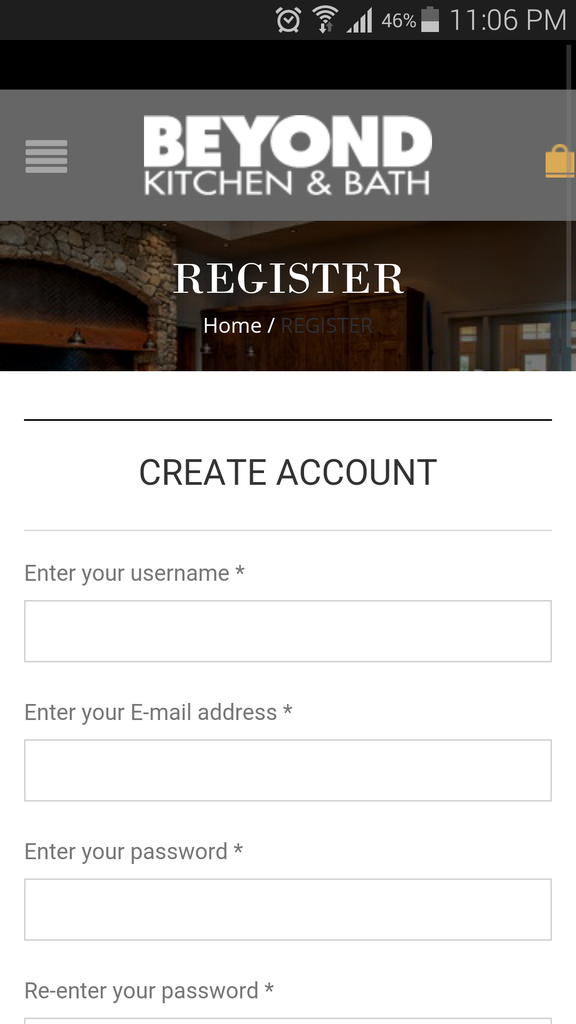
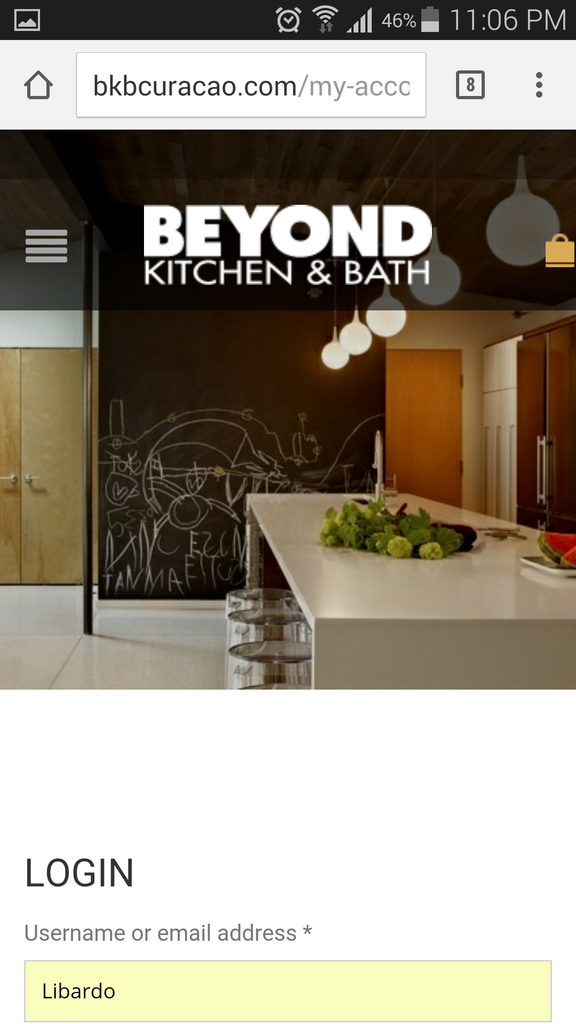
At the moment when I click on Register button which will take me to the Register page on the Mobile Version I noticed that it does not capture the header style as the My Account page. Also it seems to have text in the middle of the image which we would like for this to be removed. See below:
Register Page:
http://i1340.photobucket.com/albums/o728/LibardoBarreto/Screenshot_2015-05-12-23-06-07_zpsgse3y4i1.png
My Account Page:
http://i1340.photobucket.com/albums/o728/LibardoBarreto/Screenshot_2015-05-12-23-06-32_zpsarvytaxy.png
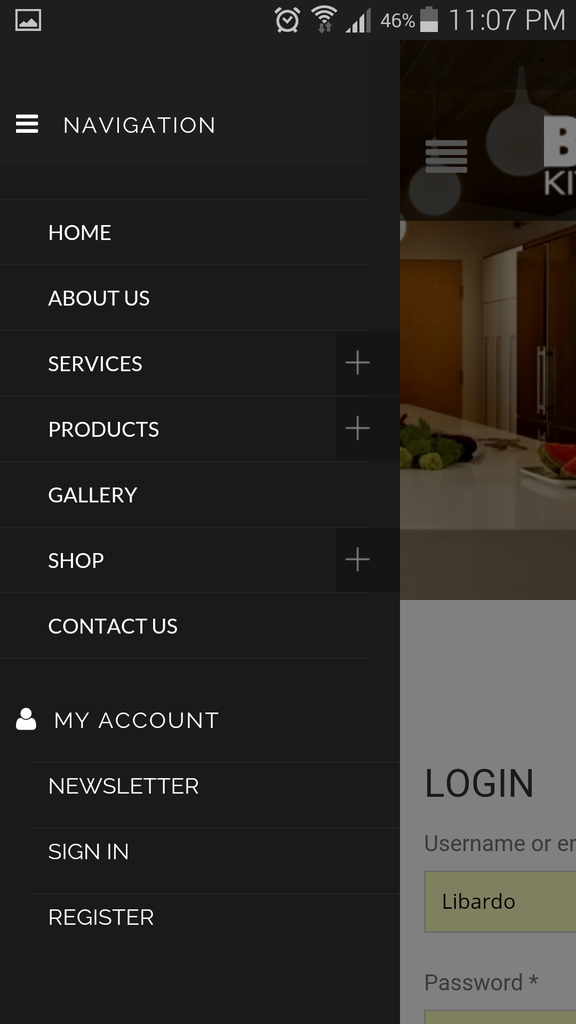
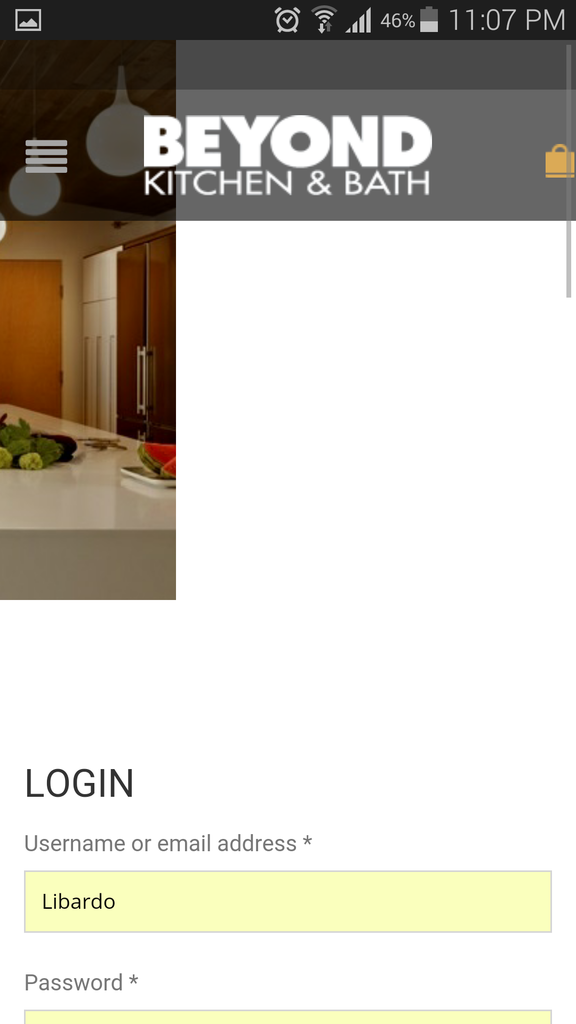
ITEM 2.) When I click on the open menu on the Mobile Version I get to see all the menus which I can have access to, however when I click on the revolution slider image next to the menu the screen does not adapt automatically back as it was before
Hi Eva,
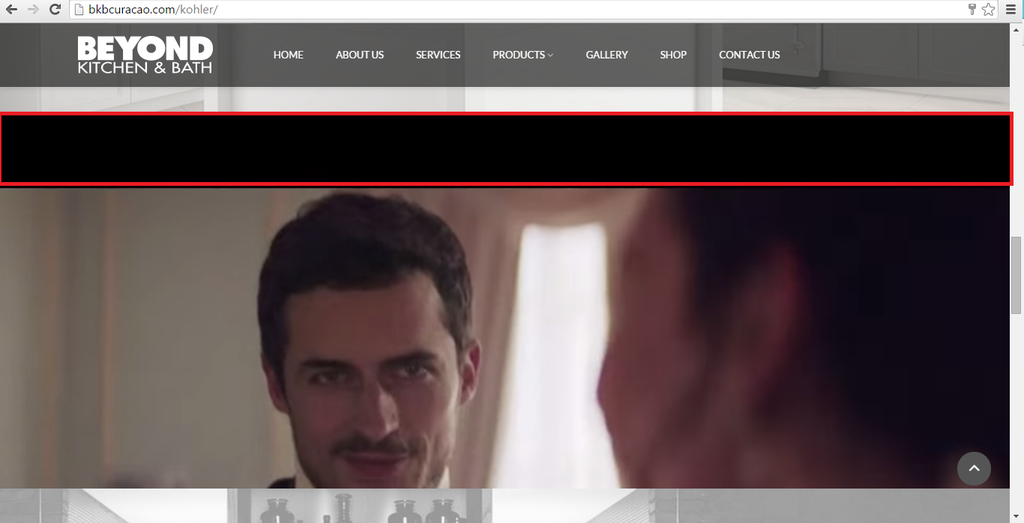
I was referring to this on the Kohler Page:
http://i1340.photobucket.com/albums/o728/LibardoBarreto/vvv_zpslciugluu.png
Also was not sure which code was added before by 8theme for this video to work as should. Which is why I ask to remove these.
Hi Eva,
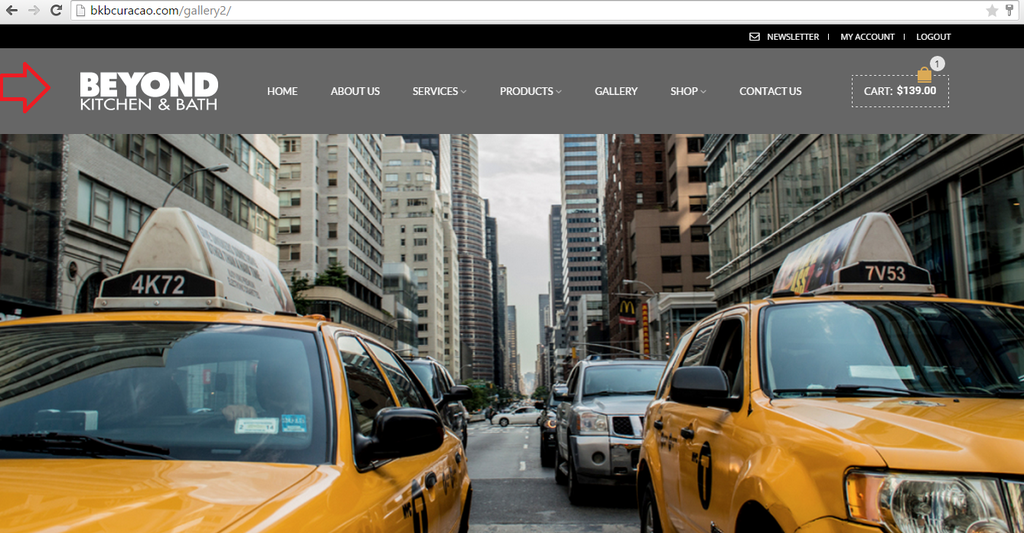
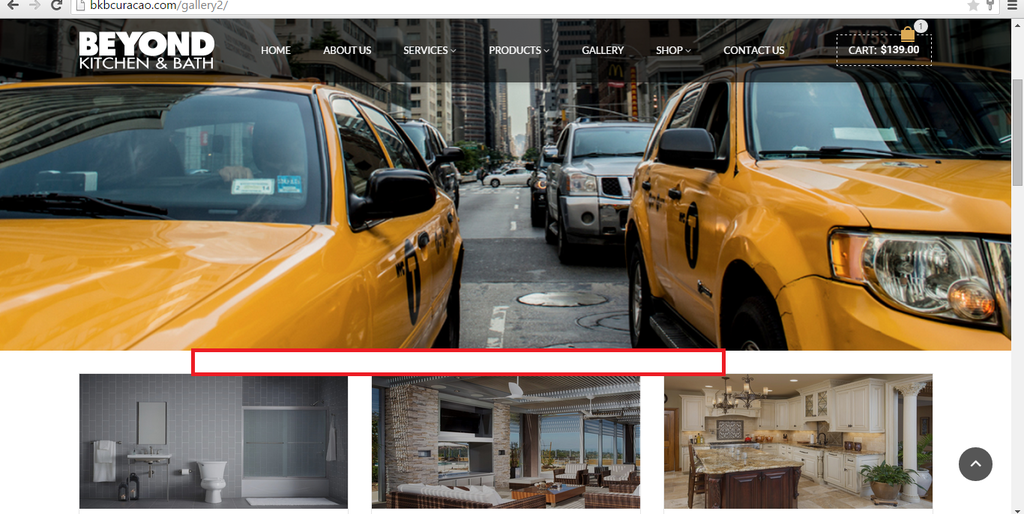
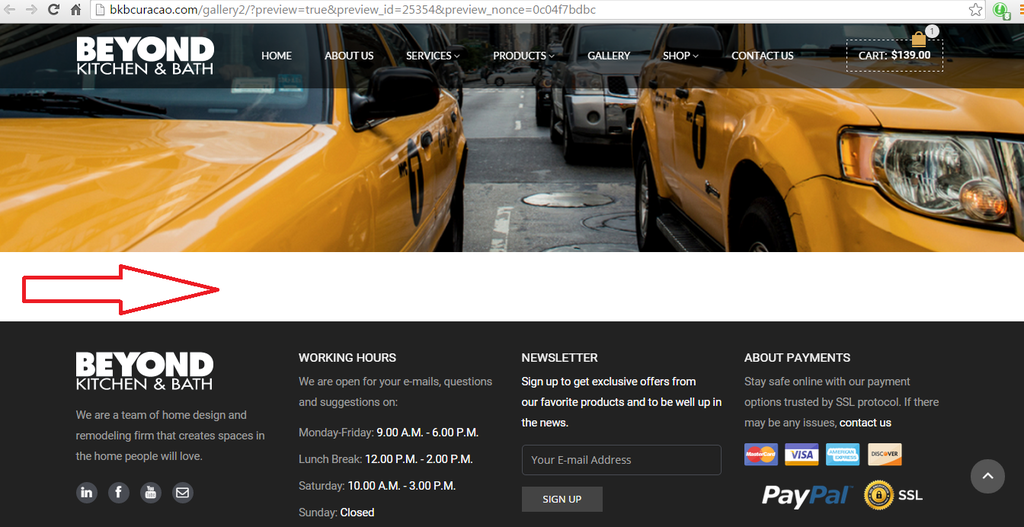
That is correct. Gallery 2 page does not have any image. What we would like is to have this :
http://i1340.photobucket.com/albums/o728/LibardoBarreto/4556_zpsnxhabu3g.png
In the white space where the Red arrow is showing:
http://i1340.photobucket.com/albums/o728/LibardoBarreto/ggg_zpswgxb2m5y.png
Can you add the same for us?
Hi Eva,
Thanks … I now see your code 🙂 let me check the one for the e-mail.
CREATED BY <i class=”fa fa-cog fa-spin”></i> LB DESIGNS
Good Day,
When clicking at the footer link ( Created By LB Design ) it does not take me to google as it is set at the moment in the widget options.
http://i1340.photobucket.com/albums/o728/LibardoBarreto/footer_zpscasikrn7.png
Can you check for me how come? And fix this to be temporal to google.com?
In case would like to link this text to a e-mail is this possible? If so how to do this?
Thanks..
Good Day Support,
Our gallery page we are looking to make it as a blog page now instead of the show all the images. The Gallery Page is currently parked here: bkbcuracao.com/gallery2
We would like to have the blog looks like this :
http://i1340.photobucket.com/albums/o728/LibardoBarreto/4556_zpsnxhabu3g.png
Is it possible to assist which width and height was used for these images? I found it here : http://shoplist.lightonmuse.es/news.html
Or maybe can import this same into the Gallery Page and I will further customize it.
Hi Eva,
I await on your confirmation if you went true with the FTP. In addition:
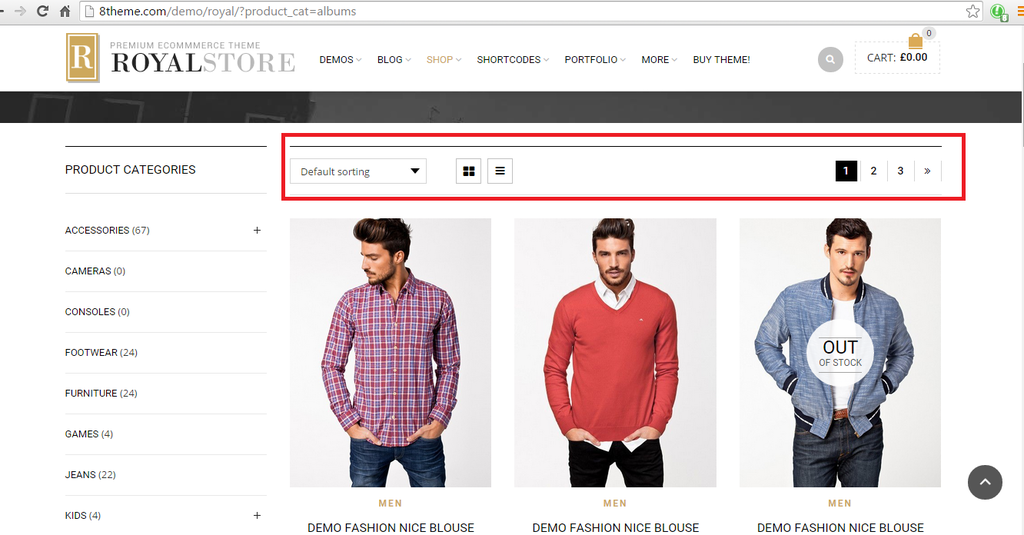
ITEM 1.) Can you assist by adding this menu circle in red on the http://bkbcuracao.com/storebkb/ page?
http://i1340.photobucket.com/albums/o728/LibardoBarreto/CART_2_zps4j6hm8ik.png
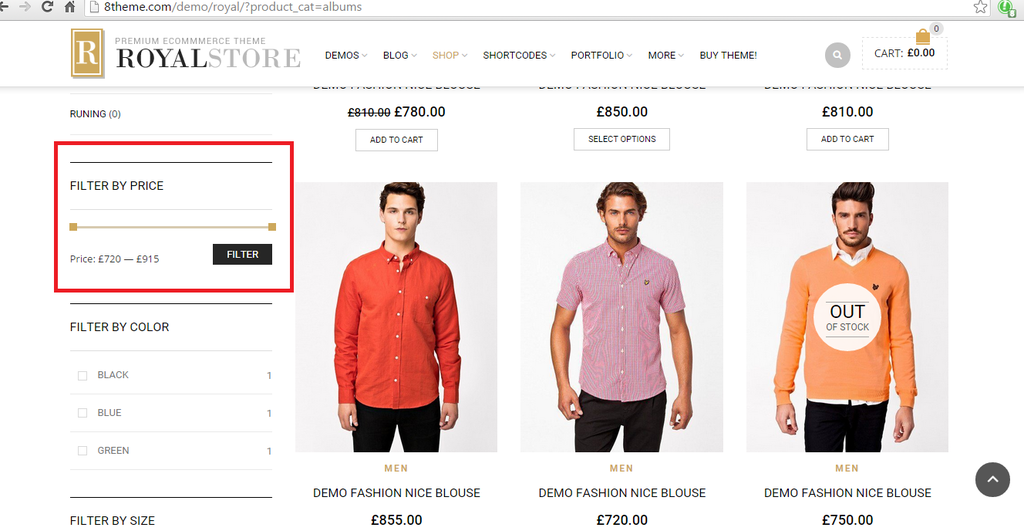
ITEM 2.) Can you add the Filter Option to the http://bkbcuracao.com/storebkb/ page?
http://i1340.photobucket.com/albums/o728/LibardoBarreto/CART_3_zpspxzufc83.png
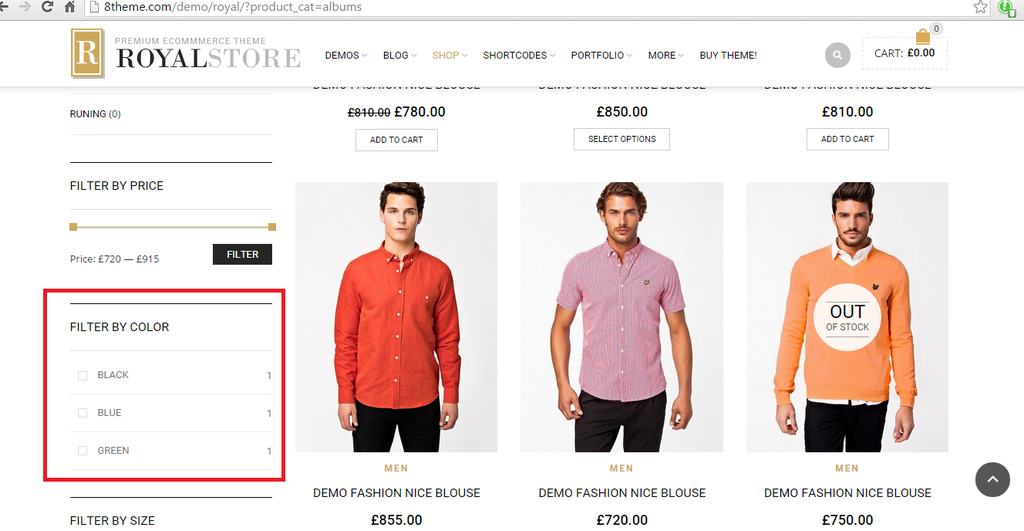
ITEM 3.) Can you add the Color Option to the http://bkbcuracao.com/storebkb/ page?
http://i1340.photobucket.com/albums/o728/LibardoBarreto/CART_4_zpseaopok3d.png
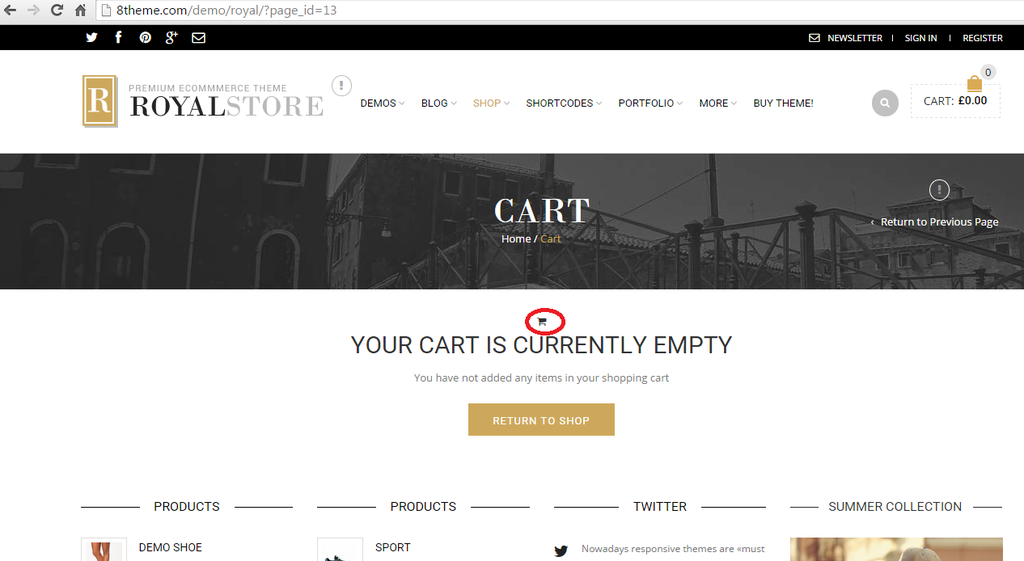
ITEM 4.) Can you add the black shopping cart to the Cart & Checkout Page?
http://i1340.photobucket.com/albums/o728/LibardoBarreto/CART_1_zpsc0q0gvmm.png
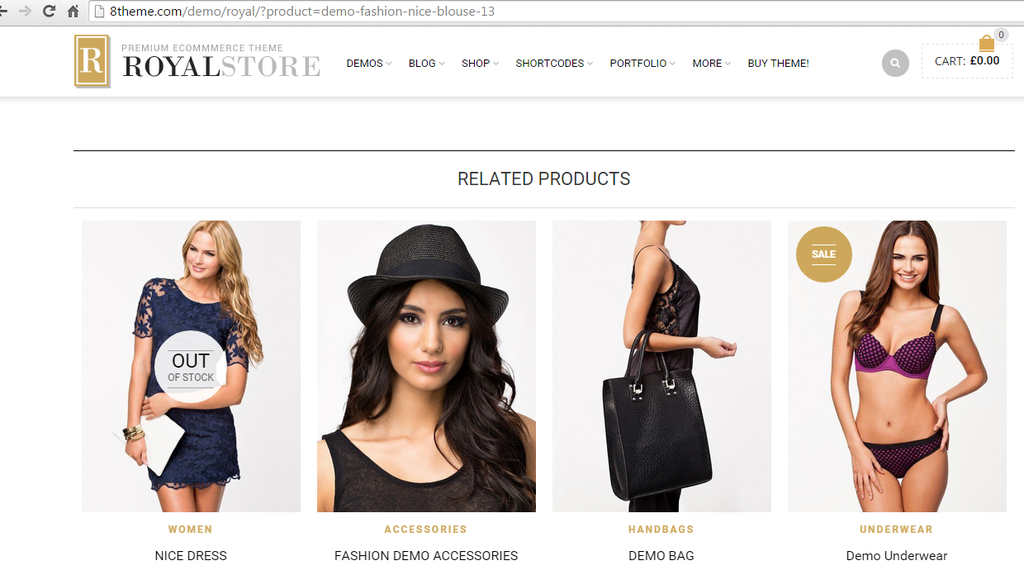
ITEM 5.) Can you add at the bottom of the Products this option (Related Products)?
http://i1340.photobucket.com/albums/o728/LibardoBarreto/CART_8_zpsrqyc3wur.png
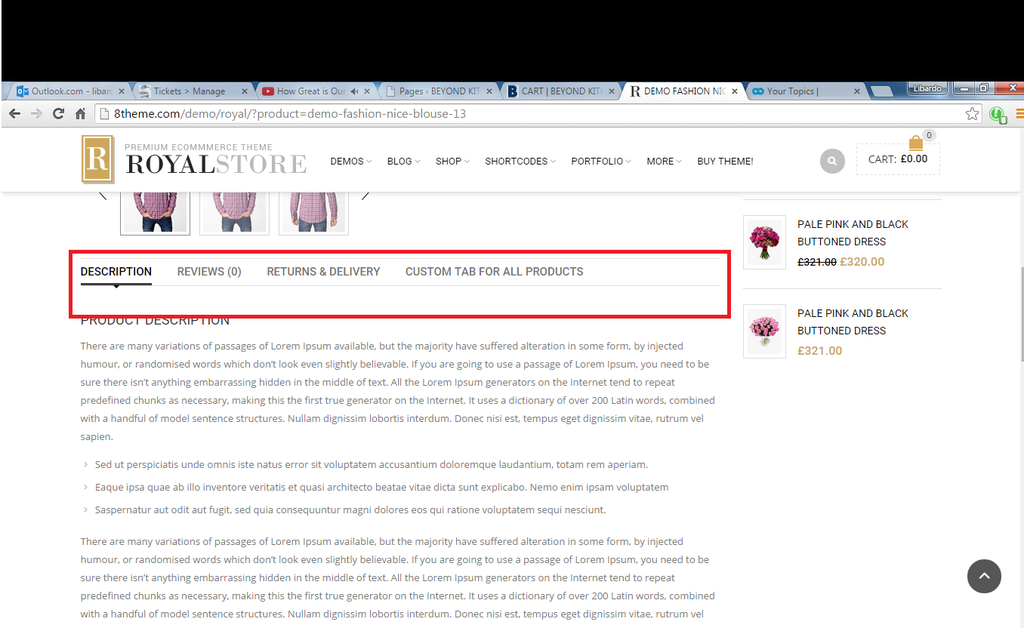
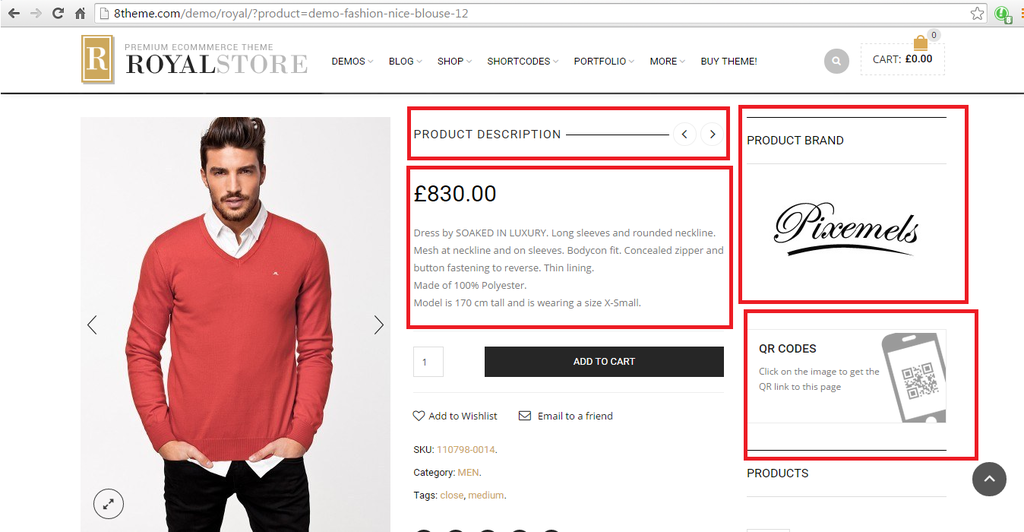
ITEM 6.) Can you add this menu to the product page when you click on a product?
http://i1340.photobucket.com/albums/o728/LibardoBarreto/CART_7_zps8tyoqyta.png
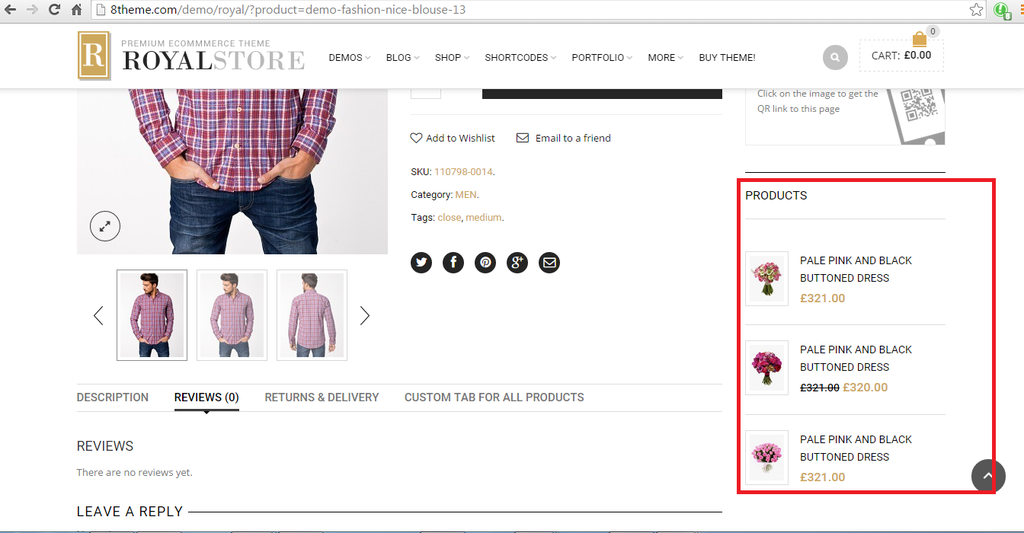
ITEM 7.) Can you add the Products Widget when clicking on a product?
http://i1340.photobucket.com/albums/o728/LibardoBarreto/CART_6_zpsde7ic0lh.png
ITEM 8.) Can the items circled in red be added the same for each product once you click on them?
http://i1340.photobucket.com/albums/o728/LibardoBarreto/CART_5_zps3wa2egoe.png
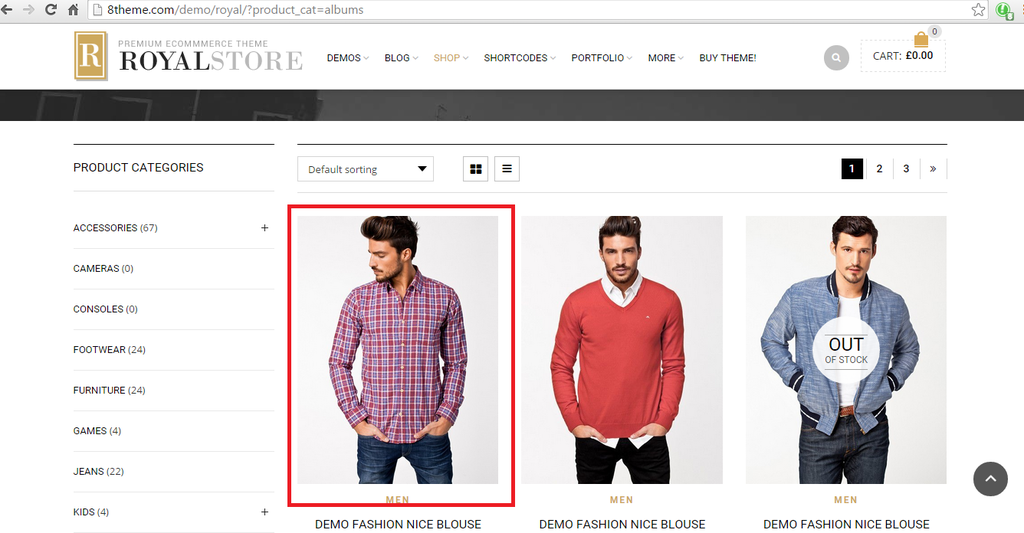
ITEM 9.) Can you let me know which image size is being used in the ROYAL DEMO page?
http://i1340.photobucket.com/albums/o728/LibardoBarreto/Cart9_zpsw3en4sy7.png
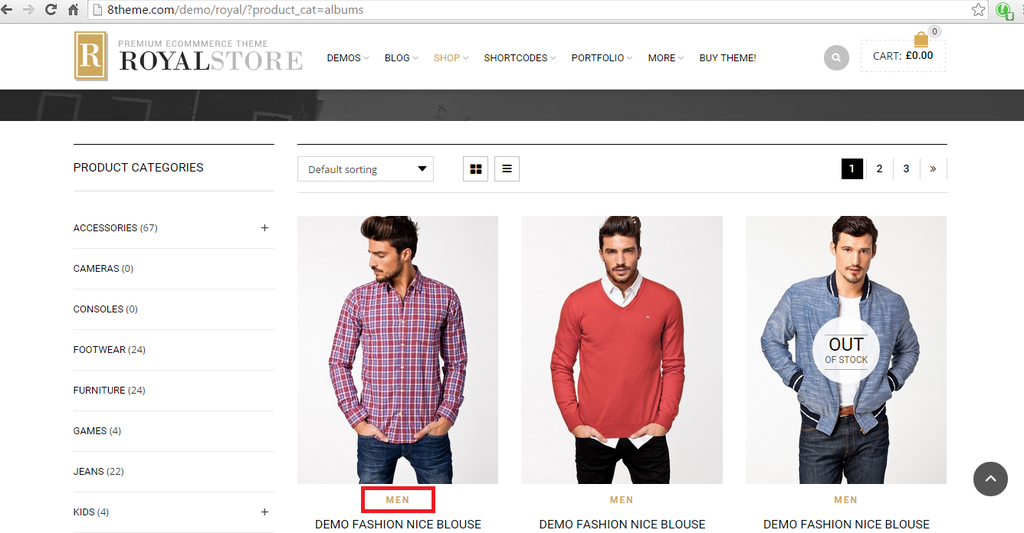
ITEM 10.) Can you let me know how to change the color of this text?
http://i1340.photobucket.com/albums/o728/LibardoBarreto/cart10_zpsmqdamczd.png
All these DEMO images I got from https://www.8theme.com/demo/royal/?product_cat=albums
Also if there are no options or was wondering to which image you would need to use just pick some randomly and I will check in afterwards to change these.
Hi Eva,
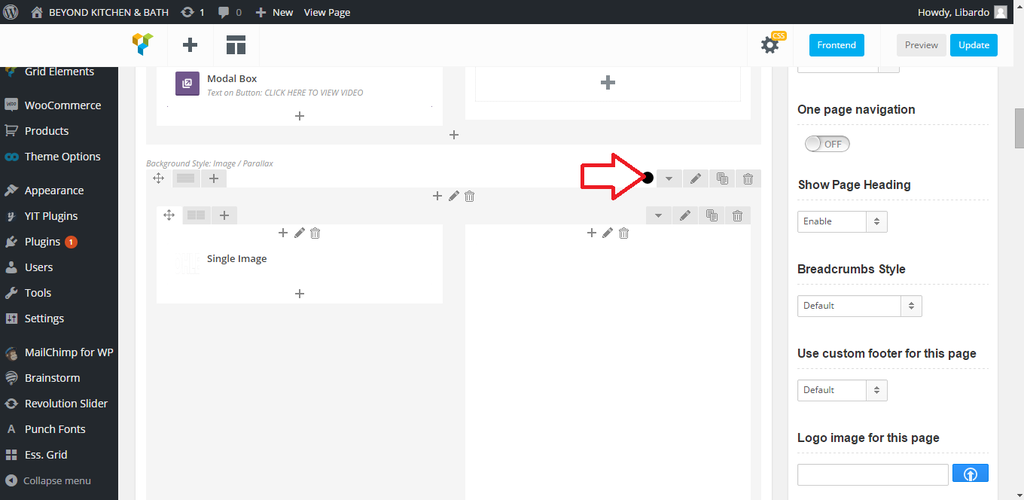
Can you login and check the Kohler Page via the WP-ADMIN Panel? After this scroll down and look for where the video was insert. Then check the CSS codes which was insert for this page in CSS module and Custom file.
http://i1340.photobucket.com/albums/o728/LibardoBarreto/HH6_zpsugtt4nve.png
Hi Eva,
Thanks for letting me know. Please try again.
Hi Eva,
Thanks. We would like to also activate the links again based on:
April 24, 2015 at 10:31 am#59409
Hello,
The reason for it we removed links for “Sign In” and “Register” buttons per your request.
To make them clickable we need to put links back in the code.
Please let us know how you’d like to proceed.
Hi Eva,
After a long discussion we have decided to remove the Kohler video from the Kohler page. I am referring to this video:
http://i1340.photobucket.com/albums/o728/LibardoBarreto/HH6_zpsugtt4nve.png
I have already made the change which we want but still see the video and the codes in the page. Can you remove the codes and the video if it is somewhere else in the theme or code for the Kohler page?
Hi Eva,
I would like to put the links back in the code. In addition:
ITEM 1.)
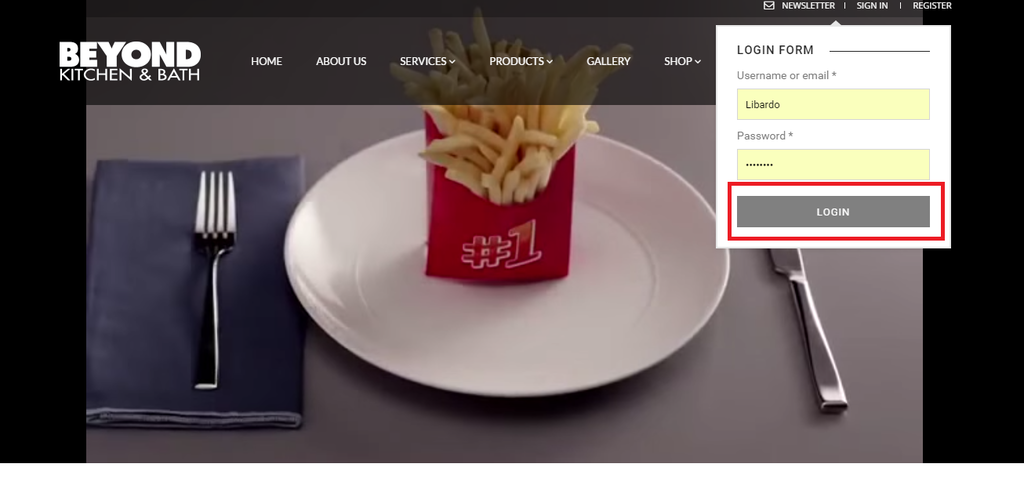
When I hover my mouse over the login button it does not turn Black. When I hover my mouse over the Register button it does shows black. Is it possible to have both black when I hover my mouse?
http://i1340.photobucket.com/albums/o728/LibardoBarreto/4546_zpsdb36vxjg.png
http://i1340.photobucket.com/albums/o728/LibardoBarreto/6546456_zpsujgleu6n.png
Ok thanks Eva. Now is there any bypass or work around which you can provide? Like for example a different header for this SHOP page or something that at least doesn’t look to ugly like it is at the moment. When you scroll down you are right that the header transparent is showing but when you open the Page and see the header is not nice.
At least something or whatever plugin or widget that can show the revolution slider image below the header style or something else?
Thanks Eva.
Is there a way to change the page name to STORE instead of Products?
http://i1340.photobucket.com/albums/o728/LibardoBarreto/456_zpsxhrrsijz.png
For Item 2 I just wanted to to add that it does show the header style when you scroll down on the SHOP page, but for some reason when you open the page it will not show it. This would be considered a bug or so which needs to be fixed? Would you have a tentative date which the next update will include this change? Maybe before this year end? Or in 2 months?
http://i1340.photobucket.com/albums/o728/LibardoBarreto/4f_zpsljs5p6ez.png
http://i1340.photobucket.com/albums/o728/LibardoBarreto/header2_zps2djanwlk.png
Hi Eva,
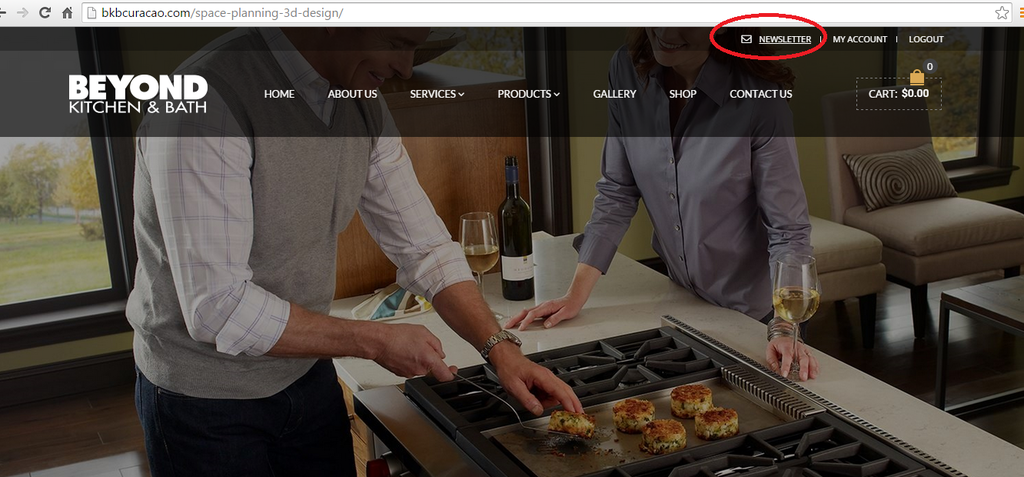
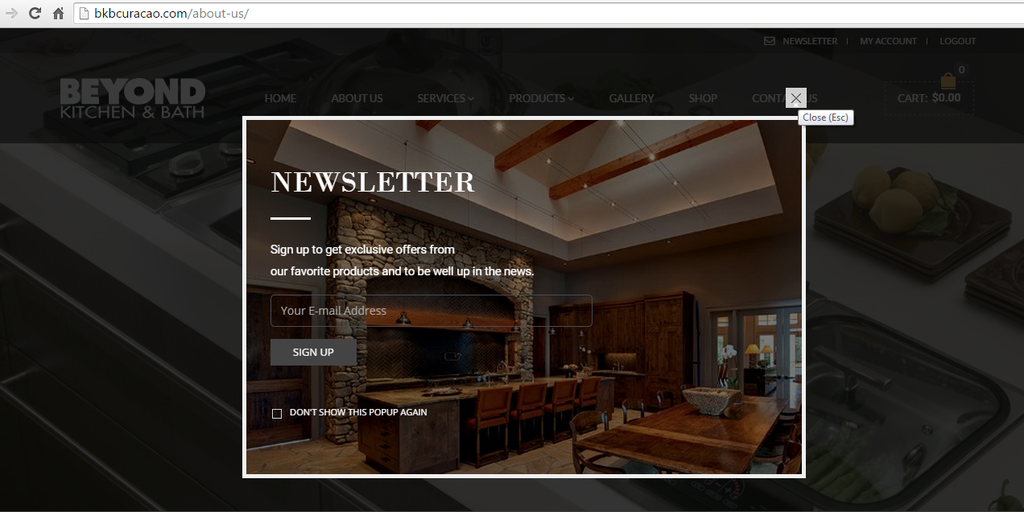
It works. I have another issue for some reason when I click the Newsletter only for this particular page it wont pop up:
http://i1340.photobucket.com/albums/o728/LibardoBarreto/4ff_zpsszfiixya.png
For the rest of the Pages when I click on the Newsletter it does show:
http://i1340.photobucket.com/albums/o728/LibardoBarreto/3sdg_zpsnvzimsgn.png
However for this one ( http://bkbcuracao.com/space-planning-3d-design/ ) there is a problem. Can you please check this?
Hi Eva,
For this Option :
2. Unfortunately for Shop page header can’t be changed to transparent background. Sorry.
Can it be included in the next Theme update?
Hi Eva,
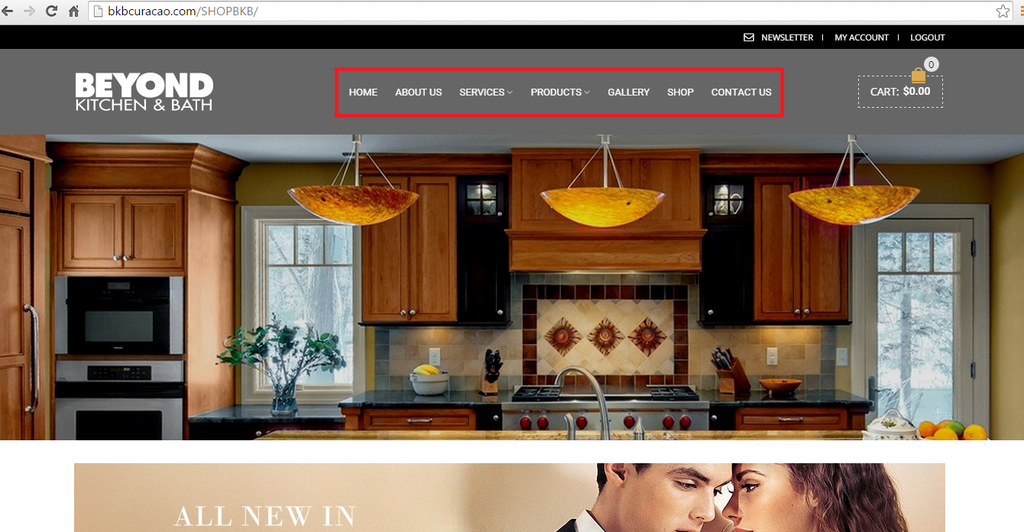
For Option 1 is a difference in the menu style,font on the SHOP Page and the HOME Page. We would like to have the SHOP Page menu,font the same as the HOME Page.
Hi Eva,
Thanks we will definitely use these codes. I know this request would be out of the scope and may sound impossible to achieve at the moment .. but considering we have reach so far with our developments with our website would there be something with the support of your team to achieve at least the following for our SHOP page?
1.) Can we have the menu circle in red like this?
http://i1340.photobucket.com/albums/o728/LibardoBarreto/text1_zpse6rq3umr.png
http://i1340.photobucket.com/albums/o728/LibardoBarreto/header1_zpsamu6jqgw.png
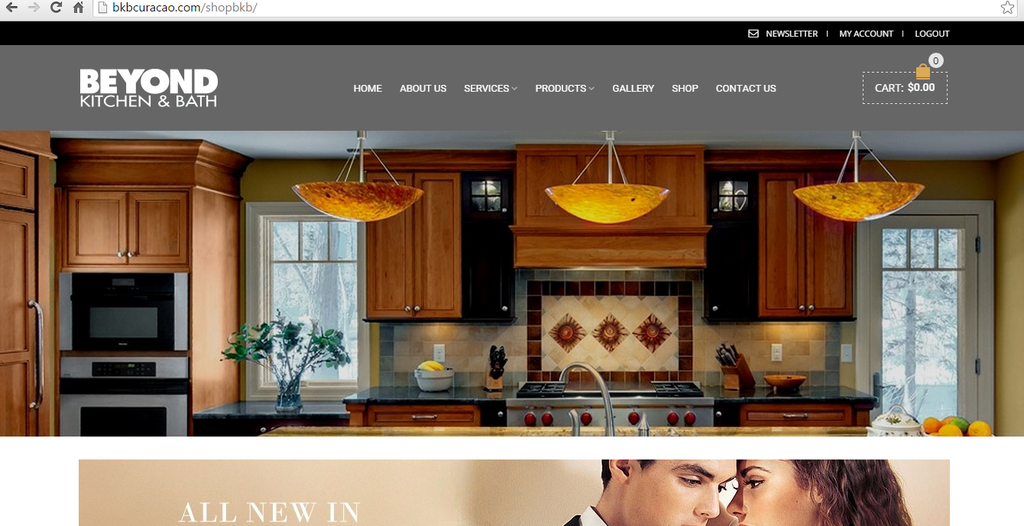
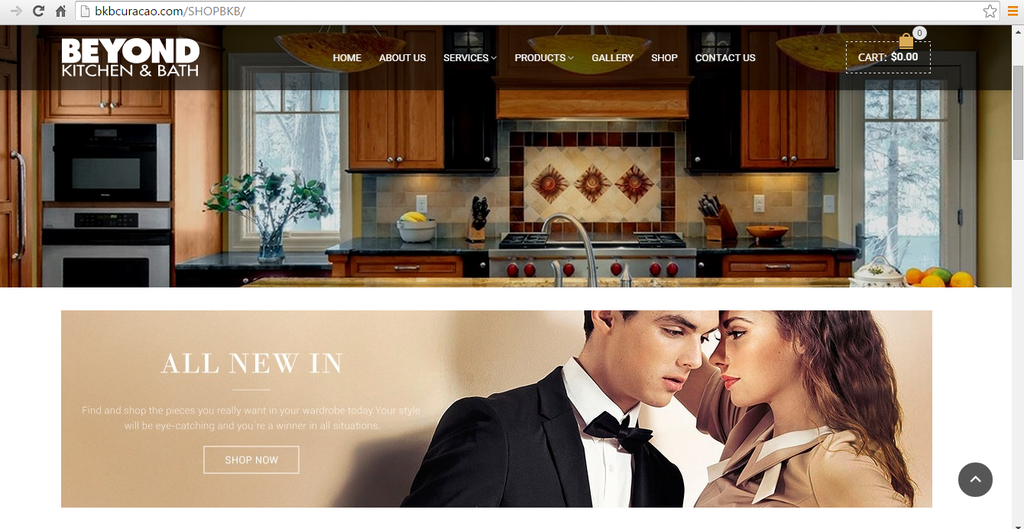
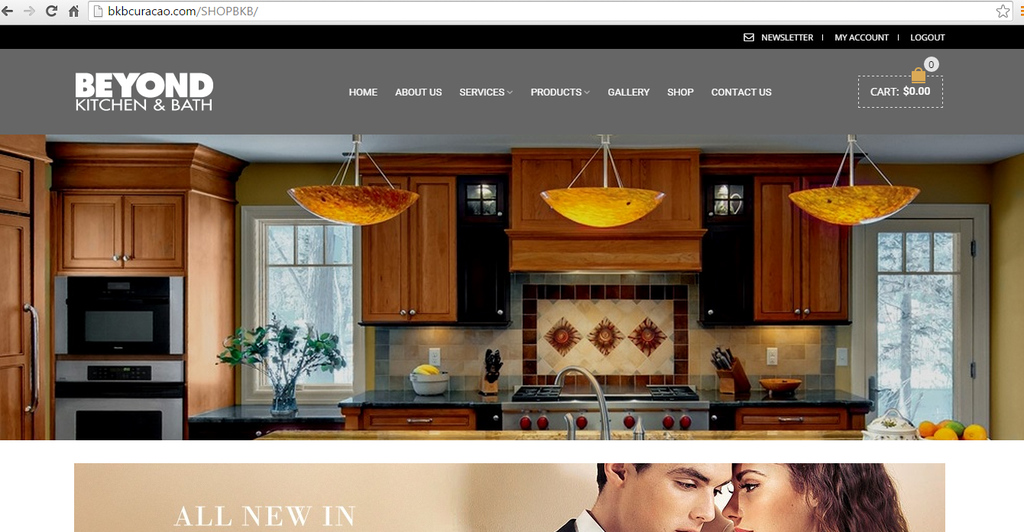
2.) Can we have the same transparent header style which is used for bkbcuracao.com on bkbcuracao.com/shopbkb? For the moment it would be strange when you scroll down on bkbcuracao.com/shopbkb the header style will be like this:
http://i1340.photobucket.com/albums/o728/LibardoBarreto/header2_zps2djanwlk.png
And when you are not scrolling down the website looks like this:
http://i1340.photobucket.com/albums/o728/LibardoBarreto/4f_zpsljs5p6ez.png
I understand the Woocommerce pages are not part of the support scope, but is there any way you can help a beginner in Woocommerce with these requests?
Thanks Eva. Wonderful!!!
Is it also possible for this text to be in front of the red line?
http://i1340.photobucket.com/albums/o728/LibardoBarreto/fff_zpsjvttqp7c.png
Good Day Eva,
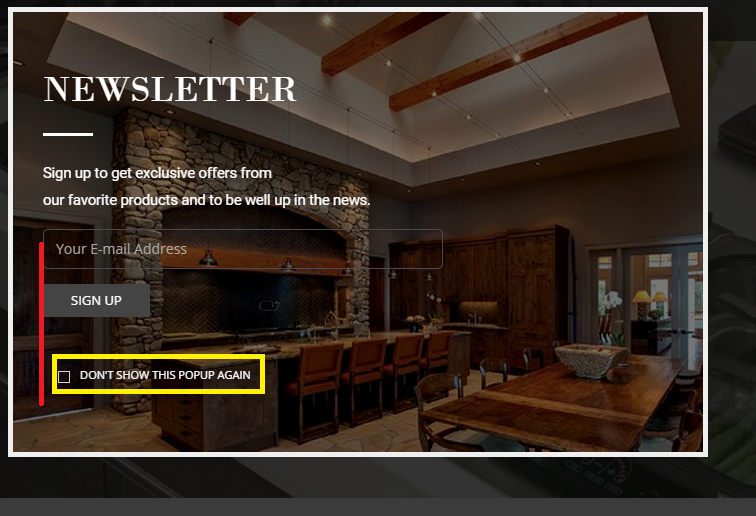
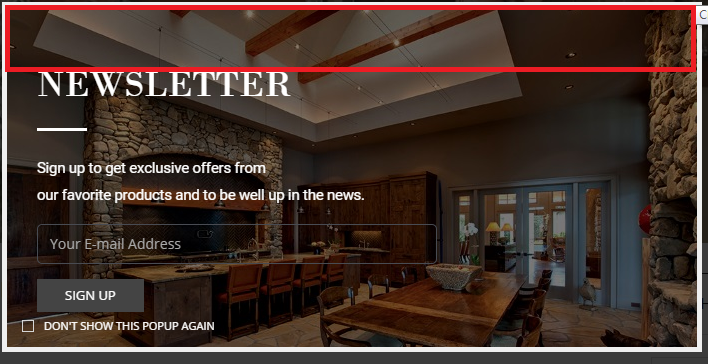
Is there a way which we can have the same height/width space in red for below?
http://i1340.photobucket.com/albums/o728/LibardoBarreto/455_zpszdslzg9k.png
Meaning the same space in red we would like to have it also underneath the Do Not Show… text.
Hi Eva,
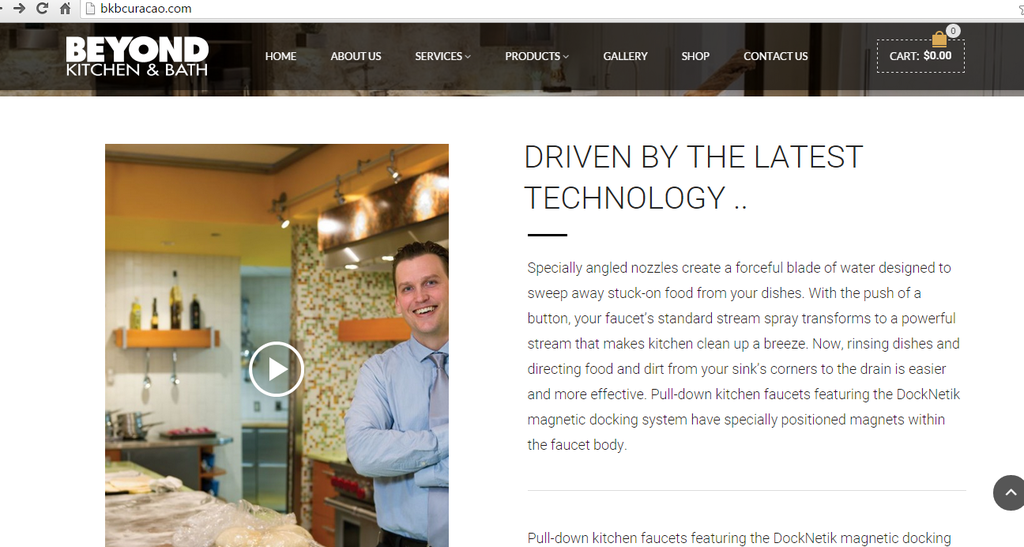
I am having problems showing this Youtube video. When I click on it it will show as follow:
http://i1340.photobucket.com/albums/o728/LibardoBarreto/gerer_zpswyxczlys.png
http://i1340.photobucket.com/albums/o728/LibardoBarreto/ffdsdf_zpslqajdnip.png
Can you fix this for us?