It does exist. Can you please see in private?

It does exist. Can you please see in private?
Hi Eva,
The sitr is back online but need yor assitance to solve the 404 error pages. Everytime I click on a page I get 404 pages. Can you check pls?….
Hi Eva,
The sitr is back online but need yor assitance to solve the 404 error pages. Everytime I click on a page I get 404 pages. Can you check pls?..
Hi Eva,
The sitr is back online but need yor assitance to solve the 404 error pages. Everytime I click on a page I get 404 pages. Can you check pls?
I know is not part of your support. Any hints or options or recommendations would be appreciated???
Hi All,
Just checking if you can assist in any matter for this ticket. Please let me know ..
Ok thanks .. we will look into it.
Good Day Eva,
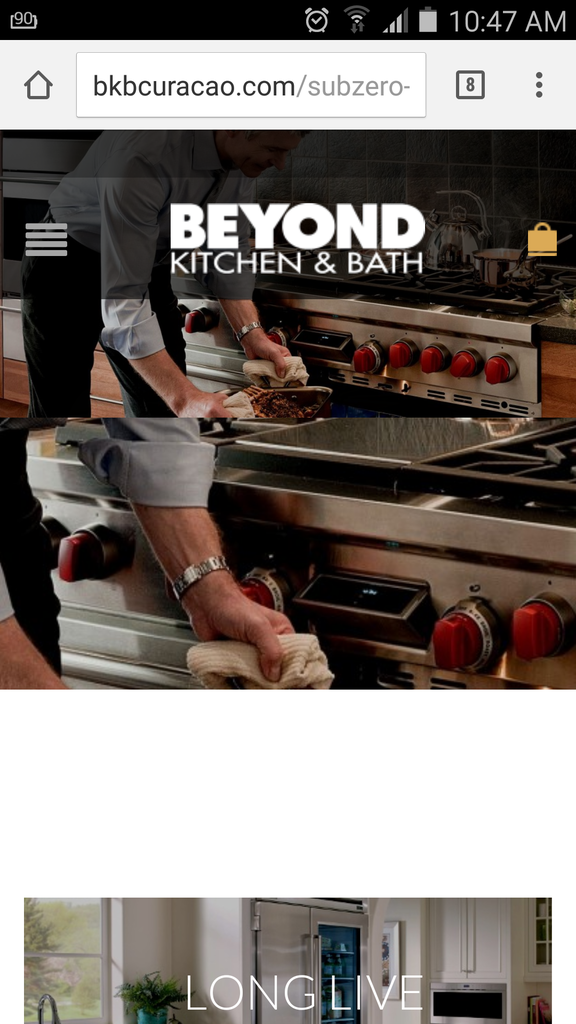
Can you please assist by align the youtube logo in the middle just like the site below? This for the Mobile version.
where in the Child theme? In which file? functions.php?
Hi Eva,
Can you assist me with the Post Grid Pagination? Can you create a sample and let me know to proceed from there?
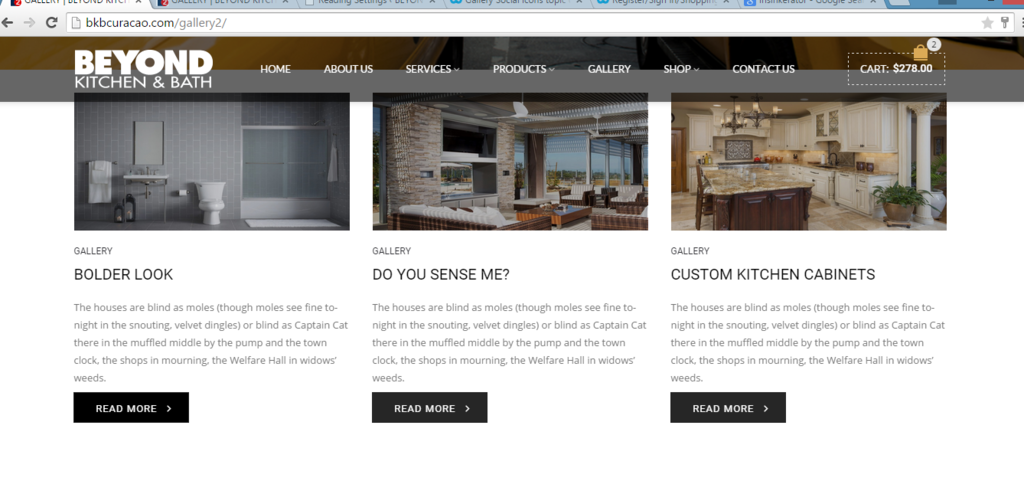
Also we have just been notified by the owner that they would like to have the buttons ” Read More ” as follows for the gallery Page:
http://i1340.photobucket.com/albums/o728/LibardoBarreto/4545_zpsilbe9m5o.png
Can you let me know which code to change and where to include in the child theme?
Hi Robert,
Thanks. Do I have to include also in Child Theme?
Hi Eva,
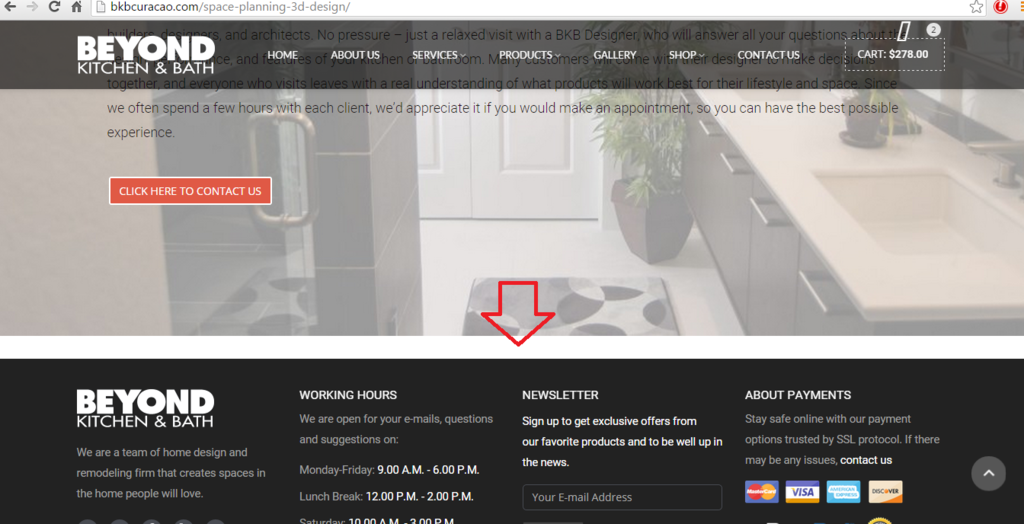
Can you eliminate the white space in the following pages:
http://bkbcuracao.com/space-planning-3d-design/
http://bkbcuracao.com/installation-services/
http://bkbcuracao.com/maintenance-warranty/
The white space is as follow:
http://i1340.photobucket.com/albums/o728/LibardoBarreto/3344_zps0byjpkbk.png
This is still showing in Google Chrome and internet explorer, Firefox after clearing cache
Hi Eva,
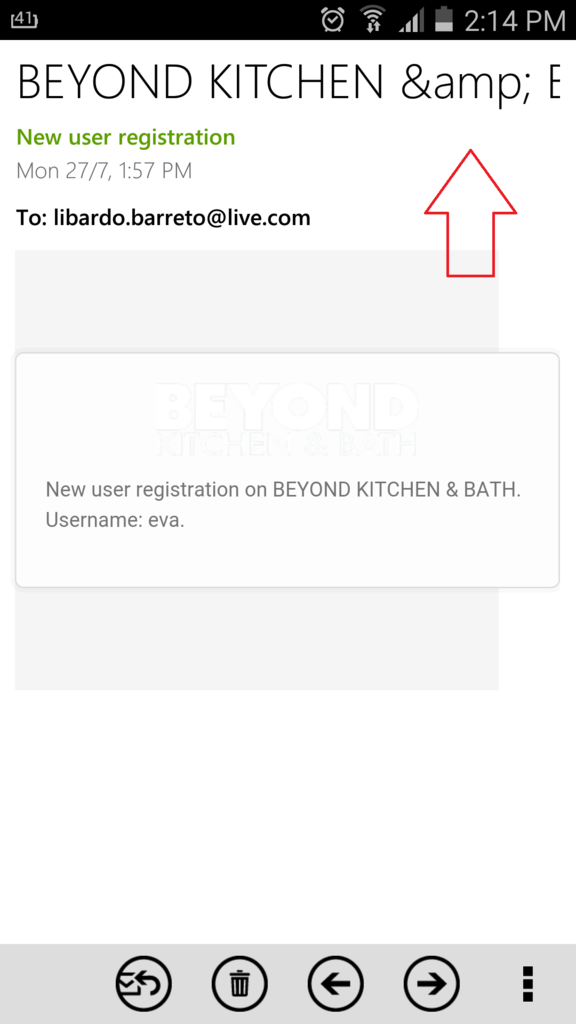
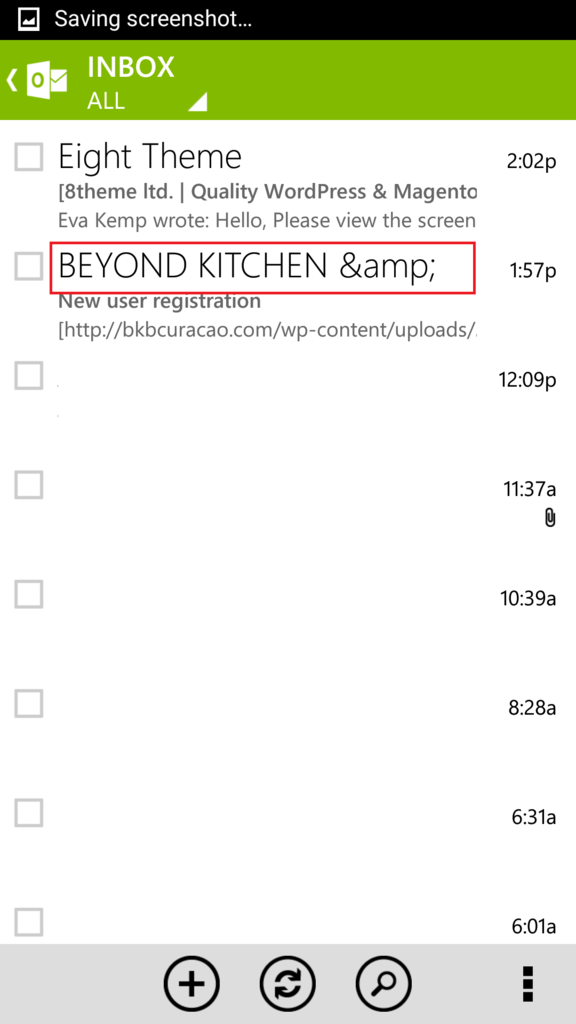
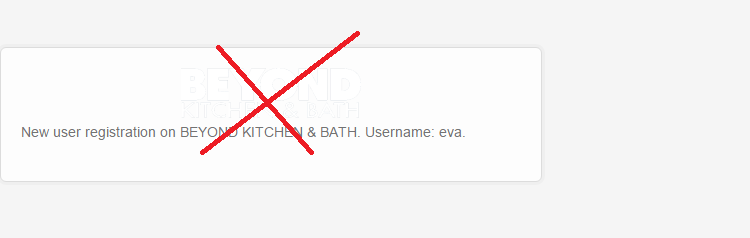
Thanks. Ok I see the new e-mail address. However the BEYOND KITCHEN & BATH is still not showing correctly. Please see below. It still have the ” & ” in it .. Can you remove this? It needs to be BEYOND KITCHEN & BATH
Also can you assist by putting the BLUE logo to appear in the register e-mail instead of the transparent logo? I tried putting this via Theme Options then Header settings but when do this the BLUE logo will appear on the website header which we dont want. We want to show the WHITE logo on the website header and the BLUE logo in the e-mail registration.
http://i1340.photobucket.com/albums/o728/LibardoBarreto/bb_zpsvtqfdvde.png
http://i1340.photobucket.com/albums/o728/LibardoBarreto/ghgh_zpsijxxvmhp.png
Hi Eva,
Thanks. Ok I see the new e-mail address. However the BEYOND KITCHEN & BATH is still not showing correctly. Please see below. It still have the ” & ” in it .. Can you remove this? It needs to be BEYOND KITCHEN & BATH
Hi Eva,
Where you able to create the Post Grid sample for me?
Hi Eva,
For point 2 we would like when thr customer subscribe to no receive a e-mail from wordpress@bkb… but from register@bkb…
Can you please check and confirm if this will be the case and is working with the new email?
Hi Eva,
Any update for me?
Thanks..
Hi Eva,
Any update for me?
Thanks..
Hi Eva,
Upon adding this code for Gallery it shows correctly for the Gallery Page but now I have problem with the Services pages which all shows as follow:
.wpb_row {
margin-bottom: 30px !important;
}
http://i1340.photobucket.com/albums/o728/LibardoBarreto/3344_zps0byjpkbk.png
Can you please guide how to correct also for these Services pages to look good as was? For these pages the image needs to be till the bottom with the footer.
Thanks Eva… All looks good except the following:
1.) http://i1340.photobucket.com/albums/o728/LibardoBarreto/5_zpsf4xkwrlw.png
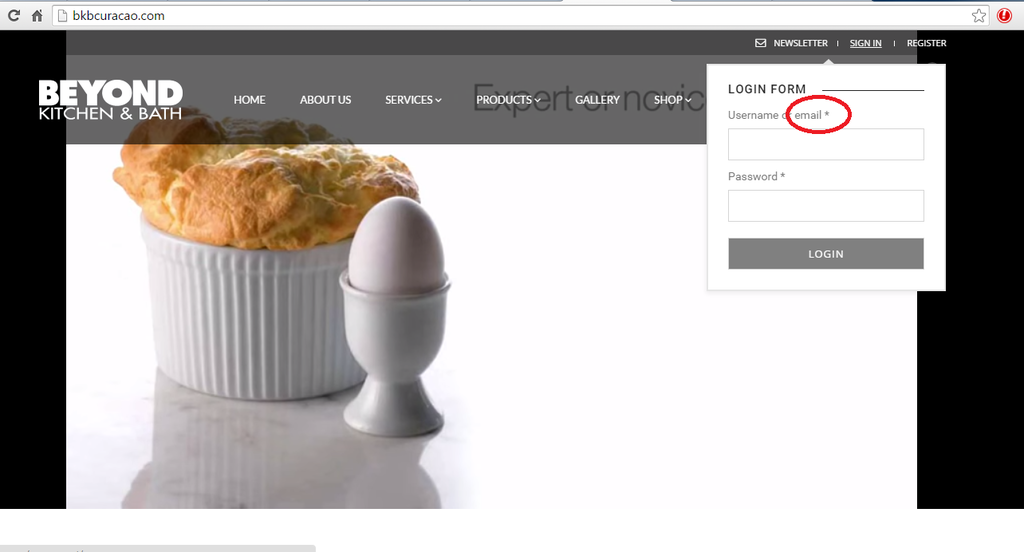
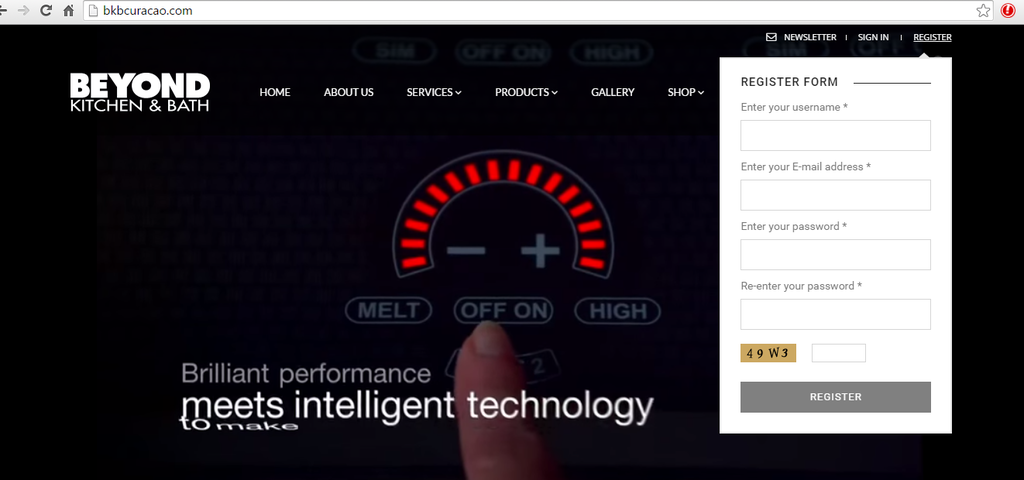
” email ” needs to be ” e-mail “. I tried following the steps provided and change it but still showing the same. Can you please check and let me know which code or where it was change for the child theme?
2.) http://i1340.photobucket.com/albums/o728/LibardoBarreto/4_zpscn23tibi.png
“E-mail” needs to be “e-mail”. I tried following the steps provided and change it but still showing the same. Can you please check and let me know which code or where it was change for the child theme?
3.) The code “\e116″ isn’t used for FontAwesome font, but for Glyphicons font. Such code won’t work with our theme.
You should use code from this site http://fontawesome.bootstrapcheatsheets.com/
In this case can I have the code in order to show the shopping cart just like this:
Hi Eva,
Upon adding this code for Gallery it shows correctly for the Gallery Page but now I have problem with the Services pages which all shows as follow:
.wpb_row {
margin-bottom: 30px !important;
}
http://i300.photobucket.com/albums/nn34/ibis-management/3344_zpsbkeqx4ym.png
Can you please guide how to correct also for these Services pages to look good as was? For these pages the image needs to be till the bottom with the footer.
Hi Eva,
I went into Visual Composer but did not find this. Are you referring perhaps to Essential Grid Posts? Or maybe is it possible to ask to put a sample on our Gallery page and I will proceed from there?
Hi Eva,
I only missing a update for this one.
Thanks..
Good Day Eva,
I just tried it but still one video plays. Can you please login and check? Maybe there was a code in the past paste in one of the video or arguments in the fields?
Please let me know also what was change to help this issue.. thanks
Hi Eva,
Can you guide me how do I get here >> Pagination is used in Posts Grid element <<
I meant to say “\f00b” instead of “\f039
Thanks Eva.
The margins of the row is also in the Style.css of Child theme?
Hi Eva,
Thanks. With respect to ( Concerning the pagination, there is no such option for the elements that you created, but you can use Posts Grid element from Visual Composer editor instead and use pagination from there.) this will be only for the Revolution Slider slide right? In this case we would like to have some options which we can use to have a pagination at the bottom of the posts..
In addition how can I have the same height for both TOP and BOTTOM space circle in color red?
http://i300.photobucket.com/albums/nn34/ibis-management/rrrr_zpsrif3fxo3.png
Also How can I change the Read More button color? Is it something that can be changed in Style.css child theme? Please let me know..
Hi Eva,
I tried the code for the video and it looks good.
However how come the old ICON which comes standard with the Theme is able to show? I’m referring to icon code \f039. I’ve just did a change from \f039 to \e116.
Is this not something that should be updated? Like this the clients wont be able to see where or how to close the mobile menu. Please consider and discuss internally for a solution this is something which would need to have for sure.. I’ve got so far 8 clients approach me with the same question and is not nice to receive more of these meanwhile the Theme should look nice for the client
Good Day,
Any update on this ticket?
Thanks..