Hi Eva,
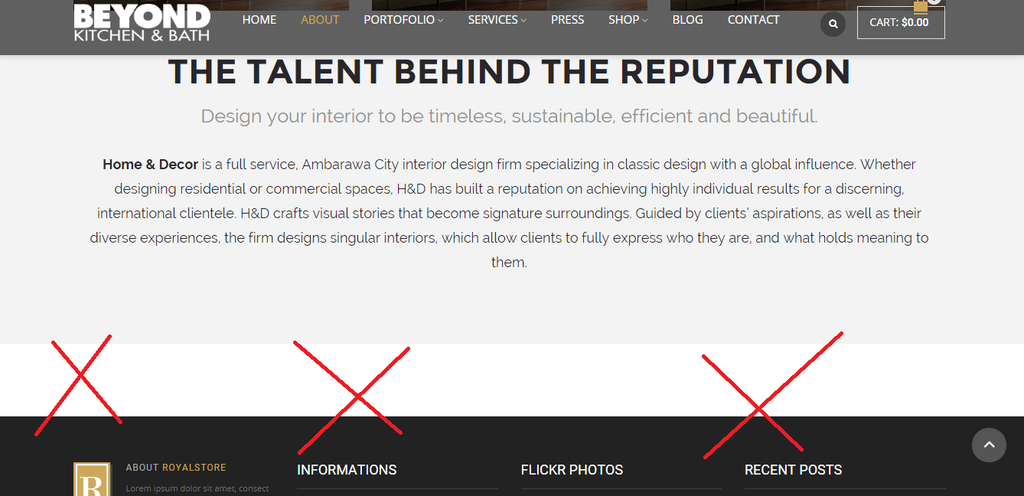
How can I clear the image name from all the website?
http://i1340.photobucket.com/albums/o728/LibardoBarreto/FDSF_zpsglezwzya.png
Which code to use to clear this?

Hi Eva,
How can I clear the image name from all the website?
http://i1340.photobucket.com/albums/o728/LibardoBarreto/FDSF_zpsglezwzya.png
Which code to use to clear this?
Good Day Eva,
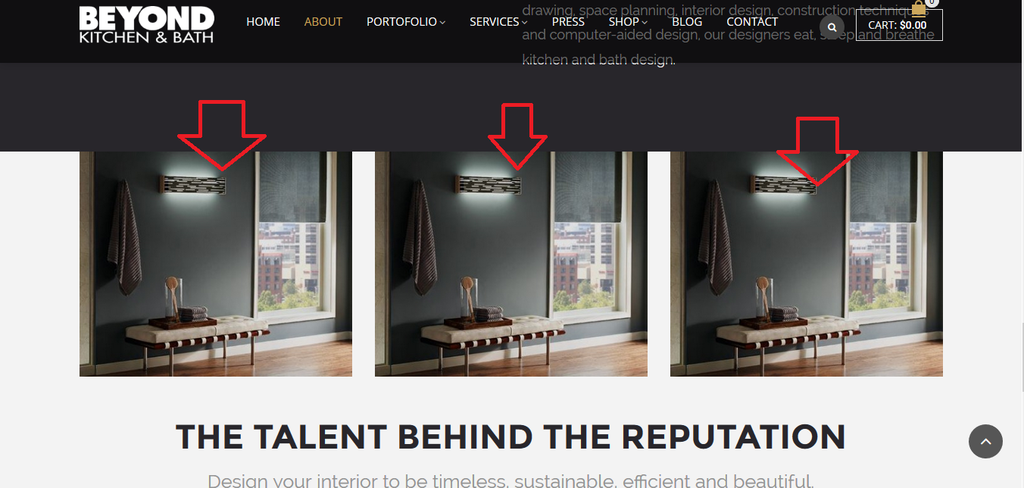
In addition to my reply above .. can you please let me know how can I put the pictures pointing in red upfront of any picture or text? I want it to be for example in front of the grey bar which is on top of them at the moment.
http://i1340.photobucket.com/albums/o728/LibardoBarreto/vgew_zpshtisazgx.png
Ok thanks Eva.
I have another request to please eliminate the white space in the picture below for the same page.
http://i1340.photobucket.com/albums/o728/LibardoBarreto/fggfd_zpsucu8lzch.png
Hi Eva,
Just to add in my reply in ticket #81966 you will noticed that our site vs the site example above does not have the same delay in css animation. we want to have it the same.
Hi Eva,
I know how to add that already. What we would like to know is how to ” Delay ” each of the CSS animation? How to slow down?
Or how to make the same CSS animation delay just like this this website:
http://www.detheme.com/selector.php?theme=HnD-fullwidth
Have you noticed that some parts are the same text? I want to delay the them the same
Hi Eva,
When I use the code provided does not what I would like. I want when hover the mouse over the image the same effect take place but for the dimensions 450×620 without the grey bar mentioned in my earlier post. With the code provided makes the image bigger and we dont want that to happen. We just want it to keep exact dimension.
Hi Eva,
I figured it out why no worries. Can you let me know why the video is showing some grey bars next to the image?
http://i1340.photobucket.com/albums/o728/LibardoBarreto/fdfsfh_zps9dv0cuuu.png
try again for the editor ..
try again for the editor
please see private
Ok please try again
Hi Eva,
1.) On our home page when scroll down you will notice that there is a picture with a girl on a bicycle can you make the same height as this picture have for the one that has the testimonial widget in it?
I tried to to do this via the Visual Composer Margin but still no luck.
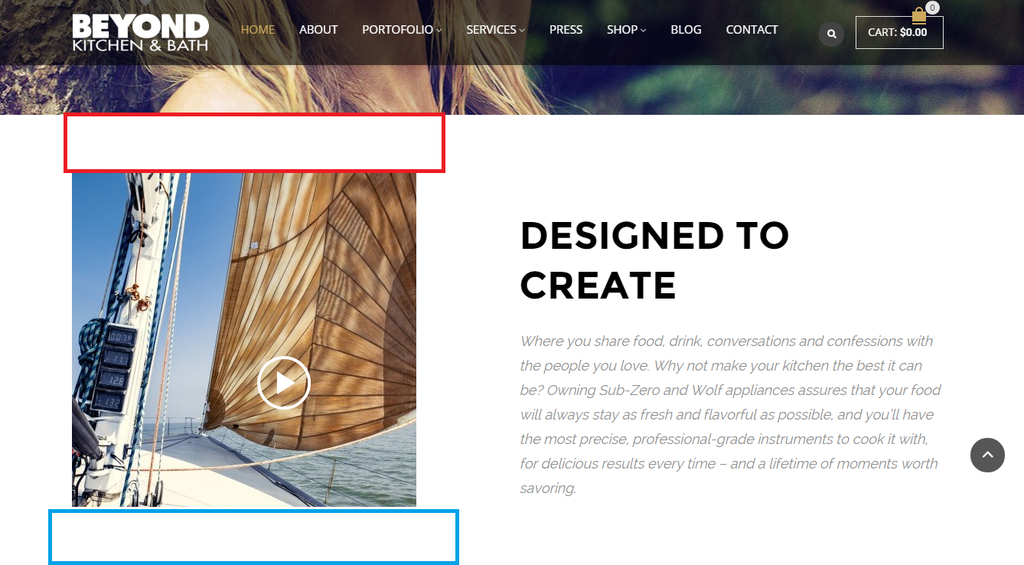
2.) Can you please make the same height as is for the red color for the blue color?
http://i1340.photobucket.com/albums/o728/LibardoBarreto/ffsf_zpsk7djdny5.png
Hi Eva,
I tried the new code provided but still showing the same. Can you please check once more? (See also private)
Hi Eva,
I’ve included a code I received a while ago for Testimonials widget but seems not to work as should. I use this code:
blockquote.testimonials-text:before {
display: none !important;
}
blockquote.testimonials-text:after {
display: none !important;
}
But still on the following page (see private) it is not showing as the one of BKB (see private).
Hi Eva,
I have a couple of questions:
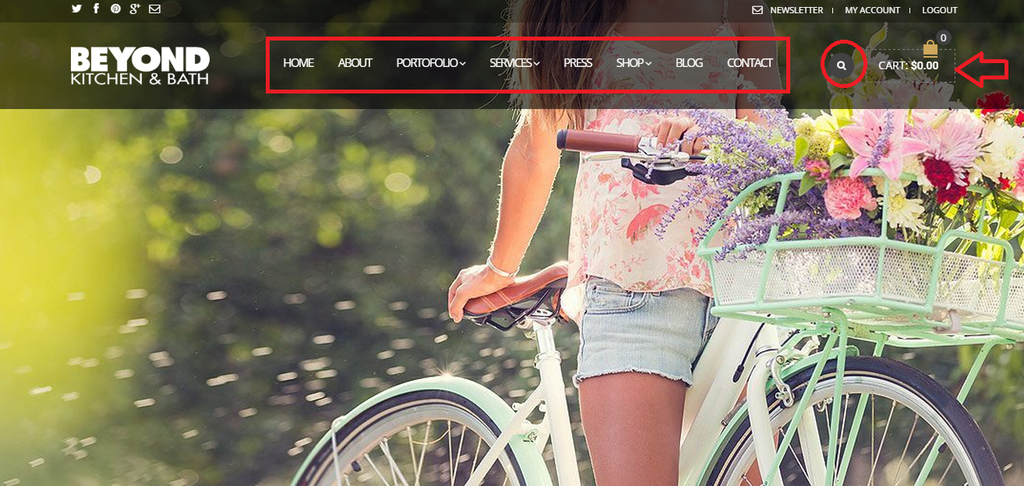
1.) If you look at the Header menu font it does not look the same when I scroll down please see below both screen shots:
http://i1340.photobucket.com/albums/o728/LibardoBarreto/23_zps0yeg8ajk.png
http://i1340.photobucket.com/albums/o728/LibardoBarreto/545_zpsesldhjj5.png
2.) When I scroll down the ” Search Icon ” shows a lighter grey then the one I see on the header menu without scrolling down. Can you put the fixed header ” Search Icon ” darker?
http://i1340.photobucket.com/albums/o728/LibardoBarreto/545_zpsesldhjj5.png
3.) How can I change for both Fixed and standard Header the square around the shopping cart? I dont want it to be with Dots in between. I just want it to be a complete square.
4.) When I hover my mouse over the Fixed and the standard header menus I see sub menus. How do I change the Fonts Type, Font size etc.. of these?
5.) When the website entrance I see “Newsletter / My Account / Log Out” text which Fonts there are using and also how to change the fonts type, fonts size?
Hi Eva,
I now see the text different on the image. Can you please put the same as it was before for Desktop and also to show the same on the Mobile/Tablet?
http://i1340.photobucket.com/albums/o728/LibardoBarreto/ffff_zpsvci64a8q.png
I dont want for example the Bathroom or Design or Lighting text to go in the back of the image but in the front as it was. The request posted was to correct on the Mobile which was not showing it in accordance as the Desktop and also the text was not showing on Top of the image as it is showing on the Desktop.
So use these two (2) codes together, but still wasnt able to center all the text as we wanted to be. The spacing between each word is good but we would like to move all the menus a bit more to right. Please provide the correct code.
.menu {
float: right;
margin-right: 10%;
}
.menu > li {
padding-left: 10px;
}
I also use this code:
.fixed-header-area .menu {
float: right;
margin-right: 10%;
width: 100%;
}
And it was not good. Kindly please check for yourself to be honest.. Can you fix the fixed header menu to be the same as the one when you open on the website?
Can you also let me know which code can be used to move the logo in the header menu right/left/bottom/up on mobile/tablet and desktop? The codes provided does not move the logo or forgot to include this one code.
Hi Jack,
It would be hard for me to understand you if you have not provide the description for each of the CSS what it does?? I know ask a couple of questions but to which is it related to?
I also include these codes into my style.css file but dont see difference neither on Desktop or Mobile.
So please address accordingly.
Thank you.
Hi Eva,
With respect to the same ticket #79734.
Can you let me know which Fonts to use for our website as this website ( http://hnd.detheme.com/fullwidth2/ )
Hi Eva,
I’ve use this code but is floating to much to right .. is there a way to center the menus automatically?
.menu {
float: right;
}
Also can you provide a code for spacing between each of the menus? I also notice when scrolling down the website the menus get scrambled for the kiddowear site. Can you check?
Ho Eva,
Thanks. Looking good.
Can you let me know which code can be used to move the logo in the header menu to right/left/bottom/up on mobile/tablet and desktop?
Hi Eva,
Thanks. Can you also check for me #79636? This is regarding to slow the counter at the entrance of the site ..
In addition can you let me know which code to place in the child theme of kiddowear site for when scrolling down with the menu it keeps showing the black transparent header style? This was the same issue which we had initially of the bkbcuracao site.
http://i1340.photobucket.com/albums/o728/LibardoBarreto/scrolling_zpsh37b1pdb.png
Hi Eva,
In addition to ticket #79633 and #79636 I want to ask the following:
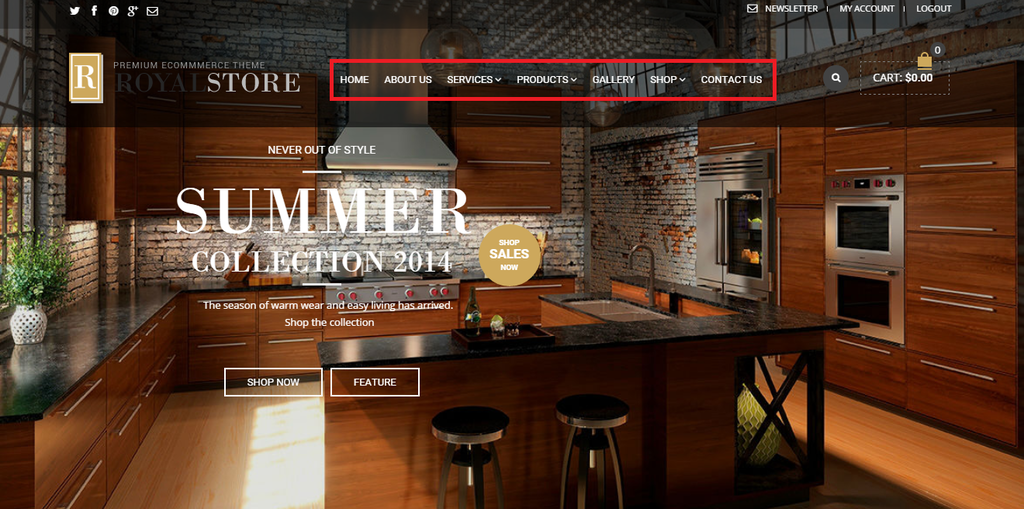
1.) How can I move the header menu to Up or Down or Right and also spacing between each? Is there a menu also I can go to to change the Fonts for this header menu in theme options?
Please let me know..
http://i1340.photobucket.com/albums/o728/LibardoBarreto/menu_zpsrmhxe6ie.png
Good Day,
Please check above for the pending request. In addition I have the following as well:
1.) How do a I slow done the counting to load the site? Meaning I would like the 100% to be at least 5 seconds available which customers can see that the site is loading meanwhile it is busy in the background pre-loading to be ready to show once entrance.
http://i1340.photobucket.com/albums/o728/LibardoBarreto/100_zpsnqtolinj.png
Thanks Eva.
1.) How can I hide the Shop Icon / Search Icon / Social Media Icon only on Phone? For Tablet it can stay.
2.) Can you make PICTURE A the same as PICTURE B? (See Private) P.S use as much as possible the Child Theme
Hello Eva,
Can you provide me with a update on this?
The slowness is killing me. Also it keeps persisting the same issue. I have also logged on right now at another (this is the 3rd ISP provider) and same thing. I was told by a friend maybe there is something in the Theme self that needs to look into to see why this is happening.
Also please check all points before replying ..
Also I notice that the revolution slider images loads as last and the rest of the images and text loads firs is there a reason why?
Please check the site I know there is something there… also can you check the part of the slowness?
Hi Eva,
I tried to open it in Google Chrome, IE, Firefox, but having the same problem. I also tried to open it with a different ISP but also the same. The problem is that only the 1st time I open it it loads for a few times then stops. Then I have to refresh the page ans then I see the page. Also I notice that the revolution alider inages loads as last and the rest of the images and text loads firs is there a reason why?
Please check the site I know there is somethung there… also can you check the part of the slowness?
please try again.
see private.
Hello ..
can you check the site and correct this for me?