Forum Replies Created

Viewing 30 posts - 481 through 510 (of 563 total)
  • Avatar: Libardo
    Libardo
    Participant
    October 30, 2014 at 16:54

    Thanks Eva.

    With regards to ” Concerning the youtube videos at the end of the video, you need use some plugin or visit youtube helpbase where some solution may be given. ” I do remember you did once change something and that the Video was playing without the Adds at the end. Can you provide me with these steps?


    Avatar: Libardo
    Libardo
    Participant
    October 29, 2014 at 01:58

    Hi Eva,

    In addition to my request above, I also noticed that my HTML video is not playing. Please check the URL in private content.

    Can you check to see what can be the problem?

    Please, contact administrator
    for this information.
    Avatar: Libardo
    Libardo
    Participant
    October 29, 2014 at 00:52

    Hi Eva,

    Thanks for the feedback. Can you guide me on how to disable these youtube videos at the end of the video?
    Do I need to do anything with the timing in the Revolution Slider?

    http://i1340.photobucket.com/albums/o728/LibardoBarreto/JUNK/hfgf_zpsd5162d69.png

    Avatar: Libardo
    Libardo
    Participant
    October 28, 2014 at 19:55

    Hi Eva,

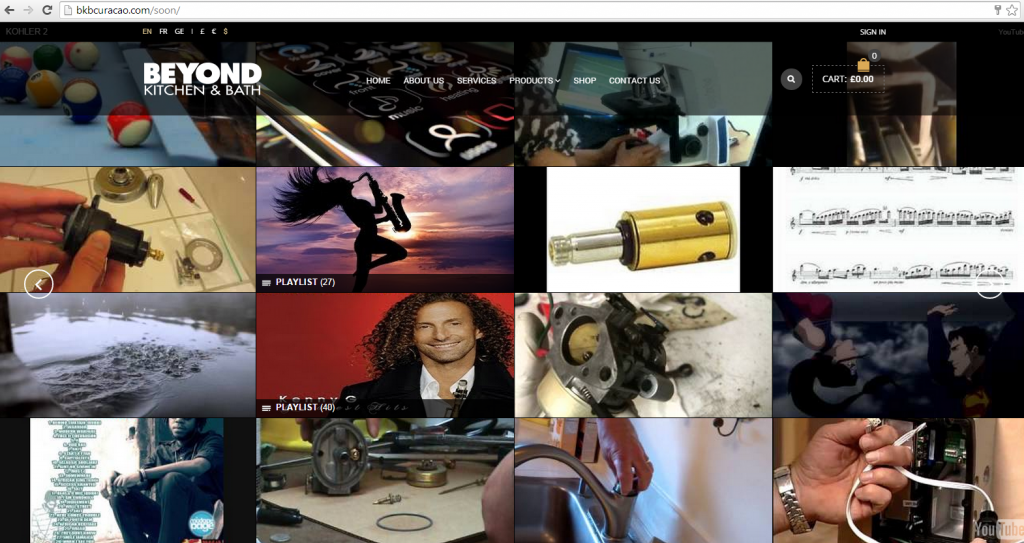
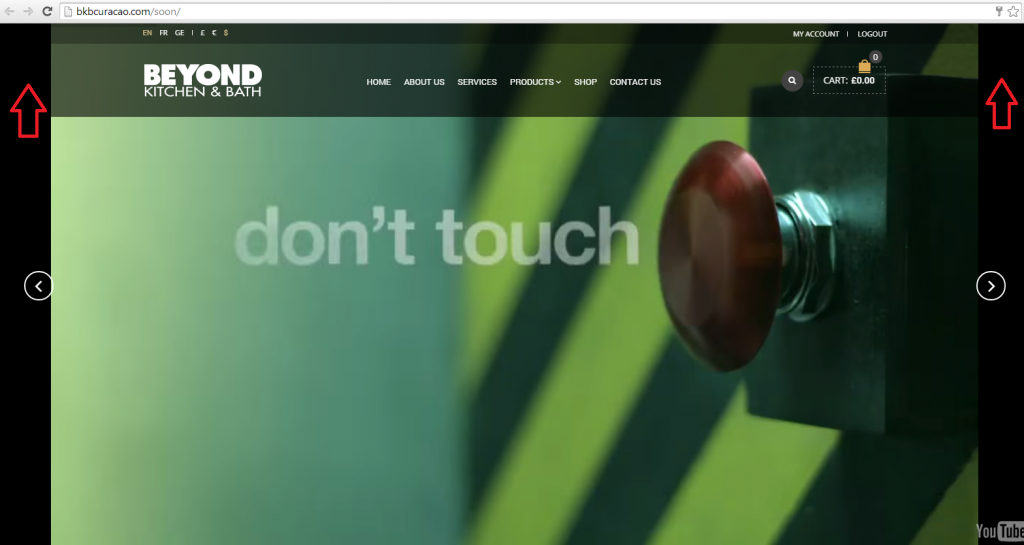
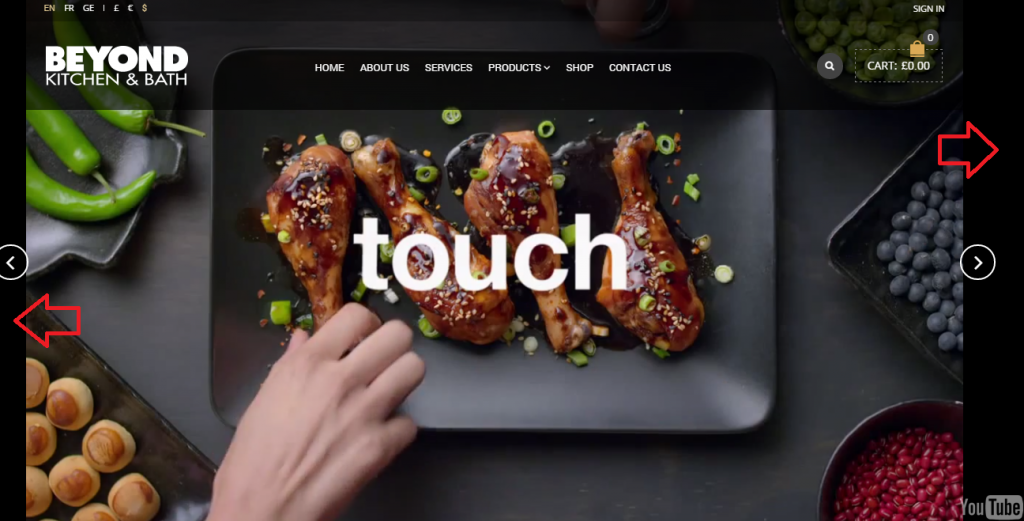
    Can you revert back any changes made for this video? Seems like when I remove the code (hd=1&wmode=opaque&showinfo=0&rel=0&autoplay=1&w=320;) from the attributes the Header menu does not go back as it was before (The image below shows how it was before and how it should be at the moment):

    http://i1340.photobucket.com/albums/o728/LibardoBarreto/JUNK/ghjghjghj_zpsa9bed4da.png

    IF you see in the image below the Header menu is not showing correct and still the width of the video is some problem with it:

    http://i1340.photobucket.com/albums/o728/LibardoBarreto/JUNK/jghjgj_zpsbdaf826d.png

    Any luck how to make some progress on this case#? Really appreciate your help.

    I also noticed that when I open on a different page on the site (which also have a video) it is also showing the header wrong. >> I have add the link to private content

    Another part I noticed was that this video on the other page at the end of the video it does not loop automatically and also showing other Youtube videos at the end as we had problem like the one before.

    Can you provide me the setting or steps which was done to change the youtube videos at the end for not showing?

    Please, contact administrator
    for this information.
    Avatar: Libardo
    Libardo
    Participant
    October 28, 2014 at 19:47

    Hi Eva,

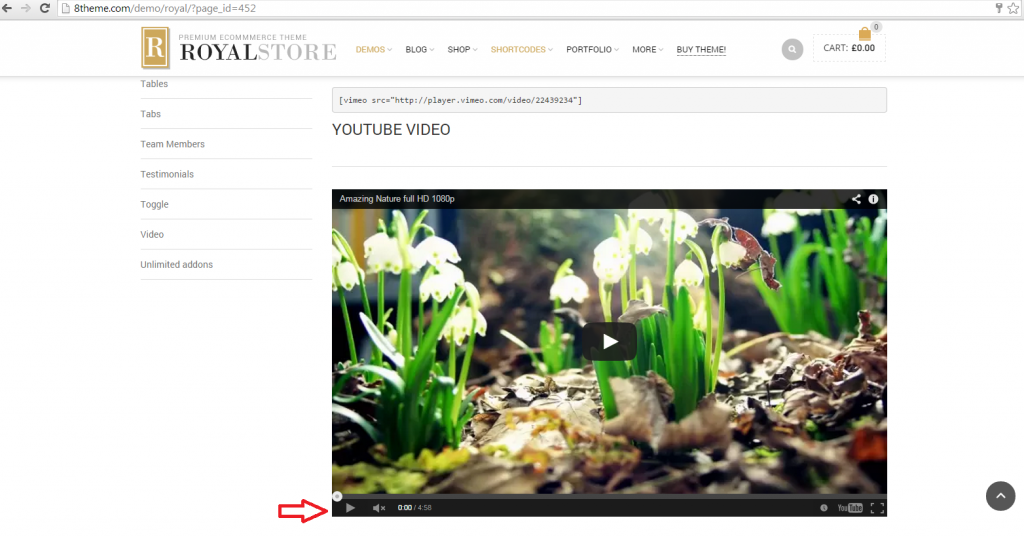
    Can you check how this video was embed in the 8th theme website? Maybe with that code we can manage to make the ones on BKB website the same.

    http://i1340.photobucket.com/albums/o728/LibardoBarreto/JUNK/fghfghfgh_zps18c68a97.png

    Avatar: Libardo
    Libardo
    Participant
    October 28, 2014 at 16:10

    Hi Eva,

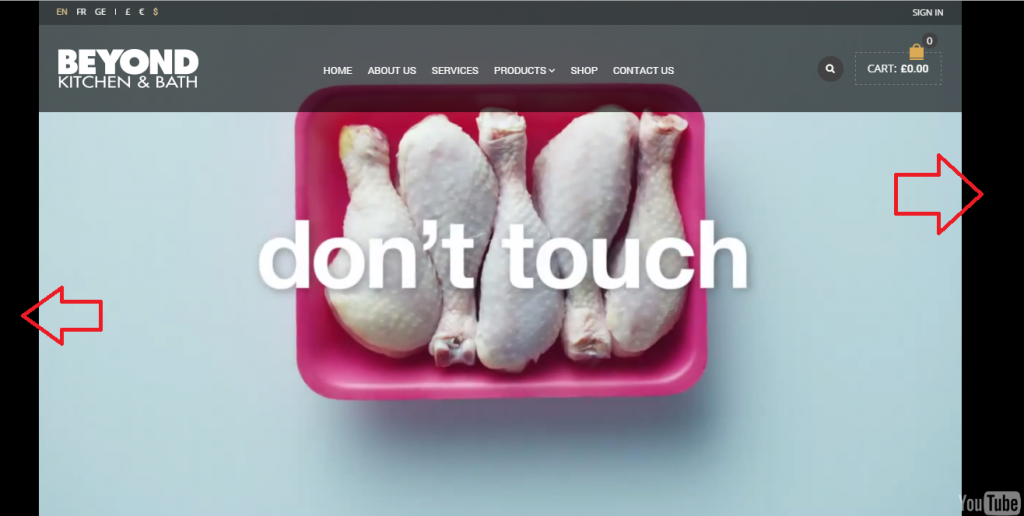
    Thanks I noticed this. However how to have it at all times with the black bar as the video on the 8th theme website (Image above)?

    In my case when I play the video It will show but in the image above when play or not the black bar still the same.

    Thanks.

    Avatar: Libardo
    Libardo
    Participant
    October 28, 2014 at 11:52

    Good Day Support,

    Just checking if you happen to have a chance to look at this case during the day?

    Thanks in advance..

    Avatar: Libardo
    Libardo
    Participant
    October 28, 2014 at 11:52

    Good Day Support,

    Just checking if you happen to have a chance to look at this case during the day?

    Thanks in advance..

    Avatar: Libardo
    Libardo
    Participant
    October 28, 2014 at 11:51

    Good Day Support,

    Just checking if you happen to have a chance to look at this case during the day?

    Thanks in advance..

    Avatar: Libardo
    Libardo
    Participant
    October 28, 2014 at 11:50

    Good Day Support,

    Just checking if you happen to have a chance to look at this case during the day?

    Thanks in advance..

    Avatar: Libardo
    Libardo
    Participant
    October 28, 2014 at 02:25

    Hi Support,

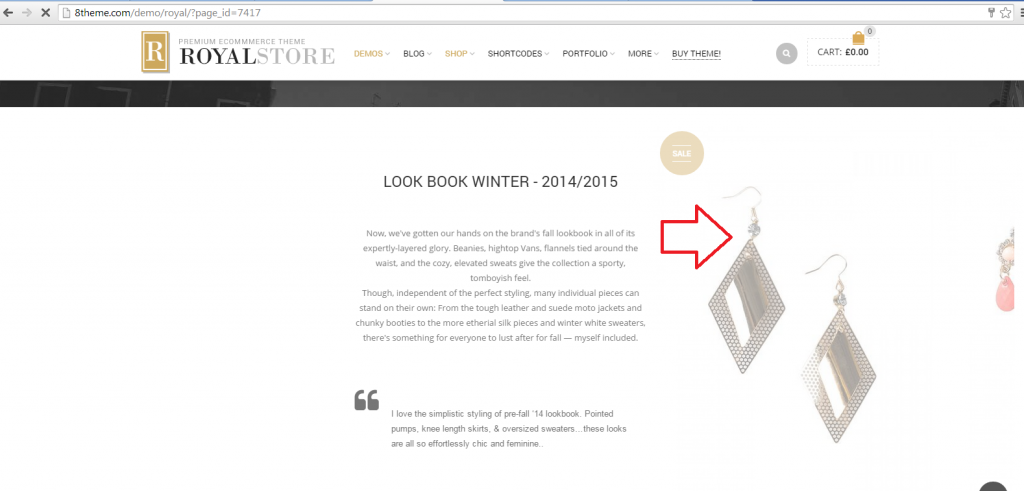
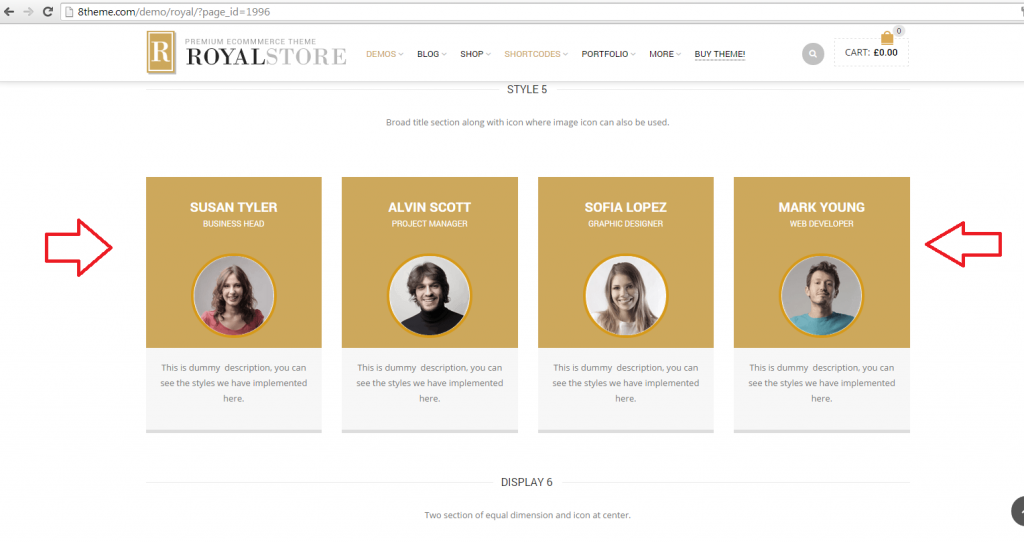
    After doing some research on your website I found the exact example I want. Think this does not have to go to Developer Right?

    http://i1340.photobucket.com/albums/o728/LibardoBarreto/JUNK/fghfghfghfghfghfgh_zps8c08e769.png

    This side image looks very straight forward to accomplish…

    Please let me know how to do this before implementing it. I want to do this for other images as well.

    Please, contact administrator
    for this information.
    Avatar: Libardo
    Libardo
    Participant
    October 28, 2014 at 02:05

    Please, contact administrator
    for this information.
    Avatar: Libardo
    Libardo
    Participant
    October 28, 2014 at 02:04

    Hi Eva,

    It seems that the video now crop the header menu. See below:

    http://i1340.photobucket.com/albums/o728/LibardoBarreto/JUNK/jghjgj_zpsbdaf826d.png

    It supposed to be at all times like this:

    http://i1340.photobucket.com/albums/o728/LibardoBarreto/JUNK/ghjghjghj_zpsa9bed4da.png

    Now when I remove the code in case#21797 it goes back to :

    http://i1340.photobucket.com/albums/o728/LibardoBarreto/JUNK/ghjghjghj_zpsa9bed4da.png

    However when I change the width of the video it does not do anything. It stays the same. With regards to the Loop and Mute option is there another way? I tried to import this video into another theme (Pro Business >> ) and using the Visual Composer it stays Muted and also Loop as should.

    Maybe there is something in the Royal theme that needs to look into it?

    Let me know ..

    Please, contact administrator
    for this information.
    Avatar: Libardo
    Libardo
    Participant
    October 28, 2014 at 01:58

    Hi Eva,

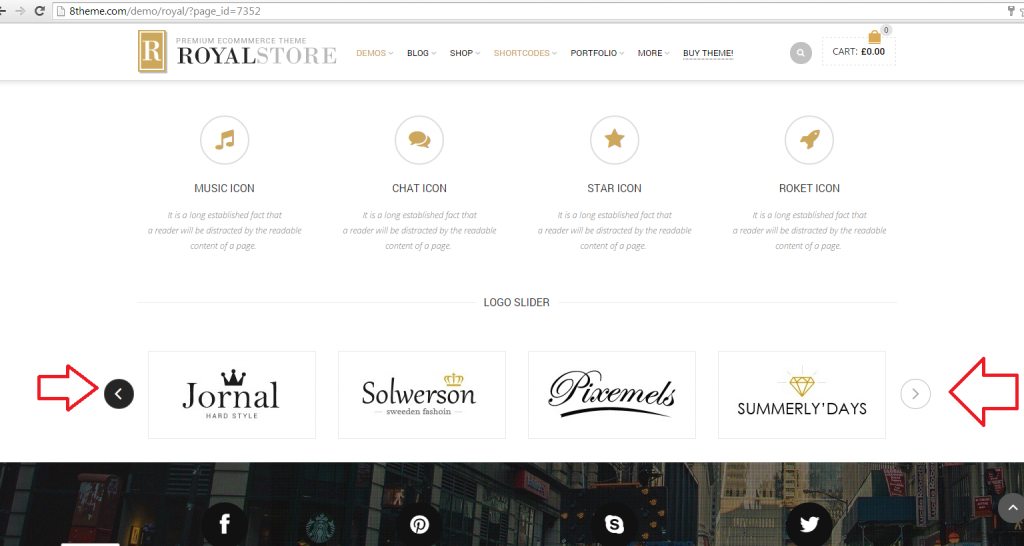
    Ok forget the brands… What I want to accomplish is the following:

    http://i1340.photobucket.com/albums/o728/LibardoBarreto/JUNK/fghfgh_zpsfce5869c.png

    As addition I would like to know how to add these as well:

    http://i1340.photobucket.com/albums/o728/LibardoBarreto/JUNK/ghfgh_zps0bdbb0af.png

    Please, contact administrator
    for this information.
    Avatar: Libardo
    Libardo
    Participant
    October 28, 2014 at 01:56

    Hi Eva,

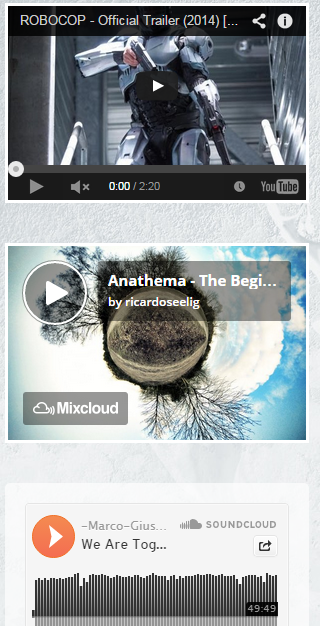
    One last question on this case#, how can I add the video as it is in the image below? If you look at my video on the home page it is missing the bottom bar.

    http://i1340.photobucket.com/albums/o728/LibardoBarreto/JUNK/ertert_zpsf70b6bda.png

    http://i1340.photobucket.com/albums/o728/LibardoBarreto/JUNK/fghfghfgh_zps18c68a97.png

    Please, contact administrator
    for this information.
    Avatar: Libardo
    Libardo
    Participant
    October 27, 2014 at 00:13

    Hi Eva,

    Thanks.

    Ok I have added the code “attr=&w=320\” via the menu Revolution Slider – Edit Slide – Attribute Field.

    This code seems to “Mute” the music as it should (Good News). Now we still have the problem with the “Width” of the video and also that the video does not “Loop” automatically at the end.

    I have cleared all caches in Google Chrome/IE/Firefox.

    Please let me know if need to add any other code in any other fields.

    Thanks.

    Please, contact administrator
    for this information.
    Avatar: Libardo
    Libardo
    Participant
    October 24, 2014 at 17:25

    Hi Eva,

    I just did the steps below :

    If you want to add images for brands you need go to Products > Brands, create a new brand or open an existing one and add a Thumbnail for the brand.

    However it did not worked. I have the Brand Element added on the Home Page and also the Brands (Logo) in the Products > Brands menu but still nothing shows on the home page.

    IS there something else I need to link or add? Like Slug? OR image?

    Please let me know..

    Please, contact administrator
    for this information.
    Avatar: Libardo
    Libardo
    Participant
    October 24, 2014 at 16:47

    Hi Eva,

    I have the same problem viewing it via : http://anonymouse.org/cgi-bin/anon-www.cgi/http://bkbcuracao.com/soon/

    I have also cleared all the cache and cookies from each browser.

    http://i1340.photobucket.com/albums/o728/LibardoBarreto/JUNK/fsdfsdf_zpsfa1bce03.png

    Avatar: Libardo
    Libardo
    Participant
    October 24, 2014 at 16:42

    Hi Support,

    Somehow when removing the $post_title from the css and reload the site it replaces the mail icon with the code / text…

    Is there an other solution / suggestion?

    Thank you,

    Avatar: Libardo
    Libardo
    Participant
    October 24, 2014 at 16:19

    Hi Eva,

    Still the same :(:(

    http://i1340.photobucket.com/albums/o728/LibardoBarreto/JUNK/dsd_zpsc455e2ac.png

    I even open the site now on a clean installation window with the latest browser versions. Something is triggered that is not showing as it should. Dont we have to add nothing maybe in hear? I’m just thinking what can be look into here …

    http://i1340.photobucket.com/albums/o728/LibardoBarreto/JUNK/ffsdf_zps4a34dd89.png

    Avatar: Libardo
    Libardo
    Participant
    October 24, 2014 at 15:28

    Thanks Eva.

    Is this also the same steps to take for the Testimonials Widget?

    Avatar: Libardo
    Libardo
    Participant
    October 24, 2014 at 15:27

    Eva I want to THANK YOU 😀 It works..

    Avatar: Libardo
    Libardo
    Participant
    October 24, 2014 at 15:01

    Hi Robert,

    Which Folder of the theme you need FTP access to?

    Avatar: Libardo
    Libardo
    Participant
    October 24, 2014 at 15:00

    Here you go:

    Thanks..

    Please, contact administrator
    for this information.
    Avatar: Libardo
    Libardo
    Participant
    October 24, 2014 at 14:44

    Thanks Eva.

    But isnt that the Header which I have set at the moment should also be in the Theme Options > Header > Header Style?

    Can I choose it from here and set it as default for all pages? This header came with the Theme which I think it should be there to choose and be as default for all pages.

    So my question is how come when I import the School theme is there? Just want to figure out where this header is which I can then select it to be for all pages. Please take a look at the home page and you will noticed and the rest of the pages.

    Once more thanks for the time and effort.

    Please, contact administrator
    for this information.
    Avatar: Libardo
    Libardo
    Participant
    October 24, 2014 at 14:34

    Hi Eva,

    In addition to what has already bee reported above, I would like to know how can I have the rest of the pages also with the same Header Style? Like for instance when I go to About Us or the other pages is not reflecting the same Header as the Home Page.

    Could you please assist me with this part?

    Please, contact administrator
    for this information.
    Avatar: Libardo
    Libardo
    Participant
    October 24, 2014 at 14:23

    Hi Robert,

    Just checking if you happen to have an update for me? Let me know when you have some time to go over this case#.

    Thanks..

    Avatar: Libardo
    Libardo
    Participant
    October 24, 2014 at 14:19

    Hi Robert I tried this code. But seems not to work.

    Is there another code?

    Please, contact administrator
    for this information.
    Avatar: Libardo
    Libardo
    Participant
    October 24, 2014 at 12:03

    Hi this is the link (see ptivate)

    Please, contact administrator
    for this information.
    Avatar: Libardo
    Libardo
    Participant
    October 24, 2014 at 11:59

    Thanks Thanks Robert.

    Just one question I added a new row then selected the Brand via (Visual Composer) and then can see the options how you want it to be viewed. But how do I link the images? There is no option so far I see..

    Do I have to go into Setting – Visual Composer menu which can be found on your left habd screen where all the menus are like themw options, pages, posts etc.. and then select and create a option or a article to link with the brand option?

    What I’m looking is the steps to accomplish and link images to the brand option.

    Please let me know if need more information or if need more print screen to illustrate what I am referring to.

    Thanks.

    Please, contact administrator
    for this information.
  • 1 2 3 16 17 18 19
    Viewing 510 results - 481 through 510 (of 563 total)
Viewing 30 posts - 481 through 510 (of 563 total)
We're using our own and third-party cookies to improve your experience and our website. Keep on browsing to accept our cookie policy.