Thanks Eva.
I seem not to get e-mail notification when you post a reply. Can you please check this?

Thanks Eva.
I seem not to get e-mail notification when you post a reply. Can you please check this?
Hi Eva,
Thanks.. the adjustments looks good. The only thing which I would like to add is to have a white frame border around the modal box just like the one below:
http://i1340.photobucket.com/albums/o728/LibardoBarreto/JUNK/1_zps9a647148.png
http://i1340.photobucket.com/albums/o728/LibardoBarreto/JUNK/2_zps1a0b1ed8.png
Also I noticed when I click on the modal box the video will auto play. Which is good. However the music is muted. Is there a way to set the volume up? Also when you manually turn the volume up and then close the modal box the sound keeps playing. Is this a bug in the theme?
About the “Call to Action Button” it looks fine. But how do I add the red color and a white frame around it? I want it to be just like the modal box but the difference will be that the “Call to Action Button” can download a PDF file and the modal box will see video.
Let me know ..
Hi Eva,
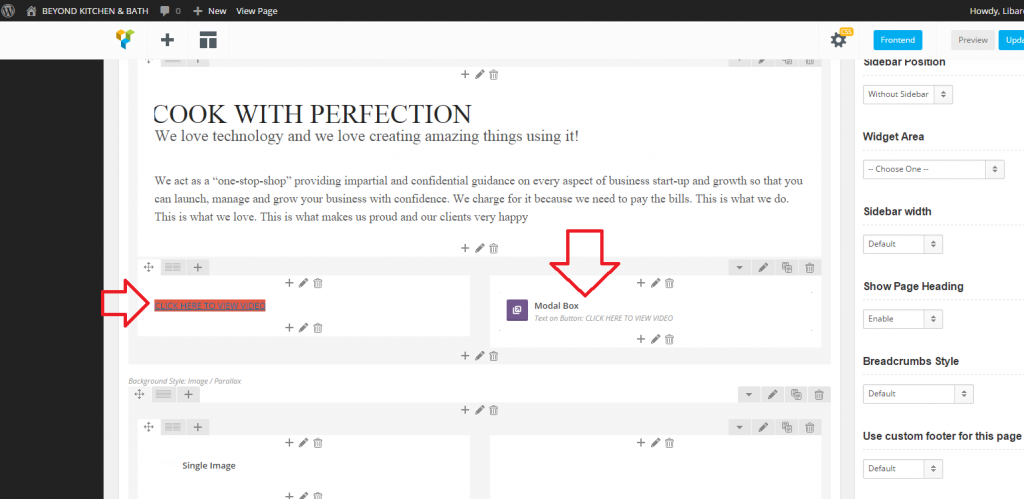
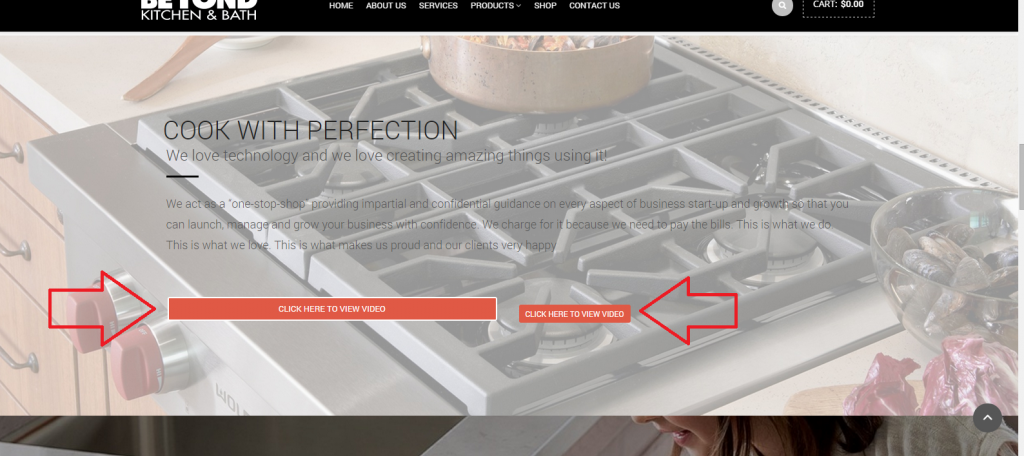
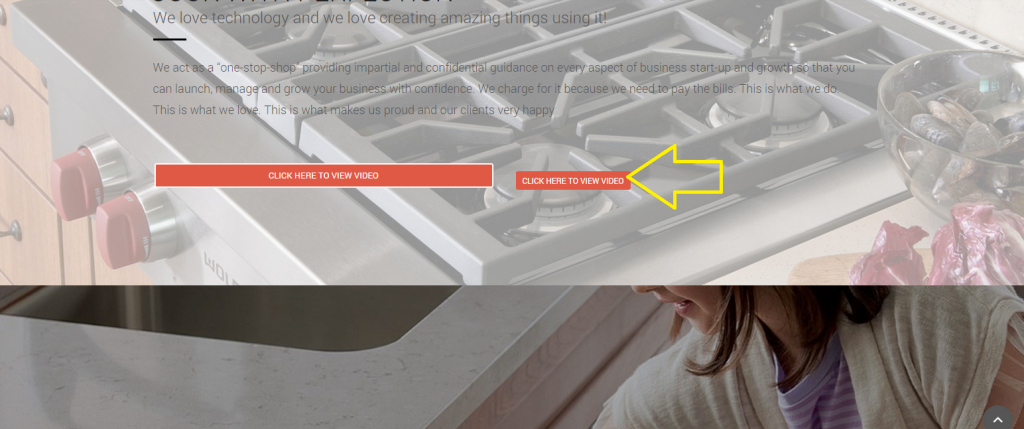
Thanks. Got it. However I am trying to make the medal Pop Up Box button the same as next to the picture but can seems to ave the same button as the one next to it. http://i1340.photobucket.com/albums/o728/LibardoBarreto/JUNK/4545_zpsdc63f1dd.png
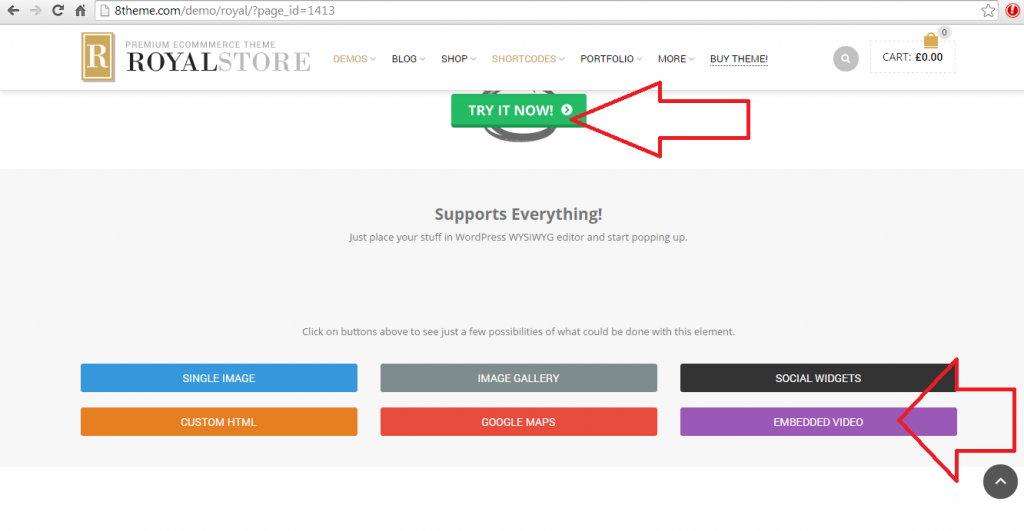
Also when I click on the button the video does not play as when click on the embed video below:
http://i1340.photobucket.com/albums/o728/LibardoBarreto/JUNK/0ok_zps7405168a.png
Is it possible for you to do one of the button and I will copy for the rest of the pages?
Can I also use the Modal Box to download a PDF document? If yes how can I add or do this? Is there any video I check or can you also create a button and from there I will copy paste the rest?
Thanks..
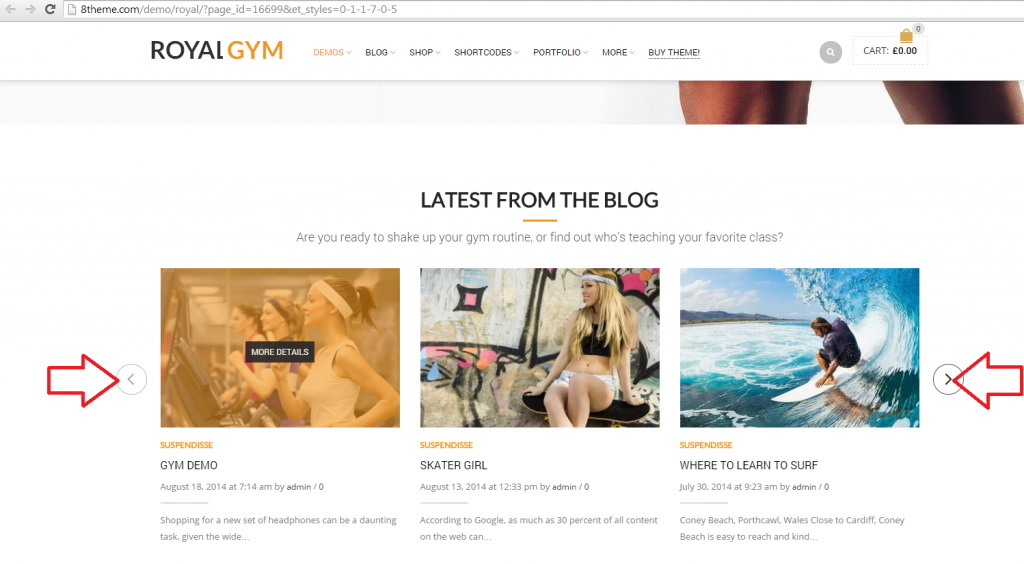
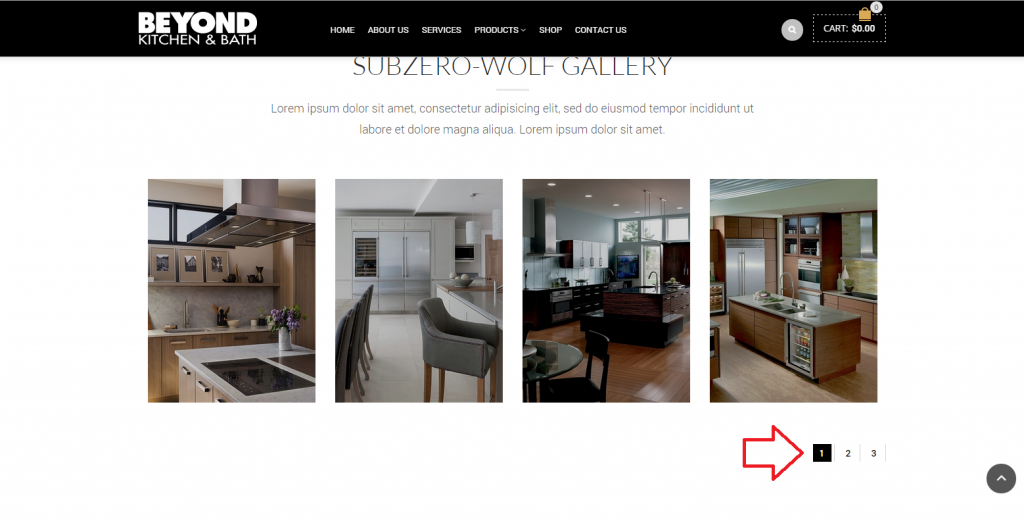
Is there also anyway to choose these arrows to be visible instead of what I currently have online?
Arrows:
http://i1340.photobucket.com/albums/o728/LibardoBarreto/JUNK/aaaa_zpsa83156b0.png
What I have online:
http://i1340.photobucket.com/albums/o728/LibardoBarreto/JUNK/ghfgh_zpsb8824c6a.png
To be clear I would like for the arrows to be visible instead of the numbers.
Thanks Eva.
Is there a way also to use the Hex colors like this code >> 0026FF which represents a blue color? If yes how do I adapt it in this code:
.teaser_grid_container .post-thumb .zoom >i {
background-color: red !important;
}
=====================================================================
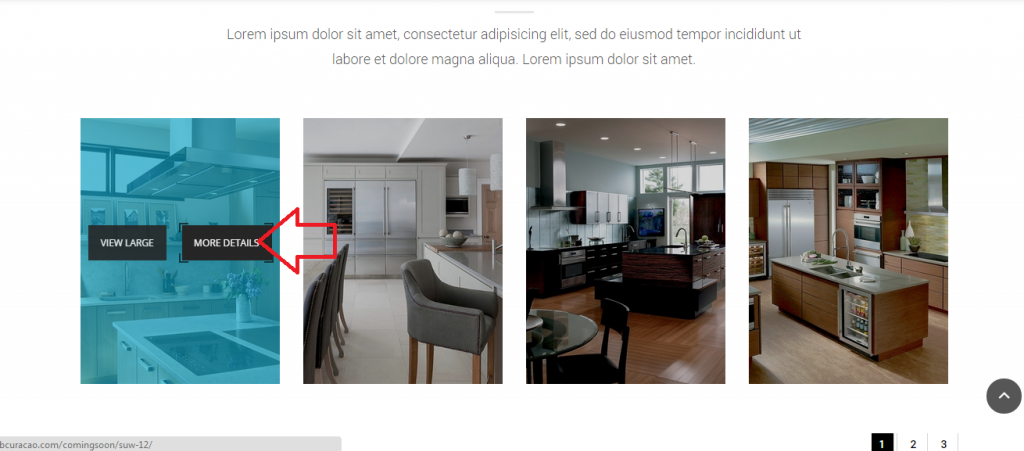
With regards to the button I just would not like to have the ” More Details ” option available when hover your mouse on the image. I want the customers to have the option to ” View Large “. Would this be possible?
http://i1340.photobucket.com/albums/o728/LibardoBarreto/JUNK/dfsdf_zps0e800b12.png
Good Day Eva,
How can I remove the More Details and leave the option only to view the image as large?
http://i1340.photobucket.com/albums/o728/LibardoBarreto/JUNK/dfsdf_zps0e800b12.png
Also is there a way to change the color when hover the mouse over the image?
Hi Eva,
Thanks. The space between the images looks perfect!
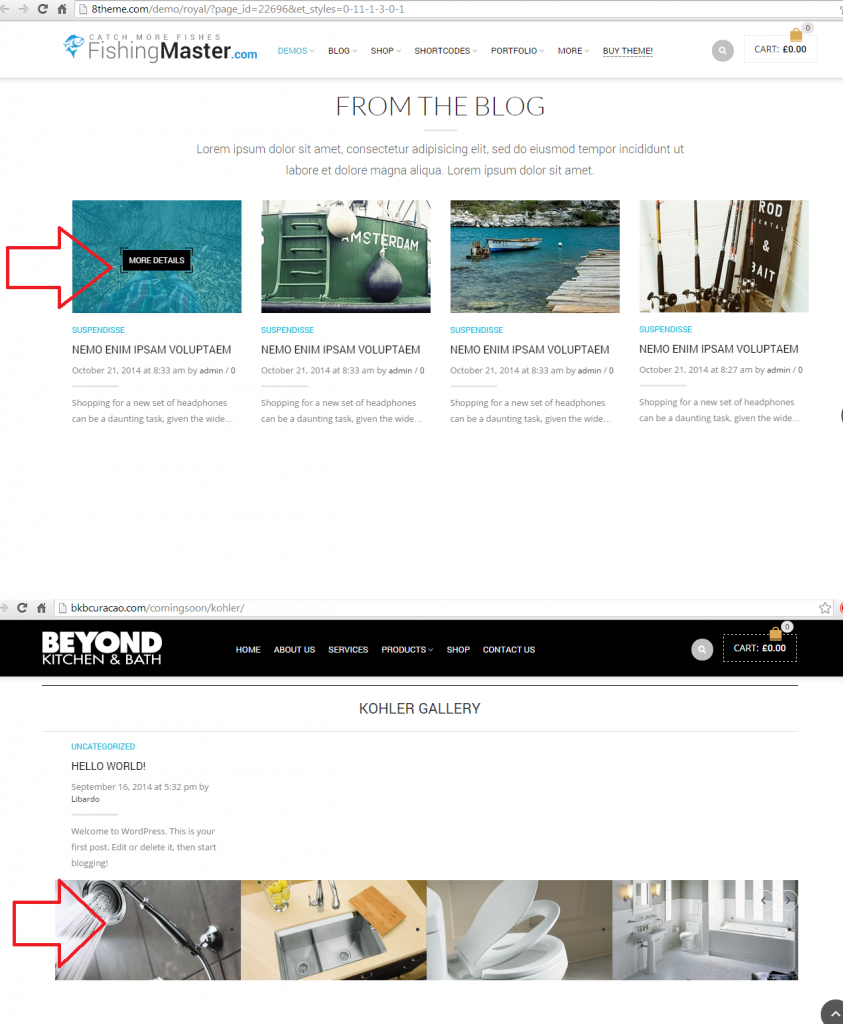
However is there any other way also when I hover the mouse over the image it will looks like this :
http://i1340.photobucket.com/albums/o728/LibardoBarreto/JUNK/gg_zps0acdd3ef.png
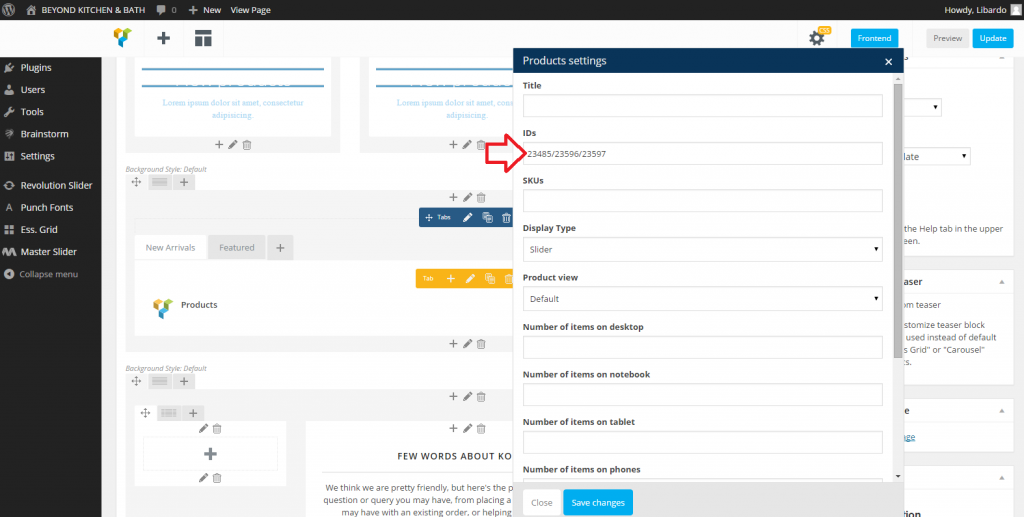
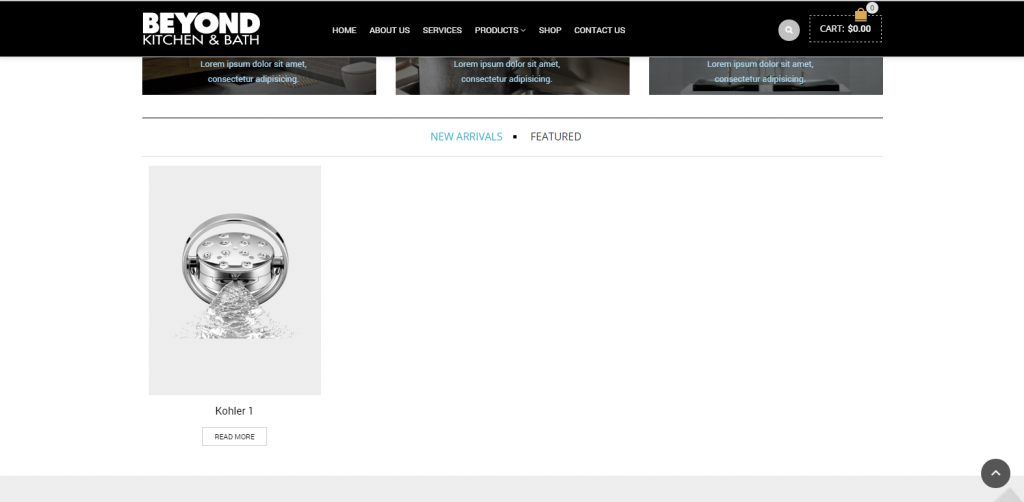
Another point on top of this post is the product IDs… I added the product id as suggested but now I see only one product and the rest is not showing. How to let the rest also be visible? Do I need to add anything in the middle of each ID? Like a , . / – = ?
http://i1340.photobucket.com/albums/o728/LibardoBarreto/JUNK/id_zps58479316.png
http://i1340.photobucket.com/albums/o728/LibardoBarreto/JUNK/pp_zps421d4307.png
Also some products I see that they have a round circle at the top stating ” SALE “. How to add a round circle stating ” NEW “? In addition is there a way to change the color of these circles?
Hi Stan,
Thanks for the reply.
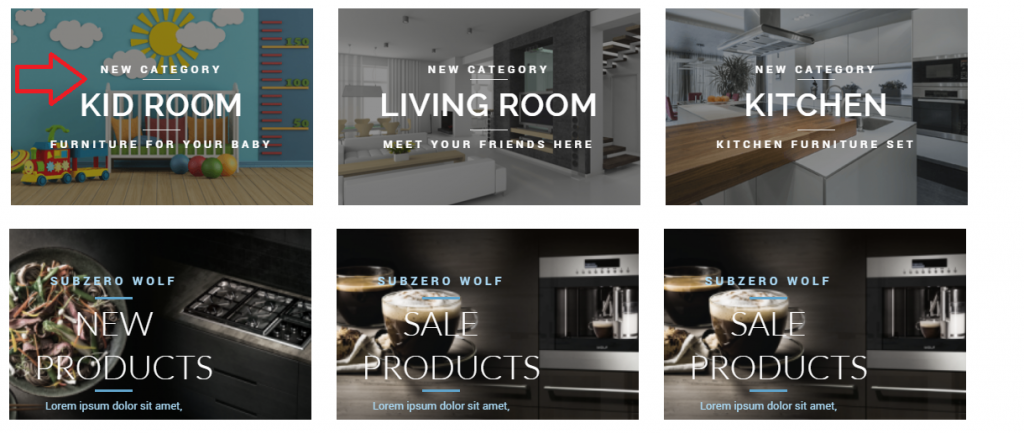
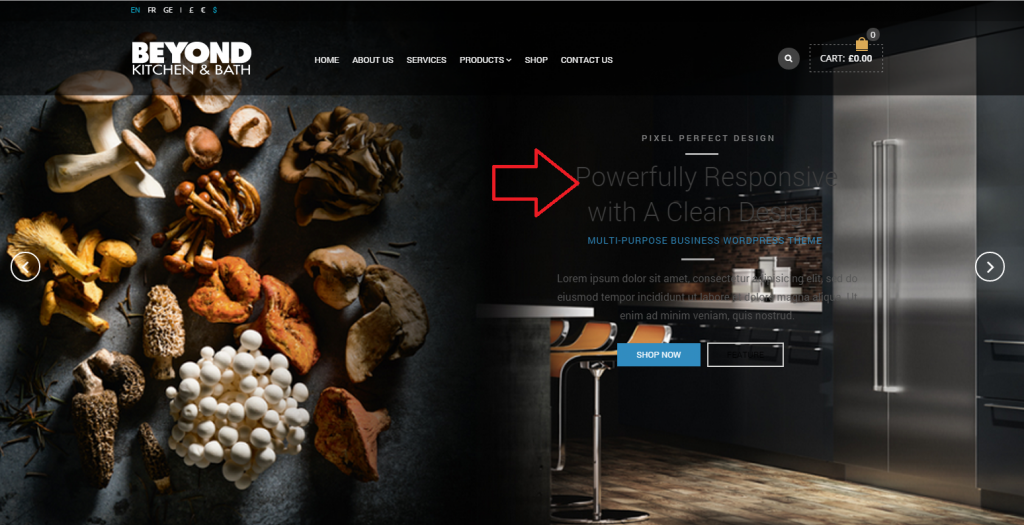
The red arrow pointig down is where I want the the text to be. If you look at the text header (colored in blue) you will noticed that only this one raise a bit than the other ones. The text for some reason goes up meanwhile the rest is allign as the red bar underneath indicates. Only this one seems to be the problem the rest looks fine. Did you noticed that this one goes up a bit when you look into your browser?
Hi Eva,
I think we miss this one, (I know you mentioned to use the image gallery, but is there any other way?)
Is there a way to add the gallery as the one of the Fishing Demo Template instead of Image Gallery? The image gallery will crop all the pictures next to each other and there is no space between and nice look and feel as the one of the fishing demo template:
http://i1340.photobucket.com/albums/o728/LibardoBarreto/JUNK/gg_zps0acdd3ef.png
The images looks close and does not have a stylish look in which the post image of the fishing demo does. I know its not the same. But from experience is there another way to have a similar look and feel? Maybe you ca guide via screen shots and I will proceed with thr steps.
>> Or maybe we can use the same demo images as the fishing demo content and just do a hyperlink to a bigger image when you press on the image?
Thanks.
please make changes on the website on this page .. so I can see how it looks with the transparent background. (See Private)
Thanks Eva!
Please see private
Hi Eva,
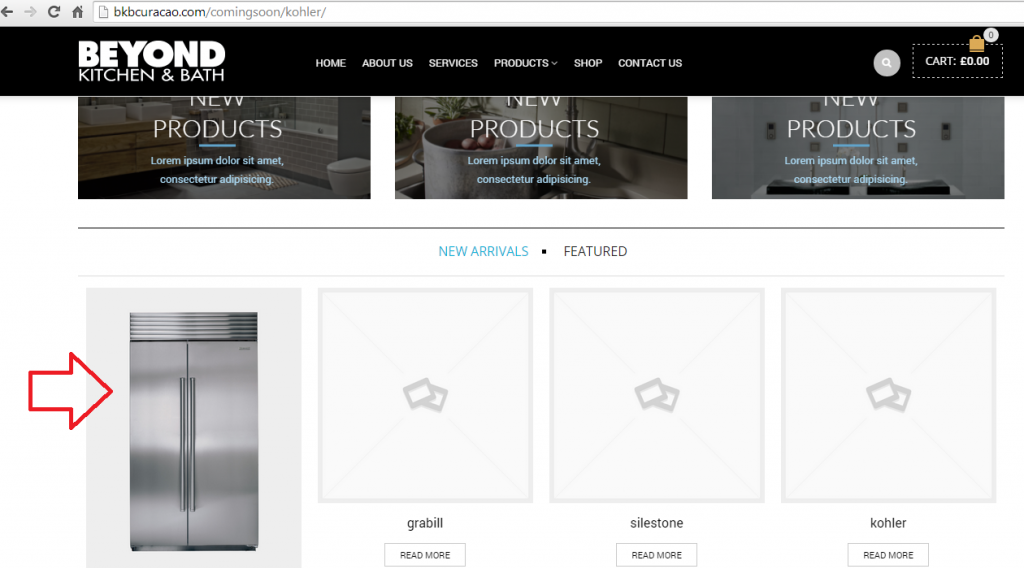
Seems like it not going. Ok what I want to have is that on Kohler Page it shows Kohler Products. If you see in the printscreen below the ” Fridge ” is showing on the Kohler page. How do I make a distinguish to this?
http://i1340.photobucket.com/albums/o728/LibardoBarreto/JUNK/frrr_zpsa90a4f04.png
http://i1340.photobucket.com/albums/o728/LibardoBarreto/JUNK/4tt_zps145fc3a5.png
Also how do I filter which products comes first and last? For instance if I want the fridge first and a oven at last in the product slider :
http://i1340.photobucket.com/albums/o728/LibardoBarreto/JUNK/frrr_zpsa90a4f04.png
Hi Support,
Not done yet.
I will update and test again otherwise get back to you about this.
Thanks,
Hi Eva,
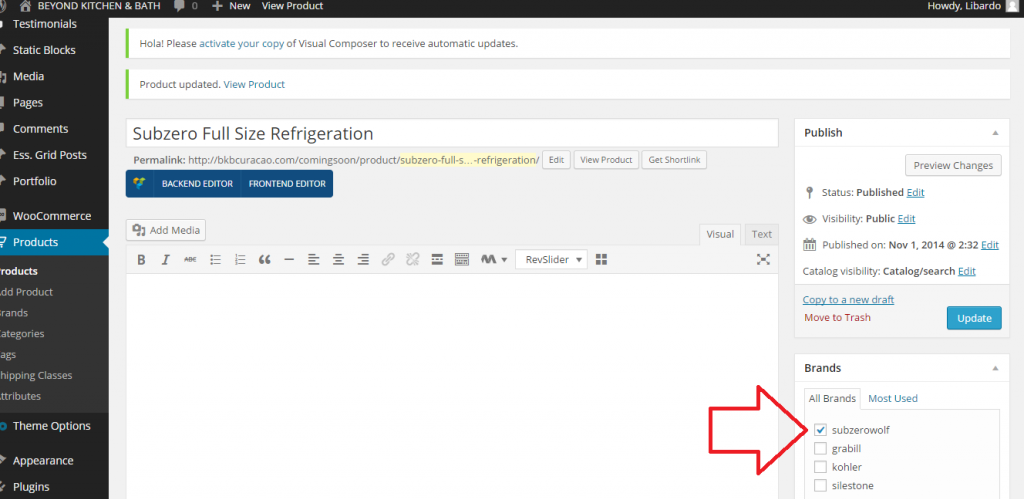
Ok I have manage to insert the Feature Image. Now I have a question how to link each product to a specific partner. For example ” Kohler , Subzero Wolf etc… “.
=======================================
Hello,
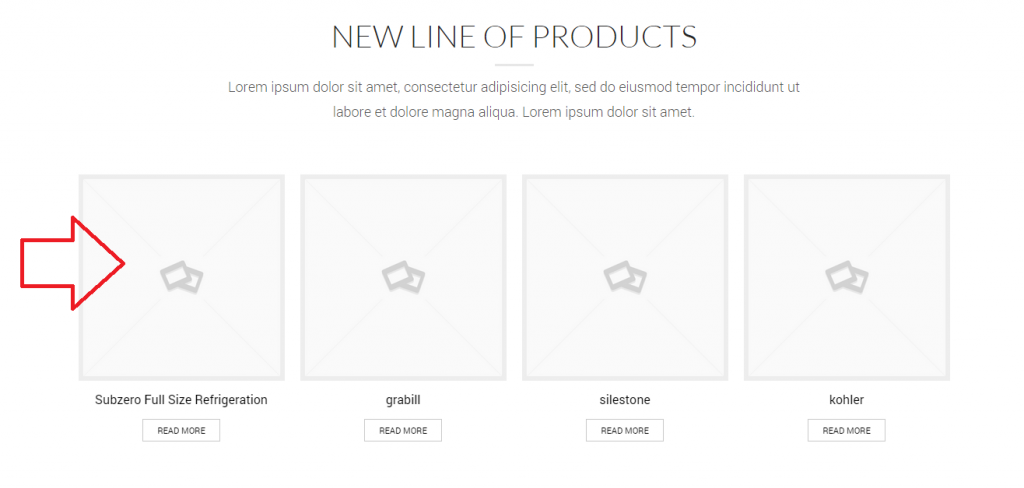
Concerning your products where images aren’t shown, the problem is you didn’t set featured products them. Go to Product > select a product you need to edit and set a featured image at the bottom on the right side:
Hi Eva,
Can you guide me step by step where to insert these criteria s?
>> Text element of Visual Composer editor is used there and the background color for that column set is rgba(247,247,247,0.3). <<
Or any print screenshot?
Thanks alot
Hi Eva,
Thanks..
Is there a way to add the gallery as the one of the Fishing Demo Template instead of Image Gallery? The image gallery will crop all the pictures next to each other and there is no space between and nice look and feel as the one of the fishing demo template:
http://i1340.photobucket.com/albums/o728/LibardoBarreto/JUNK/gg_zps0acdd3ef.png
If that is the way the Image Gallery works is there another alternative which can facilitate to have a nice look and feel for the images?
Hi Eva,
The transparent image I found it on the demo Retro Pub Royal
https://www.8theme.com/demo/royal/?page_id=23071&et_styles=0-1-3-8-0-7
Hi Eva,
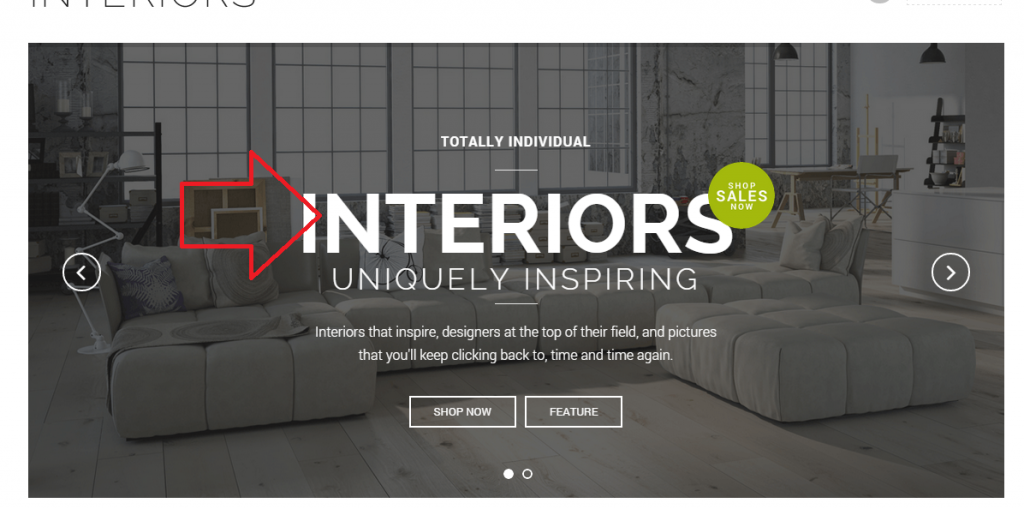
How do I centralized the text like it illustrate in the image below?
http://i1340.photobucket.com/albums/o728/LibardoBarreto/JUNK/jgh_zpsfa165f6d.png
Also can you guide me on how to use the Woocommerce option? I have added the products as instructed before but is not showing as should (See Below)
http://i1340.photobucket.com/albums/o728/LibardoBarreto/JUNK/hfghfgh_zps68458a08.png
>> Also how to define what to let be viewed on each page that have the option of products? For instance in this case when I open my homepage and scroll all the way down I see the partners logos and now also the other products. I want only the logos to show how to define this per page or category? Is it possible for you to create this and I will copy and past it for the rest?
What I also wants is to have the text replace as the one below:
>> This way is correct
http://i1340.photobucket.com/albums/o728/LibardoBarreto/JUNK/txt_zps0a8c93cd.png
>> Not correct (Existing)
http://i1340.photobucket.com/albums/o728/LibardoBarreto/JUNK/ffgdfg_zps60c2f31c.png
Is it possible for you to create this and I will copy and past it for the rest?
Hi Eva,
What code to user or how to add the transparent image like this on my page?
http://i1340.photobucket.com/albums/o728/LibardoBarreto/JUNK/gfdgdfg_zpsa6bc545d.png
Hi Eva,
Yes the header menu looks good. For the (Please specify: do you want to use Fishing template or just add images just the same way as shown on the demo?) I would like to have a Slider Photo Gallery in which when the customer clicks on the photo it become a bigger size in the same window.
Thanks..
Hi Eva,
Please check me in private.
Hi Eva,
The Version is :(see private)
Hi All,
How can I adapt the width of the contact form 7 fields?
Thanks,
Hi Eva,
I CANNOT THANKKKKKKK YOU ENOUGH :D:D:D:D:D:D.
IT WORKS.
The Video is Looping now. Wow >> Finally.
The only point pending which I would like to know if that there is anything we can do it ” Mute : the music. Sometimes it does not Mute and sometimes it does.
Thanks in advance.
Hi Eva,
Please see in private.
Hi Support,
I have replaced it with the Subject text I want to appear, but had a ‘-‘ in the text and somehow it does not take those type of characters.
Tried again with only text and indeed it works.
Thanks,
Hi Eva,
Seems like a never ending story with this video. I have tried this just now and see that the video still does not loop automatically. It keeps showing this at the end:
http://i1340.photobucket.com/albums/o728/LibardoBarreto/JUNK/hfgf_zpsd5162d69.png
Maybe is good to check with the developers to see maybe there is a code needs to be edited in the theme self or in Revolution Slider? I’m just thinking out of the box cause I serious dont know where else to go or to see what is happening with this video.
Thanks so far for your dedicated support.
Hi Eva,
Please check again. I have enabled permission for you. Please check the one also of wwww.bkbcuracao.com/soon/kohler ( this is the same problem ).
Hi Eva,
Thanks much. I just included the code above but the video still stay the same. Could you please check for me?
Have a great day.
Hi Support,
I was using version 9, updated to 11 and everything is solved.
Thanks,