Thanks Rose.
Can you tell me how you did the smooth scrolling? I wanna learn as well do also do this in the future.

Thanks Rose.
Can you tell me how you did the smooth scrolling? I wanna learn as well do also do this in the future.
Rose,
Thanks but not happy. And you self confirm in your previous reply that you will provide the CSS code:
==============================================
March 22, 2017 at 11:49 #157505
Hello,
Let me know about result and I will give you css code to great hover effect.
Regards,
Rose Tyler.
==============================================
So it came to my conclusion that 8theme promise and then turn the wording to charge the clients?? I can understand that CSS customization is extra charge but you cant be promoting a demo online to buy the theme on themeforest and then you want to charge for this. In your reply and the Demo is showing the smooth scrolling so I expect this is somewhere documented or a tutorial would be very much appreciated. I really would like to ask to discuss this internally and get back to me with the results .. Like this I cant work with the theme and really thinking what I really rate this theme for/buy this theme.
Hopefully it wont take too long to get your feedback ;-). Is Eva Kamp still available? Maybe she can help with this request ..
Hi Rose,
Any news for my last reply?
Hi Rose,
I want to go with the option below. Can you let me know where is the Royal Stylesheet to add the code below?
===============================================================
Adding Custom Fonts in WordPress Using CSS3 @font-face
The most direct way of adding custom fonts in WordPress is by adding the fonts using CSS3 @font-face method. This method allows you to use any font that you like on your website.
First thing you need to do is download the font that you like in a web format. If you do not have the web format for your font, then you can convert it using the FontSquirrel Webfont generator.
Once you have the webfont files, you would need to upload it on your web hosting server.
The best place to upload the fonts is inside a new “fonts” folder in your theme or child theme‘s directory.
You can use FTP or File Manager of your cPanel to upload the font.
Once you have uploaded the font, you need to load the font in your theme’s stylesheet using CSS3 @font-face rule like this:
1
@font-face {
2
font-family: Arvo;
3
src: url(http://www.example.com/wp-content/themes/your-theme/fonts/Arvo-Regular.ttf);
4
font-weight: normal;
5
}
Don’t forget to replace the font-family and URL with your own.
After that you can use that font anywhere in your theme’s stylesheet like this:
view sourceprint?
1
.h1 site-title {
2
font-family: “Arvo”, Arial, sans-serif;
3
}
Loading fonts directly using CSS3 @font-face is not always the best solution. If you are using a font from Google Fonts or Typekit, then it is best to serve the font directly from their server for optimal performance.
That’s all, we hope this article helped you add custom fonts in WordPress. You may also want to checkout our guide on how to use icon fonts in WordPress and how to change the font size in WordPress.
If you liked this article, then please subscribe to our YouTube Channel for WordPress video tutorials. You can also find us on Twitter and Facebook.
Now it worked 😉
Hi Rose,
I tried with the code and it almost looks OK. But the text or not the same align. Please the video: http://recordit.co/WUvaeMXjqI
I tried using the code below with -50px in the one you provided but didnt help.
padding-right: -50px;
Hi Rose,
1.) In your document I see ” Custom Navigation For This Page ” is set to ” one page “. I dont see the ” one page ” option do you know why? See video: http://recordit.co/Oro1tCfOO8
2.) Yes please provide the CSS for smoother scrolling. We want scrolling smoothness just like your demo https://www.8theme.com/demo/royal/fashion-one-page/?et_styles=0-3-1-9-0-0
3.) Upon clicking for example ” Discover Our Sound ” we noticed it appears after the domain as like a sub page. However with your demo https://www.8theme.com/demo/royal/fashion-one-page/?et_styles=0-3-1-9-0-0 its not showing this upon clicking to none of the header menus. Is is possible we also have it the same way? We want to hide it when clicking any of header menus to not show after the domain. Video: http://recordit.co/oD9hklDyLE
Hi Rose,
Can you provide a video demonstration how to add the Tab Widget and which CSS?
I tried adding a tab but cant seems to have it the same as the example site.
This worked and now I see the Double Header Menu is gone. However the ” Logo image for Fixed header ” is not the same size as I have as the ” Logo image ” header. See the video:
Video: http://recordit.co/ANpAtH2tmp
In addition the menus also looks different when I scroll down and where they are located.
Great Rose. It worked. Now how do I do the same for the ” Logo image for Fixed header “?
See this video: http://recordit.co/ThVNcXVUiq
Thanks Rose. But I am aiming to have the exact text, style, font, etc… exactly the same as http://www.brandy-jingles.com/en/. I follow the print screen provided and made some changes but still not the same. Can you assist in this matter? Or maybe you can login and check this for us?
Hi Support,
Any update in this case?
I really need your assistance to move forward with this request.
Thank you in advance.
Hi Support,
Any update in this case?
I really need your assistance to move forward with this request.
Thank you in advance.
Hi Support,
Any update in this case?
I really need your assistance to move forward with this request.
Thank you in advance.
Hi Support,
Any update in this case?
I really need your assistance to move forward with this request.
Thank you in advance.
Hi Support,
Any update in this case?
I really need your assistance to move forward with this request.
Thank you in advance.
Hi Support,
Any update in this case?
I really need your assistance to move forward with this request.
Thank you in advance.
Hi Rose,
IP has been added. Can you clear your cache and try again to access out website?
See private Link.
Hi Rose,
IP has been added. Can you clear your cache and try again to access out website?
See private Link.
Hi Rose,
IP has been added. Can you clear your cache and try again to access out website?
See private Link.
Hi Rose,
IP has been added. Can you clear your cache and try again to access out website?
See private Link.
Hi Rose,
IP has been added. Can you clear your cache and try again to access out website?
See private Link.
Hi Support,
Any update?
Hi Support,
Any update?
Thanks Eva.
Hi Eva,
Thank you for your assistance.
Please see me in private.
Hi Eva,
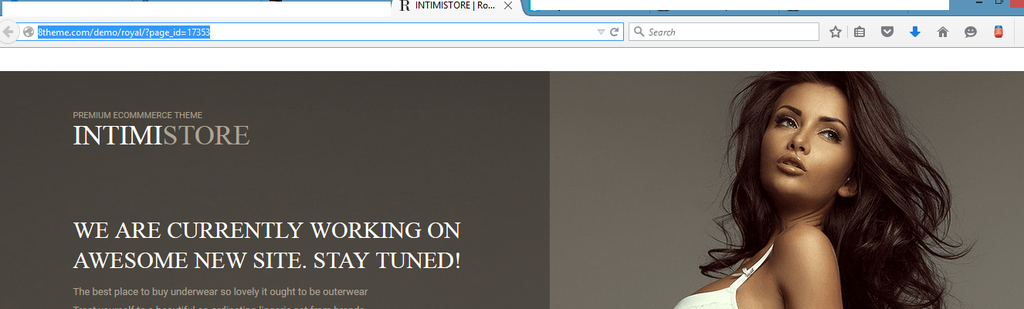
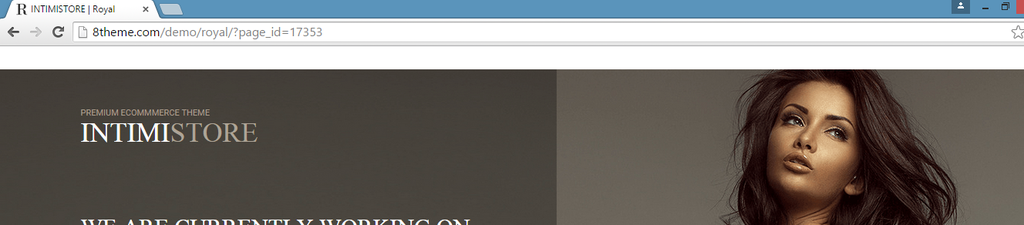
We want to do a Coming Soon for the BKBCuracao.com for the website that we are busy working on it for them and would like to know if the theme has a Bug Issue or the DEMO content is not updated? But from what we select of the Coming Soon List we see all tree browser that there is a blank space at the top of this Coming Soon page:
Firefox:
http://i1340.photobucket.com/albums/o728/LibardoBarreto/FIREFOX_zpszibrdzt3.png
Google Chrome:
http://i1340.photobucket.com/albums/o728/LibardoBarreto/CHROME_zpsdihbazot.png
Internet Explorer:
http://i1340.photobucket.com/albums/o728/LibardoBarreto/IE_zpslw72awat.png
IS there a code for this to fix this or so?
Hi Eva,
I added this code in Footer.php Child Theme but still no luck.
<script type=”text/javascript”>
jQuery(‘document’).ready(function($){
$(‘img’).parent(‘a[title]’).removeAttr(‘title’);
});
</script>
Can you check?
Hi Eva,
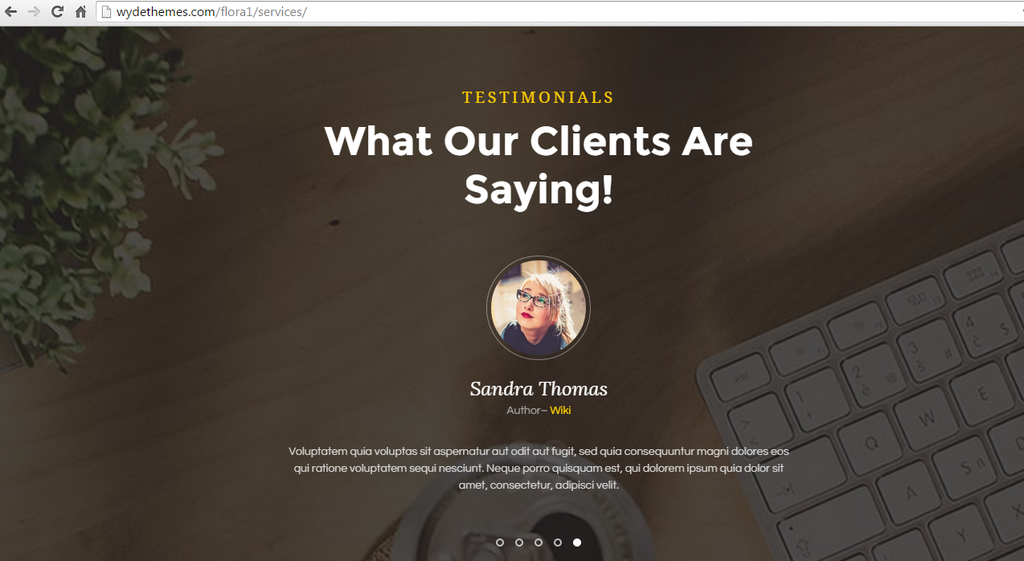
Thanks. Is it possible to make something similar as the site below for the Testimonials section?
http://wydethemes.com/flora1/services/
http://i1340.photobucket.com/albums/o728/LibardoBarreto/gdfdfg_zpsnbkeq56l.png
The same automatic rotation style with the client picture in a round circle?
Hi Eva,
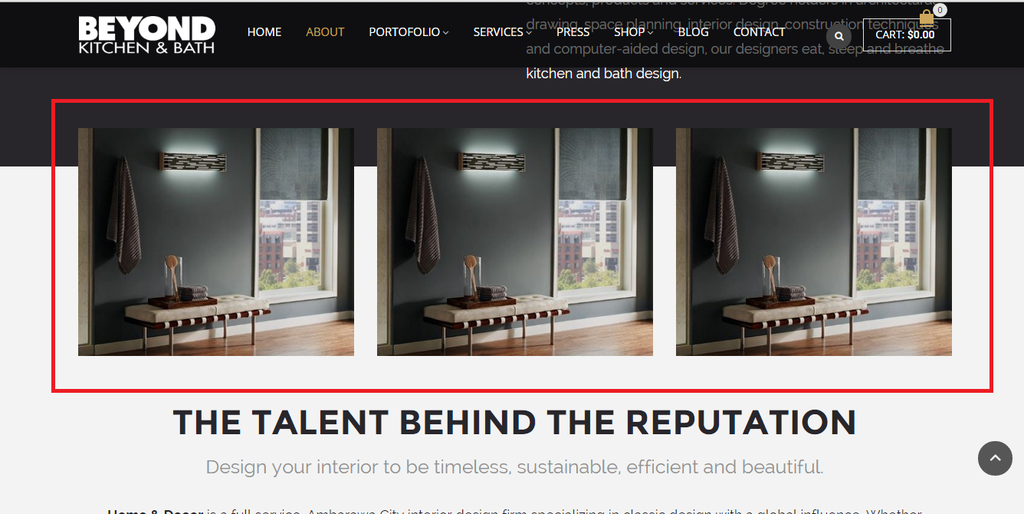
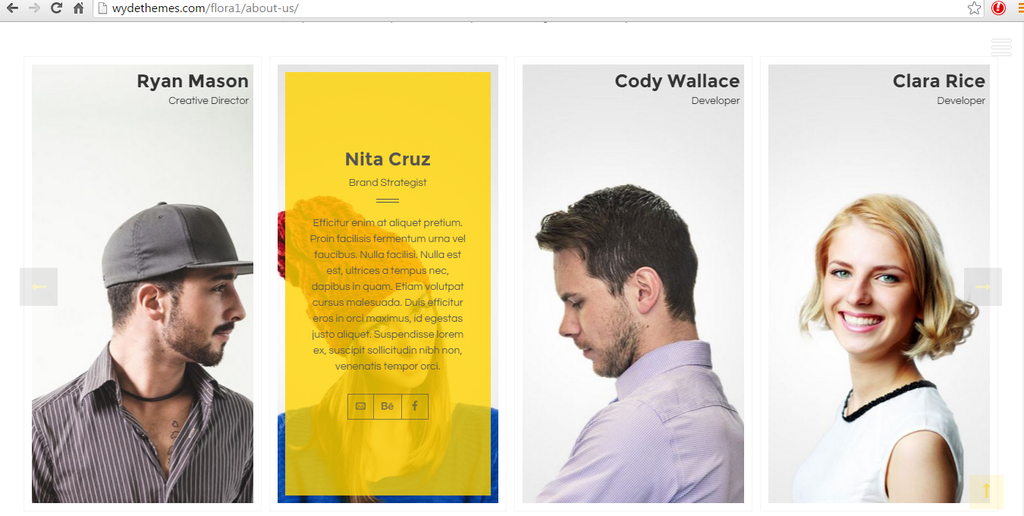
Thanks.. How can I achieve the same effect as the image below for these 3 images?
http://i1340.photobucket.com/albums/o728/LibardoBarreto/rtth_zpscrswi8mo.png
Image Effect: (http://wydethemes.com/flora1/about-us/)
http://i1340.photobucket.com/albums/o728/LibardoBarreto/bbfd_zpstiikptpx.png
Maybe via the Visual Composure? Or maybe can do a demo for us and I will further create the rest?