Hello
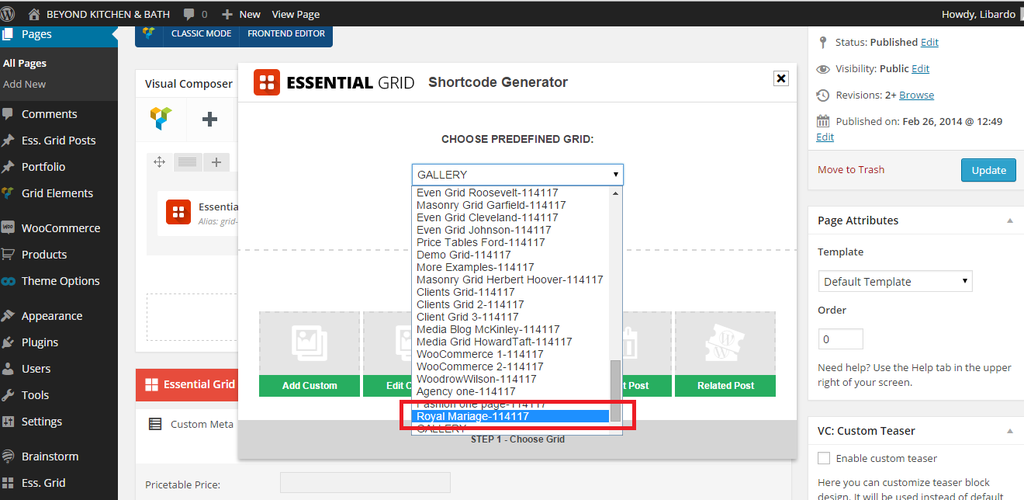
You may choose correct grid layout as on the screenshot http://prntscr.com/6mb7m1.
With best regards
BRian Johnson
This topic has 52 replies, 3 voices, and was last updated 10 years, 7 months ago ago by Eva Kemp
Hello
You may choose correct grid layout as on the screenshot http://prntscr.com/6mb7m1.
With best regards
BRian Johnson
Hi Brian,
To make it easier wpuld it be possible for me to get the Royal Mariage Templates as showing in the Royal Theme Demo website?
This template is not included in the theme options from WP-ADMIN.
You may login and check this..
Hello,
I’ve created “Royal Mariage-073754” grid with the same settings as it’s set on our demo.
Please check.
Regards,
Eva Kemp.
Hi Eva,
Can you please provide print screen shot where to find the ” Royal Mariage-073754 “? I dont see it in the list I only see :
http://i1340.photobucket.com/albums/o728/LibardoBarreto/ggggg_zpsbrcvs64a.png
Hello,
The grid is created for “comingsoon” site and not for “gallery” site.
Please check it and recreate it for “gallery”.
Regards,
Eva Kemp.
Good Day Eva,
Thanks I am getting there …
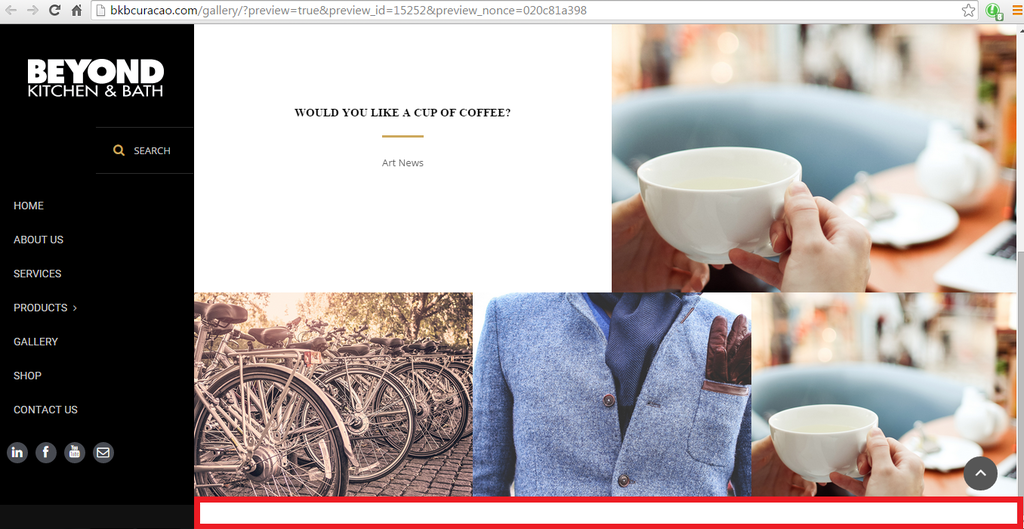
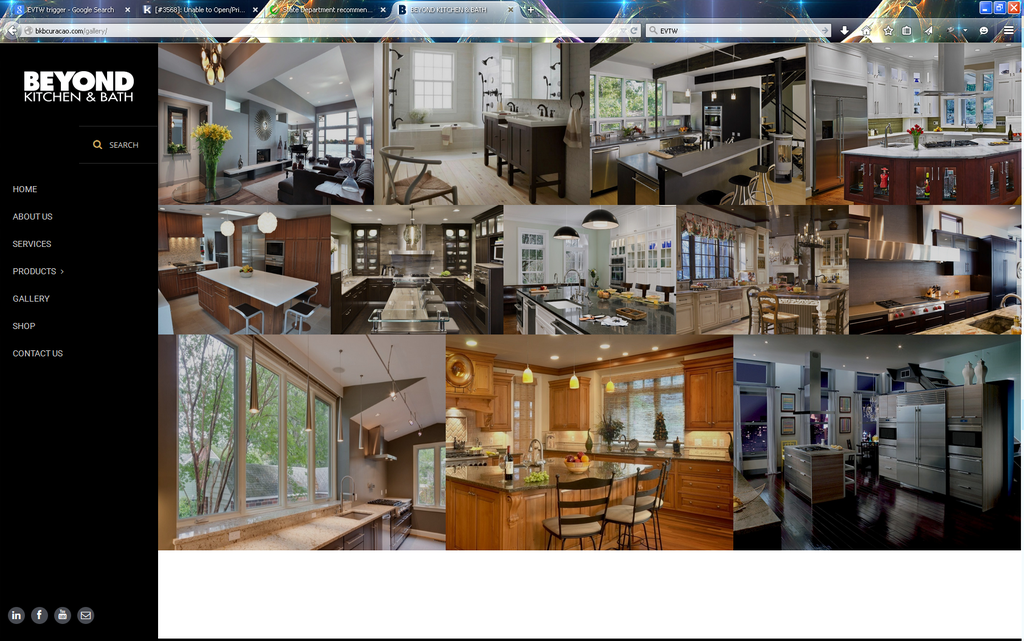
I was wondering how to drop the image till the bottom. At the moment it is showing a white bar at the bottom ( Please see in red in the image ):
http://i1340.photobucket.com/albums/o728/LibardoBarreto/dfgdfgdfg_zpsanjttmwr.png
Hello,
Please use this code in custom.css file:
.header-vertical-enable .esg-container-fullscreen-forcer {
margin-bottom: -40px !important;
}
Regards,
Eva Kemp.
Hi Eva,
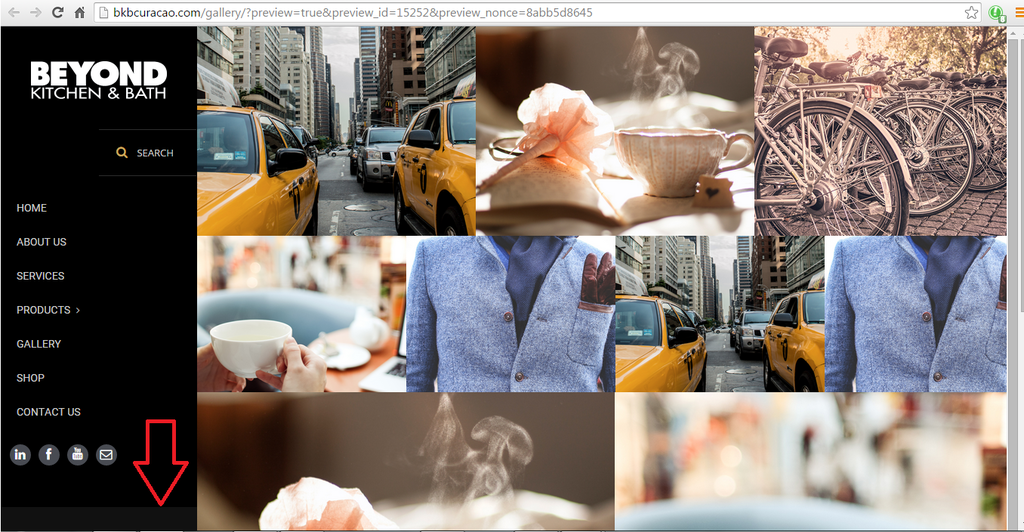
Now that I’ve insert the code above I see the following appear:
http://i1340.photobucket.com/albums/o728/LibardoBarreto/444rff_zpsl7u9qzl7.png
How to make this black or you know is appearing like this?
Hello Eva,
Any update on this ticket and can YOU take over for me the ticket#53740 seems to be getting a MESS now!
Hello,
I’ve added this code in custom.css file:
.header-vertical-enable .page-wrapper .header-type-vertical {
background-color: #000 !important;
}
Please check the site now.
Regards,
Eva Kemp.
Good Day Eva,
Thanks.
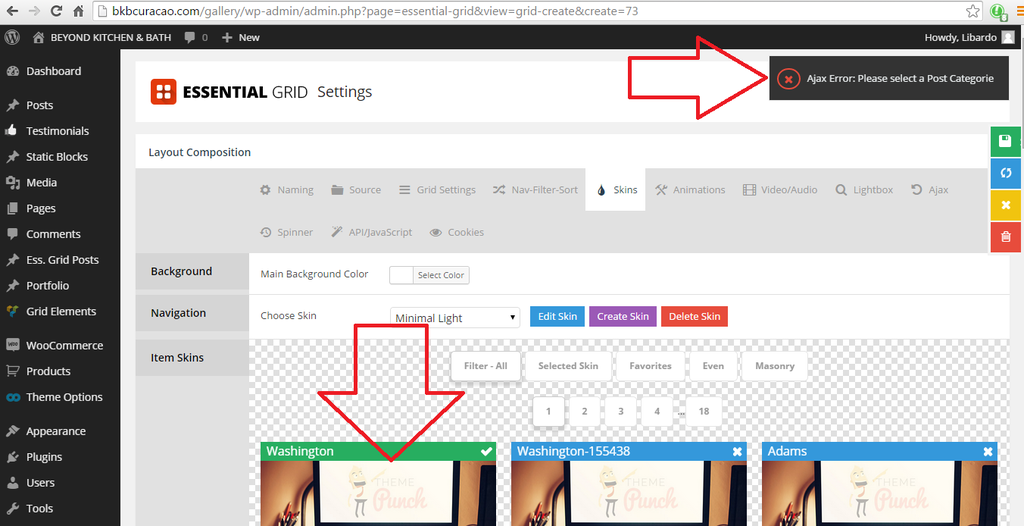
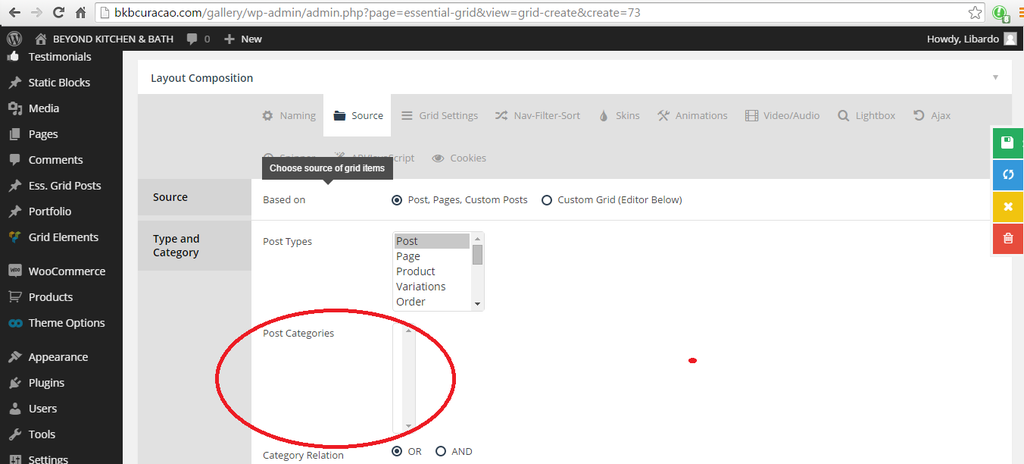
I;m trying to update the Essential Grid options and when I update them I get the following error:
http://i1340.photobucket.com/albums/o728/LibardoBarreto/sdfsdfs_zpsp8d92geb.png
http://i1340.photobucket.com/albums/o728/LibardoBarreto/vdfdfg_zpsyu5qjdq1.png
Hello,
You need select Ess. grid Posts from Post Types box, so you need select a post type where you have created categories and posts are present for those categories.
Regards,
Eva Kemp.
Good Day Eva,
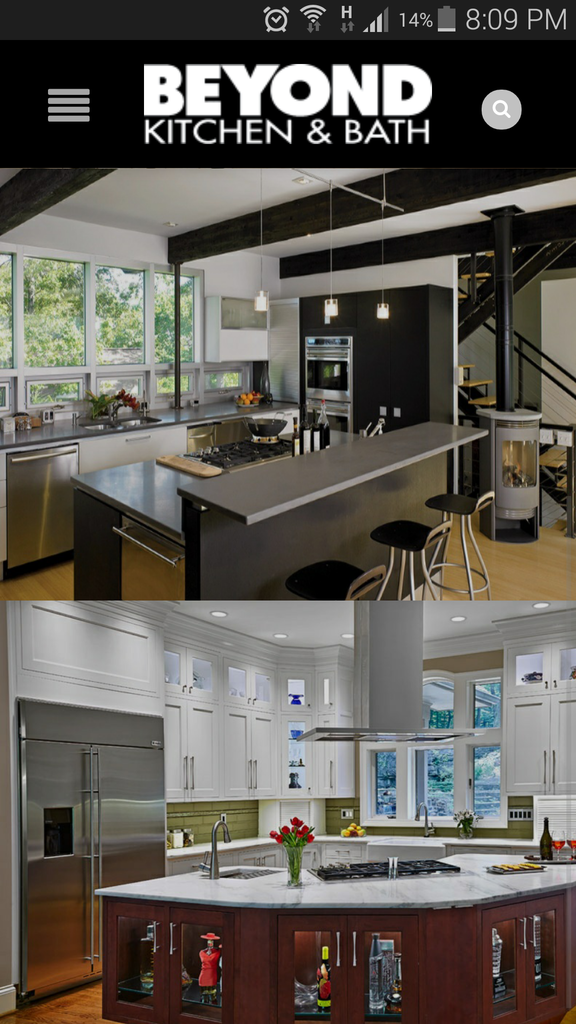
On a mobile I only see the following images :
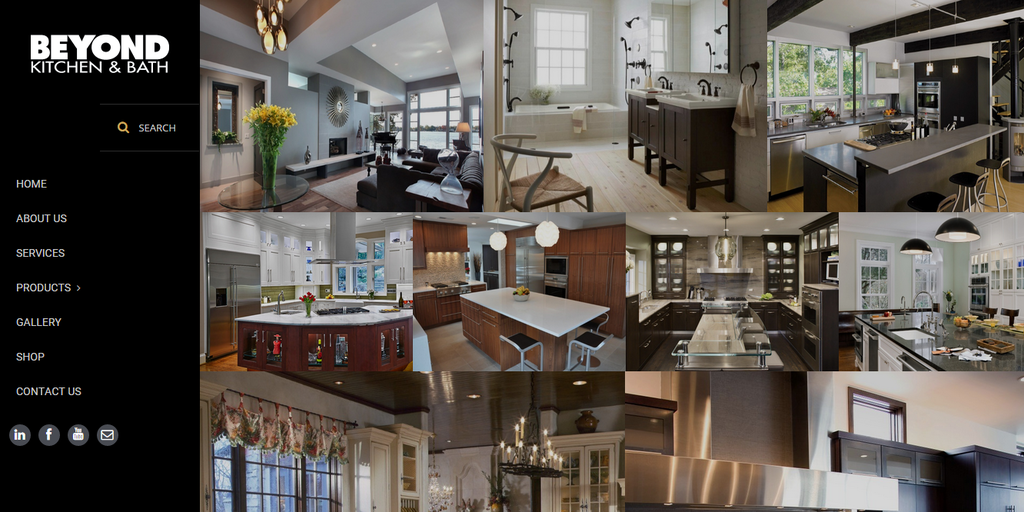
On a desktop I see more images:
http://i1340.photobucket.com/albums/o728/LibardoBarreto/fsdfsdfsdf_zpsqgvmeqno.png
Can the mobile version also see all the images? Also I noticed when viewing the page on a larger screen I still see the white bar at the bottom that should have been removed since my earlier post. Can you correct this?
http://i1340.photobucket.com/albums/o728/LibardoBarreto/IMG_10042015_095846_zpsnxlokczc.png
Hello,
Unfortunately there is no such possibility to make all images shown on a mobile device.
Try to add more images to your gallery to fill in that free space.
Thank you.
Regards,
Eva Kemp.
Hi Eva,
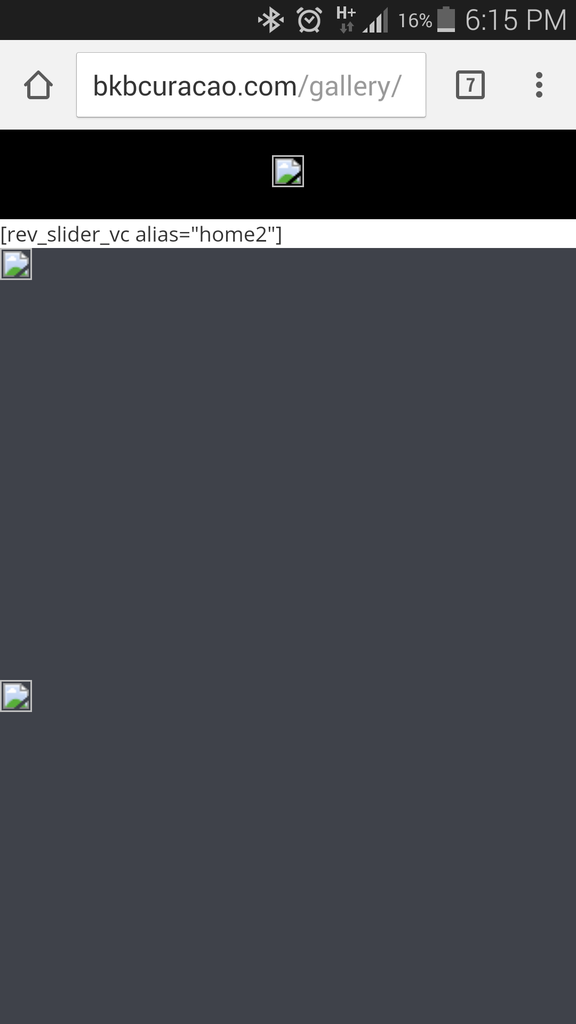
There seems to be a problem with the slider on the Mobile. Can you please check this and correct it for me?
http://i1340.photobucket.com/albums/o728/LibardoBarreto/fdd_zpspkjzzdvp.png
Hello,
Could you please clarify with more details?
What issues are with the slider?
Regards,
Eva Kemp.
Hi Eva,
This is the error. Could you please login to have a look into it?
Hello,
You have Revolution Slider plugin disabled. You need activate it to have the slider working.
Regards,
Eva Kemp.
Hi Eva,
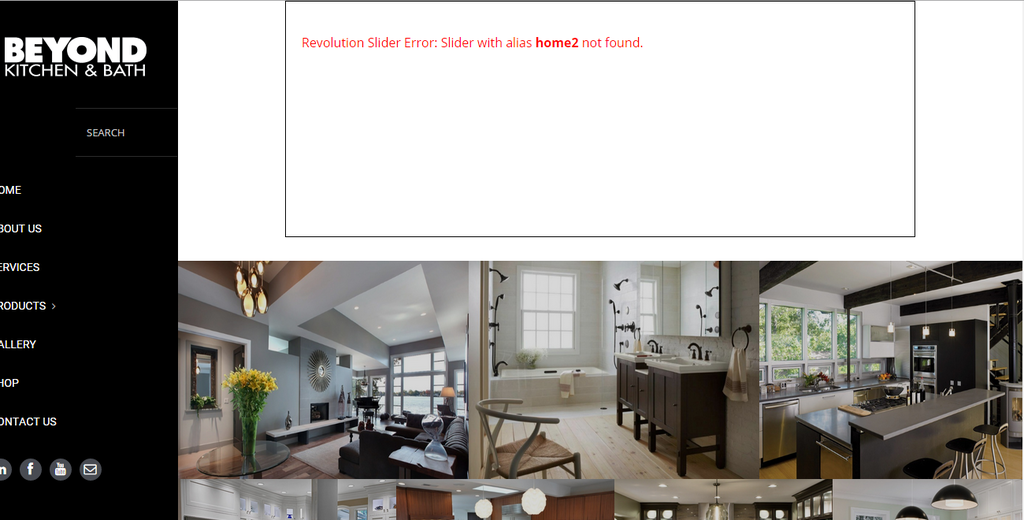
I agree .. but for this I do not have any Revolution Slider for this page. I am using the Essential Grids which is for the pictures. Remember we worked on this part?
So My questions is why am I getting this error?
Can you login and remove this please?
http://i1340.photobucket.com/albums/o728/LibardoBarreto/rev_zpshf7skhws.png
Hello,
Just to clarify: you want to remove the slider from gallery page don’t you?
Regards,
Eva Kemp.
Hi Eva,
I just want to correct this error. The last time I logged in I dont know why this is showing and did not do any changes. But go this error which got me thinking how come?
If need to remove or repair or change I do don;t know but would like the picture gallery to show as it was before.
Hello,
I’ve disabled Page Heading. Please check it now.
Regards,
Eva Kemp.
You must be logged in to reply to this topic.Log in/Sign up