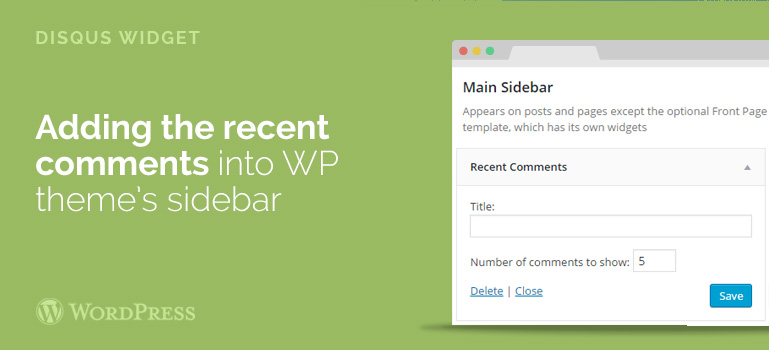
 Do not forget to replace the word your website instead of YOURSITE in the Disqus, and the text code num_items = 5 can be replaced with 5 most recent comments that you need to show in your sidebar in any WordPress template.
Next, insert the code in the desired Tab and check what we have. So, with Disqus understood right now, now you want to display the standard comments by WordPress template.
Do not forget to replace the word your website instead of YOURSITE in the Disqus, and the text code num_items = 5 can be replaced with 5 most recent comments that you need to show in your sidebar in any WordPress template.
Next, insert the code in the desired Tab and check what we have. So, with Disqus understood right now, now you want to display the standard comments by WordPress template.
 These tabs before or after script Disqus comments to insert the following code:
<ul> <? php wp_recentcomments (); ?> </ ul>
Save and see that no comments are currently displayed. And the thing is that PHP Code widget cannot be read. Therefore, we need to make the php code to work in any widget of your WooCommerce themes.
These tabs before or after script Disqus comments to insert the following code:
<ul> <? php wp_recentcomments (); ?> </ ul>
Save and see that no comments are currently displayed. And the thing is that PHP Code widget cannot be read. Therefore, we need to make the php code to work in any widget of your WooCommerce themes.
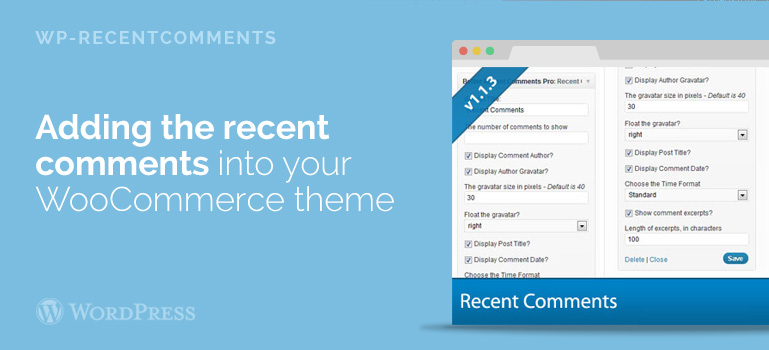
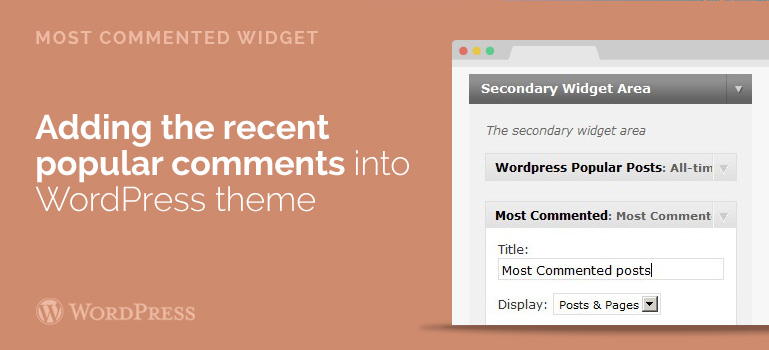 In the left column you will see the available widgets that can be added to the sidebar of your blog. To do this, choose Most Commented and drag the mouse cursor in the right-hand column – to your sidebar in a WooCommerce template.
You open the settings of Most Commented widget. Enter the title that will be displayed in the sidebar. In the Display, you can choose what will be displayed posts and pages together or separately. In the Maximum number of results, the number of exhibiting commented articles that will be displayed. You can also put a limit output for the most commented posts. Later do not forget to save the changed settings.
Visit your website with one of WooCommerce themes and refresh the main page. In the right sidebar, you will see a new block with the most popular comments.
In the left column you will see the available widgets that can be added to the sidebar of your blog. To do this, choose Most Commented and drag the mouse cursor in the right-hand column – to your sidebar in a WooCommerce template.
You open the settings of Most Commented widget. Enter the title that will be displayed in the sidebar. In the Display, you can choose what will be displayed posts and pages together or separately. In the Maximum number of results, the number of exhibiting commented articles that will be displayed. You can also put a limit output for the most commented posts. Later do not forget to save the changed settings.
Visit your website with one of WooCommerce themes and refresh the main page. In the right sidebar, you will see a new block with the most popular comments.