 First of all you need to install such plugin as CB Mail Sender. Then you should activate this plugin. If you are looking for more information, you need to look on our detail instruction. We will try to explain the users how they can install a special plug-in of WordPress.
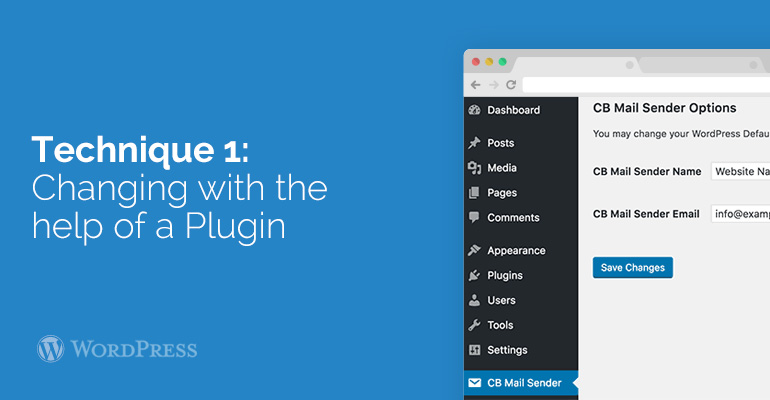
Following activation, you will see an announcement about a new menu point marked CB Mail Sender in your WordPress administration bar. When you will click on it, you will see all of the settings of the plug-in that you need for changing reserved addressers name and e-mail.
First of all you need to install such plugin as CB Mail Sender. Then you should activate this plugin. If you are looking for more information, you need to look on our detail instruction. We will try to explain the users how they can install a special plug-in of WordPress.
Following activation, you will see an announcement about a new menu point marked CB Mail Sender in your WordPress administration bar. When you will click on it, you will see all of the settings of the plug-in that you need for changing reserved addressers name and e-mail.
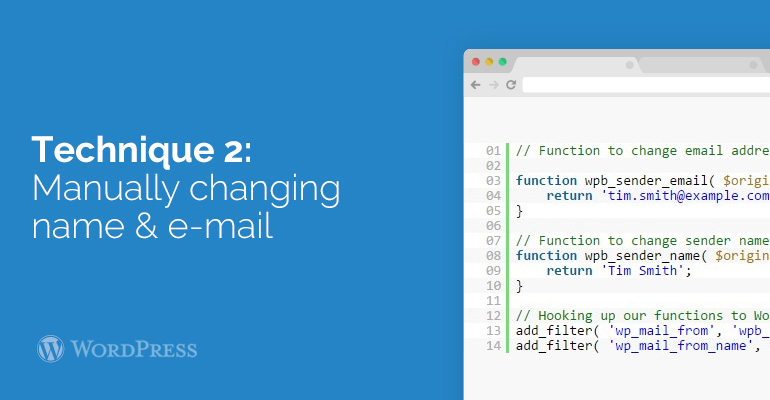 User need to paste a special code in his php file with functions or in a specific-website plug-in.
This type of code merely substitute the reserved WordPress addresser's name and e-mail address with your custom addresser’s name and e-mail address.
You can test this process by your own. First of all, you need to add a new user, change the password or anything else, that sends WordPress announcement e-mail.
Our professional specialists hope that this instruction will help users to change an e-mail address and the name of addresser in outgoing e-mail of WordPress. Do all of the things in this way and you will see the result.
User need to paste a special code in his php file with functions or in a specific-website plug-in.
This type of code merely substitute the reserved WordPress addresser's name and e-mail address with your custom addresser’s name and e-mail address.
You can test this process by your own. First of all, you need to add a new user, change the password or anything else, that sends WordPress announcement e-mail.
Our professional specialists hope that this instruction will help users to change an e-mail address and the name of addresser in outgoing e-mail of WordPress. Do all of the things in this way and you will see the result.