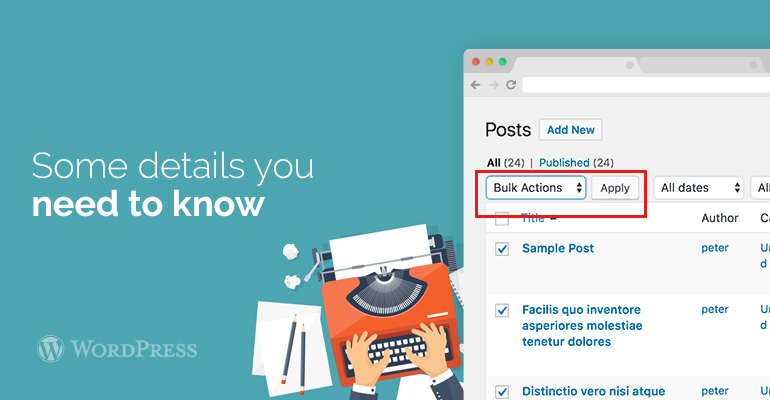
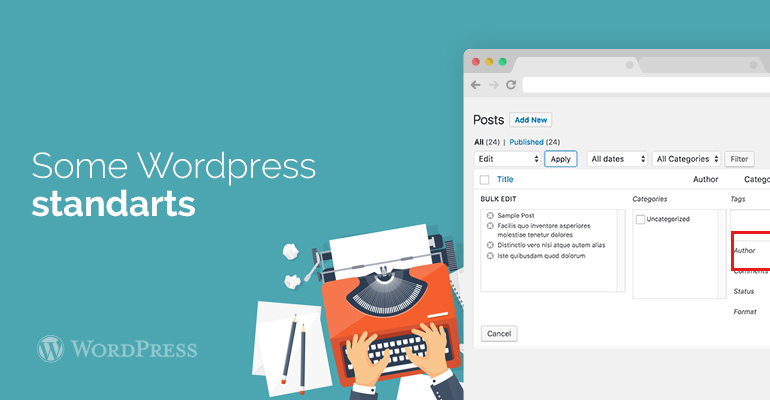
 Standard WordPress shows 20 messages on page. If you want to see the rest of the page, then select the button to change the number of messages. After that you choose the messages, which should be changed by the author. To do this, go to "common action" and then click "apply". After that WordPress just show you the Bulk Edit METABOX. Next to the author options will open a menu where you can select a new author. Be sure to save and reload the page to check for changes.