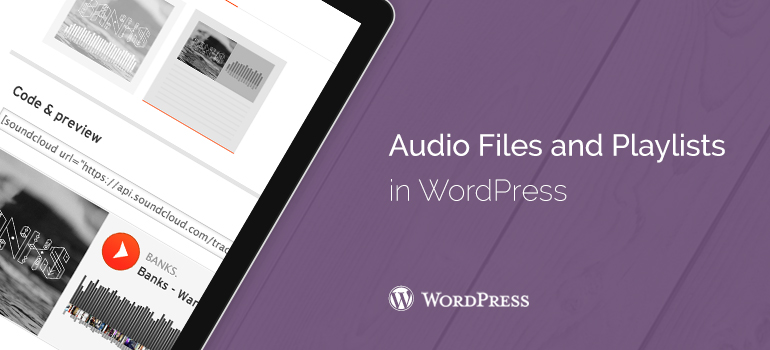

 MP3 is a widely used and supported audio format, and we recommend using it where is possible, especially in WordPress sites.
 WordPress engine will add your audio file to the entry. If you are using WYSIWYG editor records, in this case, you can see the built-in recording file. If you are using a text editor, you will see the audio shortcode.
You can edit an entry or save it and publish it. After publishing, you will be able to view your account, which you have built an audio file. This entry will look like this:
Another simple way to add audio file to WordPress themes is to download the file in the media library. Then just copy the URL of the file and paste it in the visual editor.
WordPress will automatically embed audio via URL. It reminds embedding video in WordPress; you simply insert the URL-address of a video from YouTube, WordPress and builds it.
WordPress engine will add your audio file to the entry. If you are using WYSIWYG editor records, in this case, you can see the built-in recording file. If you are using a text editor, you will see the audio shortcode.
You can edit an entry or save it and publish it. After publishing, you will be able to view your account, which you have built an audio file. This entry will look like this:
Another simple way to add audio file to WordPress themes is to download the file in the media library. Then just copy the URL of the file and paste it in the visual editor.
WordPress will automatically embed audio via URL. It reminds embedding video in WordPress; you simply insert the URL-address of a video from YouTube, WordPress and builds it.