Tanks, It O.k.

Tanks, It O.k.
Hi’
I Like to change the site font to: Open Sans Hebrew,
His link is:
Link
@import url(http://fonts.googleapis.com/earlyaccess/opensanshebrew.css);
Example
font-family: ‘Open Sans Hebrew’, sans-serif;
It will be easier if I had the font on Appearance-Customize
just to put : http://fonts.googleapis.com/earlyaccess/opensanshebrew.css
Regard,
Orna
Tanks, it work.
Hi,
I don’t see that I have header top bar
https://snag.gy/MwZR63.jpg
Regard,
Orna
Thanks
Grate, it’s o.k.
Thanks
THANKS
Sorry, It’s O.k.
Thanks
Hi,
Sorry, it didn’t work
Hi,
It didn’t change any thing
Thanks.
Thank you very much
Hi Hall,
How can I say in the most simple words that I have been desperate to create a slide that will look good in every screen and will be responsive?
I purchased a template that should be Responsive
This template has Home Page 4 demo that looks just great
I created several times according to the sizes you provide me the pictures to build the right size slider
Nevertheless it does not work !!!
Something is wrong in your directions and I just wasting time whit no progress.
Please help
Orna
The last size that you gave me look like:
http://snag.gy/zNHgd.jpg
Hi,
In my mail I get the order of:
Our demo used the following style for sliders
`background-size: cover;
background-position: 0% 0%;`
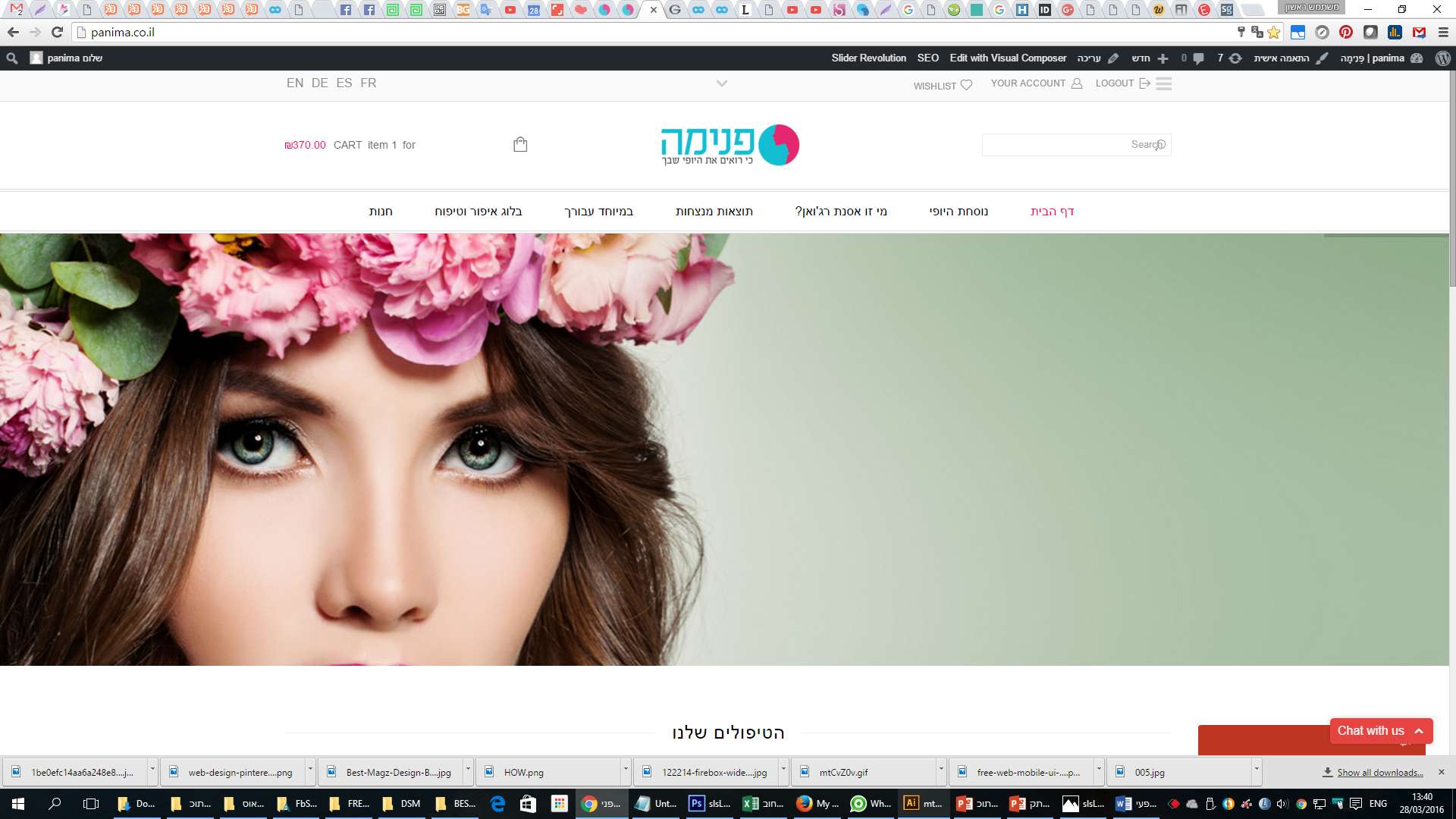
I did it and get: http://snag.gy/OICEs.jpg
Here I see you wrote : “background-position: left top;”
I did it and get: http://snag.gy/pQYhm.jpg
both are not goodת I can’t see the full images.
like: http://snag.gy/rK15U.jpg
http://snag.gy/T7OSv.jpg
and others
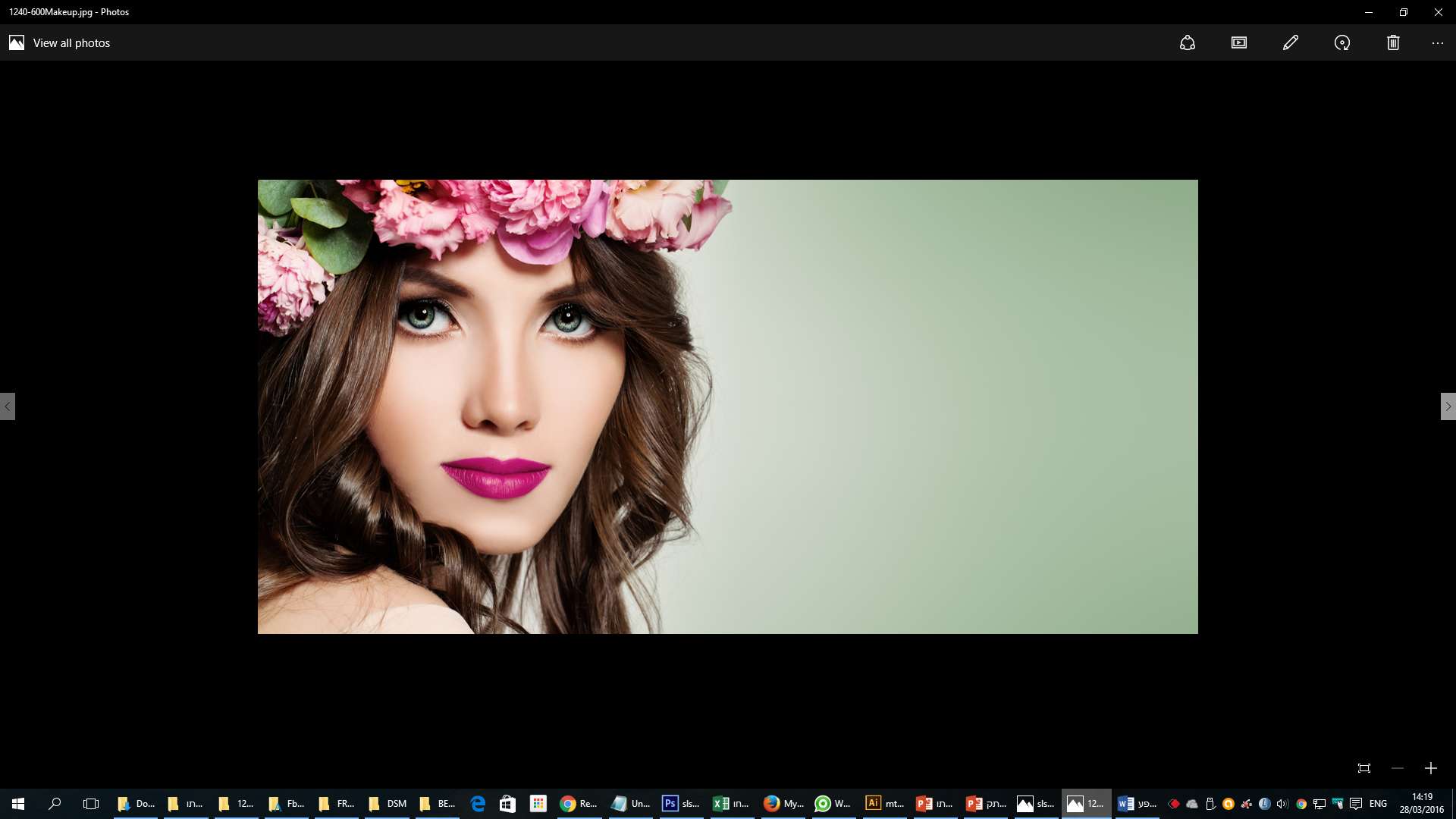
or the image size is not corect :1240*600px
or we need to add a cod that the image need to fit to slider
????
Hi Jack,
It’s not good.
as you can see on http://snag.gy/OTXDu.jpg
the image is not in the right proportion. The images appears distorted.
but when I reduces the window screen it’s look o.k.
http://snag.gy/SbZgR.jpg
pleas your help.
It need to be in your template of https://www.8theme.com/demo/legenda/home-page-4/
Best regard,
Orna
Hi,
I can’t make this setting, I get an error of Wrong request
http://snag.gy/zCqEb.jpg
Regard,
Orna
Thanks Jack,
It solved the High problem, thanks for that. But it didn’t solve the full high image, if you will see in the slider the images have more body in the high and in my home page some how I see that the images are cut in the high.
I hope that I have explain my self properly (:
Regard,
Orna
Hi,
I hope I understand you right,
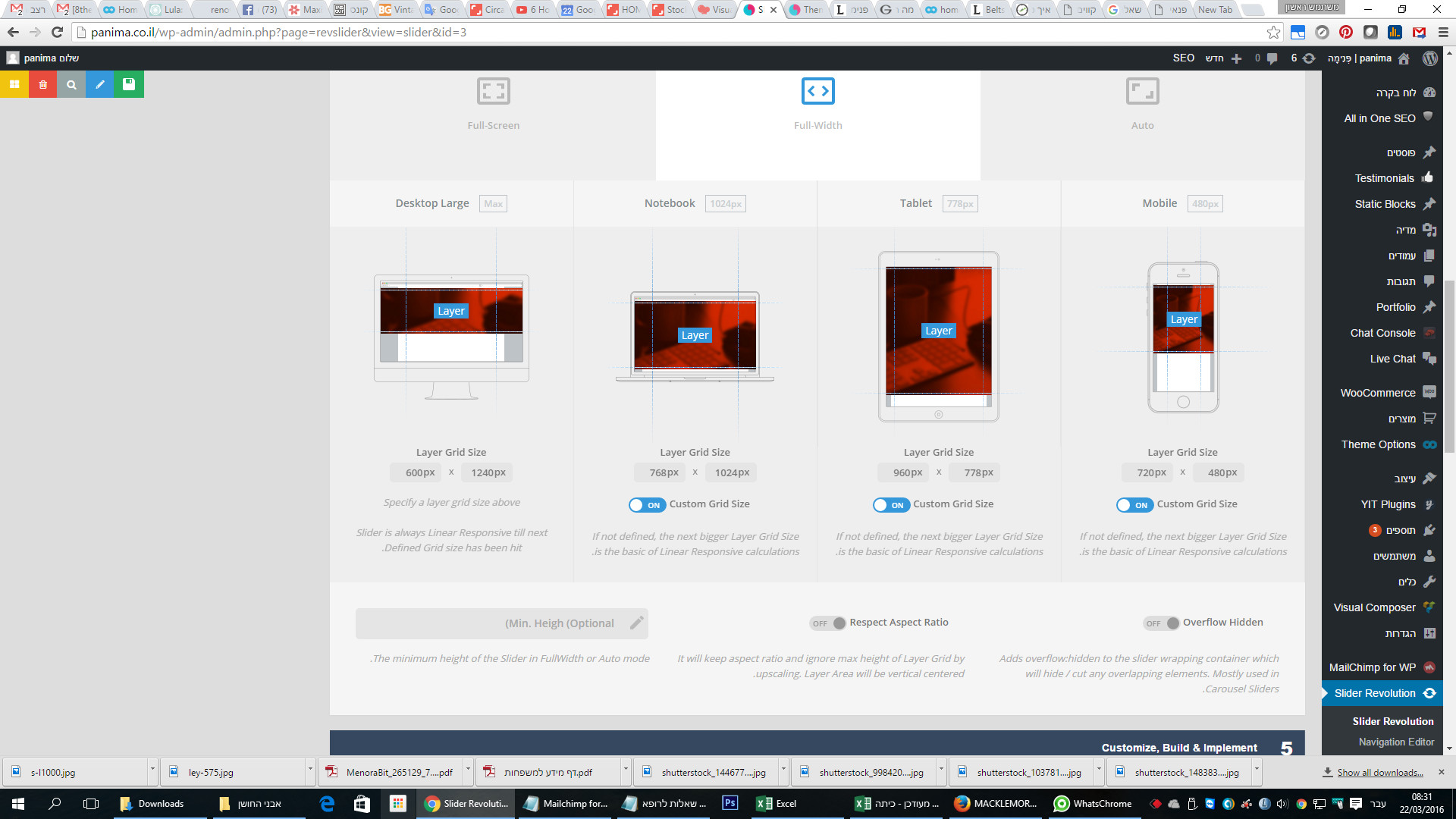
I changed the images value to 1240/600 in the Slider. but still the images in the slider are big and the images on the categories also not like on the demo.
I made screenshot for the demo home page 4 and my home page and pot the one on top of the other, you can see that the proportions are not the same.
http://snag.gy/KY8Mk.jpg
Regard,
Orna
Hi,
I don’t see that I have an option for desktop, I don’t see any button like on notebook, tablet and mobile.
http://snag.gy/JkUYO.jpg
Thanks for the others.
Orna
thanks
Thanks.
Hi,
1. thanks.
2. you didn’t understand me,
I like to have to each category page a different image like you have in the demo, for example for bags you have https://www.8theme.com/demo/legenda/product-category/bags/ and for belts you have https://www.8theme.com/demo/legenda/product-category/accessories-2/belts/
Thanks.
Thank You very mach.
Hi,
Yes, I want to upload image in slider, and I like to use the size like on demo 4
http://snag.gy/Q0S34.jpg
Hi,
I’m satisfied from my home page, but
1. I like to delete the text and the quantity of products under the category images.
2. I don’t seceded to change the image size of the slider
I don’t see all the high of the image
if I add new image in different size 1240*417px it seam not sharp and I don’t know why.
3. I like to have more space between the slider and Category headline
like on https://www.8theme.com/demo/legenda/shop/
lots of thanks,
Orna
Hi,
1. Now that you change the slider high, the image is not responsive – I don’t see all the image, just part of it.
3. It grate, Thanks.
4. It very simple, but I don’t know how to do it:
I like to have in my home page STORE CATEGORIES, like on demo: https://www.8theme.com/demo/legenda/shop/
3 rows and in eche row 3 colomes, with image and text
like in the link:http://snag.gy/2Fqgl.jpg
Hi Jack,
1. I put original sizes of slides 1,600px × 600px – but the It seems bigger then the demo.
2. Thanks, work grate.
3. I add the code but all the logos disappeared.
4. Do you have a link for video or an explanation of “Woo Product Categories” element in Visual Composer editor?
Thank You (:
Hi,
Does WPBakery Visual Composer = js_composer?
How can I update the plugin, after I making download?
Regard,
Orna