Thanks Rose,
But I don’t see the quantity of products, just the price.
Regards

Thanks Rose,
But I don’t see the quantity of products, just the price.
Regards
Perfect
Many Thanks (:
Orna
Hello,
I add the code but I don’t see any changes
you can see the screen shot after I mead Clear browsing data
https://snag.gy/2Fe0rS.jpg
Regards
Hello Rose,
I just need to do UPDATE after the save.
I’t O.K. now
on mobile I see the logo images one under the other and at large intervals
https://snag.gy/PNXJGZ.jpg
Can they be seen in a row and in close dense intervals?
Many Thanks
Orna
No, I need a link on the logo to go to his category with all his products
On legenda-child / style.css ?
Hello,
for example the page https://panima.co.il/product/overnight-retinol-repair-1/
can look like: https://snag.gy/RliN6p.jpg
https://snag.gy/RPCqYA.jpg
I like to have code that will effect Automatically all over the products in the site,
That after 3 lines or 300 Excerpt length will be קרא עוד…
Best Regards
Orna
Many Thanks
It’s work!
Orna
Many Thanks,
Now I can see the product carousel but
I don’t see the arrows on the sides that show you can see more products
Best regards
Orna
Hello,
I don’t know how it’s changed
I add the right cod now and it work perfectly
many thanks
Orna
Hello,
I did and it’s not working
https://snag.gy/ofS80Q.jpg
Regards
Thanks
2. Now the more products contain only 1 product on mobile
and I like to have 4 more products that existing on the web
https://snag.gy/3Syqa6.jpg
3. When I scroll down the product page and then going up
the one more product disappeared
Many thanks
Orna
Hellow,
Meny thanks for all
Last ask (:
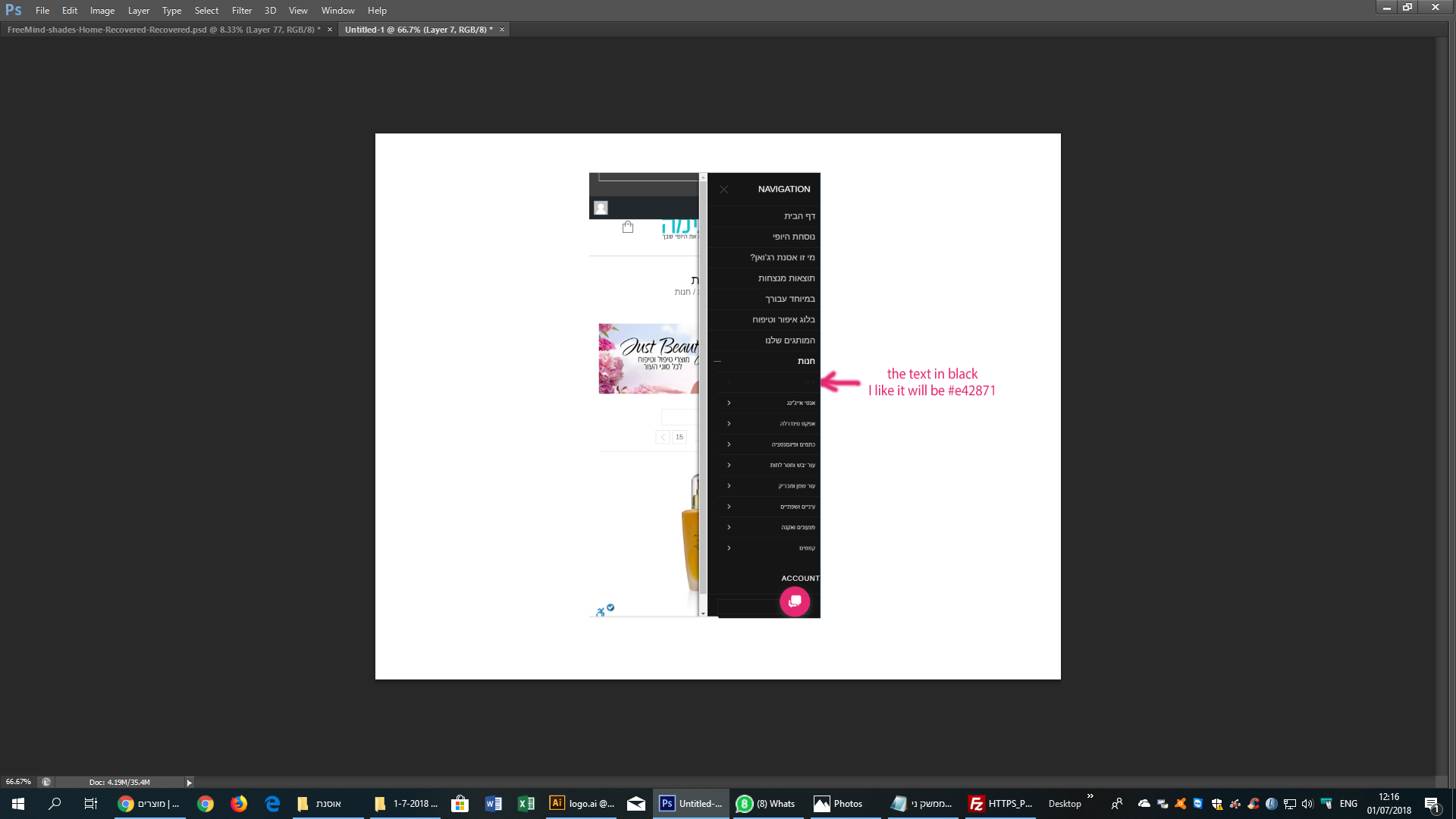
The store category names changing to black when I choose one
https://snag.gy/xc4D25.jpg
I like to change it to #e42871
Best regards
Orna
Many Thanks,
It’s O.k. now
Hello,
I did all as you sagest
ftp://asnat@80.244.168.181/httpdocs/wp-content/themes/legenda/custom.css
ftp://asnat@80.244.168.181/httpdocs/wp-content/themes/legenda-child/style.css
Unfortunately, I do not see a change after I have implemented the code and installed the second code
I steel see the list of categories and brands and then the store products.
I would be happy to have on mobile – only the menu on the top bar with the three lines.
Regard,
Orna
Hello,
I see that you add it in the style.css, Thanks
But, the category design changed and I didn’t want to change the visibility of desktop only the visibility on mobile
now it look http://prntscr.com/jrgha8
and befor it look like http://prntscr.com/jrgj87
I delete the cods, and will happy for your help
Regards
Orna
Do I need to do the changes on the custom.css file of the parent them?
If I do
What will happens every time that I’ll do upgrade to the Team?
Hello,
Thanks for your unswer
1. I add the code in Custom css, but I dont see any changes on the mobail
http://prntscr.com/jr1xn7
http://prntscr.com/jr226x
2.A+B. I add the code in Custom css, but I dont see any changes on the mobail
http://prntscr.com/jr274h
I have to say that I did the cleaning of the cell phone with cash
2C. On your demo the page look magnificent and the search pup up beside the basket and logo when you roll down
Pleas your help
Hello,
I’ve check again the code
http://prntscr.com/jr1m48
it is changed and still it’s not working
http://prntscr.com/jr1nnk
The basket is still on the logo
Please your help!
Thank you very much for your help
it worked out
Best Regards
Orna
Hello,
It didn’t changed
Regards
Thank you very much for your help,
I really appreciate it
I add the file by FTP
but I have a new problem
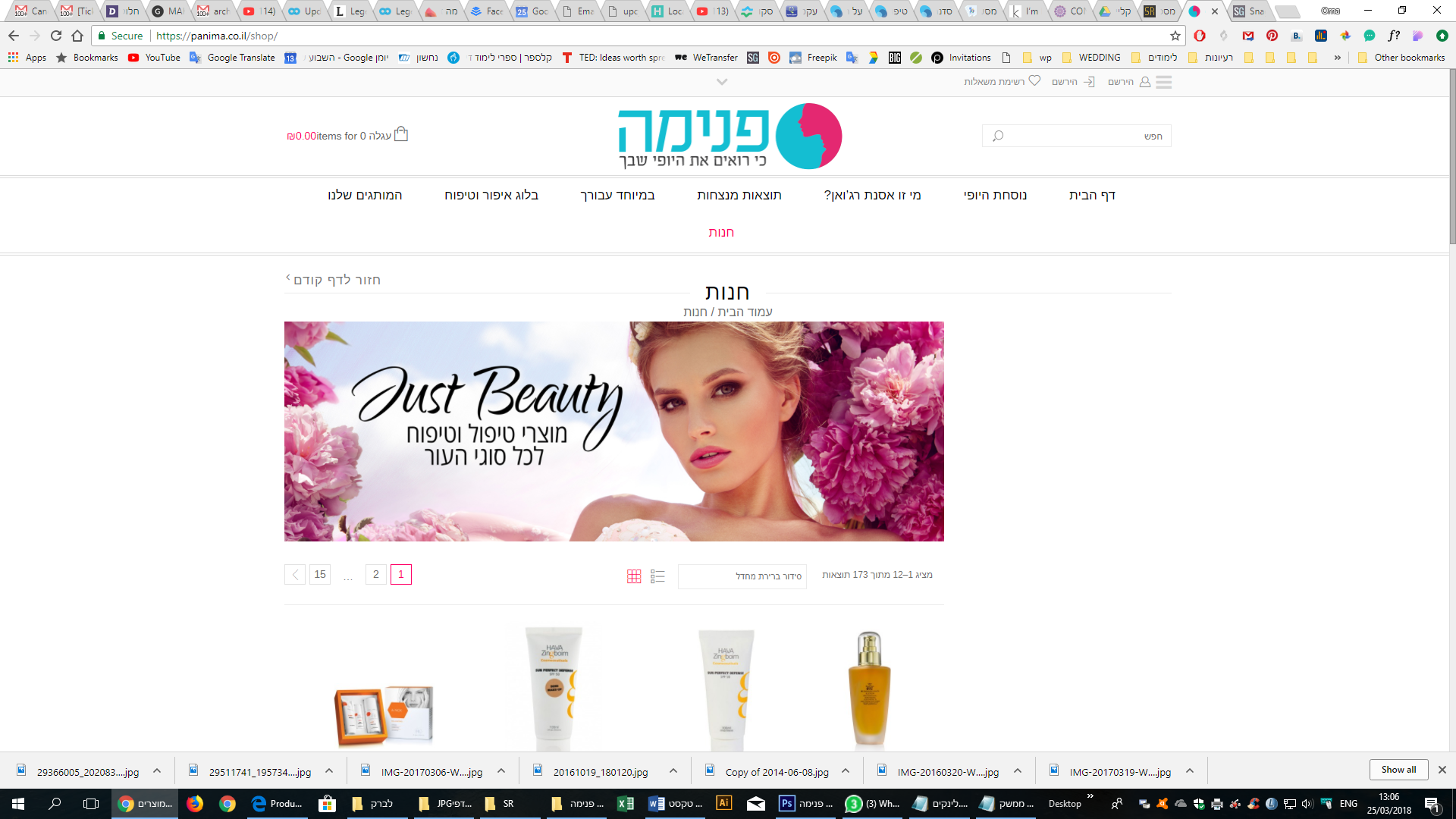
the menu right side disappeared on the store: https://panima.co.il/shop/
It need to look like:
https://snag.gy/fmIgse.jpg
with brands and products categories
Best regards
Orna
I don’t know what to change even if I see the changing
I don’t know what need to stay
I add 2 file in link
Download link
https://wetransfer.com/downloads/20d44b6e503c1f0f0a2006fe308531cc20180320092846/672d9474c3fdbddbf3de907b783a806b20180320092846/5d6d60
2 files
NEW- archive-product-php.docx
Exists- archive-product-php.docx
I will appreciate very much if you can help me with that pleas
Best Regards
Orna
Hello,
I have a Child Theme
So, if I need to update the Theme I just need to
upload only extracted legenda folder to /wp-content/themes/ folder on my server with overwriting?
whit out changing anything on child?
Because…
On the dashboard I have a Learn more about templates
https://snag.gy/k0gQoe.jpg
The Legenda Child theme contains outdated copies of some of the Vauxhall templates. You may need to update these files to ensure they are compatible with the current version of the Walkers. You can see which files are affected by the System Status page. If in doubt, contact the design kit author.
Do I need to do anything on the child folder?
Best Regards
Orna
No, It still not look right,
On the sit it’s ok:
https://snag.gy/Ju9RO6.jpg
On Mobile the left text column starts first instead of the right text column
https://snag.gy/SjQHFW.jpg
Thanks, It’s OK Now
It’s OK
Thanks