Many Thanks

Many Thanks
Hello,
I add the cod on css / style.css
and make save changes on custom css on theme options
but I don’t see any changes
Regards
Many Thanks,
But On the gray cupon strip, I see a Gear icon
https://snag.gy/BsIpfL.jpg
How can I delete it?
How can I make the strip pink like all the buttons color: #ff0066
Regards
Orna
Hello,
Many thanks for fixing the map issue
The 2nd issue I can’t solve it
I go to a Privacy policy on Woocommerce setting and delete the text
than Clear browsing data but no succeed the text still there
Please your help
Regards
Hello,
1. I get and add the Google Map API at Theme Options > Contact Form > Google Map API
But nothing change.
https://snag.gy/czBWt3.jpg
2. Do I have to live it on a store site?
Regards
Thank U very Much (:
God bless you
Many Thanks
Hello,
Do I need to delete the text in the Theme Options > Contact Form > Privacy policy for contact form and Privacy policy for registration forms?
Regards
Hello Rose,
Thanks for your answer
Do you know which plugin works well with LEGENDA them
for WooCommers Shipping?
Does WooCommerce Table Rate Shipping Plugin is working well with LEGENDA?
Regards
Orna
Hello,
When I put the link I see it on the site
how can I add the link to the word צור קשר
?
Hello,
1. I like to have contact on the header page
see marked in red
https://snag.gy/0bzuAY.jpg
2. I like to add WP WhatsApp beside the contact (header up left) is it impossible?
Many Thanks Olga.
Hello,
Thanks for removing Lato font
My browser version is:
Google Chrome
Version 69.0.3497.100 (Official Build) (64-bit)
screenshot of the error message in console:
index > sources > polyfill.js:
https://snag.gy/f7onTc.jpg
https://snag.gy/pvlTr7.jpg
font-family: ‘Heebo’, – there is a cross on the text:
https://snag.gy/0AHtDS.jpg
https://snag.gy/KepWjg.jpg
Hop that it will help
Regards,
Orna
Hello,
So Sorry (:
I add it on style.css file of child theme and delete it on custom css
But on Mobile I don’t see that it change
Can we delete the arrows of the image?
Regards
Thanks Olga,
So what is that Error that I see?
also I see that the font-family: ‘Lato’ is exist in my site,
where do I delete or change it all to Heebo ?
https://snag.gy/Rd9y8r.jpg
Regards
Hello,
I did it, but I still see the Error
https://snag.gy/hS3vq5.jpg
Does the template support the font Heebo?
This cod repeated:
{
if (typeof listener != “function”)
throw new Error(invalidMessageListenerError);
let wrapper = messageListeners.get(listener);
if (wrapper)
{
Hello,
I add the cod on child custom css and make save changes on custom css in WP
But I don’t see any changes
Regards
Orna
Hello,
https://snag.gy/ZRNhOY.jpg
there are arrows on the bottom of the product images
I like that by clicking on the image it will be enlarge
the problem on mobile that it not working even when I click on the arrows
Regards
Hello,
I put the cod but it didn’t changed
https://snag.gy/g52oph.jpg
https://fonts.google.com/specimen/Heebo
sorry Rose, you didn’t answer for:
Does the template support the font Heebo?
I like to change because if the template does not support it it will make problem with Leverage browser caching, this is the reason that I like to change the font type.
Best regards
Orna
Thanks (:
Hello,
So I understand that it’s better to take it off 🙂
Does wpkraken will be able to do it?
Best Regards
Orna
Hello,
6) I don’t know where do I need to change the size…
8) can I delete the “חוות דעת” Tab?
or to change it to: “איך משתמשים” (how to use)
9) On Legenda Single Product Page you do have more space between the lines
HOME / SHOP / JEWELRY / AWESOME DEMO RING WITH RED STONES
and
PRODUCT INFORMATION
https://snag.gy/DqmHQ6.jpg
The page looks much more airy, pleasant to read, with the benefits of the original template
10) I do like to have the social icons, but without the word above “social”
can you please add it back?
12) I like to have the Hart of “Add to wish list” beside the “ADD TO CART” like on the template, with out the text
first line with QUANTITY and PRICE
second line with ADD TO CART and the HART (like on the template)
https://snag.gy/DqmHQ6.jpg
https://snag.gy/wy5MLZ.jpg
Best Regards
Orna
Hello Rose,
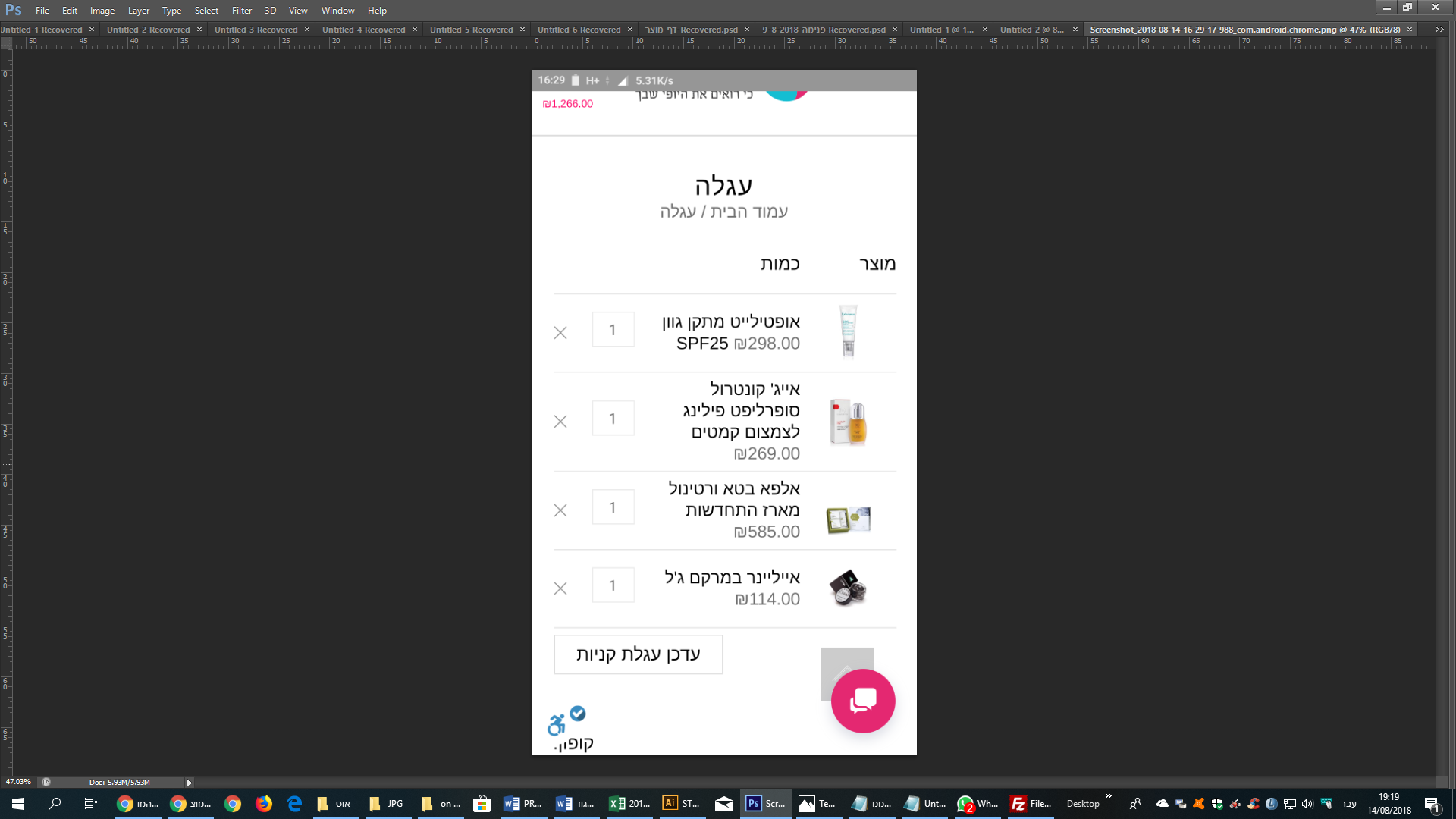
1. I don’t know what happens but shopping carat changed on Mobile
I don’t see all the window
https://snag.gy/kJY2pC.jpg
2. Hop that the template support that
I want my shopping basket
Open as a pop up window and will contain all the parameters until the end of the purchase and not the transition between windows
As in the example in the attached link
https://snag.gy/n7Zztp.jpg
Name, product name, price, brand, quantity with option to add quantity or remove product
—————————–
Shipping
—————————-
coupon
—————————–
Total payable
Continue to place an order
3. How do I make that the login with facebook will work?
Best Regards
Orna
Hello,
Sorry (:
On the mobile I don’t see in the floated header the price in the shopping basket
https://snag.gy/tlfUvs.jpg
and on the computer it’s don’t appear at all
https://snag.gy/zSZvx4.jpg
Best regards
Orna
Thank You Rose (:
Thank You Olga (:
Hello Olga,
4) Thank you (:
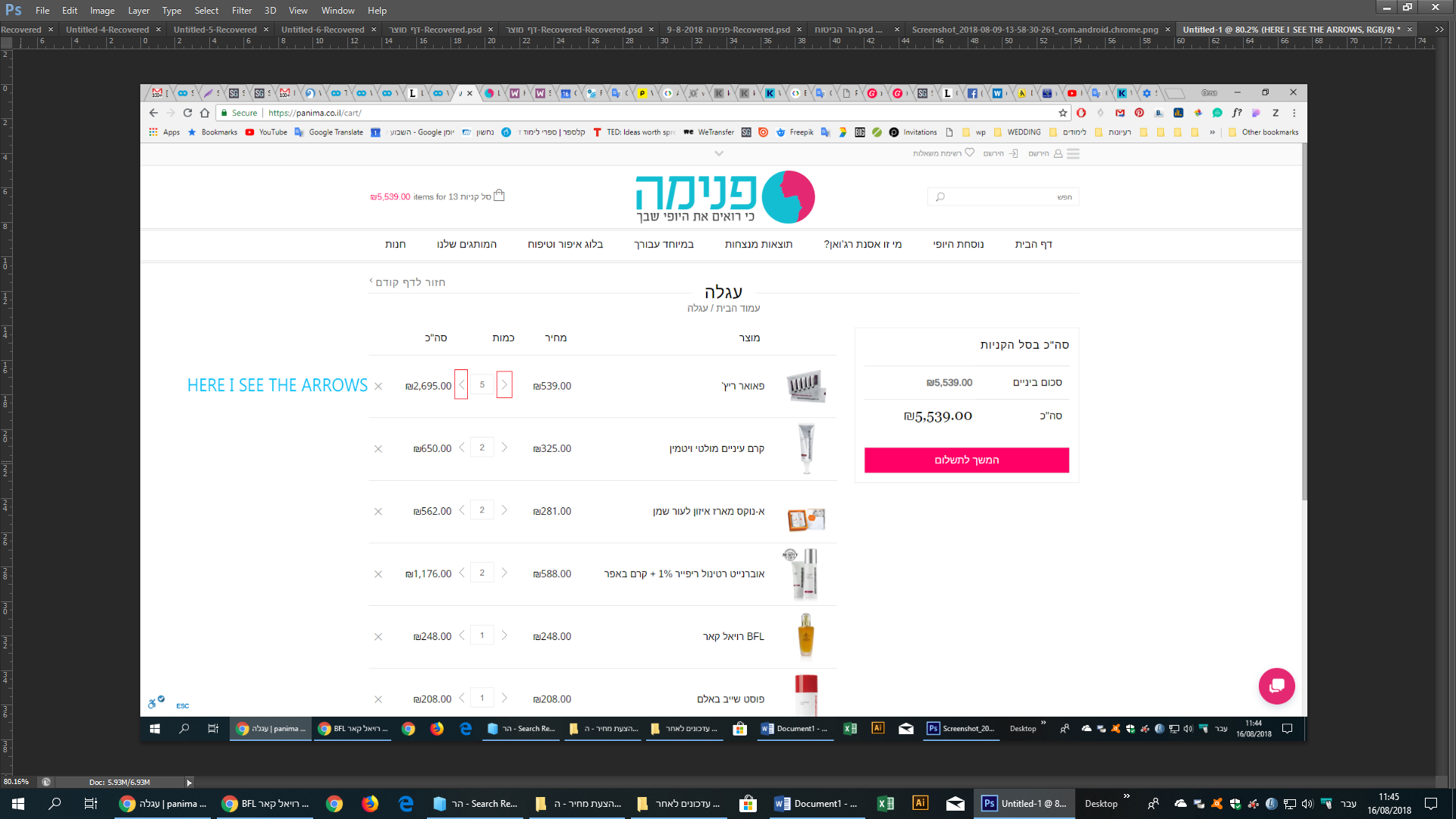
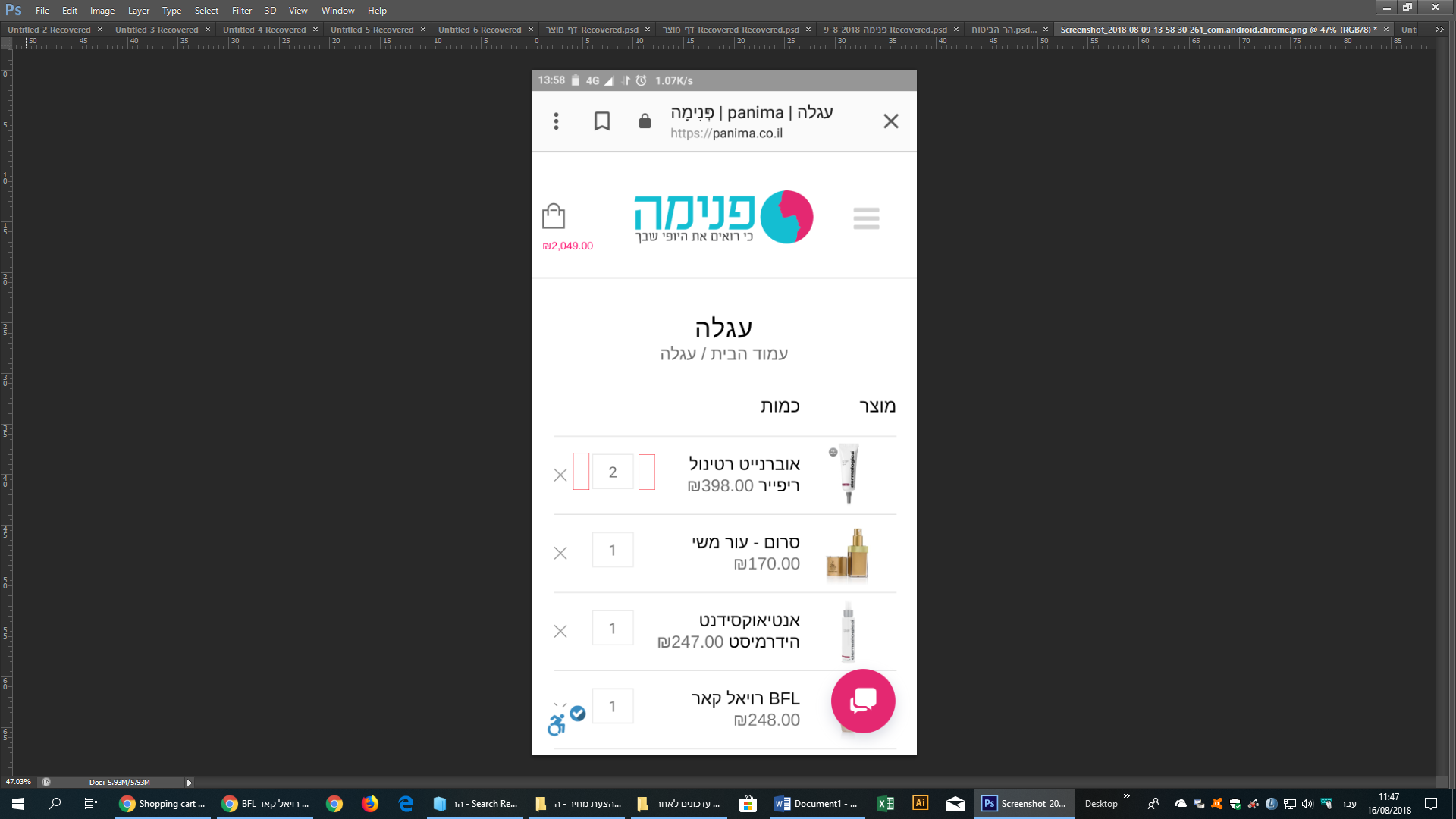
5) I mean that I don’t see the arrows that you add for the quantity and I see it on regular computer
HERE I SEE THE ARROWS – https://snag.gy/zaC8Tc.jpg
ON MOBIL IT’S NOT APPEARS – https://snag.gy/8UTzgv.jpg
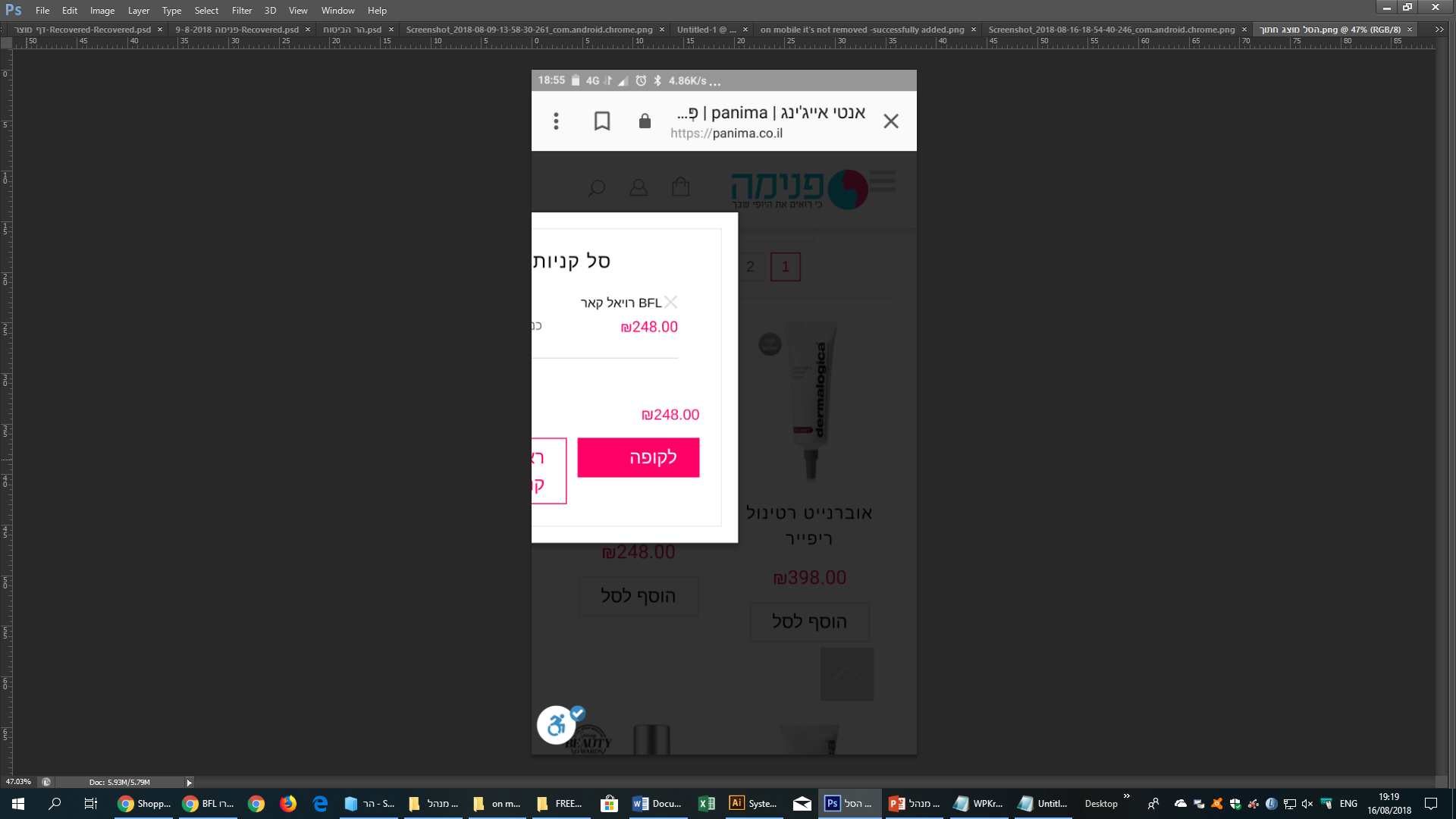
6) on mobile it’s not removed – “successfully added”
https://snag.gy/sTvJBk.jpg
Best Regards
Orna
Sorry Olga,
5) Since the tabs look good Now and they sit one under the other
I want the word “description” to be replaced by “איך משתמשים” (how to use)
And that the tab will be closed normally when viewing the product page and only those who wish to read how to use will click on the arrow and open the tab for a full reading
6) Great, but I will appreciate your help that it will look better:
https://snag.gy/gevQtH.jpg
-A: the space will be like B (34px?)
-B: the space between the text and square gray line (34px?)
-C: Text width (455px?)
-D: Delete chat only from mobile
-E: square gray line will be 179px/179px
and with out the word “מותג” and the lines in his left and rigth
7) On Mobile:
A. The description arrows are superior to the text
https://snag.gy/GtCQWo.jpg
B. The brand logo inside the gray square is attached to the wish list
I would be happy if there would be a greater profit
https://snag.gy/MPYENl.jpg
C. The word description still appears even though on the computer it is not observed
https://snag.gy/LrGRUX.jpg
Many Thanks
Orna
Hello Olga,
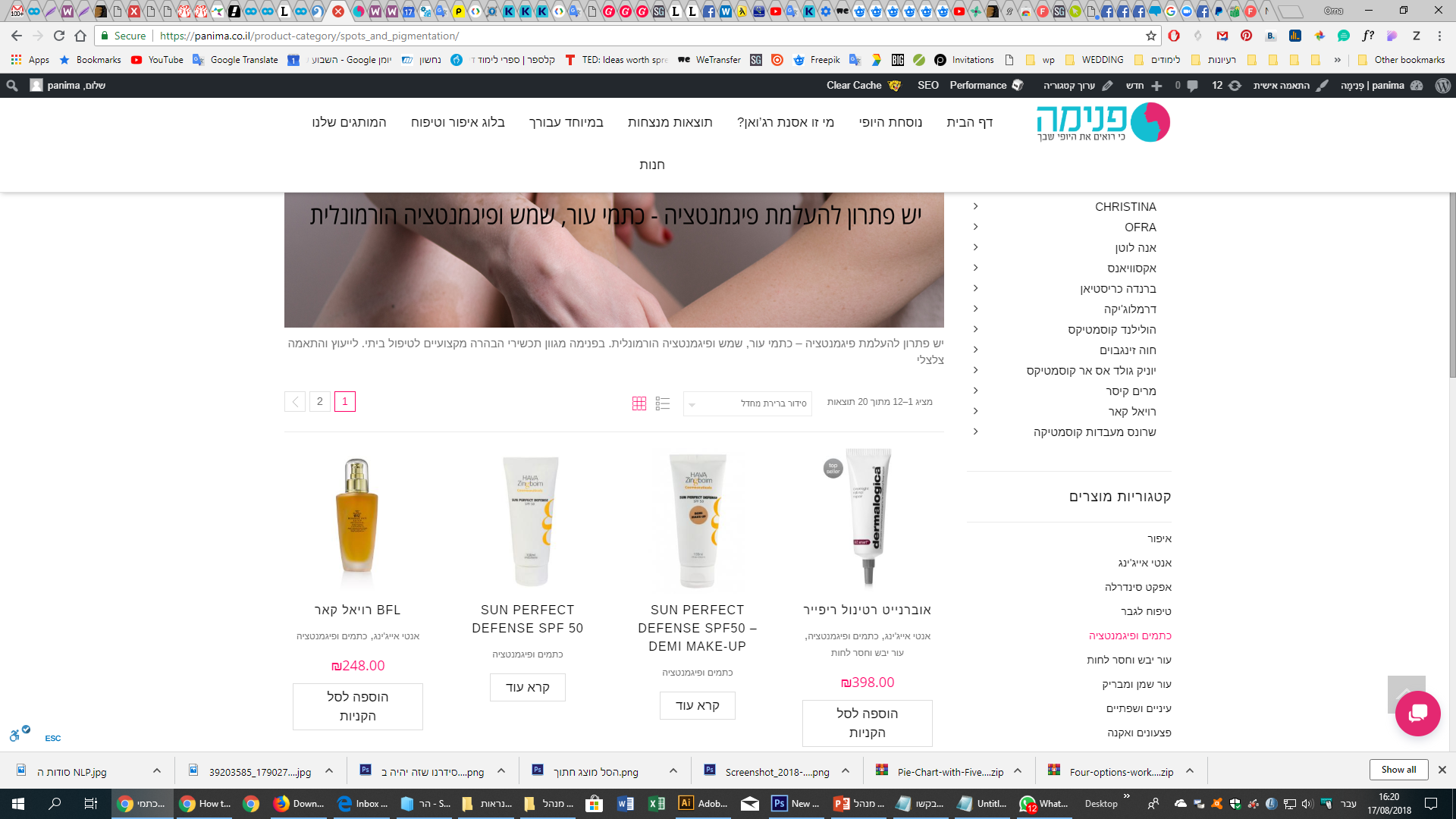
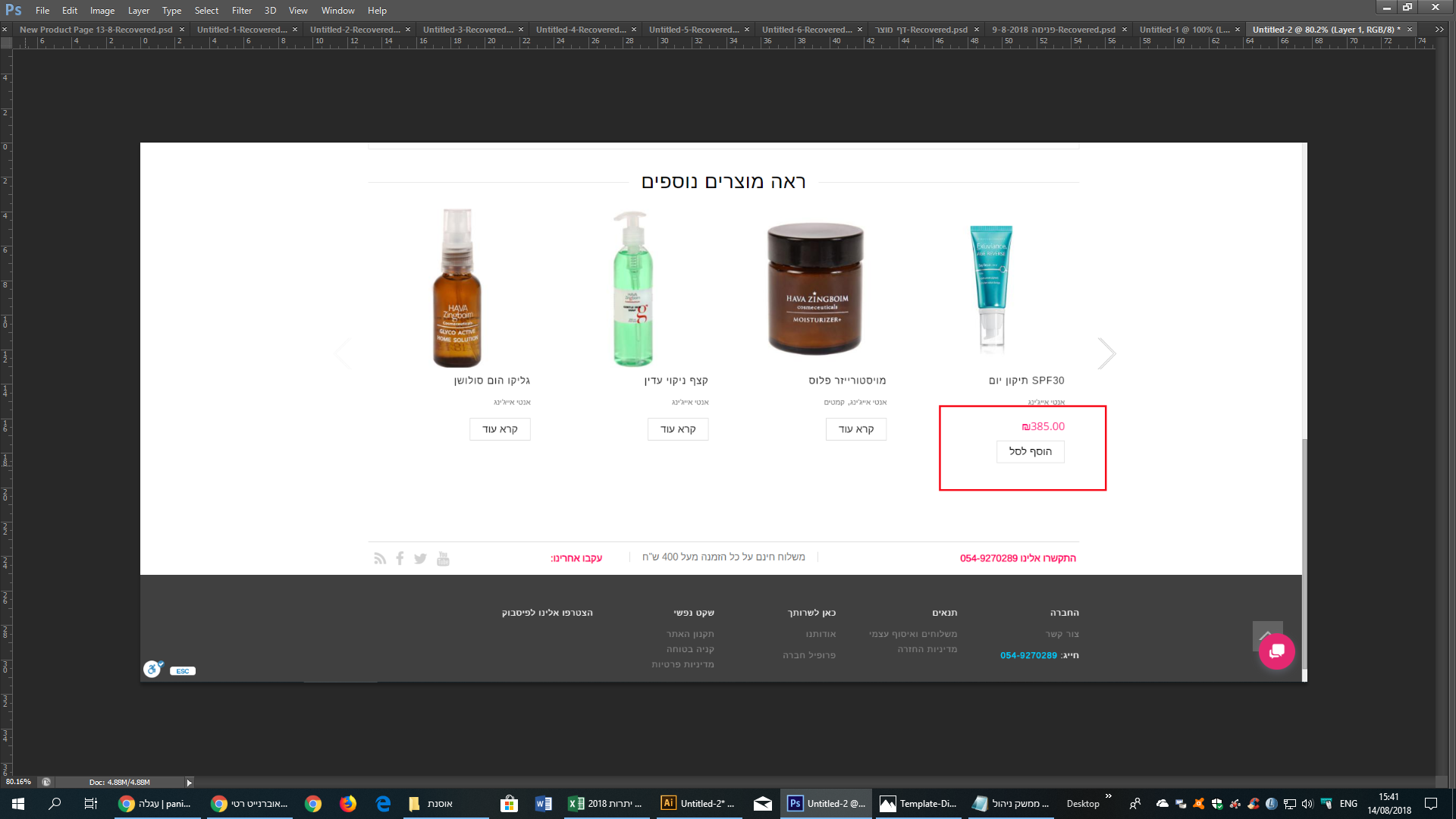
4. On brand or category page I like the buttons withe and not pink
https://snag.gy/gfL8TK.jpg
but on the product page where you have “more product to see” I like that the buttons of add to the basket will be pink
I wont that will be only on add to basket and not on Read more buttons
https://snag.gy/5EHRTA.jpg
5. On Mobile I don’t see all the changes:
– arrows to download and add quantity
https://snag.gy/w23shg.jpg
– The word carriage is still exsiset
https://snag.gy/NvQ01I.jpg
6. If I delete product from carriage* or add product to carriage**
I don’t wont to see the note if I sure or that it add to the carriage
* https://snag.gy/NvQ01I.jpg
** https://snag.gy/afohJI.jpg
Best Regards
Orna
Hello Olga,
Many thanks (:
1. On Social Networks – I like to delete only the text not the link buttons.
5. This section of the product description, How do I add another Tab [How to use (איך משתמשים)] that will appears automatically on all the products?
https://snag.gy/zxpljn.jpg
6. You’re right. So I think it’s a waste of so much white space around it
I want the gray frame that borders the logo to be the size 179px square.
7. (: I choose Accordion
Best Regards
Orna