Hi Eva,
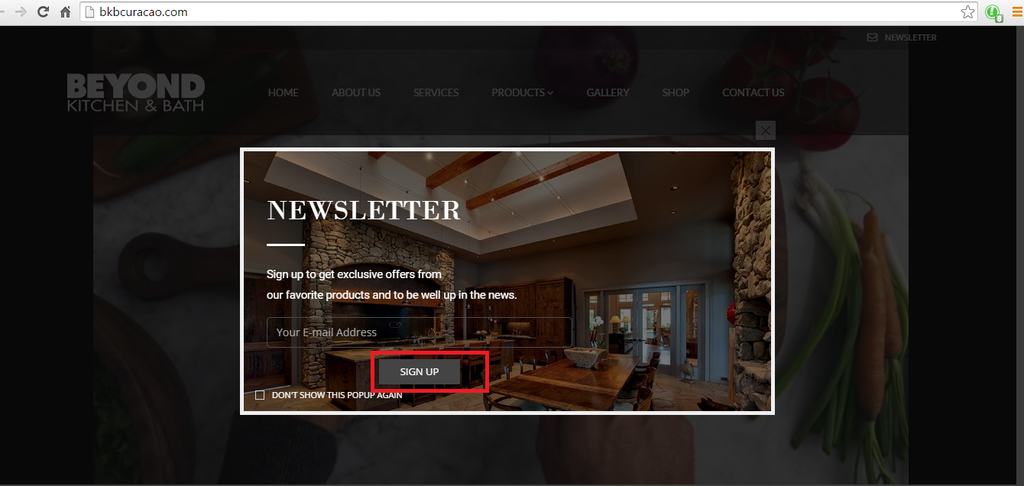
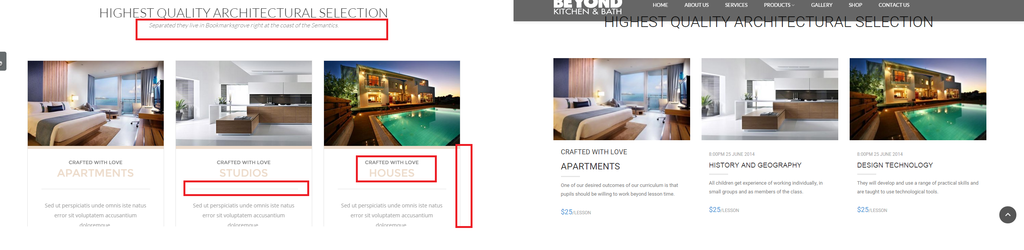
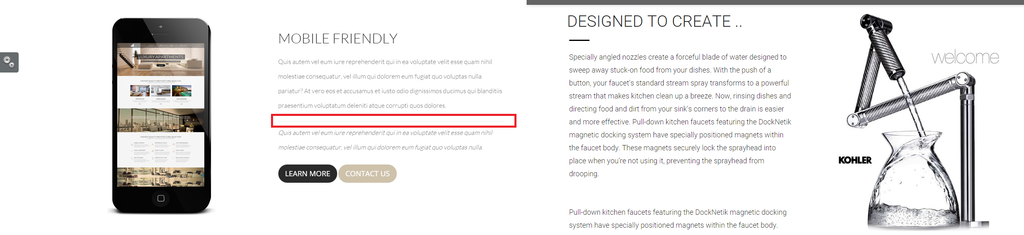
Thanks. I also requested for the Sign Up button for this one to be align to the left just like the other one. Can you also correct this one?
http://i1340.photobucket.com/albums/o728/LibardoBarreto/rwerewr_zpsebmz3ta7.png

Hi Eva,
Thanks. I also requested for the Sign Up button for this one to be align to the left just like the other one. Can you also correct this one?
http://i1340.photobucket.com/albums/o728/LibardoBarreto/rwerewr_zpsebmz3ta7.png
Hi Eva,
I just tried both and the Color of the Fa-Fa… does not change.
Can you please check this?
Hi Eva,
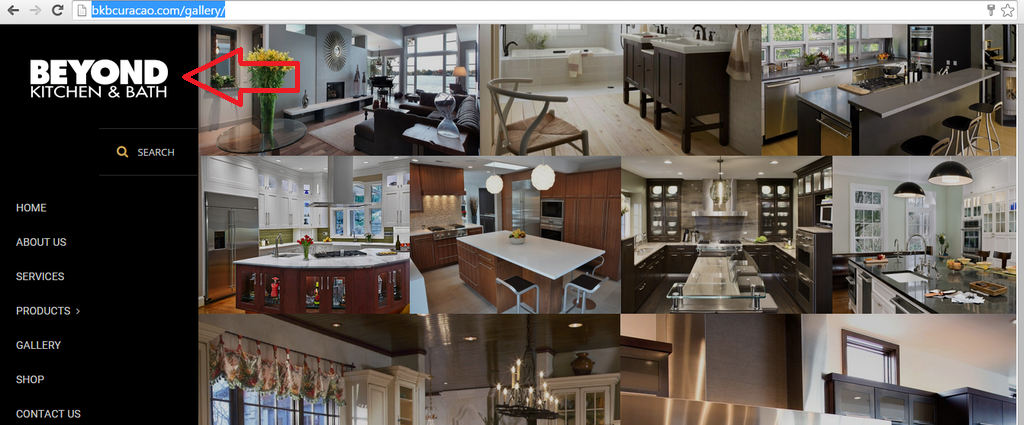
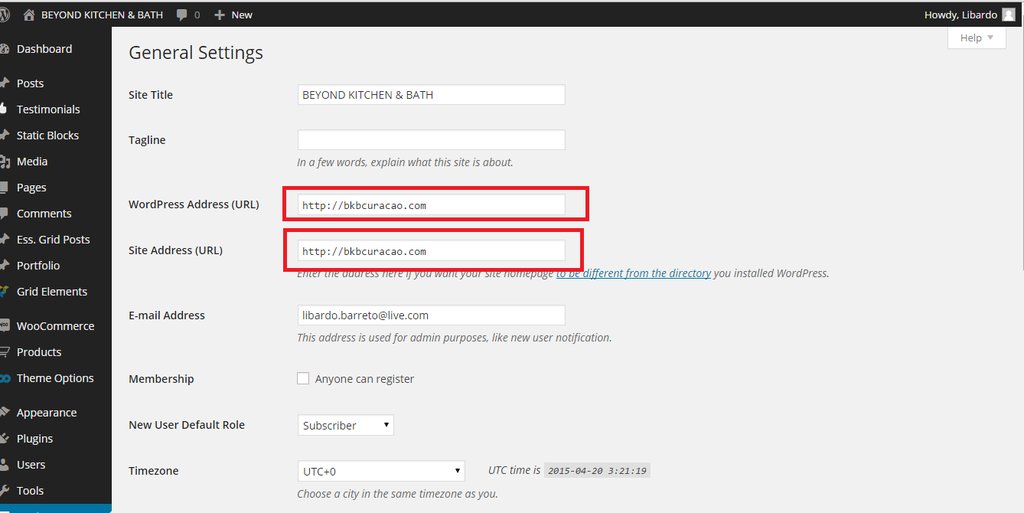
I accidentally change the WordPress Site to bkbcuracao.com/gallery and the Site Address to bkbcuracao.com thinking which when the customers click on the BKB logo on bkbcuracao.com/gallery they will be redirected to the page of bkbcuracao.com
Now we have some problem logging in. IS there a way to get out of this and have access again to bkbcuracao.com/gallery/wp-admin?
I think even the owners can be paranoid some times (lol)
http://i1340.photobucket.com/albums/o728/LibardoBarreto/fsdgsfg_zpswi7cgzul.png
http://i1340.photobucket.com/albums/o728/LibardoBarreto/fsdfsdf_zpsldyrewd9.png
Hi Eva,
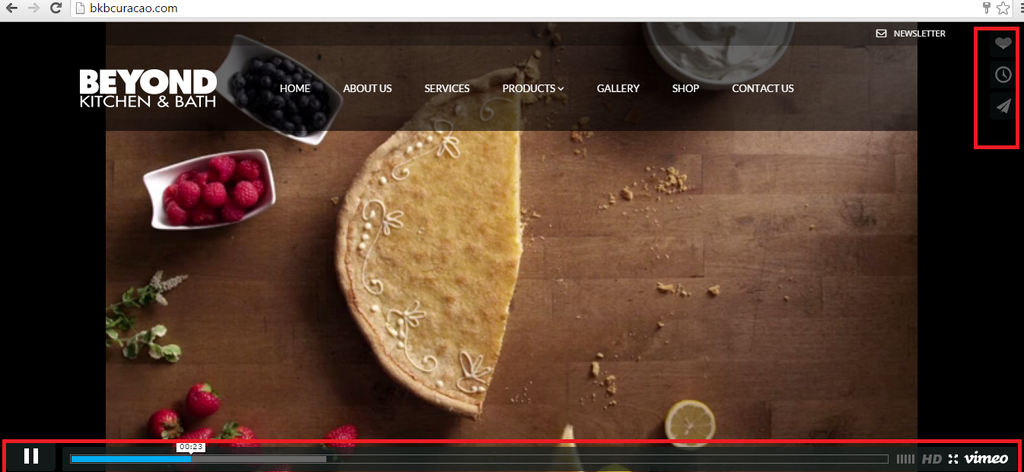
Thanks the code is ok. I will check with the team if they would like to do anything else with this video. Talking about video is there a way to hide the VIMEO video buttons on the Home Slider?
http://i1340.photobucket.com/albums/o728/LibardoBarreto/weqweqwqe_zpsclah4e1m.png
This is for the homepage
Hi Brian,
It is still showing the same. I would suggest to try with some other codes and also test it on your end end and provide screen shot. IT is still showing like this on my end:
http://i1340.photobucket.com/albums/o728/LibardoBarreto/HH6_zpsugtt4nve.png
I know we can figure it out because in a few of the post above we did it already. Just have to find the correct code.
Please let me know ..
Hi Eva,
ITEM 1, 2, 3 works. We are having problem with ITEM 4.
When I add the code of ITEM 4 in the CSS it still don’t work. I illustrate below the following:
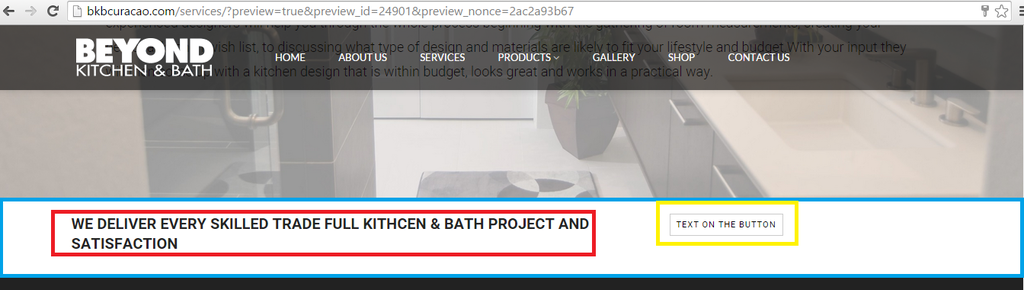
COLOR YELLOW needs to be the same height as COLOR RED. COLOR BLUE we would like to lower the text a bit to be a bit in line with the button next to it.
http://i1340.photobucket.com/albums/o728/LibardoBarreto/3435_zps9yg8rt1b.png
I also noticed the following once a I logged in and went to SERVICES page. Could you please correct this?
http://i1340.photobucket.com/albums/o728/LibardoBarreto/gbdfhdfh_zpss47b4yoa.png
Please see in private for login credentials.
Hi Eva,
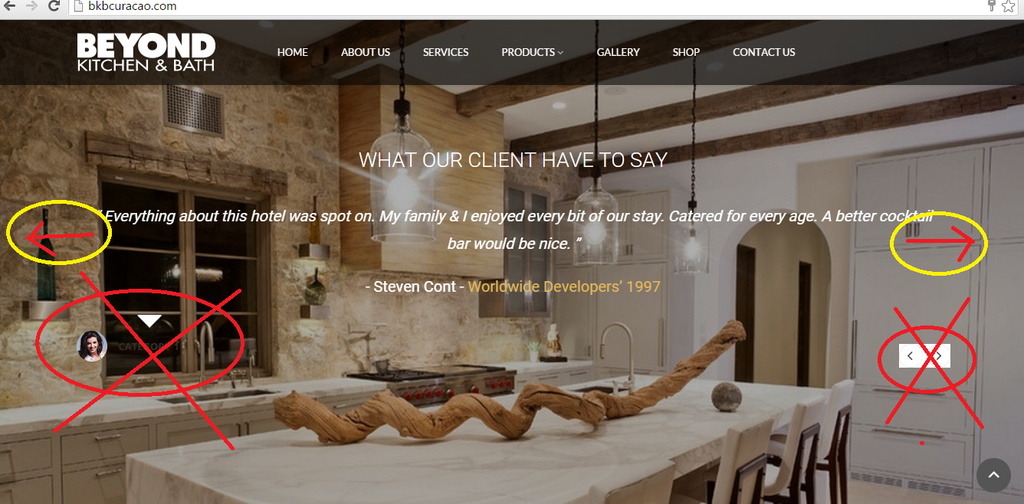
I’ve add the code and the white block has gone. Good! Now we have the following to fix:
ITEM 1.) Is there a way to Hide the Category text? If not is there a way to center align it>
— > Let me know which if the option is possible for item 1.
ITEM 2.) Is there a way to hide the white arrows? And add the arrows on the side like they are showing color red/yellow?
— > Let me know which if the option is possible for item 2.
http://i1340.photobucket.com/albums/o728/LibardoBarreto/VRE_zpsayudpvbd.png
Hi Eva,
I tried to add the code in the custom.css file but still the same. I put the code in the following file (See in private)
I have granted access please see in private.
Hi Eva,
I’ve put this code in the custom.css and the CSS menu file but still the color does not change.
.fa-cog fa-spin::before {
color: #7F006E;
}
IS there another code maybe?
See private.
Hi Eva,
The social icons and when I click on them looks good and they work perfect! However the Youtube icon on http://www.bkbcuracao.com is not showing correctly. Can you check this?
http://i1340.photobucket.com/albums/o728/LibardoBarreto/rf4_zpstrs6znif.png
I also needed the same which was done in the shortcodes.php file for http://bkbcuracao.com/gallery/, Which is why 2 FTP account were provided in my early post reply.
http://i1340.photobucket.com/albums/o728/LibardoBarreto/334_zpsh1wp3bst.png
See in private.
Hello,
In addition to my request above, can you also assist how to:
1.) Where can I change the color to #fff fro the text ” Don,t Show .. ”
2.) How can I align the Button to left?
http://i1340.photobucket.com/albums/o728/LibardoBarreto/fsdfsdf_zpsykqvasui.png
Hi Eva,
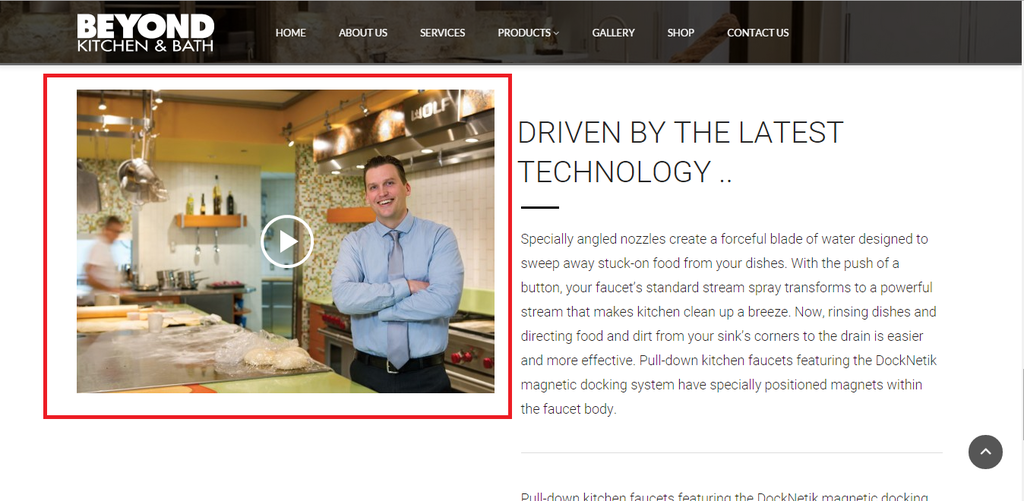
How can I move the video UP or BOTTOM or LEFT or RIGHT? IS there any CSS code for this that you can provide?
http://i1340.photobucket.com/albums/o728/LibardoBarreto/3445_zpse3toqah4.png
You can see this video at the end of the homepage of the website.
Hi Eva,
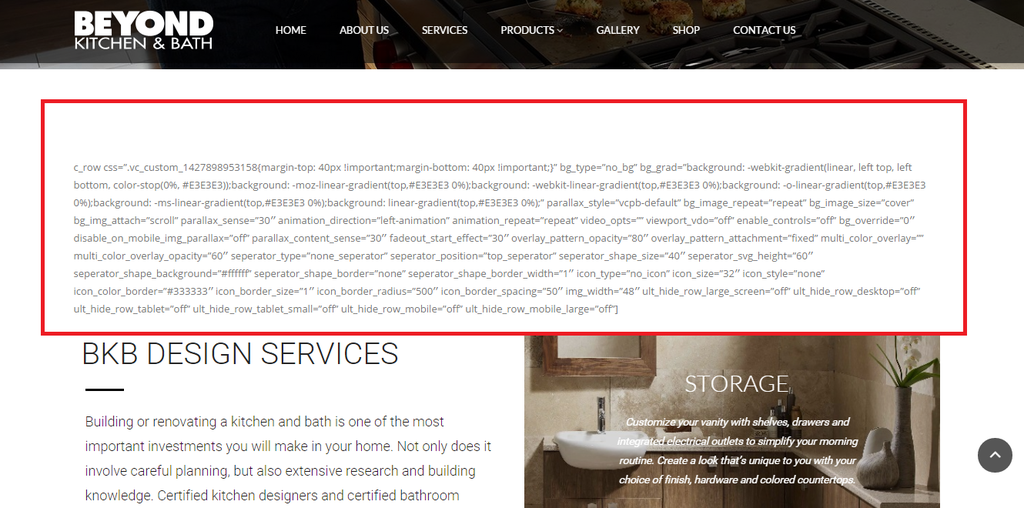
I tried this code but cannot move the text:
.vc_custom_1429156136955 {
margin-top: 40px !important;
}
Now I have the following questions:
ITEM 1:
– IS there a way to center both Button and Text at the same time instead of individual? IF so what would be the code for this?
http://i1340.photobucket.com/albums/o728/LibardoBarreto/hgfjfgj_zpsjirvkach.png
ITEM 2:
– IS there a way to change the color of this button?
http://i1340.photobucket.com/albums/o728/LibardoBarreto/78h_zpsaeyru9wn.png
ITEM 3:
– IS there a way when you hover your mouse over the button which it can show a bit transparent that indicate that your cursor is on this button?
http://i1340.photobucket.com/albums/o728/LibardoBarreto/78h_zpsaeyru9wn.png
ITEM 4:
– Is there a way to add Top Padding 5px? I tried with this code but still not have affect:
.wpb_row,
.content-page {
margin-bottom: 5px;
margin-top: 5px;
}
http://i1340.photobucket.com/albums/o728/LibardoBarreto/56_zpscp1wvadg.png
Hi Brian,
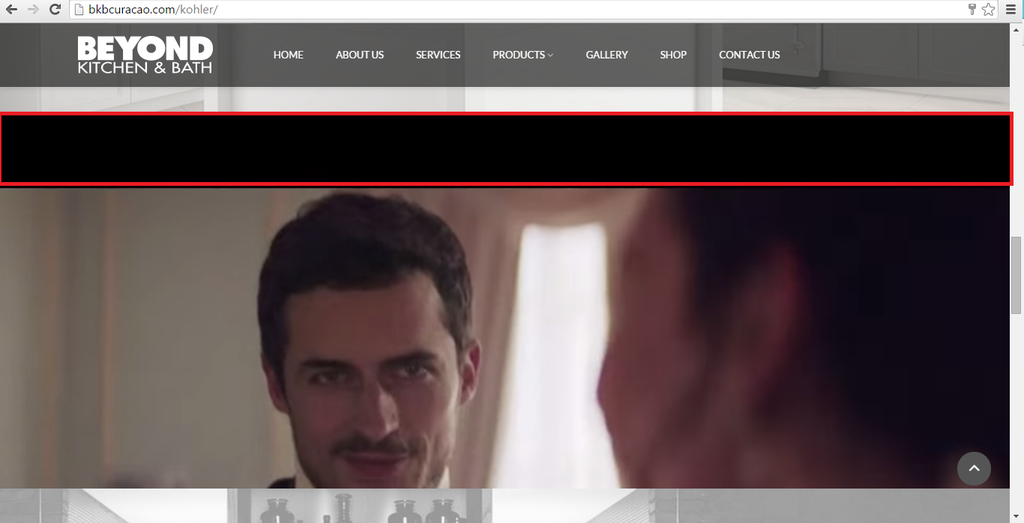
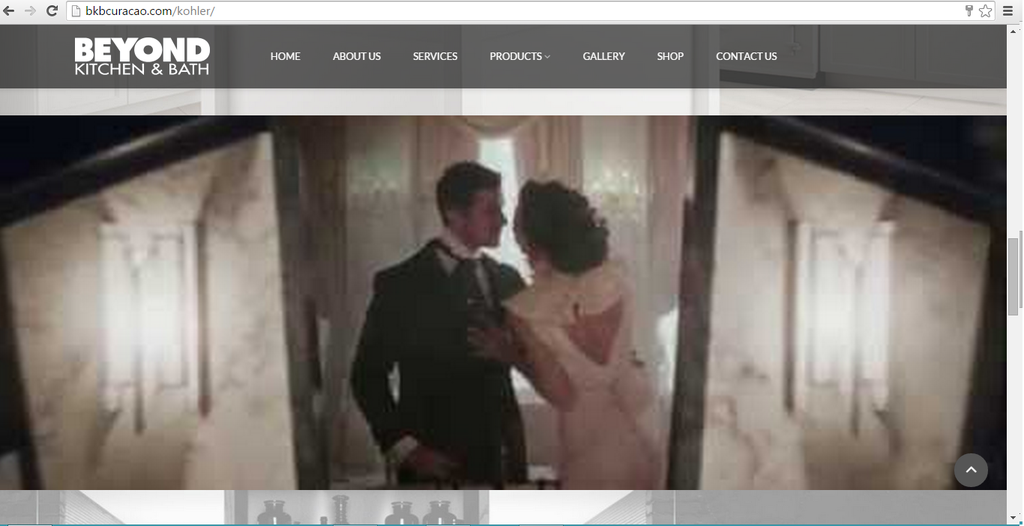
I’ve just checked the site and the beginning of it looks good once it starts it looks like this (which I think this is when the video buffers and then starts):
http://i1340.photobucket.com/albums/o728/LibardoBarreto/KKOHLER_zpsazqbgl52.png
Then it turn like this:
http://i1340.photobucket.com/albums/o728/LibardoBarreto/HH6_zpsugtt4nve.png
I do recap once we were busy it shows the same height as it is right now and was showing without the black bars. Can you recap what was done?
Please also delete pr edit the code .vc_custom_1427484282144 iframe{transform:translate(0px,-125px)} which didn’t fixed the video height.
Let me know ..
P.S Be extra careful with the website data not to happen like last time.
Thank you for the support so far.
Hi Robert,
It starting to look better and better. I only wanted to add, is the following possible?
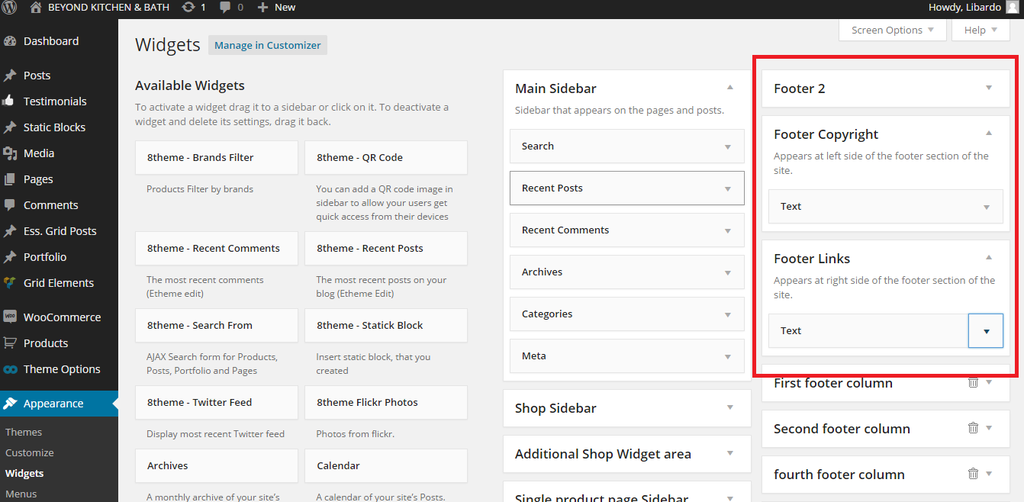
1.) At the moment I have the following code in the Footer Links Widget:
This Website Is Made By Libardo
Would it be possible to have only the word Libardo to link to Google.com? If so what would be the new code to insert into the widget?
2.) Is it possible to incorporate the class=”fa fa-heart” in the code? Meaning I would like it to be as ( Final ) like this:
MADE WITH class=”fa fa-heart” BY LIBARDO
P.S The word LIBARDO will be linked to google.com. Is there a way to change the color also of the class=”fa fa-heart”?
Can you give me a update on # 57579 and #57586 ? This is regarxing ticket above.
PLEASE READ BEFORE POINT YHAT IT IS A ERROR IN MS OUTLOOK. I am not frequenting any error. Please read once more these ticket or the whole history of the ticket to understand.
Good Day Eva,
Thanks. It looks good. I’m trying to figure out how to turn the words in CAPS.
I tried this but did not work:
<h1>THIS WEBSITE IS MADE BY ..</h1>
Hi Eva,
I would like to when clicking on “Mail” icon to open mail client to send email.
See in private.
Please also see #57579
Hi Eva,
The Picture 1 is shown above.
please find below
http://rs1340.pbsrc.com/albums/o728/LibardoBarreto/SFDF_zps8jc4dz06.png~320×480
Hi Eva,
ITEM #1
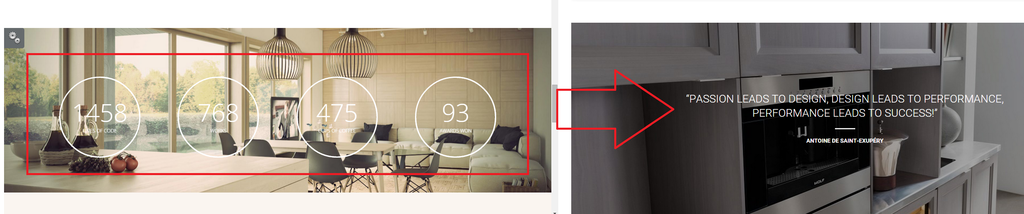
Support can you assist by adding the circles in red into our website? It needs to be included on this page: http://www.bkbcuracao.com. Where I took the sample is from here: http://marinewp.wpengine.com/architteti-layout/
http://i1340.photobucket.com/albums/o728/LibardoBarreto/4534_zpssum2xjo9.png
ITEM #2
IS it possible to incorporate something like this into the page? I created something but was lost at the moment. Please check on the Home Page once logged in.
http://i1340.photobucket.com/albums/o728/LibardoBarreto/5fdsf_zps7ccdzqui.png
ITEM #3
Support can you assist by adding the circles in red into our website? It needs to be included on this page: http://www.bkbcuracao.com. Where I took the sample is from here: http://marinewp.wpengine.com/architteti-layout/
http://i1340.photobucket.com/albums/o728/LibardoBarreto/fgsdg_zpsxdzg1cuh.png
ITEM #4
Support can you assist by adding the circles in red into our website? It needs to be included on this page: http://www.bkbcuracao.com. Where I took the sample is from here: http://marinewp.wpengine.com/architteti-layout/
http://i1340.photobucket.com/albums/o728/LibardoBarreto/hfgjfj_zpsmoehp7pn.png
Hi Eva,
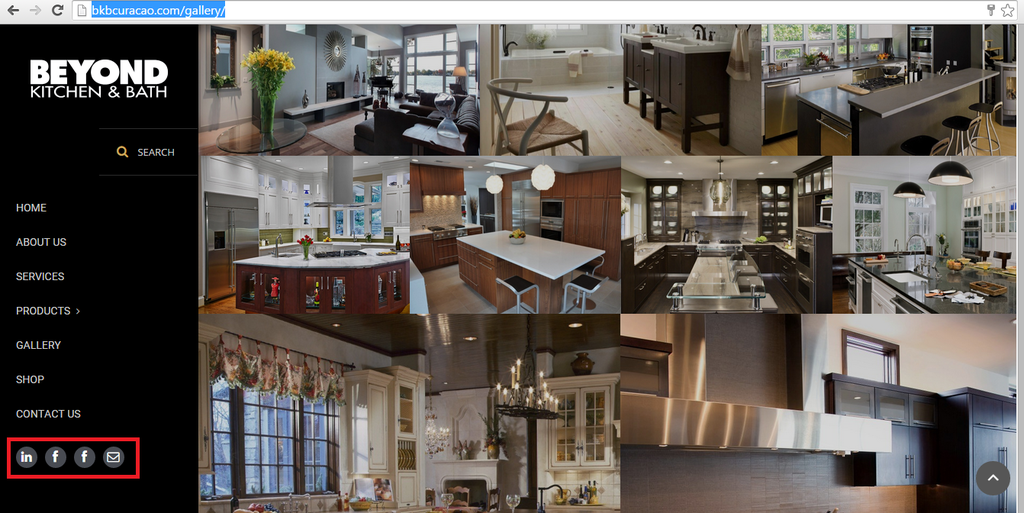
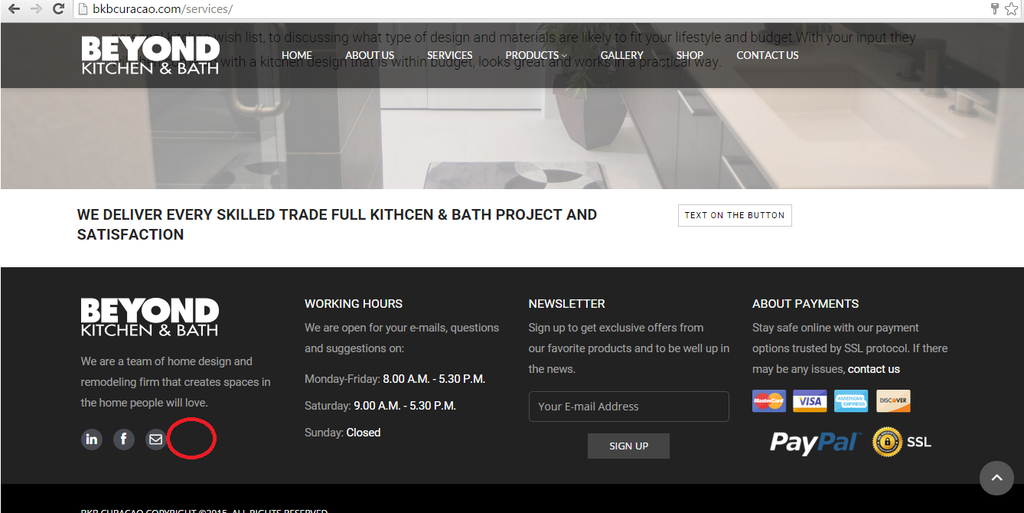
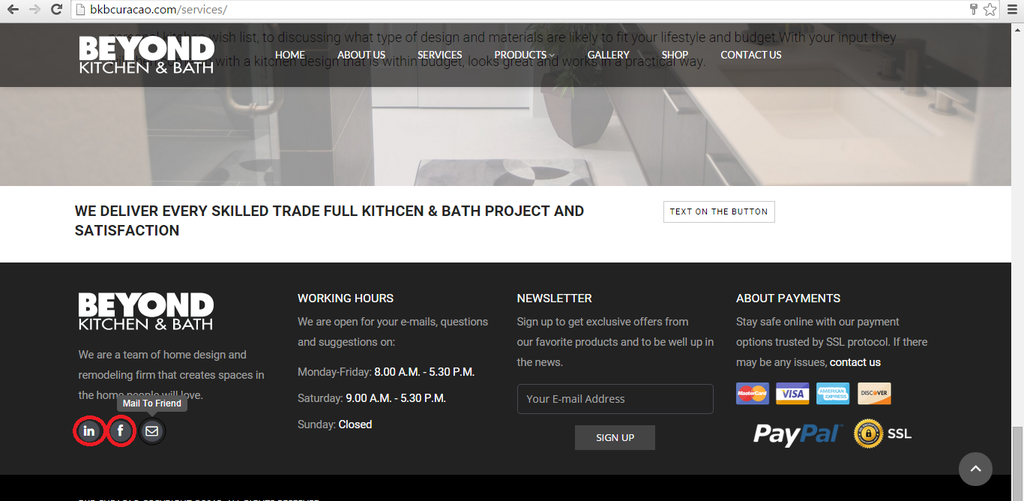
I also noticed that the Youtube Icon is not showing anymore. Can you also include the code in both files for me?
http://i1340.photobucket.com/albums/o728/LibardoBarreto/gfgdfg_zpspfvwamxo.png
Also when I hover my mouse over the Mail To Friend is showing correctly but when I hover on Facebook or Linkedin is not showing. Can you also add this for me for both files and for youtube icon?
http://i1340.photobucket.com/albums/o728/LibardoBarreto/bvbbfd_zpsnupan49g.png
Hi Eva,
Can you please assist with the following:
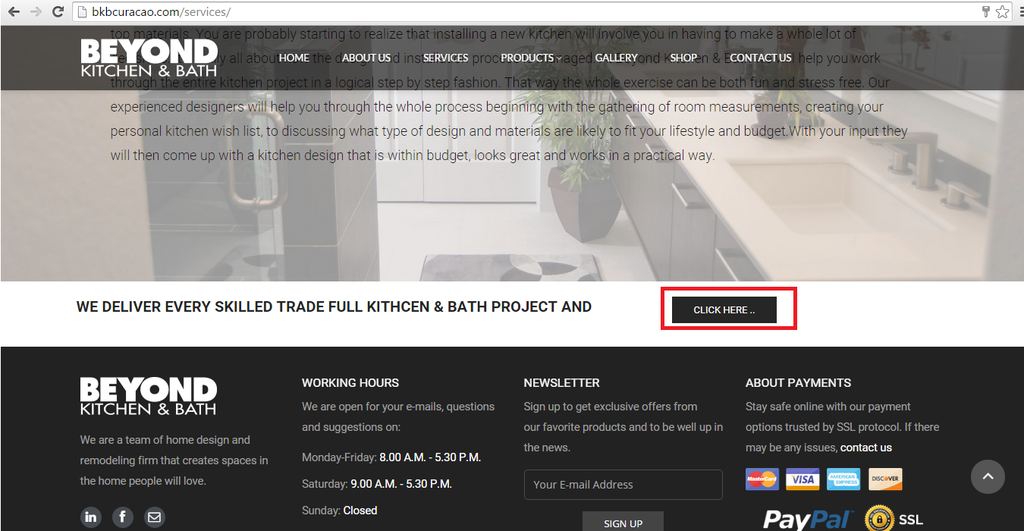
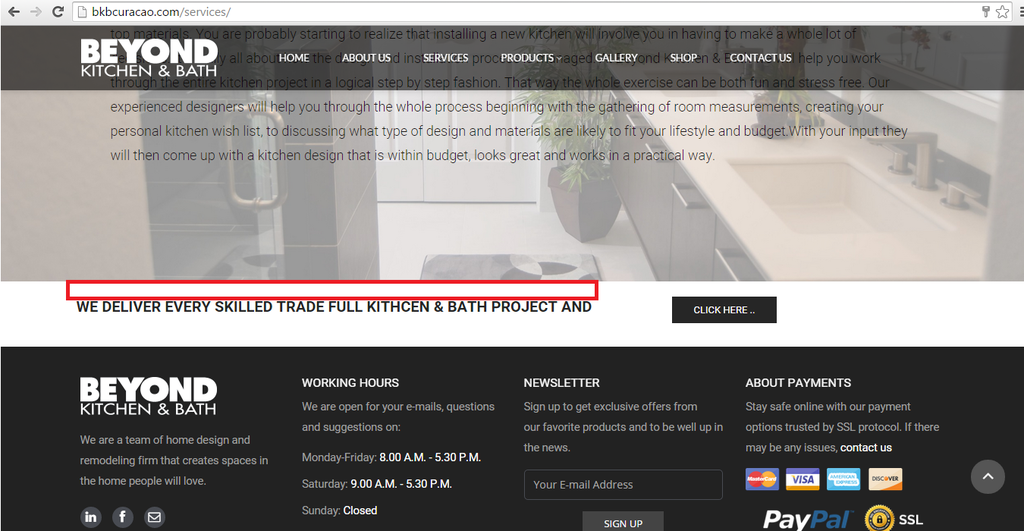
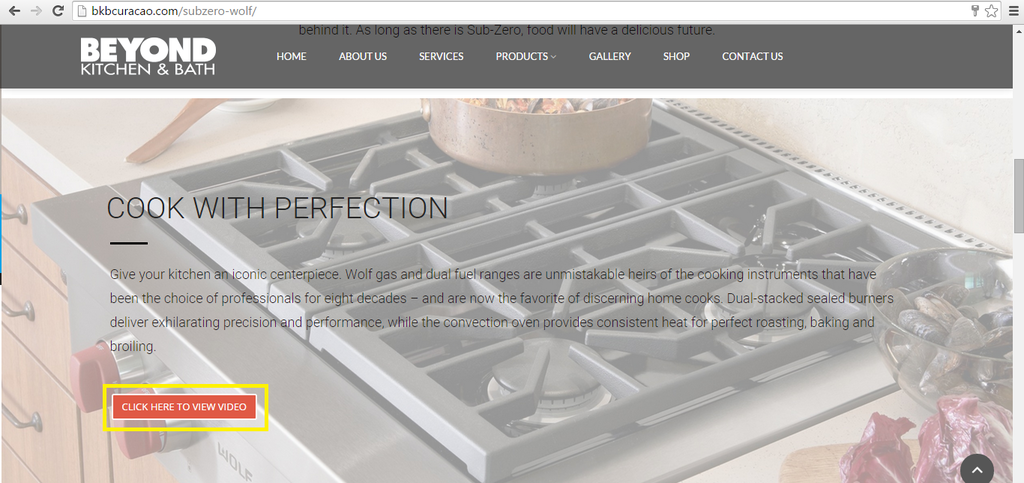
YELLOW = Center the Button in the BLUE color space. How to make the Red Button (Picture 2) just the same for (Picture 1)?
RED = How can I center the text in the BLUE color space?
Picture 1
http://i1340.photobucket.com/albums/o728/LibardoBarreto/SFDF_zps8jc4dz06.png
Picture 2
http://i1340.photobucket.com/albums/o728/LibardoBarreto/VVSDSDD_zpsfbeytjsb.png
I have the following codes already in page (bkbcuracao.com/services)
.wpb_row,
.content-page {
margin-bottom: 0px;
}
.vc_custom_1427428241145{
padding-bottom: 10px !important;
}
.page-id-23019 .vc_custom_1427428241145 .btn {
font-size: 20px !important;
margin-right: 70px;
padding: 10px 10px !important;
}
Let me know if need to change them or add replace them with a new code.
Please see in private.
Please change make the changes above for both files.
Hi Eva,
Great! 🙂
However how,where, I need to add the footer text?
Can you create the text and link my name to for example http://www.Google.com?
This Website Is Made By Libardo
http://i1340.photobucket.com/albums/o728/LibardoBarreto/vvcxv_zps8g3jvkna.png
“GIVE A MAN A FISH AND HE WILL EAT FOR A DAY; TEACH A MAN TO FISH AND HE WILL EAT FOR A LIFETIME.”
:):)
Hi Eva,
ITEM 3 I am still stuck. ( When I click on the E-Mail Friend can the subject always be ( Welcome To Beyond Kitchen & Bath )? And the content should be ( Check this page out: http://www.bkbcuracao.com )
Where to enter ( Welcome To Beyond Kitchen & Bath ) and link it to this page ( Check this page out: http://www.bkbcuracao.com ) in the code below? See my request above.
===================================================================================================
ITEM 5
I’m also stuck.
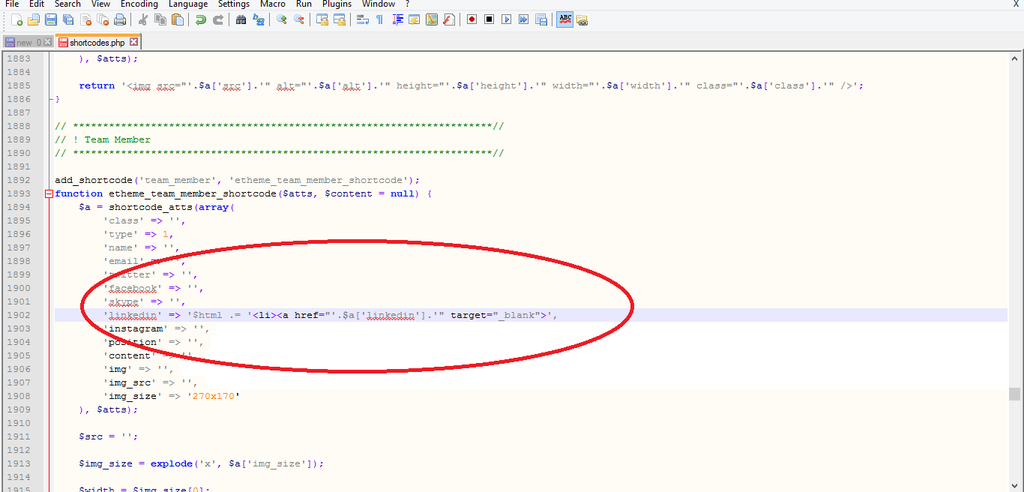
5. Edit the file edit the file file wp-content/themes/royal/framework/shortcodes.php (section “! Team Member” on line 1897), edit the code for social media links, for example LinkedIn:
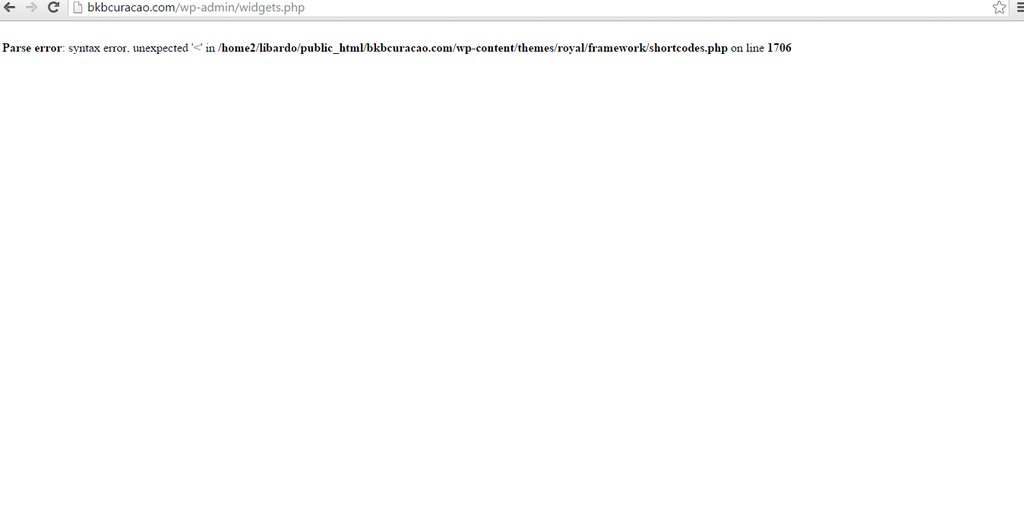
Where exactly I need to enter the code? Where I enter it here I get error message viewing the website
http://i1340.photobucket.com/albums/o728/LibardoBarreto/vsdfgsg_zpsibratepi.png
http://i1340.photobucket.com/albums/o728/LibardoBarreto/vvvxxx_zpsnb8zpdnv.png
Hi Support,
Just checking if there is any update on this case?
Please provide also the steps with screen shots
Thanks
The link is
Hi Eva,
Just checking if there is any update on the Slider Option? Please refer above..