Please, contact administrator for this information.
emeliech
Participant
February 6, 2015 at 20:18
Hello,
I am using the latest version of visual composer.
Do you know whats wrong?
//Emelie
emeliech
Participant
February 2, 2015 at 21:46
Nevermind, I saw the Child theme folder with the functions.php..
It works now 🙂
emeliech
Participant
February 2, 2015 at 21:13
Ok thank you, but I am not using the brands anymore…
My parent Category is now the “brand”, and then the sub-categories are the collections.
When entering my shop, I want to display all my collections. I have gone to Woocommerce settings>>products>> show sub-categories.. but all it does is to display the parent category..
Is there a way to only show the sub categories in my shop landing page?
emeliech
Participant
February 2, 2015 at 20:35
Ok
Please, contact administrator for this information.
emeliech
Participant
February 2, 2015 at 17:59
Hi. Please see private
Please, contact administrator for this information.
emeliech
Participant
January 27, 2015 at 16:52
Hi Eva,
Yes that works but only to show the posts in a grid.
I came across this code somewhere (and have put it in my child theme index.php)
<?php
$page_id = 2; // substitute page_id of page you want content included from for “2”
$page = get_post($page_id);
echo “<p>$page->post_content</p>”;
?>
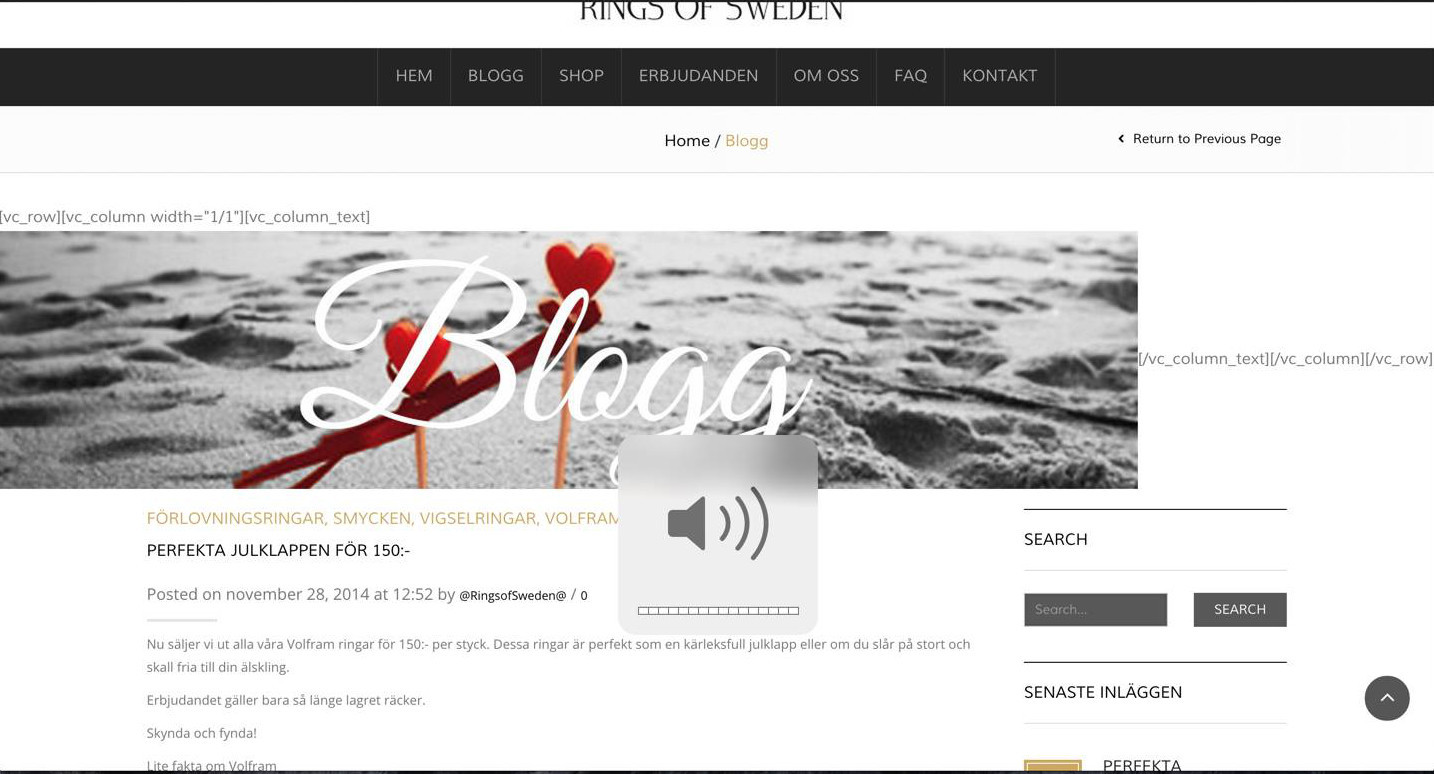
Then I can see my image above the “posts” on the Blog page, but it also puts out a lot of visual composer code, like it doesnt connect with visual composer or the design..
It just puts the image on the far left
I contacted my hosting company who gave me this code to put in to the .htaccess
Header add “disablevcache” “true”
It worked and I can now see my changes straight away.
emeliech
Participant
January 27, 2015 at 10:42
Hiya,
Yes, please see private message! Thank you.
Please, contact administrator for this information.
emeliech
Participant
January 26, 2015 at 23:29
Hello,
All the content types are selected, and I go to edit my Blog page and I can add an image in visual composer, but it won’t appear on the blog page.. I want it to appear above the posts so I have a red line through my website with a “Page banner” on every page..
Also, if I click on the “preview button” next to the “update button” inside the editor it doesn’t preview the Blog page, it previews the “homepage” all messed up and with tons of blog posts..
emeliech
Participant
January 26, 2015 at 20:51
Hi again,
I have cleaned my DNS cache, but no change.
Do you have any other ideas on how to solve this?
emeliech
Participant
January 26, 2015 at 17:54
I will give it a go but I have about 10 websites and I don’t have this problem on any of them..
I will get back to you if it worked.
Thanks
//Emelie
emeliech
Participant
January 26, 2015 at 16:09
Okay. Check the private content please
Please, contact administrator for this information.
emeliech
Participant
January 26, 2015 at 15:49
Then I don’t understand what the issue is.
It takes sooooo loooong for my custom css to be updated on the site.
Normally I just have to refresh, but now I have to wait 30 minutes.
emeliech
Participant
January 26, 2015 at 15:38
Hello,
I have W3 Total Cache and it doesnt help..
But my question was if you have a Enqueue script code so I can enqueue my style.css first?