I was happy too soon 🙁
But in this way, as you said: Theme Options > Speed Optimization section and click on “Regenerate CSS & Data”, I can’t find the button “Regenerate CSS & Data”. Could it be somewhere else?
Cer
Participant
March 1, 2023 at 09:49
Thank you!
Cer
Participant
February 28, 2023 at 19:31
Ok, I understand, thank you. The first way I know, but it is not attractive.
I have another question. When customers are using the search function, they can find a lot of products. But it is a problem that there is no filter function on the search results page. How can I add it?
Cer
Participant
November 15, 2022 at 18:08
Thank you.
Cer
Participant
November 14, 2022 at 12:43
Thank you.
Cer
Participant
November 14, 2022 at 11:55
ok
Please contact administrator for this information.
Cer
Participant
November 11, 2022 at 00:01
I found it.
Cer
Participant
October 20, 2022 at 18:29
1. https://i.gyazo.com/641f5ecd1e89e675e938344cde9689fc.png
There are two places, where I didn’t see any changes after save: sidebar in the footer (I change it, but it stills green) and first banner. There photo didn’t changes (you can see it in photo). If I open my page in incognito, I see all changes.
2. Thank you.
Cer
Participant
October 18, 2022 at 20:23
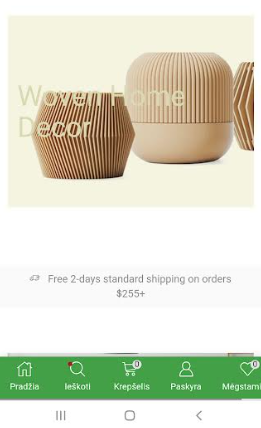
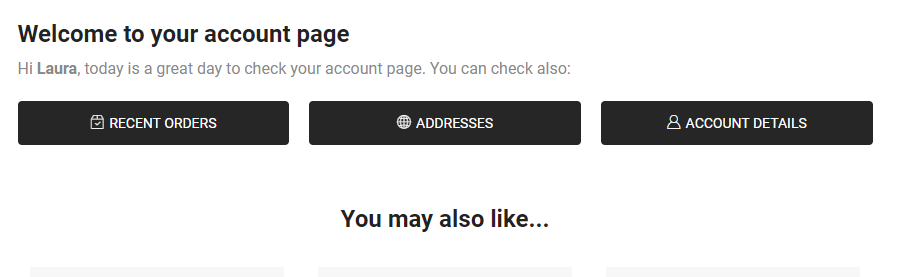
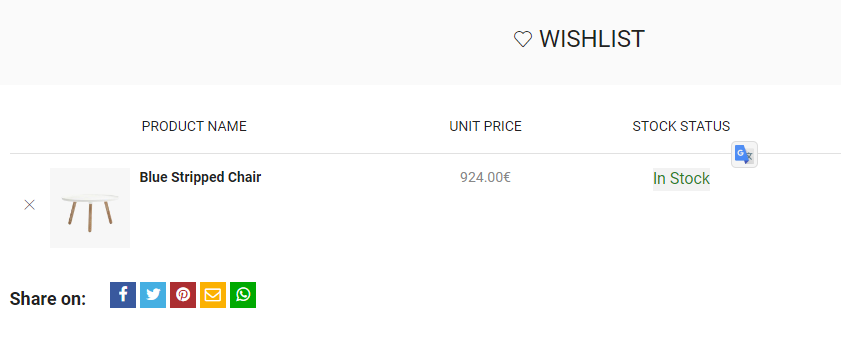
I take screenshot what I want to translate.
Can you explain what mistake I did? I want translate by my self, but I don’t know what is wrong? Thank you.