
Warning code in my theme - by pionnex - on WordPress WooCommerce support

This topic has 6 replies, 3 voices, and was last updated 9 years, 11 months ago ago by Jack Richardson

  • Avatar: pionnex
    pionnex
    Participant
    January 7, 2016 at 22:10

    Hello,

    When I visit some product categories of my webpage there appear some code before content.

    Please, contact administrator
    for this information.
    5 Answers
    Avatar: stan
    Stan Russell
    Participant
    January 8, 2016 at 11:16

    Hello pionnex,

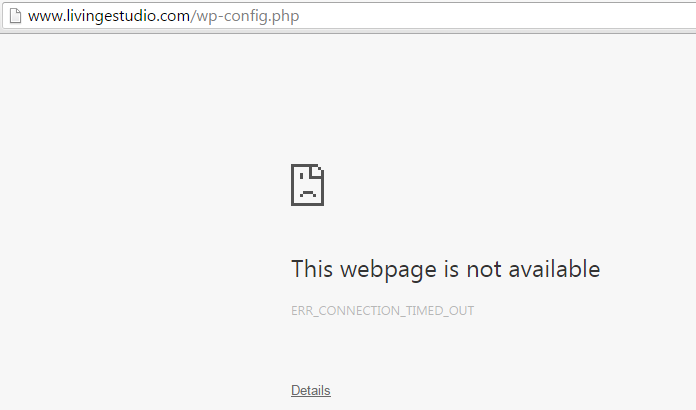
    unfortunately we can not enter your admin panel due ‘connection timed out’ error.

    Please check your site and contact hosting provider if needed.

    Regards,
    Stan Russell.

    Avatar: pionnex
    pionnex
    Participant
    January 11, 2016 at 12:18

    Hello,

    My hosting had the access from out of spain denied.

    Please try again now with the prelogin username and password I send you below. And then use the username and password I sent you in the other message.

    Thank you very much!

    Please, contact administrator
    for this information.
    Avatar: Jack Richardson
    Jack Richardson
    Support staff
    January 11, 2016 at 15:39

    Hello,

    You just have to resave product categories in WP Dashboard > Products > Categories > open a category and click “Save”. Warnings will disappear.

    Best regards,
    Jack Richardson.

    Avatar: pionnex
    pionnex
    Participant
    January 11, 2016 at 17:02

    Thank you very much,

    All is ok now.

    Regards

    Avatar: Jack Richardson
    Jack Richardson
    Support staff
    January 11, 2016 at 17:44

    Hello,

    You’re welcome.

    Best regards,
    Jack Richardson.

  • Viewing 6 results - 1 through 6 (of 6 total)

The issue related to '‘Warning code in my theme’' has been successfully resolved, and the topic is now closed for further responses

We're using our own and third-party cookies to improve your experience and our website. Keep on browsing to accept our cookie policy.









