Production Description - by jeffunik72 - on WordPress WooCommerce support

This topic has 12 replies, 3 voices, and was last updated 10 years, 8 months ago ago by Eva Kemp

  • Avatar: jeffunik72
    jeffunik72
    Participant
    March 31, 2015 at 03:32

    How do I get the product tabs to appear under the product image instead of on the right side…

    thanks…. Ive seen this on your demo site so must be possible: https://www.8theme.com/dev/royal/shop-2/dress-white/

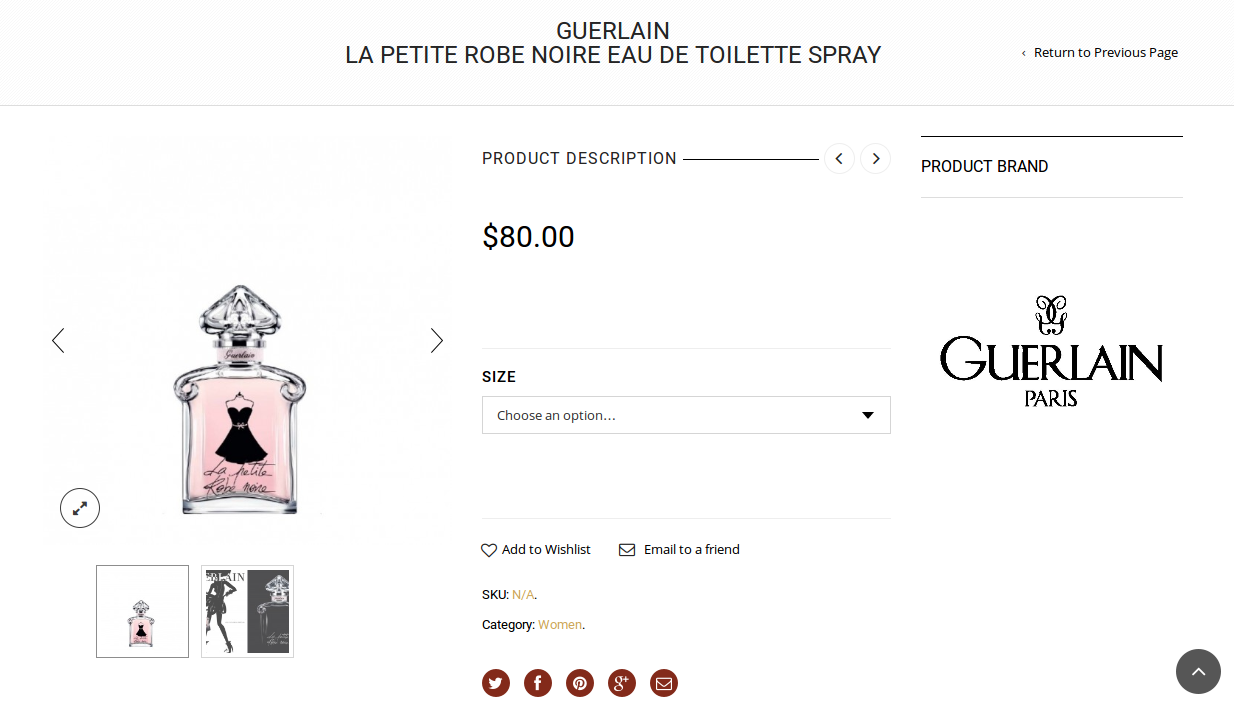
    and how they appear on my site currently: http://exxelmarketing.com/parfumerie2/shop/men/moschino-forever-eau-de-toilette-spray/

    11 Answers
    Avatar: jeffunik72
    jeffunik72
    Participant
    March 31, 2015 at 05:31

    Let me be more precise… as I have found the option to make it appear after content…

    but how do I get the tabs to show up like that demo instead of the long accordion style like I have currently.

    Thanks.

    Avatar: Robert Hall
    Robert Hall
    Participant
    March 31, 2015 at 07:21

    Hello,

    Please navigate to Theme Options->Single Product Page->Location of product tabs->select under content.

    Regards,
    Robert Hall.

    Avatar: jeffunik72
    jeffunik72
    Participant
    March 31, 2015 at 13:30

    lol I specifically wrote in my second post that I have done that.. but the tabs arent the same as demo… please look at the links provided in the first post…

    thanks

    Avatar: Robert Hall
    Robert Hall
    Participant
    March 31, 2015 at 13:44

    I’ve selected default Tabs Type in Theme Options->Single Product Page. Please check.

    Regards,
    Robert Hall.

    Avatar: jeffunik72
    jeffunik72
    Participant
    March 31, 2015 at 14:37

    they are at default… this is pretty wierd

    Please, contact administrator
    for this information.
    Avatar: jeffunik72
    jeffunik72
    Participant
    March 31, 2015 at 14:39

    Nevermind… it was at default, I selected another tab type and saved it and then reselected default and saved again and they now appear like the demo

    I appreciate the support response.

    Thanks.
    Jeff

    Avatar: Robert Hall
    Robert Hall
    Participant
    March 31, 2015 at 14:41

    Hello,

    You’re welcome!

    Regards,
    Robert Hall.

    Avatar: jeffunik72
    jeffunik72
    Participant
    March 31, 2015 at 14:46

    Im running into an issue though, when I put the sidebar on the right in the single products theme options page… the page does not load… if i put none or sidebar left it works?

    Avatar: Eva
    Eva Kemp
    Participant
    March 31, 2015 at 18:29

    Hello,

    As I see the page is loading and sidebar is shown:
    https://s3.amazonaws.com/fvd-data/notes/168674/1427822879-3JBCmS/screen.png

    Please clear browser cache and check again.

    Thank you.
    Regards,
    Eva Kemp.

    Avatar: jeffunik72
    jeffunik72
    Participant
    March 31, 2015 at 20:20

    yes I had it figured out sorry didnt think of replying… I had modified something in the content-single-product.php and so I just re copied the original code and it fixed itself…

    I also had to go into my database and rename my brands taxonomy to have the taxononmy of brands instead of the woocomerce product_brand or else the theme doesnt pick up on them… and I didnt want to manually re-enter all of my brands…

    Avatar: Eva
    Eva Kemp
    Participant
    March 31, 2015 at 21:18

    Hello,

    We’re glad you fixed the problem.
    If there are any questions feel free to contact us.

    Regards,
    Eva Kemp.

  • Viewing 12 results - 1 through 12 (of 12 total)

The issue related to '‘Production Description’' has been successfully resolved, and the topic is now closed for further responses

We're using our own and third-party cookies to improve your experience and our website. Keep on browsing to accept our cookie policy.