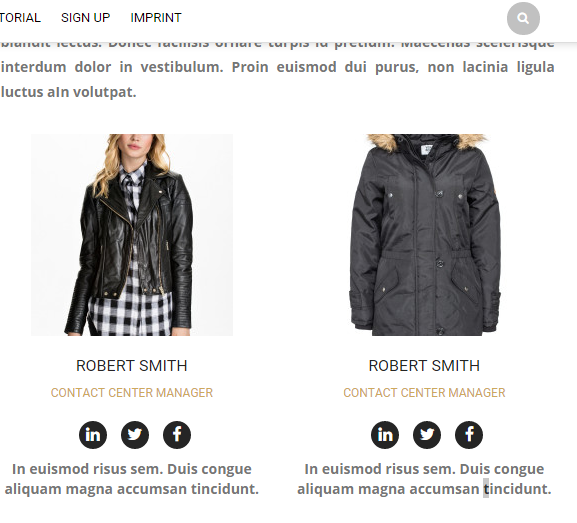
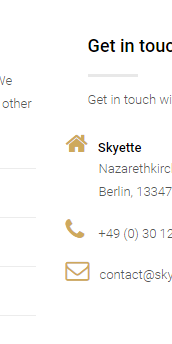
Hello dear support team,
The icons are kind of broken when site is visited in Chrome Browser. I included a screenshot. How can I fix that?
This topic has 8 replies, 4 voices, and was last updated 10 years, 3 months ago ago by Jack Richardson
Hello dear support team,
The icons are kind of broken when site is visited in Chrome Browser. I included a screenshot. How can I fix that?
Hello balirina,
we have checked your site and icons are displayed correct in Chrome:
https://i.gyazo.com/89201d83b9847bd27cb2cb7aa1422ecc.png
https://i.gyazo.com/5d03f93785cf9c1dbceb69e16281fd22.png
Does this error still appear for you?
Regards,
Stan Russell.
ohh, yes it’s still not showing for me 🙁
Hello,
Please provide us with FTP credentials in Private Content.
Regards,
Eva Kemp.
FTP
Hello,
I’ve added this code in .htaccess file:
<IfModule mod_headers.c>
Header add Access-Control-Allow-Origin "*"
</IfModule>
Please clear browser cache and check the site.
Best regards,
Jack Richardson.
It works perfect! Thank you ver much!
Hello,
You are welcome!
Best regards,
Jack Richardson.
The issue related to '‘all icons don't show right on Chrome’' has been successfully resolved, and the topic is now closed for further responses