Hello,
Either on https://www.8theme.com/demo/idstore/dark/?page_id=3666, or https://www.8theme.com/demo/idstore/dark/?page_id=3666&col=2, when clicking on the “zoom in”/”display full image” icon of the first picture/project from the page, it opens the Lightbox slideshow windows showing 1/16 pictures.
However, going on the project page (https://www.8theme.com/demo/idstore/dark/?etheme_portfolio=cras-imperdiet-mattis-diam-vitae-porttitor), there are only 6 project pictures (instead of 16) in the Lightbox slideshow window.
Here are my questions:
1. Why are the pictures different on those two pages (considering it is the same project)?
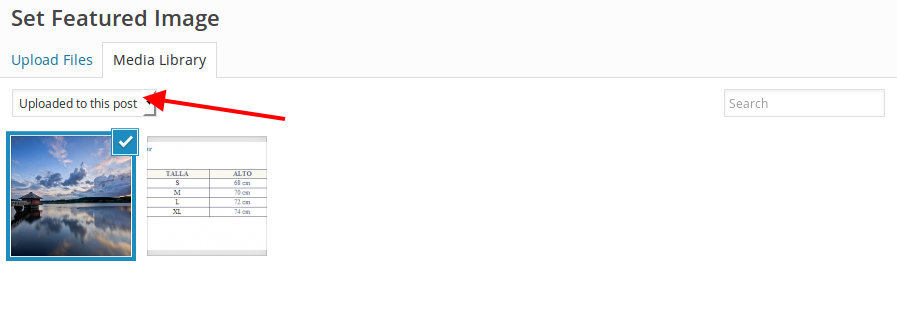
2. How can I add more pictures to a project?
3. What pictures/projects are displayed in the RECENT WORK section (project detail page)?
4. The pictures displayed in the RECENT WORK section are not scaled down. They are cropped instead and do not look good. Could this be fixed?
Thanks,
Victor