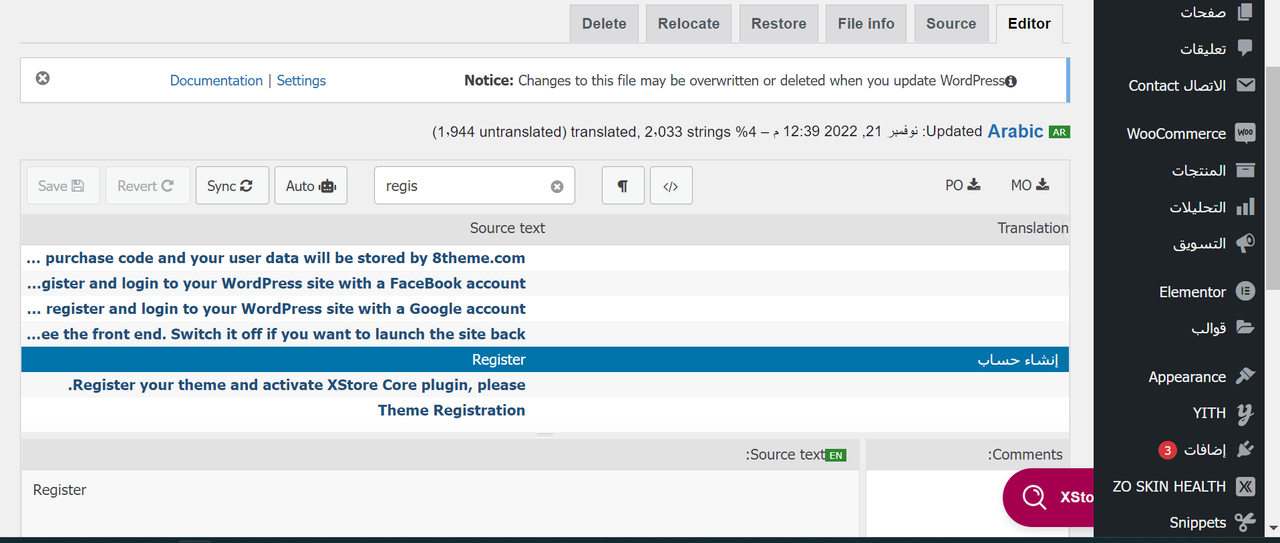
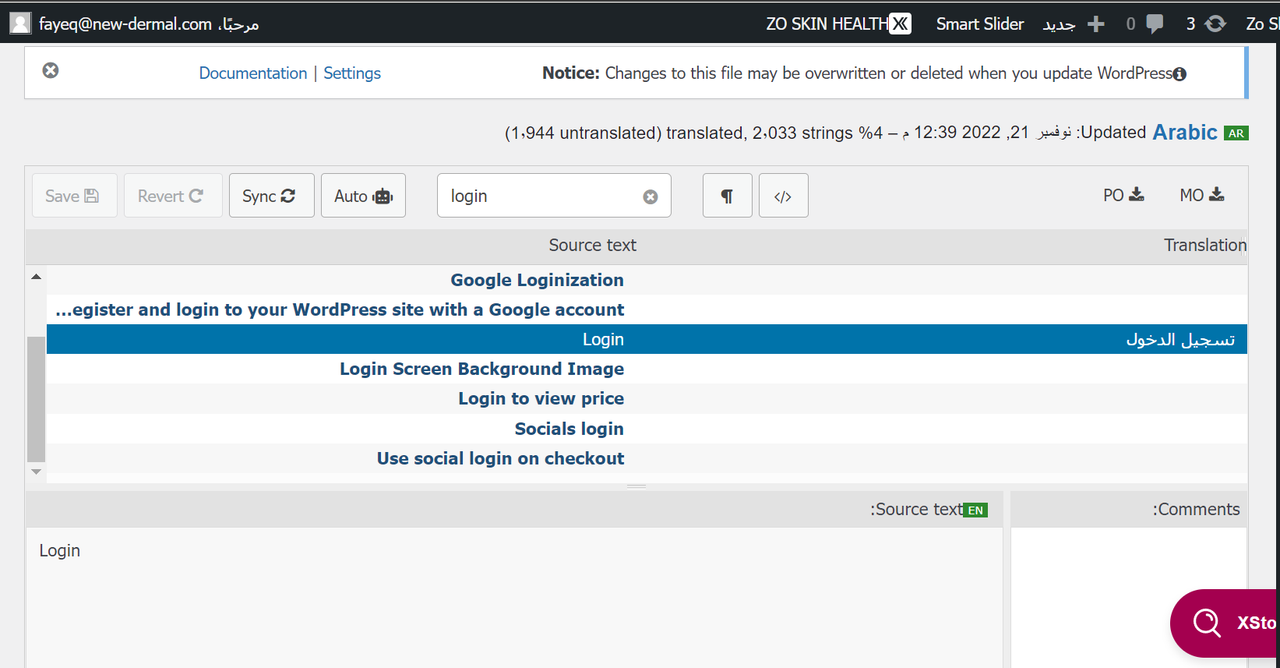
How to traslate wish list, add to cart, and sign up options in navigation bar ?

This topic has 5 replies, 2 voices, and was last updated 4 months, 1 weeks ago ago by Lasitha851

  • 4 Answers
    Avatar: Rose Tyler
    Rose Tyler
    Support staff
    November 22, 2022 at 06:59

    Hello,

    You need to translate XStore Core plugin.
    Go to Loco Translate > Plugins > select the XStore Core plugin. Press “Add new language” the same way as you did for the theme translation. Translate the necessary strings and Save.

    Regards

    Avatar: Lasitha851
    Lasitha851
    Participant
    November 22, 2022 at 07:06

    okay. I will try.

    Avatar: Rose Tyler
    Rose Tyler
    Support staff
    November 22, 2022 at 07:48

    Let us know if any other assistance will be needed.

    Regards

    Avatar: Lasitha851
    Lasitha851
    Participant
    July 28, 2025 at 08:10

    Thanks for the support! My topic “How to traslate wish list, add to cart, and sign up options in navigation bar ?” has been successfully resolved.

  • Viewing 5 results - 1 through 5 (of 5 total)

The issue related to '‘How to traslate wish list, add to cart, and sign up options in navigation bar ?’' has been successfully resolved, and the topic is now closed for further responses

We're using our own and third-party cookies to improve your experience and our website. Keep on browsing to accept our cookie policy.