Memcached strips out CSS of static block

This topic has 3 replies, 2 voices, and was last updated 4 years, 3 months ago ago by fishmonkeyman

  • Avatar: fishmonkeyman
    fishmonkeyman
    Participant
    August 23, 2021 at 17:48

    Hello,

    I’m hoping that you can help me with a really annoying issue:
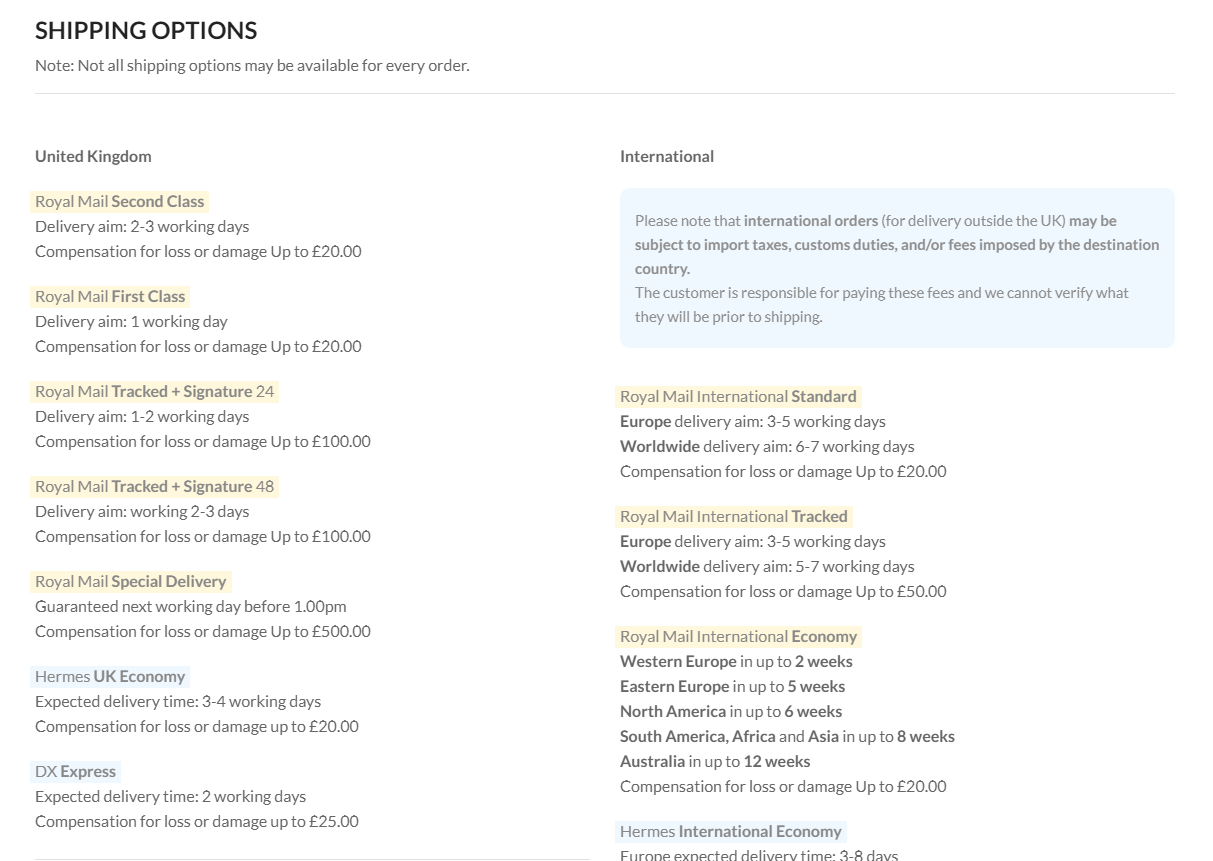
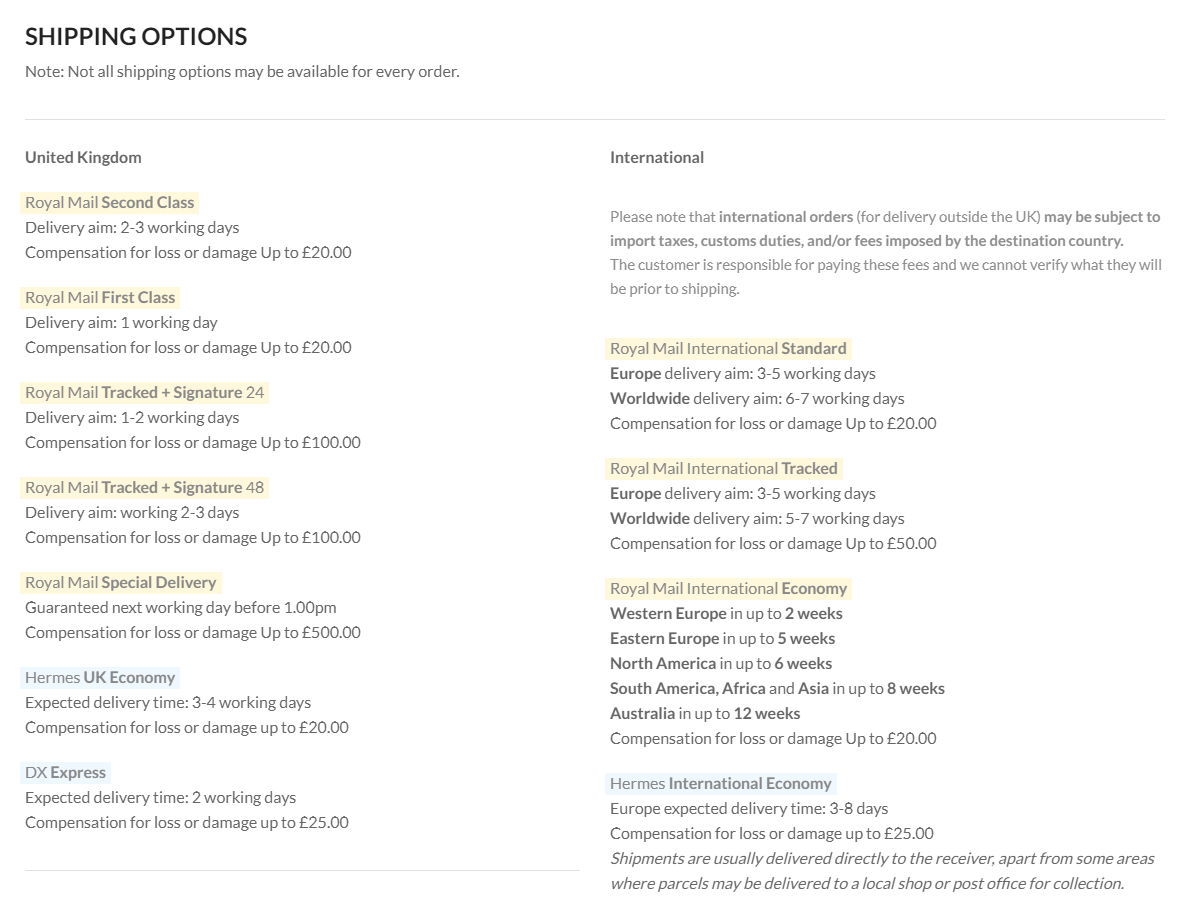
    It appears that if I switch on Memcached (in plugin SiteGround Optimzer) it strips out the CSS in a WPBakerly element within a static block.
    If I re-save the block, the CSS reappears, but then disappears again when the browser or cache is refreshed.
    https://i.gyazo.com/1860ef62b4986a72521405c7a4af0900.png
    https://i.gyazo.com/6d20be5814c4db3341bda0a8276dc322.png
    I have tried re-creating the CSS in YellowPencil, but the same thing happens – it works, then does not work after a refresh.
    I am using Memcached to avoid a Geolocation issue with my currency plugin.

    I appreciate any assistance you can offer,

    Many thanks,

    –Gary.

    Please, contact administrator
    for this information.
    2 Answers
    Avatar: Olga Barlow
    Olga Barlow
    Participant
    August 23, 2021 at 22:17

    Hello,

    Go to Theme Options > Speed optimization > keep Static Blocks Cache option disabled.

    Regards

    Avatar: fishmonkeyman
    fishmonkeyman
    Participant
    August 24, 2021 at 11:09

    As easy as that! Perfect. Thank you so much!

  • Viewing 3 results - 1 through 3 (of 3 total)

The issue related to '‘Memcached strips out CSS of static block’' has been successfully resolved, and the topic is now closed for further responses

We're using our own and third-party cookies to improve your experience and our website. Keep on browsing to accept our cookie policy.