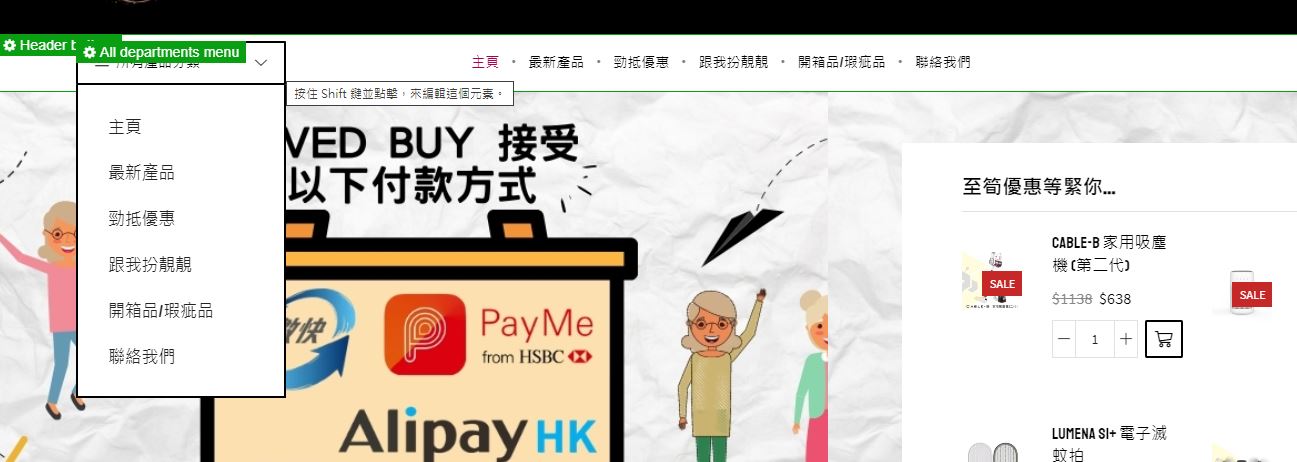
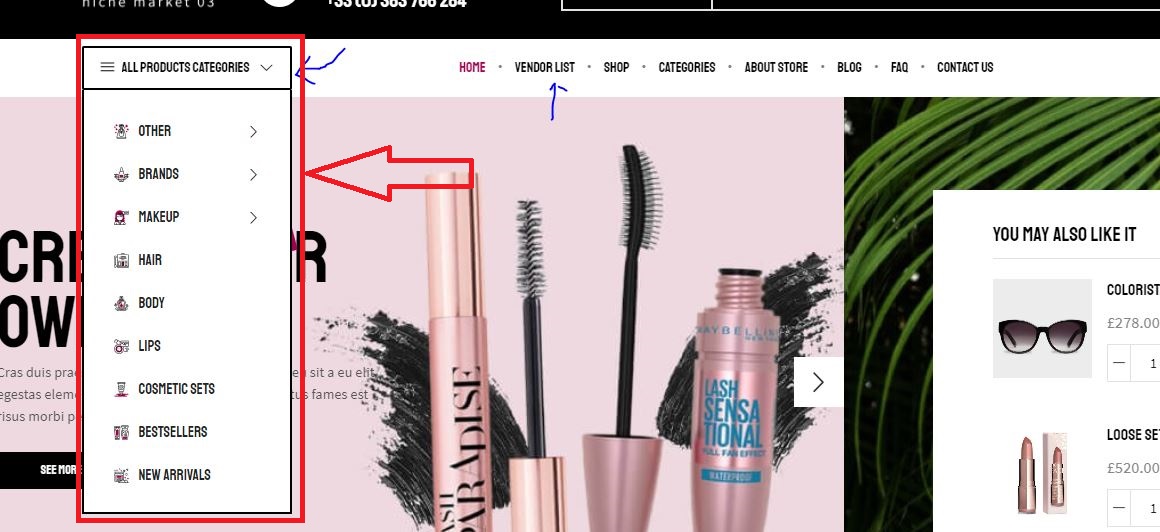
my All department menu below picture
https://upload.cc/i1/2021/07/19/diOJXu.jpg
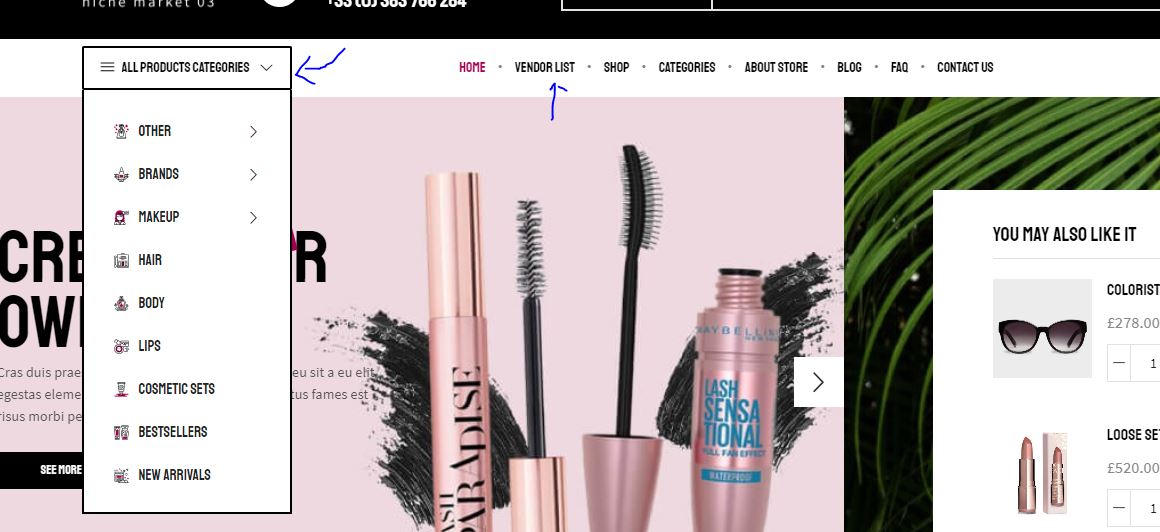
i want to change the All department menu like your DEMO
https://upload.cc/i1/2021/07/19/ZXaRe5.jpg
This topic has 5 replies, 2 voices, and was last updated 4 years, 5 months ago ago by Olga Barlow
my All department menu below picture
https://upload.cc/i1/2021/07/19/diOJXu.jpg
i want to change the All department menu like your DEMO
https://upload.cc/i1/2021/07/19/ZXaRe5.jpg
Here have another problem of All department menu
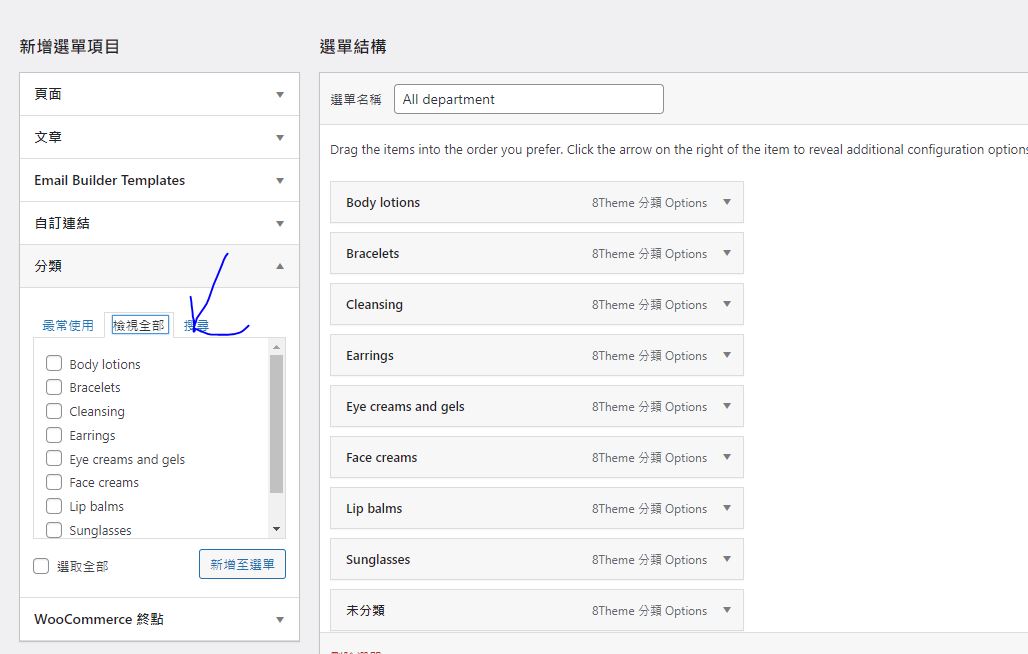
here is my Appearance -> Menus
https://upload.cc/i1/2021/07/19/dDIpLl.jpg
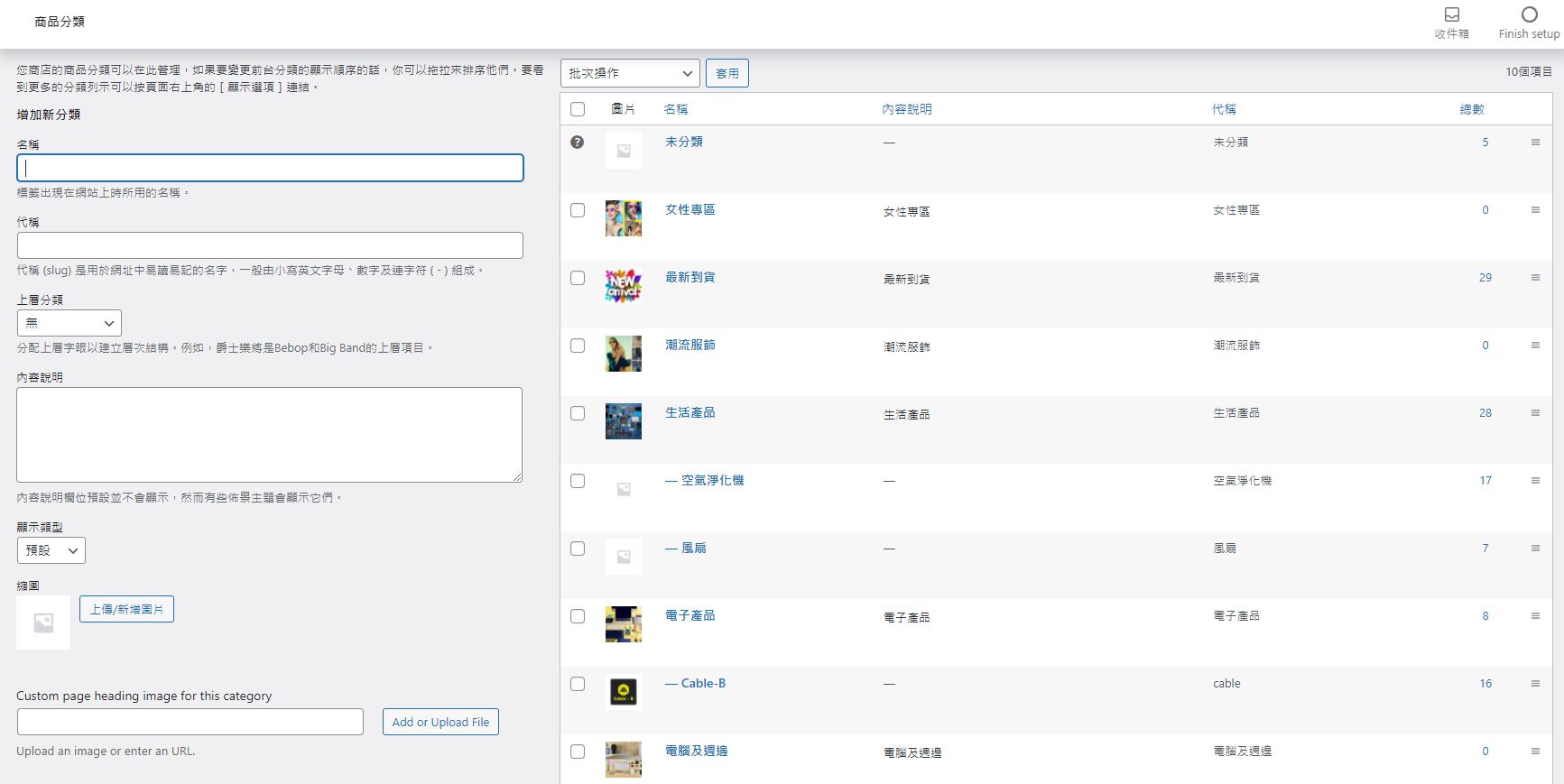
but my real category is picture below
https://upload.cc/i1/2021/07/19/c6Zboe.jpg
why i can find my real category ? category in picture one i already deleted
Hello,
1) What exactly do you want like on our demo? Images before the menu items?
2) Read here how to add product categories to the menu https://docs.woocommerce.com/document/docs-menus/#section-6
Regards
1. can i add menu like below capture?
https://upload.cc/i1/2021/07/19/rifkEO.jpeg
2. can i edit menu like your demo? because i del it already
https://upload.cc/i1/2021/07/20/8RgbL4.jpg
Hello,
1) Yes, you can. Use the mega menu option. Watch video tutorial but instead of WPBakery use Elementor page builder https://youtu.be/f07MBdnFPfk
2) Watch video tutorial https://youtu.be/7QluEYxznKs
Regards
The issue related to '‘How to change element of All department menu like demo?’' has been successfully resolved, and the topic is now closed for further responses