

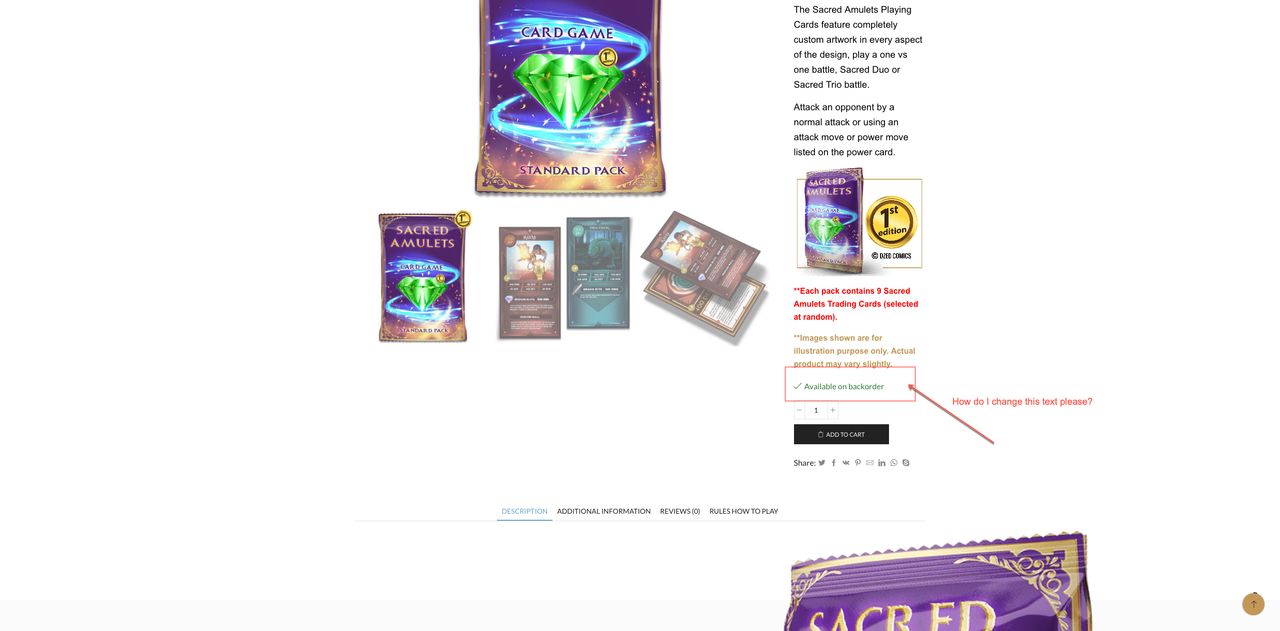
Please see private area for link, ive been hacked a few times and careful whom i expose the site to!
Backorder text change - by queenb123 - on WordPress WooCommerce support
Solved4 replies2 participantsUpdated by Rose Tyler
-
4 Answers
Please contact administrator
for this information.#282868 CopiedHello,
Install and activate the Loco Translate plugin, create a translation for a plugin, from which this text comes, and change the text, then disable the Loco Translate..
Regards
#282935 CopiedSorry that did not do anything – plus it says when wordpress updates all the changes will be gone! Guess i will keep serching for a css code that works!
#282976 CopiedProvide temporary wp-admin access, so we can take a closer look. From which plugin the mentioned text comes?
Just close that message. WordPress copies translation files back after the update, so you won’t lose them. Anyway always do the backup of your files and DB before WP update.Regards
#283006 Copied -

The issue related to '‘Backorder text change’' has been successfully resolved, and the topic is now closed for further responses


